
The game takes place in a world where almost all the inhabitants of the Earth were killed by mysterious creatures. The main character is a young girl, Eve, who will... Read more
Players:
Steam:
Metacritic:
Files for Stellar Blade / Mods and Skins / Page 31
Discover the best mods and skins for Stellar Blade. Find the latest updates, downloads, and the most popular mods to enhance your gaming experience.
In the category of mods and skins, players can customize their Stellar Blade with new vehicles, improved combat systems, and refreshed gameplay. Explore subcategories like houses, sounds, characters, interface, missions, maps, animations, items, optimization, and more.
Users can download files, leave comments, and rate mods, ensuring you always find the best and latest content for Stellar Blade.
Ultimate Engine Tweaks


Download
Engine.ini changes aimed at eliminating most stutters, improving performance and stability, reducing input latency, and enhancing image clarity. All this with no loss in visual quality. How to use: Download the Engine.ini file and paste/replace i ...
Naked Eve

Download
The nude body replaces the inner suit.
Optimizer
Download
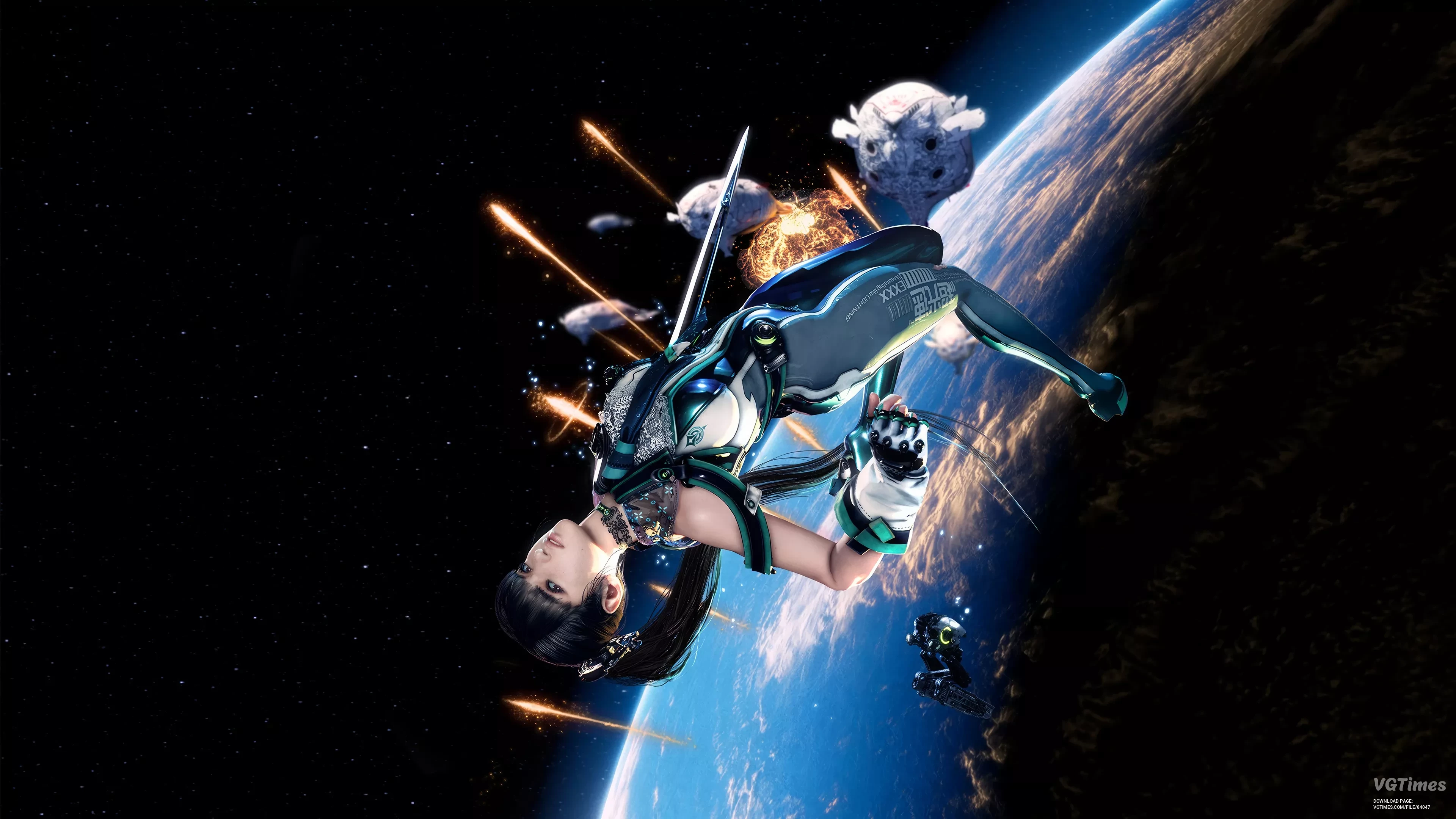
Optimizes Stellar Blade and reduces stuttering by optimizing shader compilation and assets streaming. This edit is made to try and make the game run smoother and more efficiently by optimizing how it handles key systems. Here’s what it does: Shade ...
Less fog and more brightness
Download
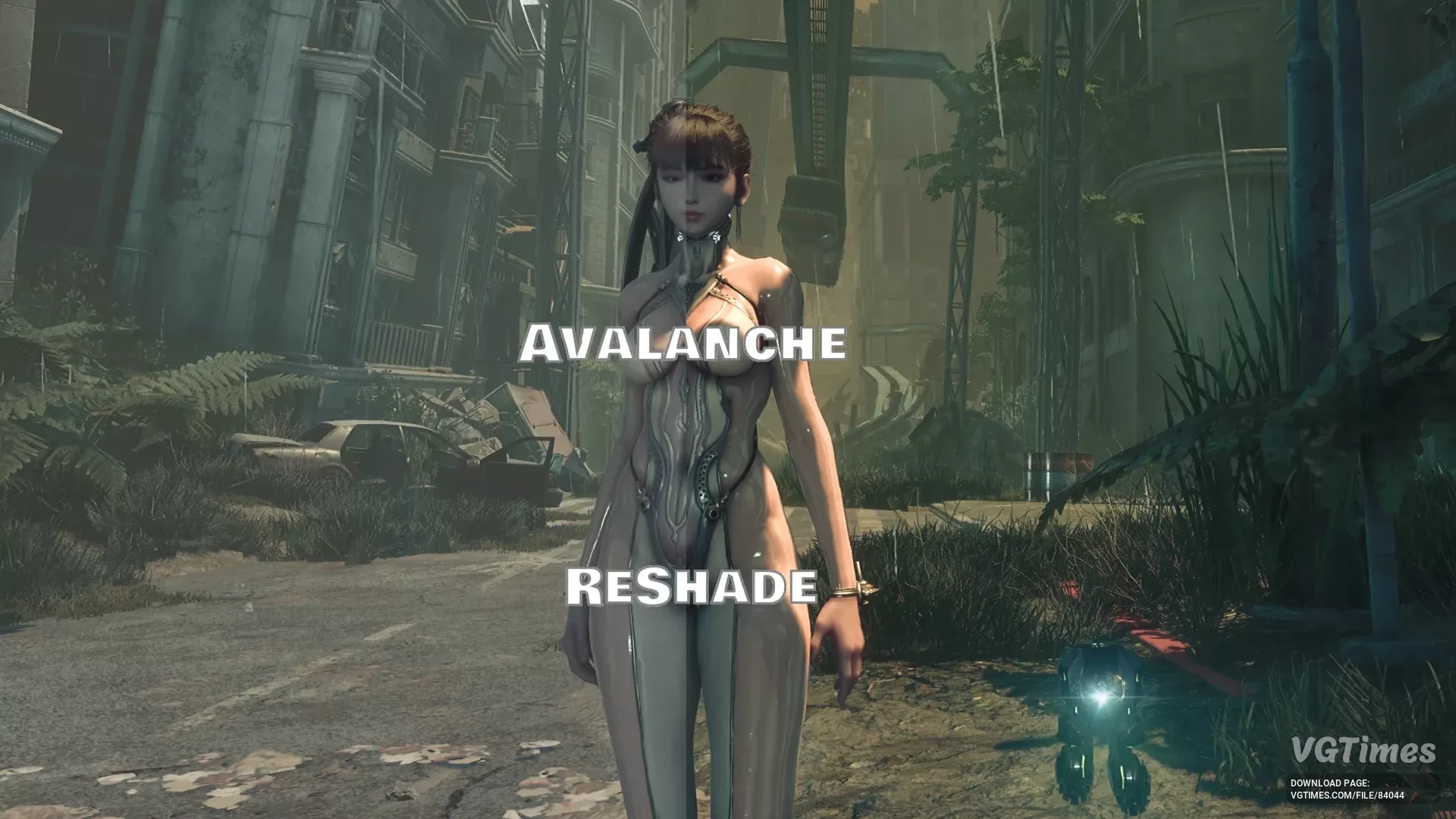
Less fog, more vivid colors. Does not affect performance. Does not add sharpening, blur, or other image-altering effects. FPS loss is 2-4% on very high settings in WQHD on RTX 4070. How to install: Download and install ReShade to the game directo ...
Black nails polish for Eve
Download
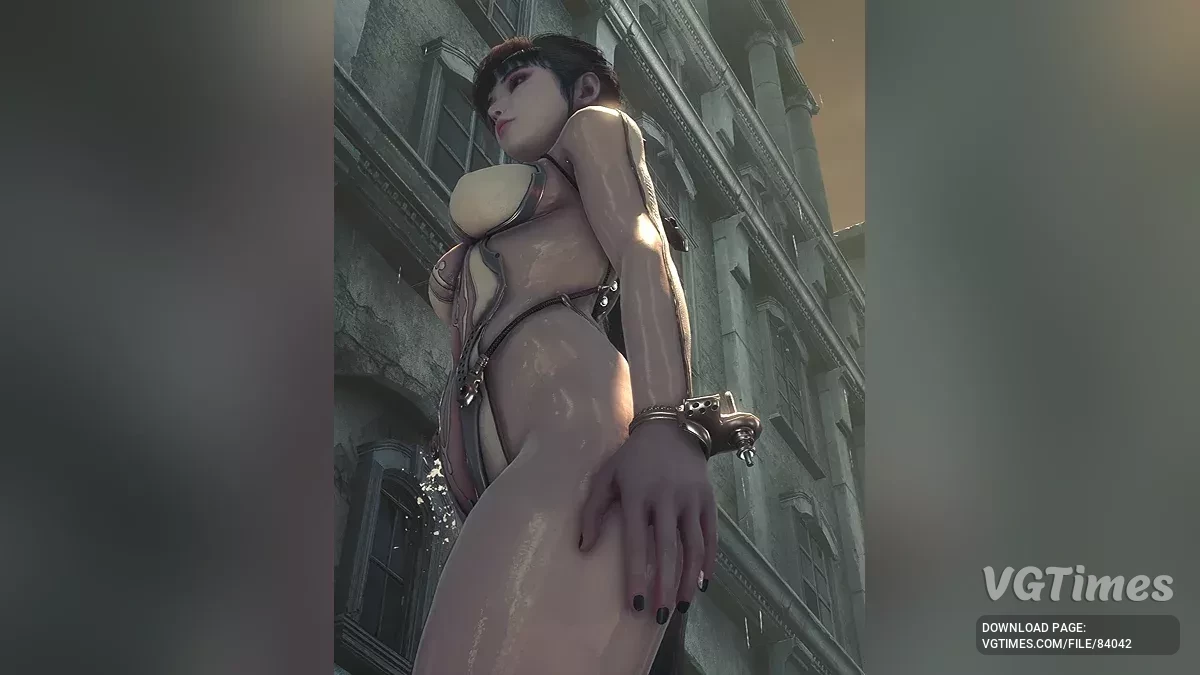
Should work with all outfits. Tested on the demo only. How to install: Go to the game folder (right-click the game in Steam -> Manage -> Browse local files); Open the \SB\Content\Paks folder; Create a folder named ~mods there (with the ...
Anti-Smear
Download
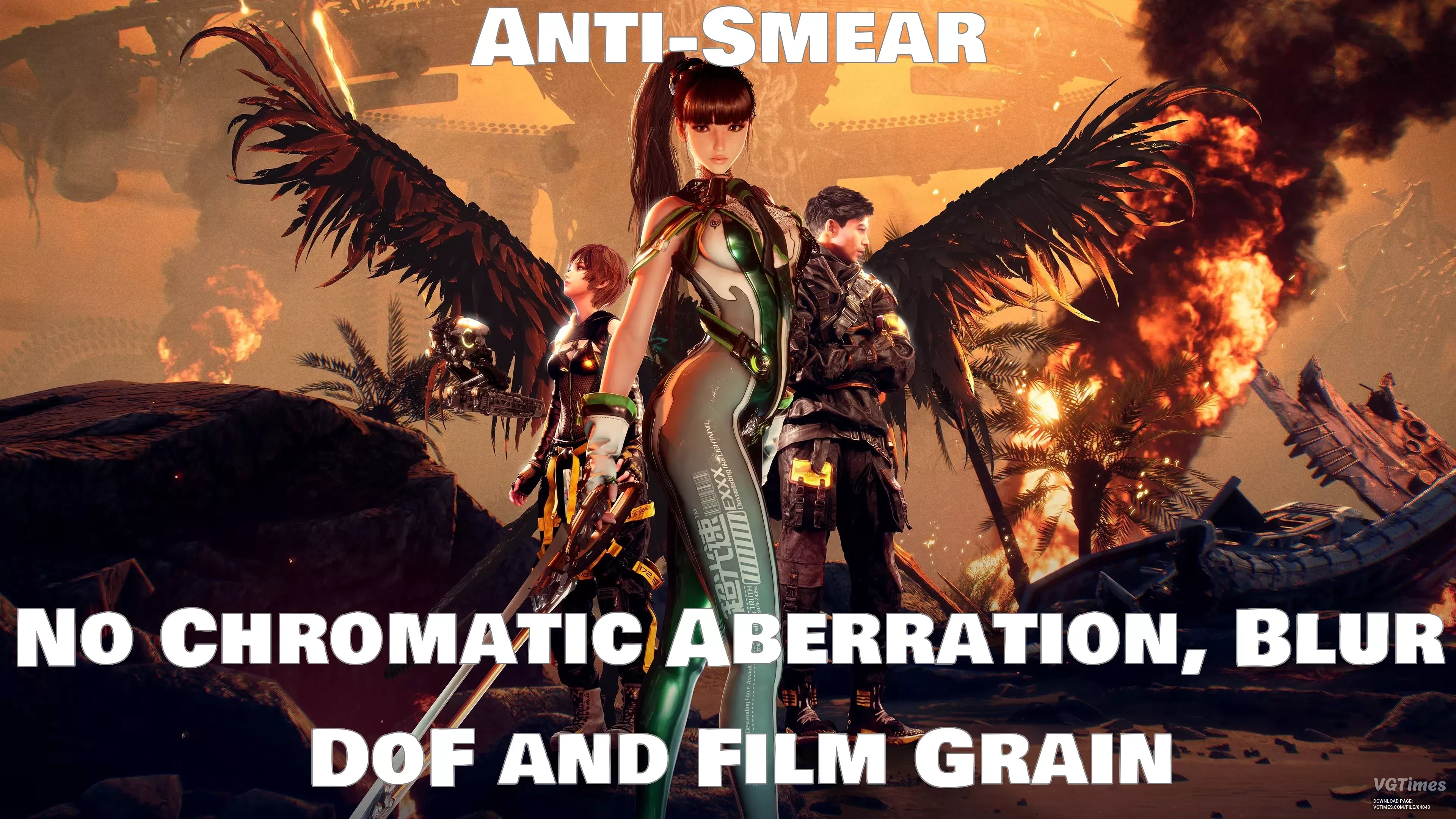
This mod disables chromatic aberration, depth of field blur, and film grain. How to install: Download the Engine.ini file; Go to the folder C:\Users\YourUser\AppData\Local\SB\Saved\Config\WindowsNoEditor; Paste the downloaded Engine.ini into ...