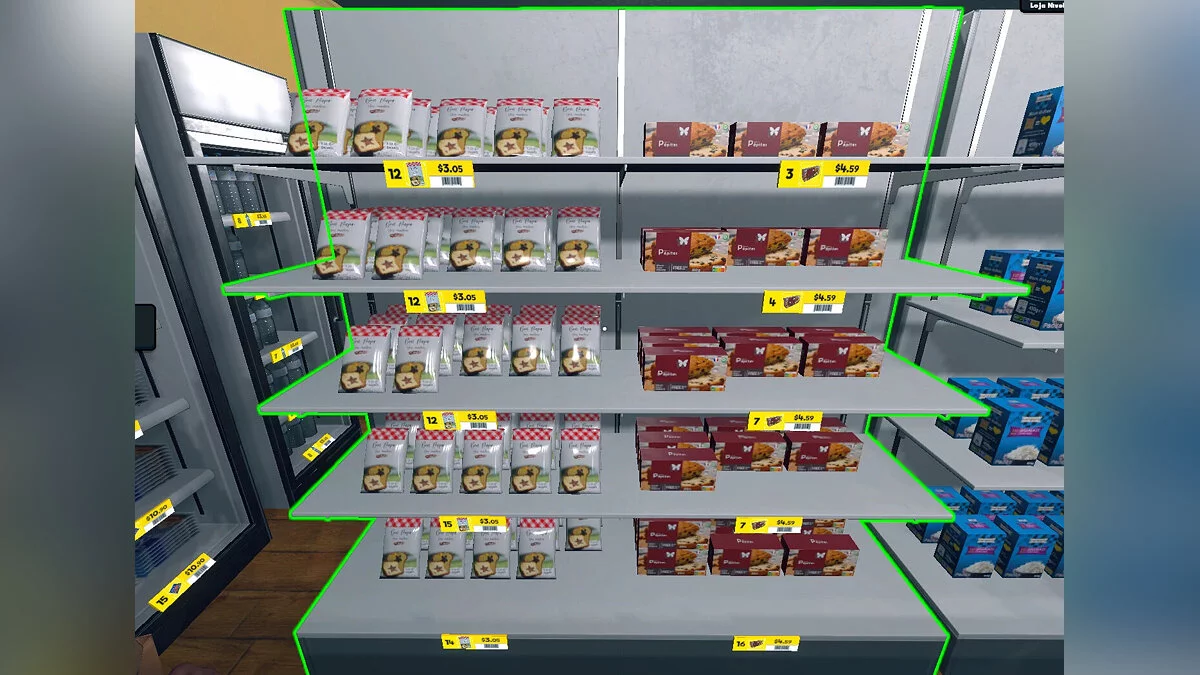
The player controls the store. First you need to arrange the retail space by arranging shelves, counters and other interior items. Then you will have to receive the... Read more
Custom Music


-
Download (4.36 kB)July 11, 2024, 09:37 AMsobstvennaja-muzyka_1720679874_985621.7z
This mod allows you to set personal music in the store, add playlists, and adjust sound. The mod is currently in early stages, so the M key is used for all of this, which pauses and resumes the music when pressed, and also automatically skips to the next song in the list.
Currently, it is not recommended to play songs that are too long; after 9 minutes, the game may start to freeze while the song loads. There are no issues with 4-5 minute songs. Also, be careful with the song title and format; it must be in mp3 format and use QWERTY characters.
How to change settings and add music:
- first install the mod like others using Melonloader, then launch the game and enter it to generate the route;
- then in the game files find the following path: Supermarket Simulator/Supermarket Simulator_Data/RDCData. There will be two files, a json file where you can adjust volume and sound effects, and a folder named CustomMusic;
- drag your mp3 song into this folder, and it will be read by the game.
Этот мод позволяет устанавливать персональную музыку в магазине, добавлять списки песен и настраивать звук. Сейчас мод находится на ранней стадии, поэтому для всего этого используется клавиша M, она отвечает за приостановку и возобновление музыки при нажатии, а также автоматически переходит к следующей песне в списке.
В настоящее время не рекомендуется запускать слишком длинные песни, после 9 минут игра может начать зависать, пока песня не загрузится. С 4-5 минутными песнями проблем нет. Также будьте осторожны с названием и форматом песни, он должен быть в формате mp3 и использовать символы QWERTY.
Как изменить настройки и добавить музыку:
- сначала установить мод, как и другие, при помощи Melonloader, затем запустить игру и войти в нее, чтобы сгенерировать маршрут;
- затем в файлах игры найти следующий путь: Supermarket Simulator/Supermarket Simulator_Data/RDCData. Там будет два файла, json файл, в котором можно настроить громкость и звуковые эффекты, и папка под названием CustomMusic ;
- перетащите вашу песню в формате mp3 в эту папку, и она будет прочитана игрой.
Useful links:
![Supermarket Simulator — Trainer (+5) from 02.28.2024 [WeMod]](https://files.vgtimes.com/download/posts/2024-02/thumbs/trejjner-5-ot-28-02-2024-wemod_1709198114_818092.webp)