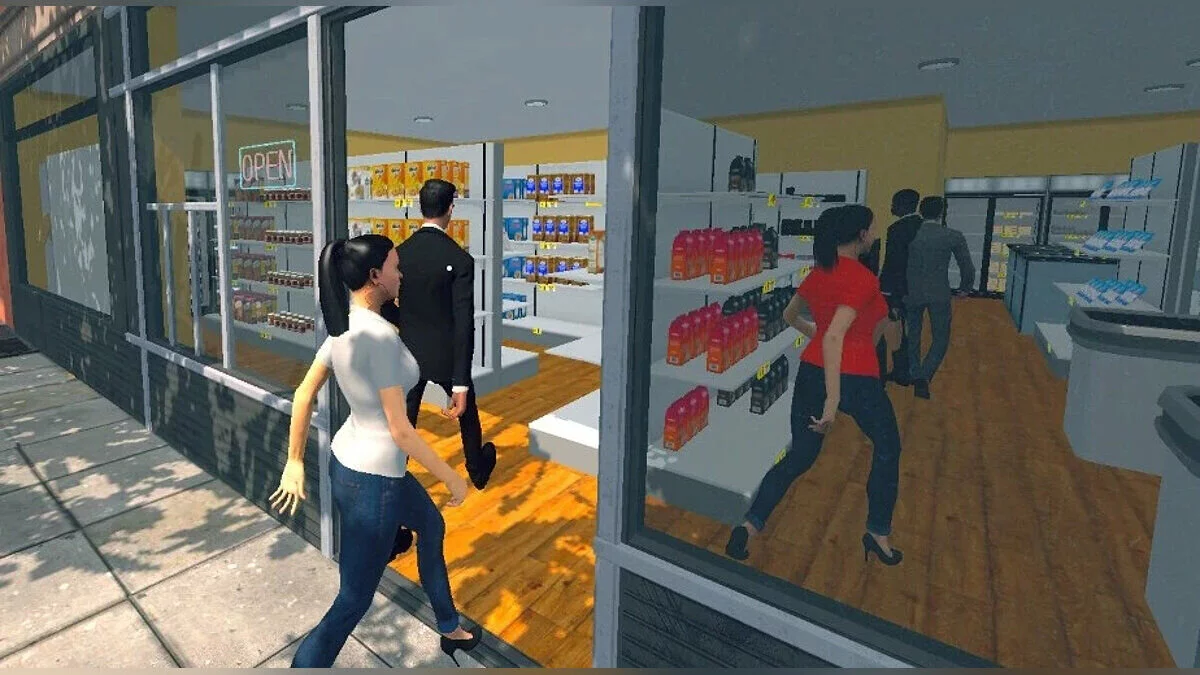
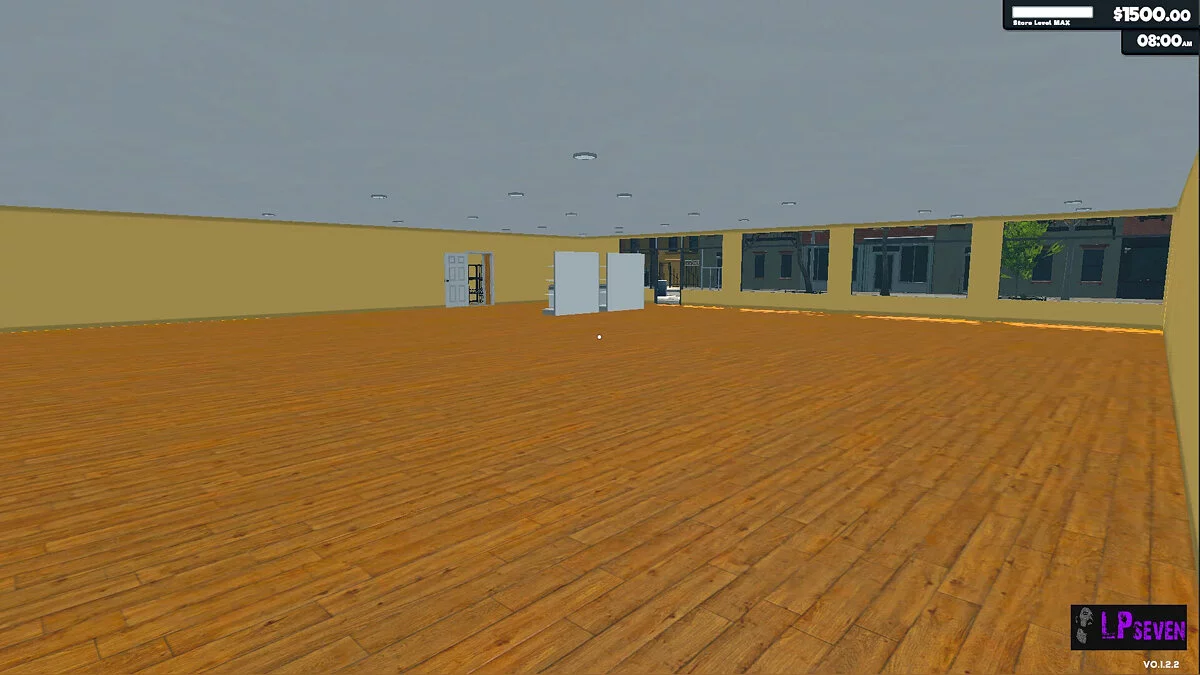
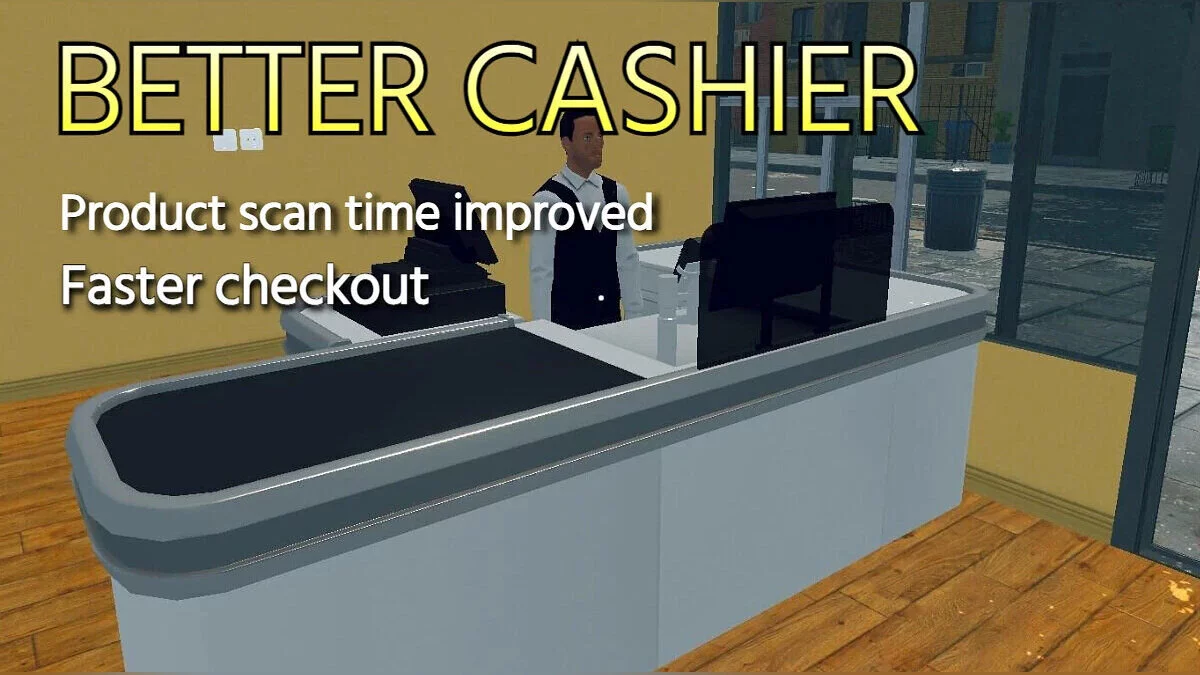
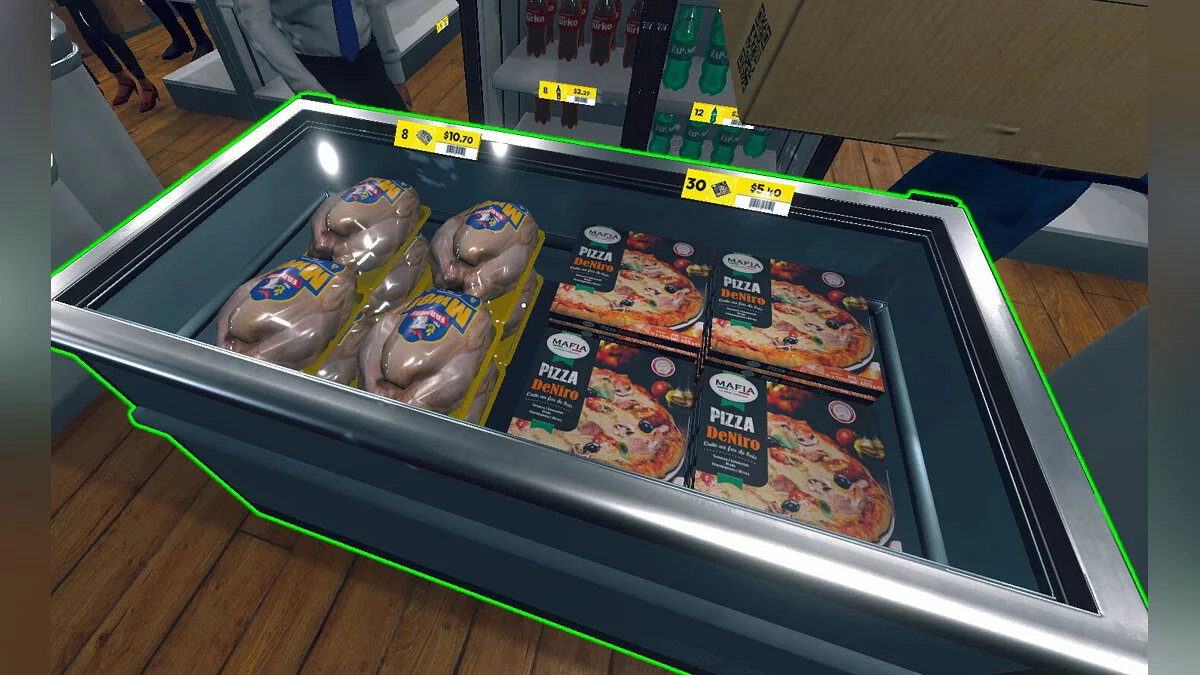
The player controls the store. First you need to arrange the retail space by arranging shelves, counters and other interior items. Then you will have... Read more
Players:
Steam:
Table for Cheat Engine

Author:
monteduablo24
Uploaded by:

Size:
2.00 kB
Date:
February 17, 2026, 12:41 PM
Downloads:
310

-
Download (2.00 kB)February 17, 2026, 12:41 PMtablica-dlja-cheat-engine_1771321294_873365.zip
Functions and commands:
System:
- Initialize Mono: Essential script. Run this first to enable all other advanced features.
Store Management (Hover over Open/Closed Sign):
- Simply hover your mouse over the sign to edit:
- Money: Set your budget to millions.
- Time & Day: Control the passage of time.
- Store Stats: Edit Store Points, Level, and Upgrade Level instantly.
- Cleaning Duty: Manually set counts for Garbage, Dirt, and Glass.
- Checkout Stats: Edit your completed checkout count.
Movement Modifiers:
- Adjust Move Speed, Sprint Speed, and Jump Height to zoom across the aisles.
Customer & Security:
- All Customers Satisfied: Every shopper leaves happy, boosting your reputation.
- Disable Shoplifting: Keep your inventory safe without lifting a finger.
- Easy Store Levels: Rapidly progress through levels with minimal effort.
How to run:
- Open "Cheat Engine";
- Click "Load" and select the table;
- Click "Select a process to open" and choose the desired process;
- Select the required option and check the box.
Related files:
Useful links: