A heist simulator in which you can completely destroy the world around you using tools and weapons. Missions begin with exploration: the player can... Read more
Players:
Steam:
Metacritic:
El Reno, Oklahoma (2013 Tornado)


Author:
Lysmik
Uploaded by:

Size:
73.72 MB
Date:
July 4, 2026, 11:49 AM
Downloads:
191

-
Download (73.72 MB)July 4, 2026, 11:48 AMjel-rino-oklakhoma-tornado-2013_1783154939_981413.zip
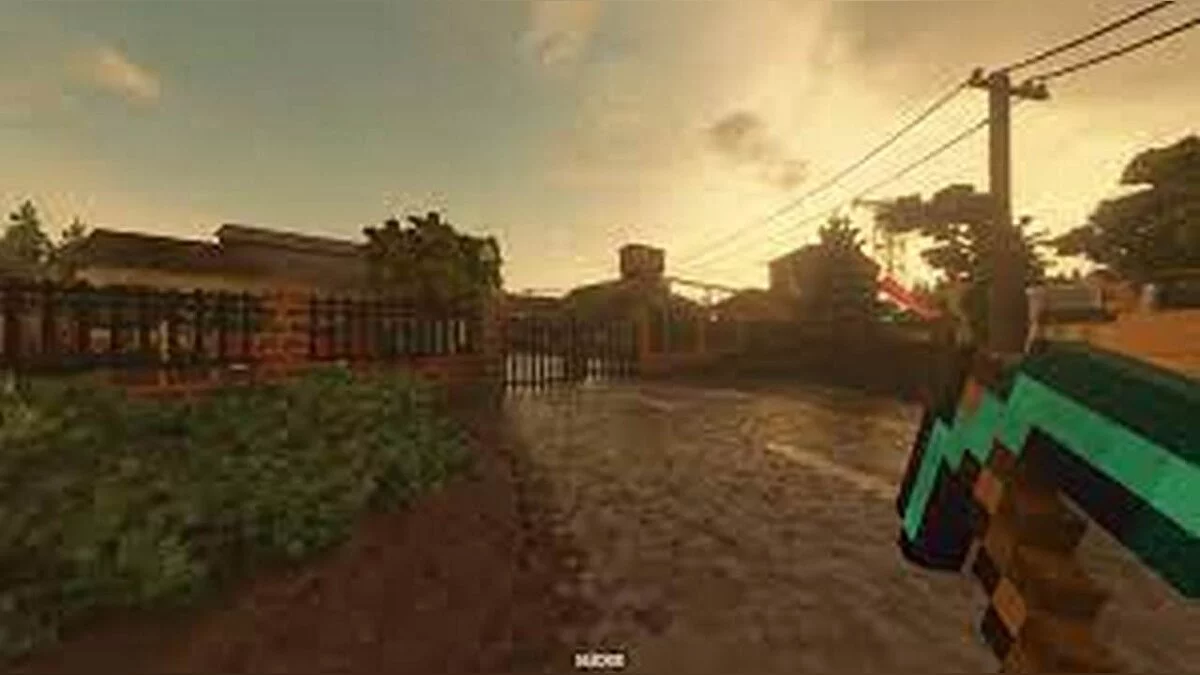
A historical sandbox map for Teardown that recreates the environment near El Reno, Oklahoma, where the widest and one of the most dangerous tornadoes in US history touched down on May 31, 2013. The level is dedicated to the memory of the storm chasers who lost their lives.
Map Features:
- Historical Context: The map is based on the tragic events of May 31, 2013, southwest of El Reno. The tornado killed 8 people, all in vehicles, including three researchers from the TWISTEX team: leader and engineer Tim Samaras, his son and videographer Paul Samaras, and meteorologist Carl Young.
- Interactive Vehicle: Features a specialized Renault Duster Mesonet research vehicle placed within the level.
- Platform Activation: Players can deploy and activate the weather monitoring platform on the vehicle by pressing the F key.
Installation instructions:
- Download the custom map archive package.
- Extract the files into the designated mods directory inside your local Teardown installation path (e.g., ...\Teardown\mods\ElRenoOklahoma\).
- Launch the game application, open the "Play" menu, navigate to "Mods," and select the active map.
Useful links: