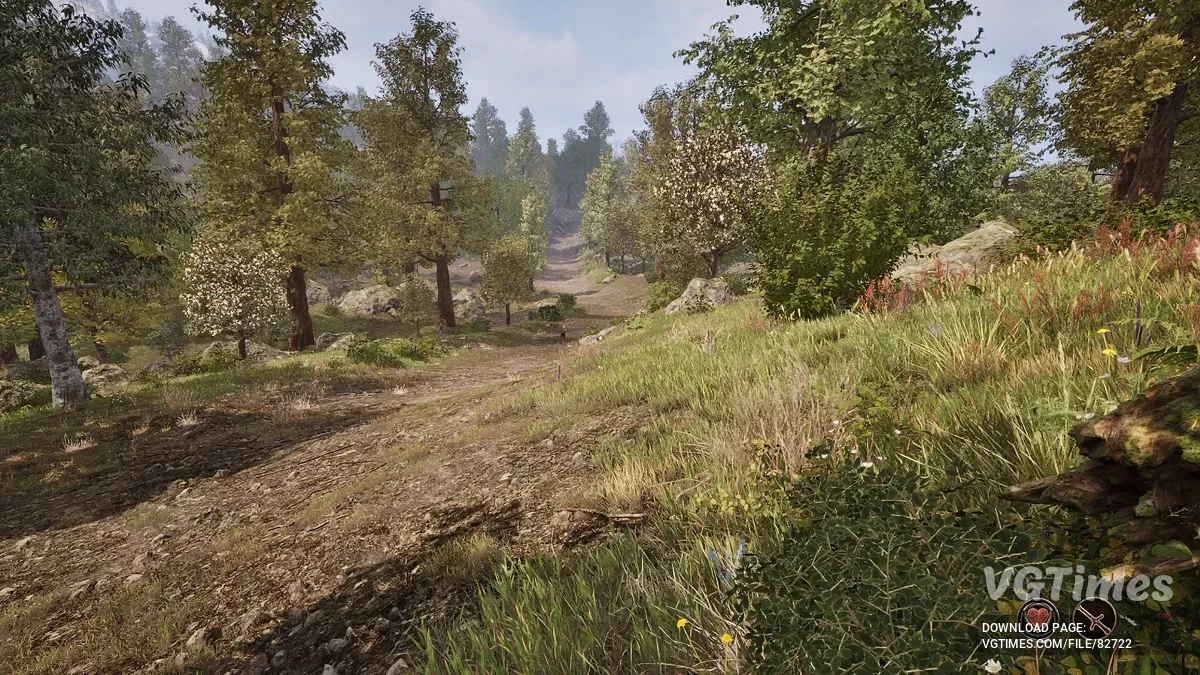
Modern rethinking of a cult role -playing game, recreating the atmosphere of the original at a new level. Syrodil comes to life again with updated graphics... Read more
Players:
Steam:
Metacritic:
Naked Flame Atronach


Author:
GoonedOutGames
Uploaded by:

Size:
1.34 MB
Date:
April 27, 2025, 04:45 AM
Downloads:
423


This mod completely strips the Flame Atronach.
How to launch:
- Download the desired version of the mod and extract the files from the zip archive. Take the 3 files (pak/utoc/ucas) and navigate to the directory where OblivionRemastered is installed. For the Steam version, it looks something like this: C:\Program Files (x86)\Steam\steamapps\common\Oblivion Remastered;
- Go into the OblivionRemastered folder in this root directory and navigate to Oblivion Remastered\OblivionRemastered\Content\Paks;
- Within the Paks directory, create a new folder named ~mods and place the extracted files there;
- This is where you should place any mods that modify the Unreal Engine part of OblivionRemastered, such as graphics/models/textures.
Useful links:
![The Elder Scrolls 4: Oblivion Remastered — Table for Cheat Engine [UPD: 23.04.2025]](https://files.vgtimes.com/download/posts/2025-04/thumbs/tablica-dlja-cheat-engine-upd-23-04-2025_1745395047_195996.webp)

![The Elder Scrolls 4: Oblivion Remastered — Table for Cheat Engine [UPD: 23.04.2025]](https://files.vgtimes.com/download/posts/2025-04/thumbs/tablica-dlja-cheat-engine-upd-23-04-2025_1745570375_716866.webp)
![The Elder Scrolls 4: Oblivion Remastered — Baka Achievement Enabler — achievement unlocker when playing with cheat codes [1.2]](https://files.vgtimes.com/download/posts/2025-04/thumbs/baka-achievement-enabler_1745570674_110629.webp)