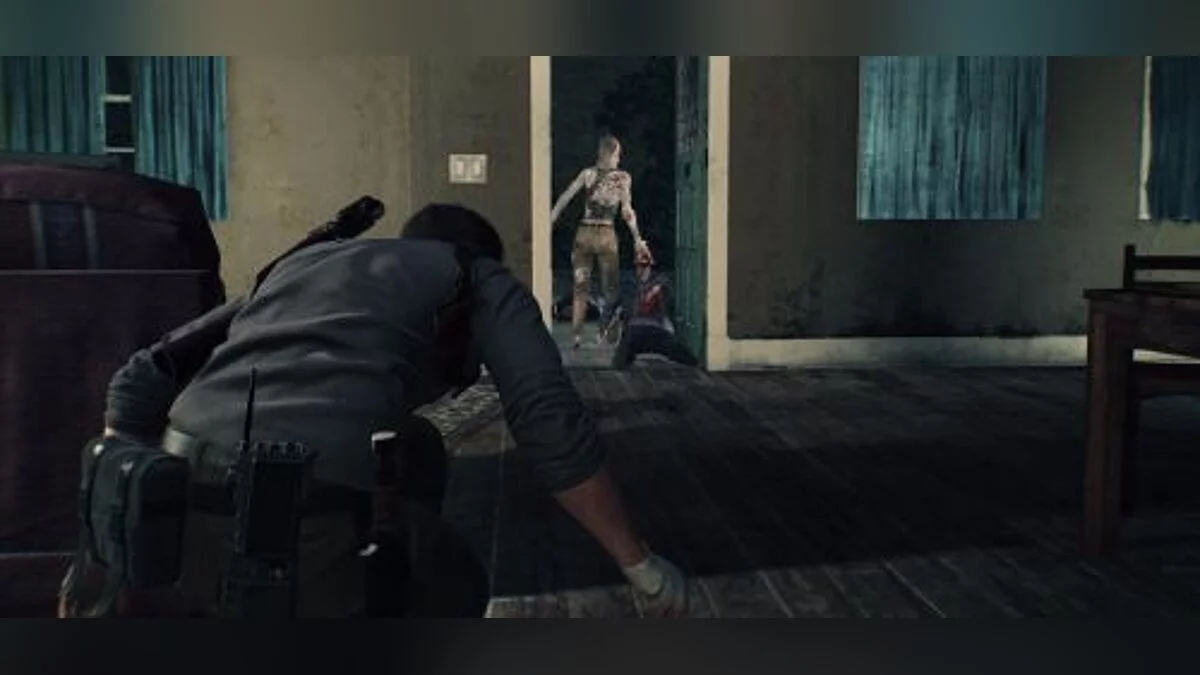
Continuation of the action-horror with a third-person view. You are Detective Sebastian Castellanos, and you are at rock bottom. But when you get the chance to save... Read more
Enhanced ReShade
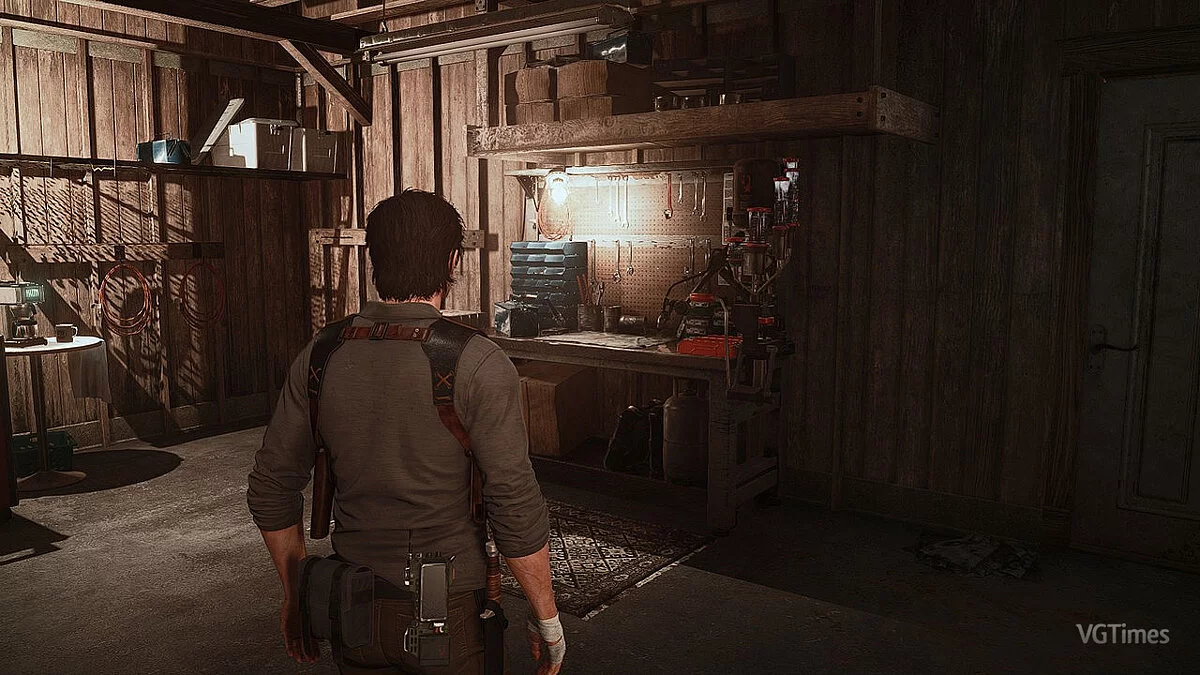
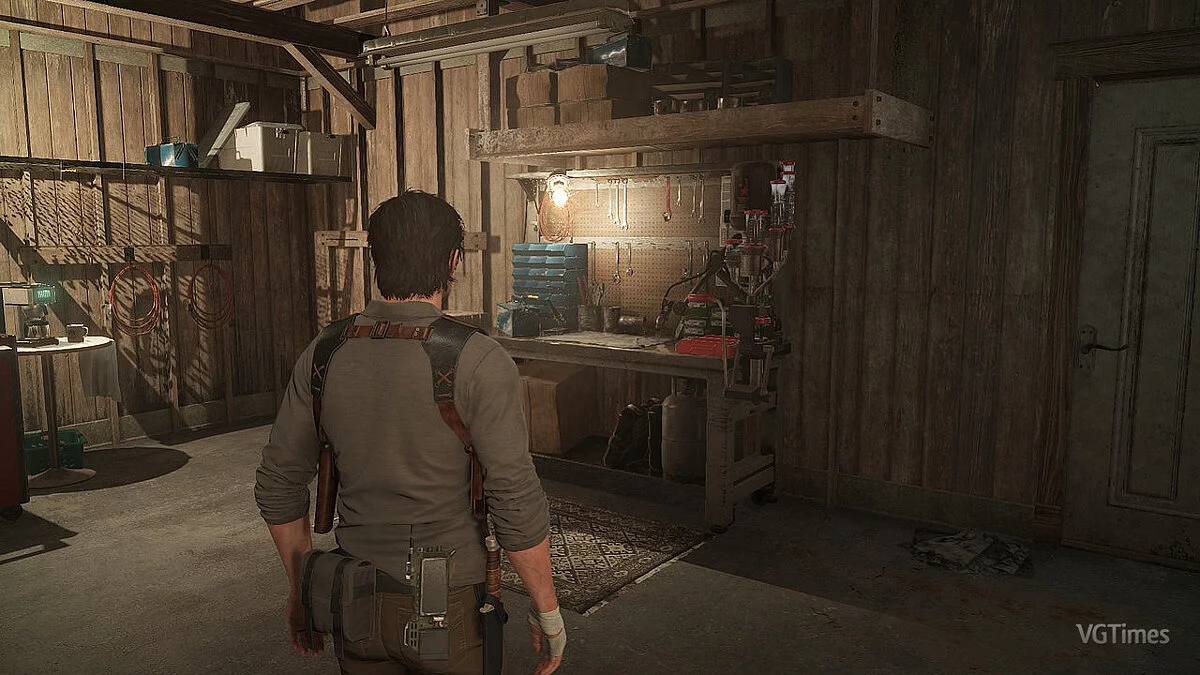
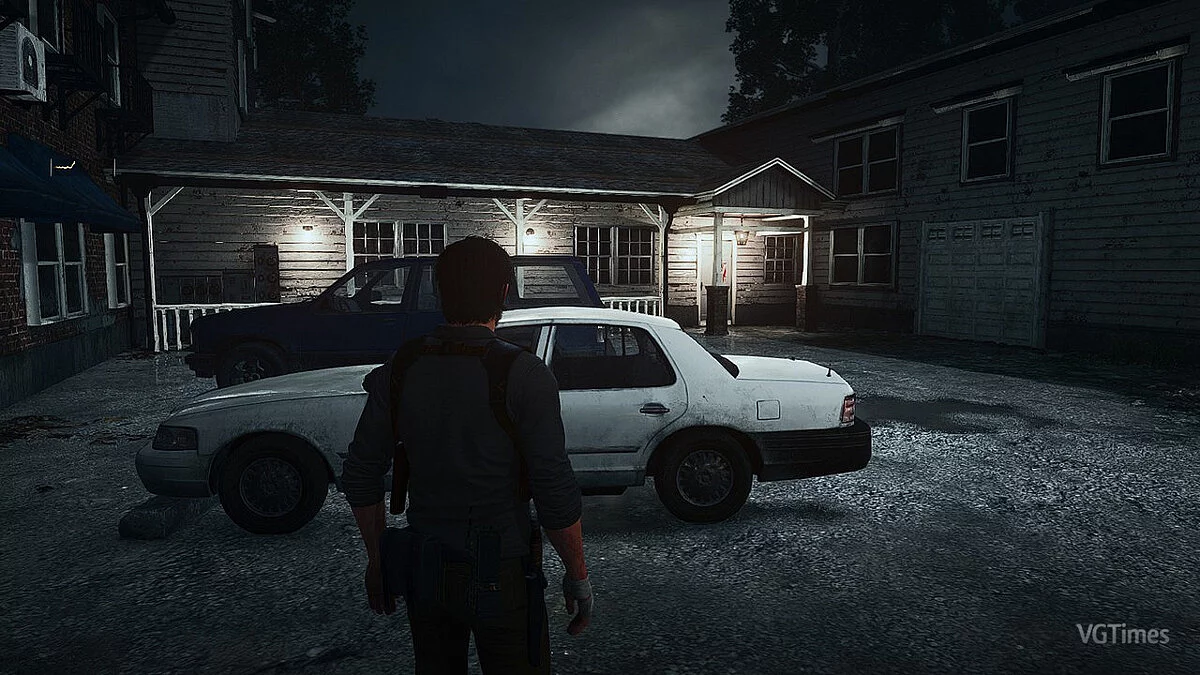
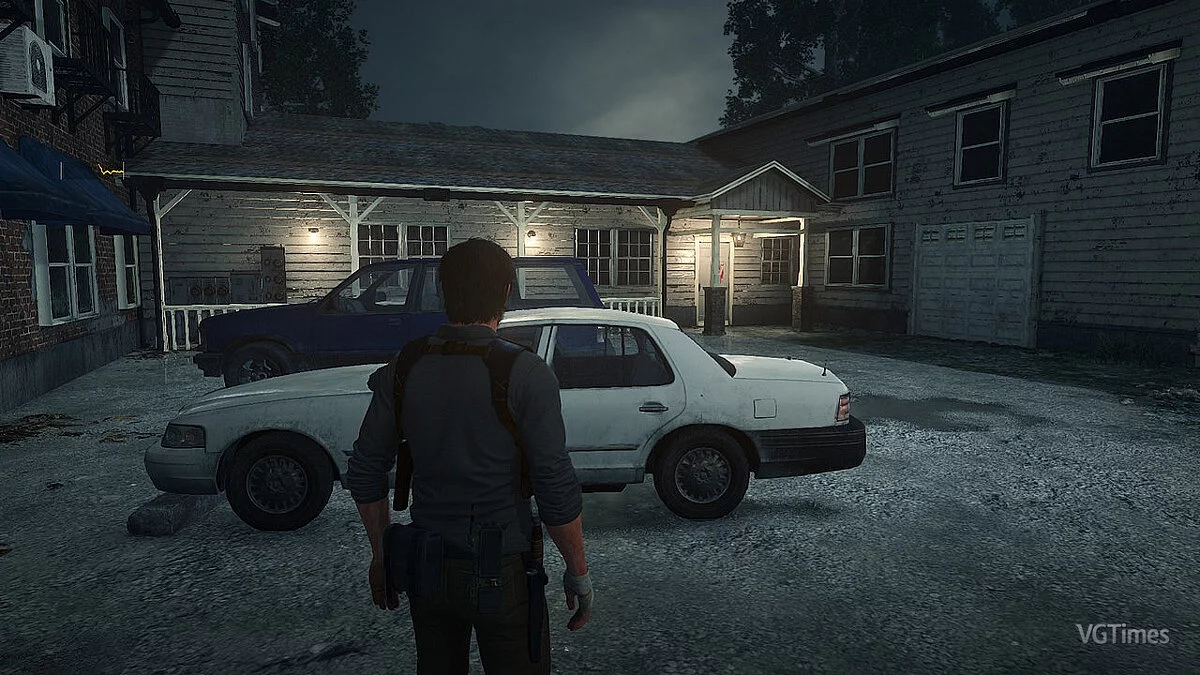

-
www.nexusmods.comDownload
The ReShade Within.
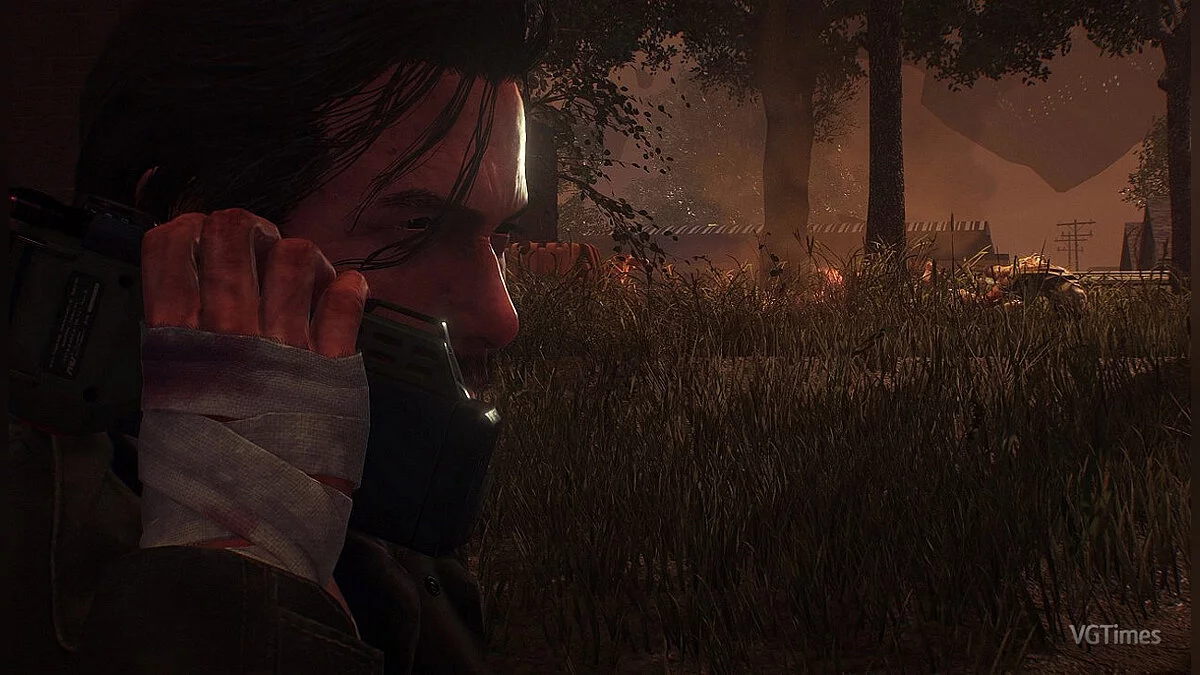
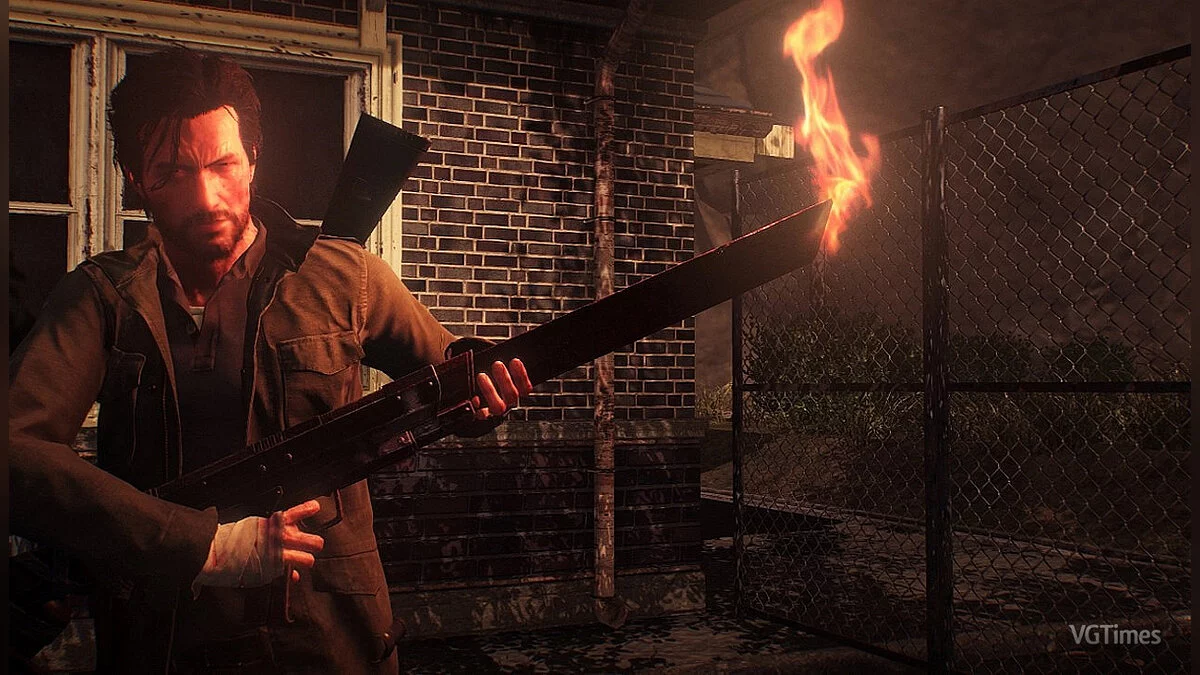
This ReShade preset adds a new level of depth, color, and visual effects to the original graphics.
Installation:
1. Copy everything from the ReShade Within folder to the game folder. For example, C:/Program Files (x86)/Steam/steamapps/common/TheEvilWithin2.
2. Note. If you have the game installed in a custom folder different from the default one, open ReShade.ini and specify the path to the directory.
3. Leave the in-game brightness at default and enjoy your game!
IMPORTANT! Make sure your monitor is set to sRGB mode.
The ReShade Within.
Этот пресет ReShade добавляет новый уровень глубины, цвета и визуальных эффектов к оригинальной графике.
Установка:
1. Скопируйте все из папки ReShade Within в папку с игрой. Например, C:/Program Files (x86)/Steam/steamapps/common/TheEvilWithin2.
2. Примечание. Если у вас установлена игра в пользовательской папке, отличной от папки по умолчанию, откройте ReShade.ini и укажите путь к каталогу.
3. Оставьте яркость в игре по умолчанию и играйте в свою игру!
ВАЖНО! Убедитесь, что ваш монитор находится в режиме sRGB.
Useful links:

![The Evil Within 2 — Trainer (+11) [1.0] [MrAntiFun]](https://files.vgtimes.com/download/posts/2017-11/thumbs/1510073562_jpg.webp)