
A detective simulator made in the format of an interactive quest. The player acts as an operative of a detective agency, searching for evidence and solving crimes... Read more
Text Localizer
Author:
I_Am_Stay
Uploaded by:

Size:
1.24 MB
Date:
December 27, 2024, 02:26 PM
Downloads:
343
-
Download (1.24 MB)December 27, 2024, 02:26 PMrusifikator-teksta_1735298811_656186.zip
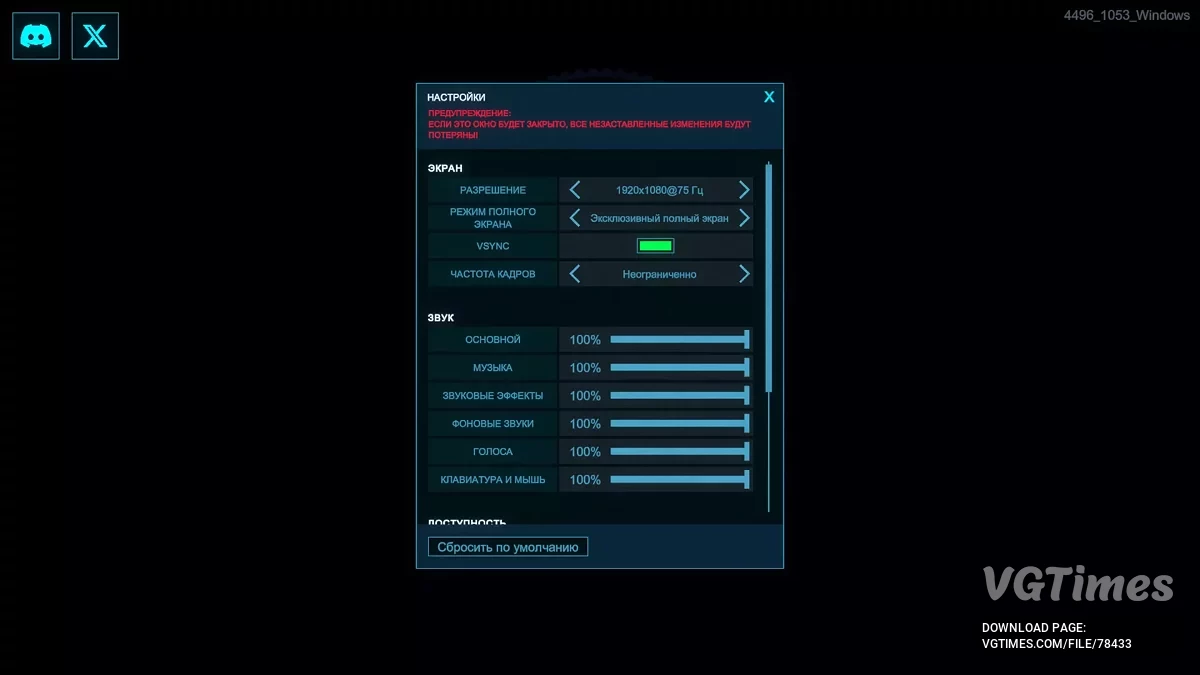
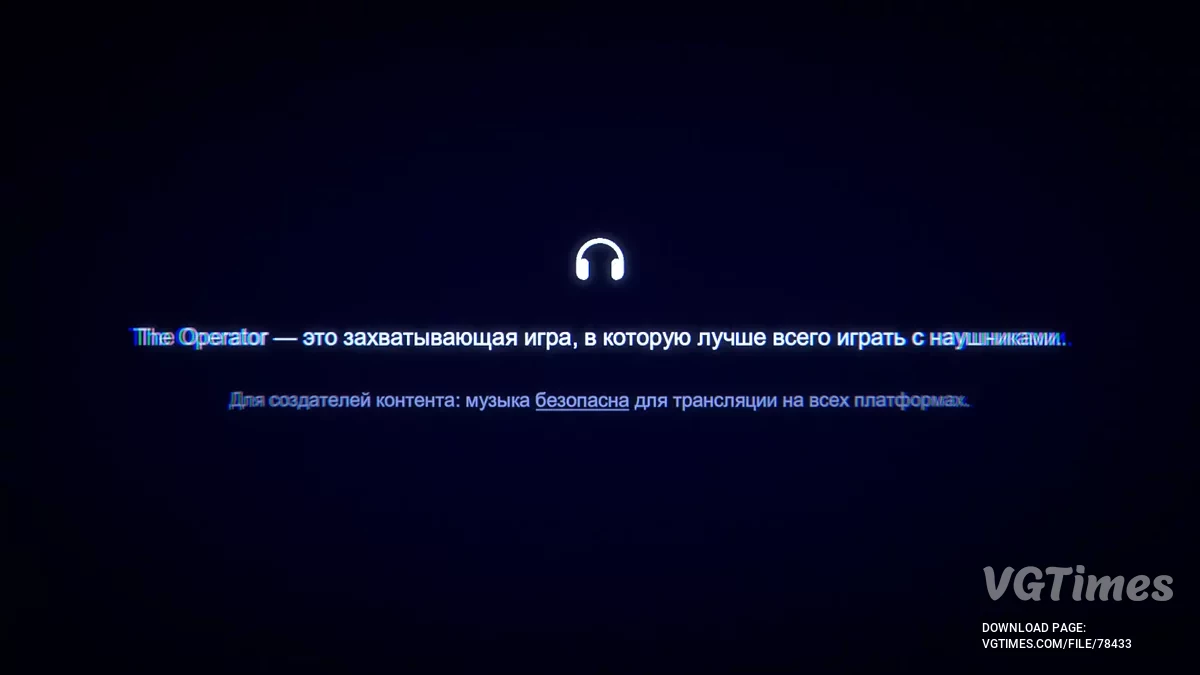
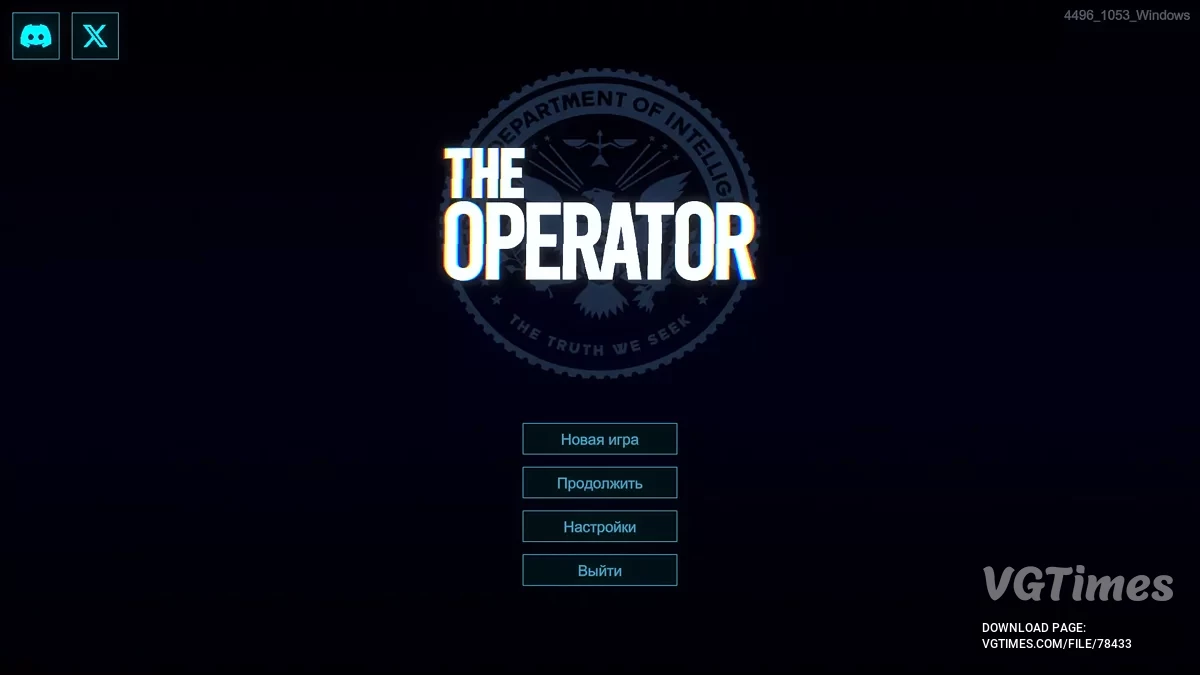
This mod fully translates all in-game text into Russian. It includes the necessary tools for translation.
How to run:
- Download the archive with the files, which already contains XUnity.AutoTranslator-ReiPatcher-5.4.3.zip (file SetupReiPatcherAndAutoTranslator.exe);
- Unpack the archive and move the SetupReiPatcherAndAutoTranslator.exe file to the root folder of the game, then run it;
- After installation is complete, a shortcut for The Operator (Patch and Run) should appear in the game folder. Launch it. Once the main menu of the game loads, exit it;
- If the shortcut does not appear, open the ReiPatcher folder and run the ReiPatcher application for additional setup;
- A new folder AutoTranslator will appear in the root folder of the game. Go into it and open the Config.ini file with a text editor (e.g., Notepad);
- Make the following changes: Language=ru
FromLanguage=en
MaxCharactersPerTranslation=2500 (maximum 2500, controls the length of text capture)
IgnoreWhitespaceInDialogue=False
IgnoreWhitespaceInNGUI=False (if this line is missing — add it manually)
OverrideFont=Corbel Bold Italic (changes the game font) - After making changes, save the file and launch the game through The Operator.exe.
Exit the game; - Move the _AutoGeneratedTranslations.txt file from the downloaded archive to the folder: \The Operator\AutoTranslator\Translation\ru\Text (in the folder where the game is installed);
- Launch the game through The Operator.exe or use the desktop shortcut.
The file name and description have been translated Show original
(RU)Show translation
(EN)
Русификатор текста
Этот мод полностью переводит весь текст в игре на русский язык. Включает в себя необходимые инструменты для перевода.
Как запустить:
- Скачать архив с файлами, в котором уже содержится XUnity.AutoTranslator-ReiPatcher-5.4.3.zip (файл SetupReiPatcherAndAutoTranslator.exe);
- Распаковать архив и переместить файл SetupReiPatcherAndAutoTranslator.exe в корневую папку с игрой, затем запустить его;
- После завершения установки в папке игры должен появиться ярлык The Operator (Patch and Run). Запустить его. Как только загрузится главное меню игры, выйти из неё;
- Если ярлык не появился, открыть папку ReiPatcher и запустить приложение ReiPatcher для проведения дополнительной настройки;
- В корневой папке игры появится новая папка AutoTranslator. Перейти в неё и открыть файл Config.ini с помощью текстового редактора (например, Блокнота);
- Внесите следующие изменения: Language=ru
FromLanguage=en
MaxCharactersPerTranslation=2500 (максимально 2500, отвечает за длину захвата текста)
IgnoreWhitespaceInDialogue=False
IgnoreWhitespaceInNGUI=False (если этой строки нет — добавить её вручную)
OverrideFont=Corbel Bold Italic (изменяет шрифт игры) - После изменений сохранить файл и запустить игру через The Operator.exe.
Выйти из игры; - Переместить файл _AutoGeneratedTranslations.txt из скачанного архива в папку: \The Operator\AutoTranslator\Translation\ru\Text (в папке, где установлена игра);
- Запустить игру через The Operator.exe или использовать ярлык на рабочем столе.
Useful links: