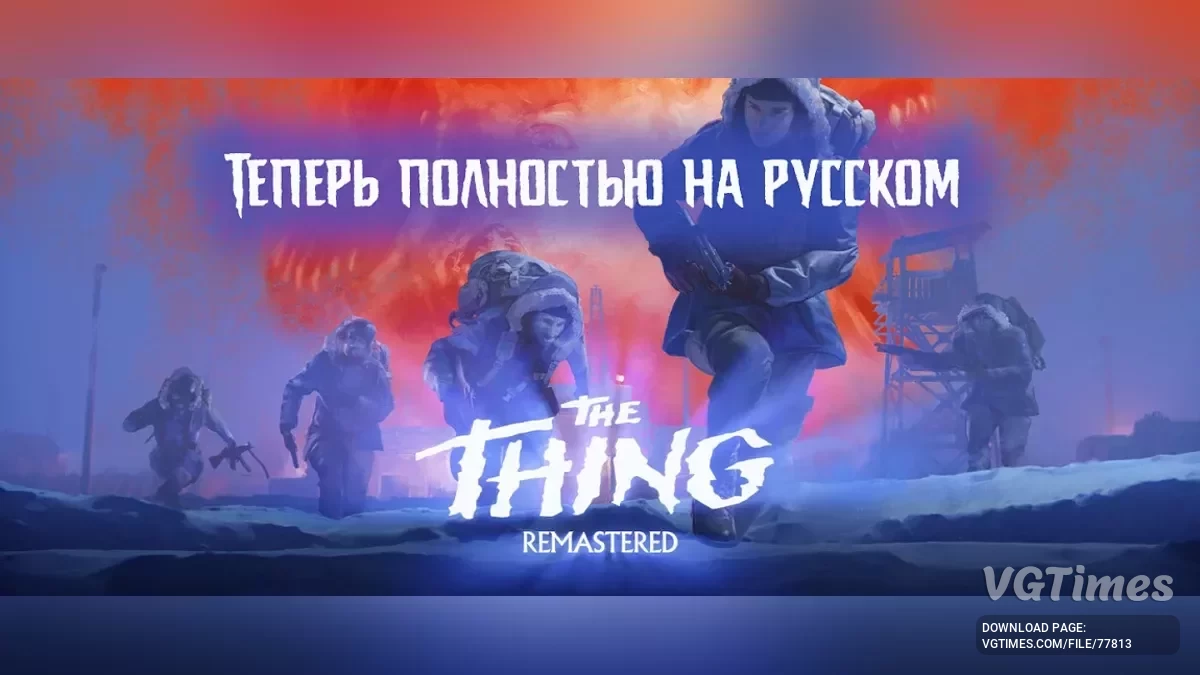
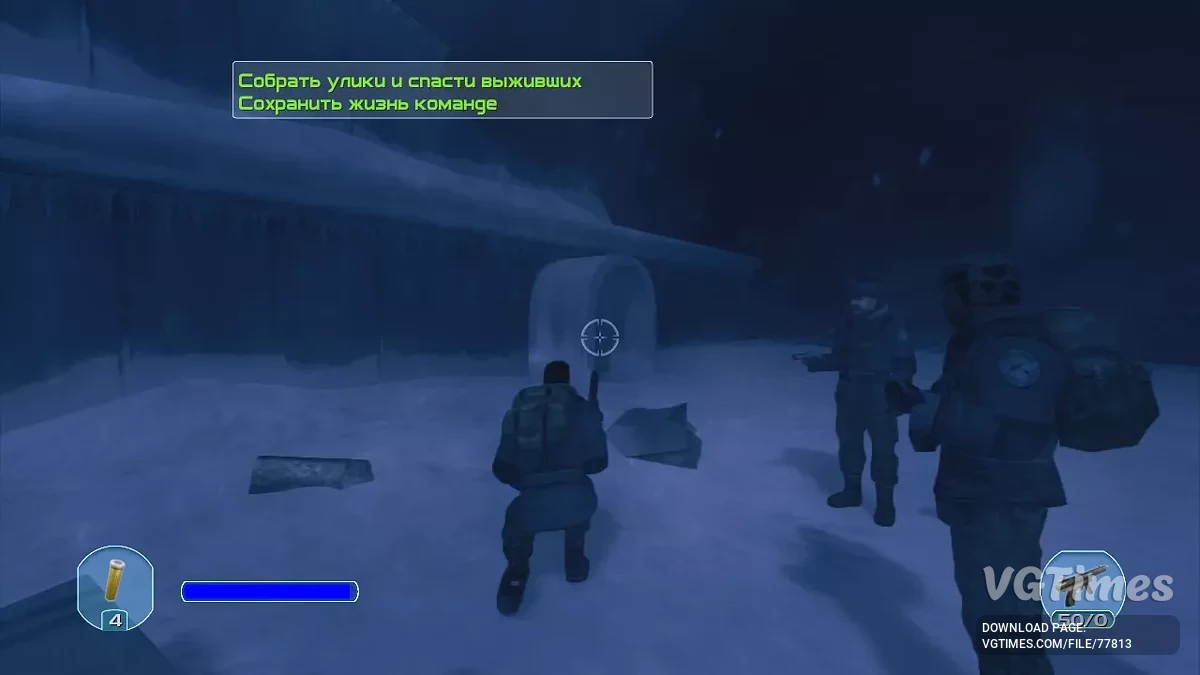
Re-release of the shooter Thing (2002) . The game is a direct sequel to John Carpenter's cult horror "The Thing". The shooter's plot starts immediately after the... Read more
Players:
Steam:
Metacritic:
Text and Sound Localizer

Author:
Фаргус, ZoG Forum Team
Uploaded by:

Size:
144.53 MB
Date:
December 9, 2024, 11:36 AM
Updated:
February 1, 2025, 05:12 AM
Downloads:
464
-
Download (144.53 MB)February 1, 2025, 05:12 AMrusifikator-teksta-i-zvuka_1738375936_614645.rar
Version and translation date: 1.1 from 28.01.25.
Launchers:Steam/GOG.
There are two files in the archive: english.pak and Common.kpf.
- english.pak is the voiceover — replace it in the Data folder (located in the main game folder);
- Common.kpf is the text — replace it in the main game folder.
Achievements work.
Updates:
Version 1.1 from 28.01.25
- Compatible with the current patch;
- Text errors fixed.
How to launch:
- Follow the installer instructions. The installation is fully automatic.
How to uninstall:
- Go to the directory Install_Rus and run the file unins***.exe. In this same directory, in the folder backup , the original files replaced during the localization installation will be located (if you checked the corresponding option).
The file name and description have been translated Show original
(RU)Show translation
(EN)
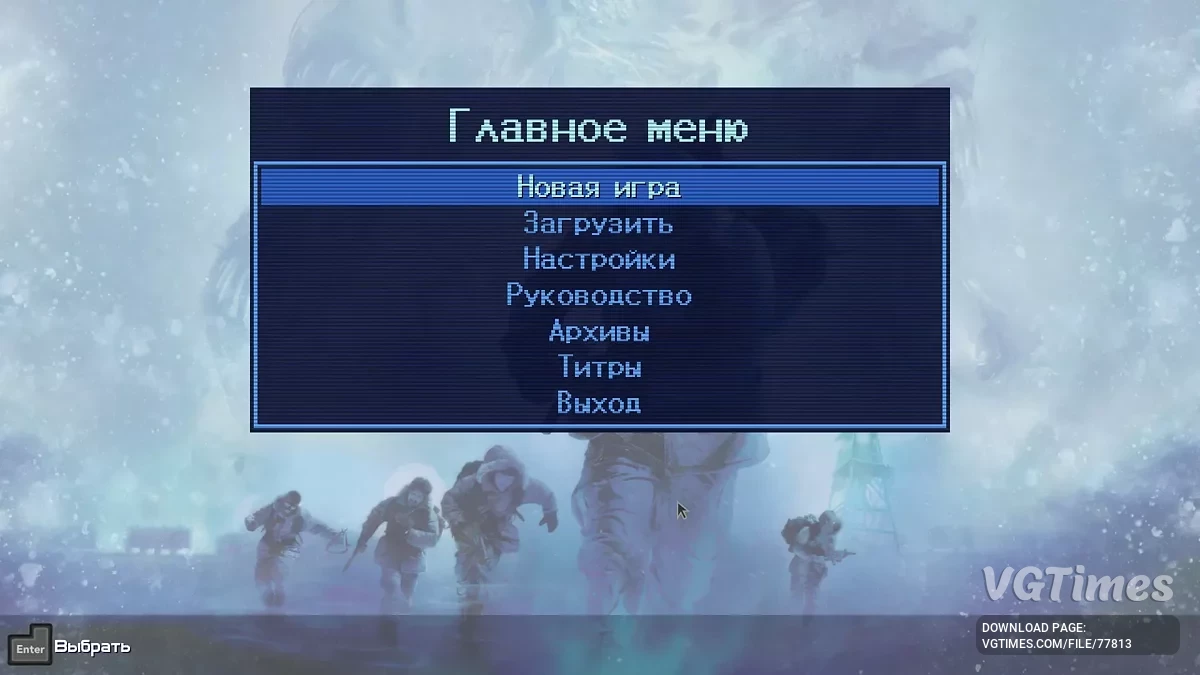
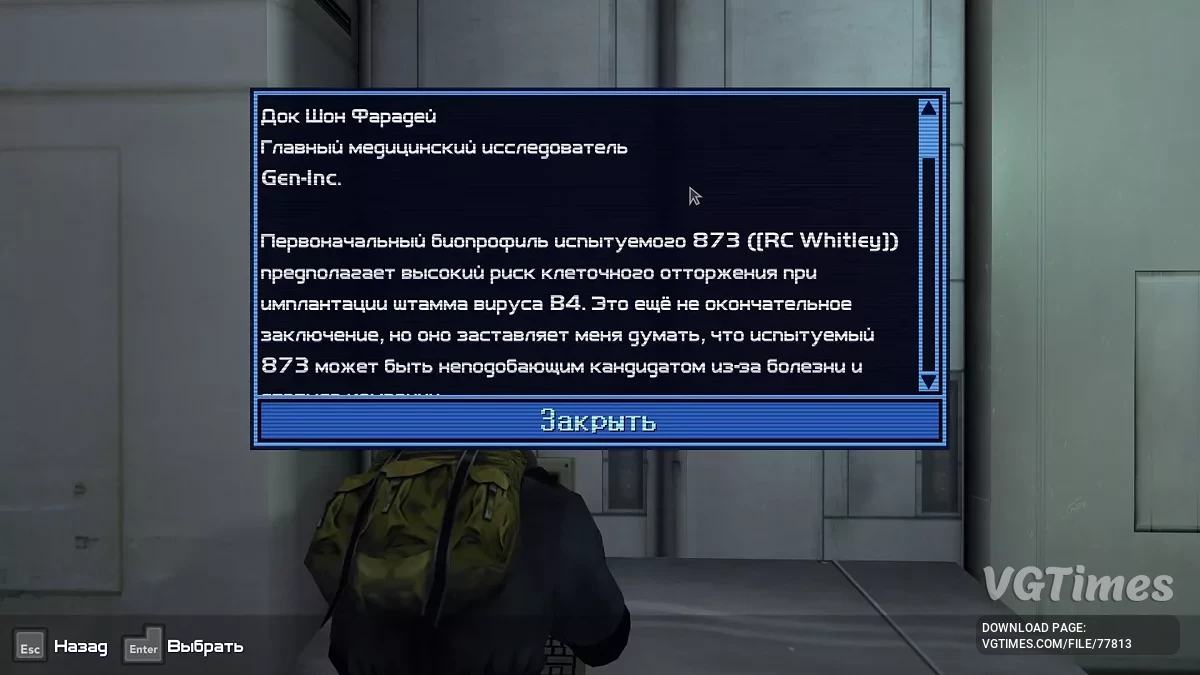
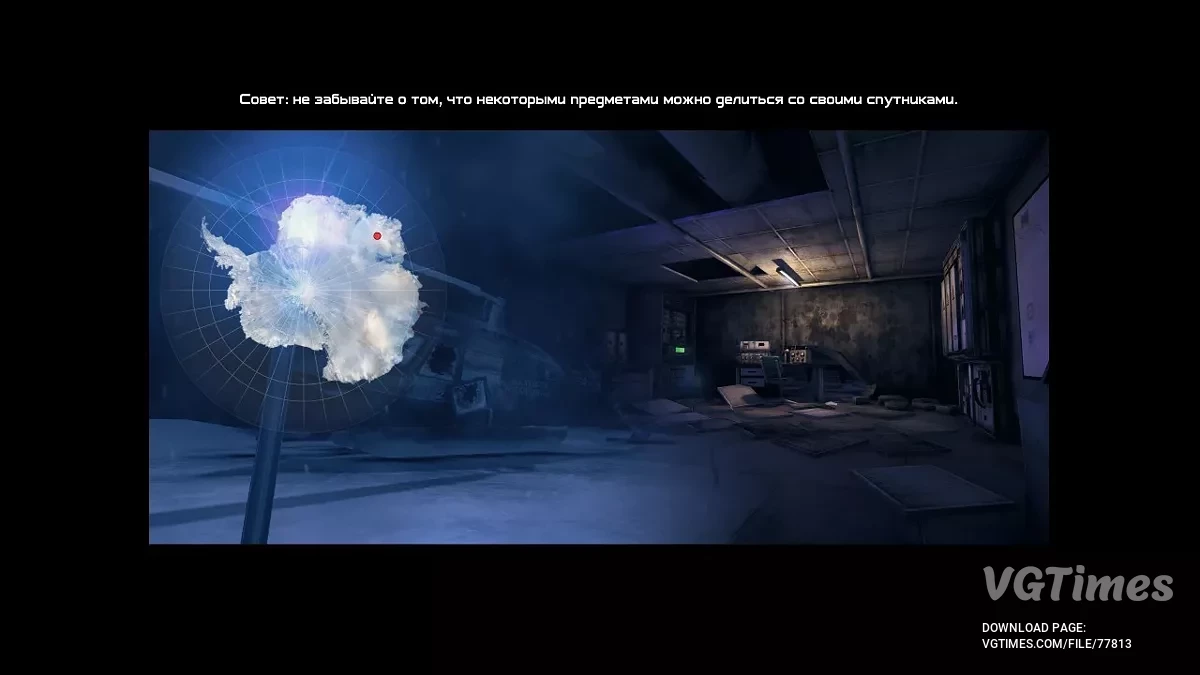
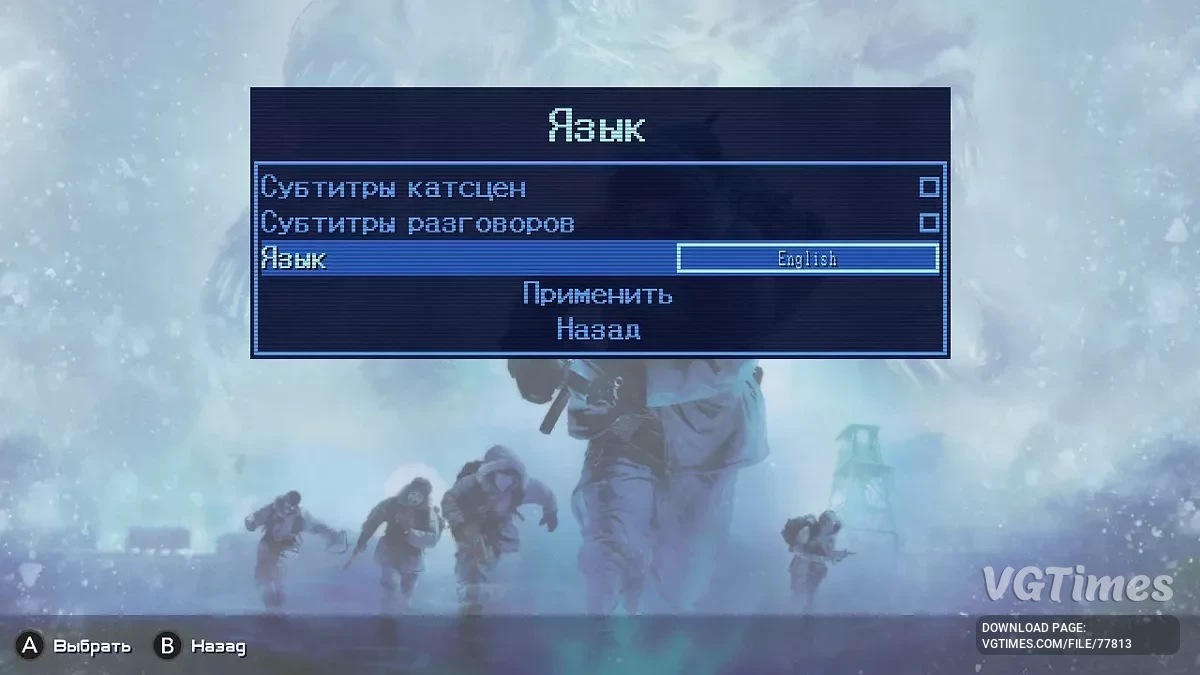
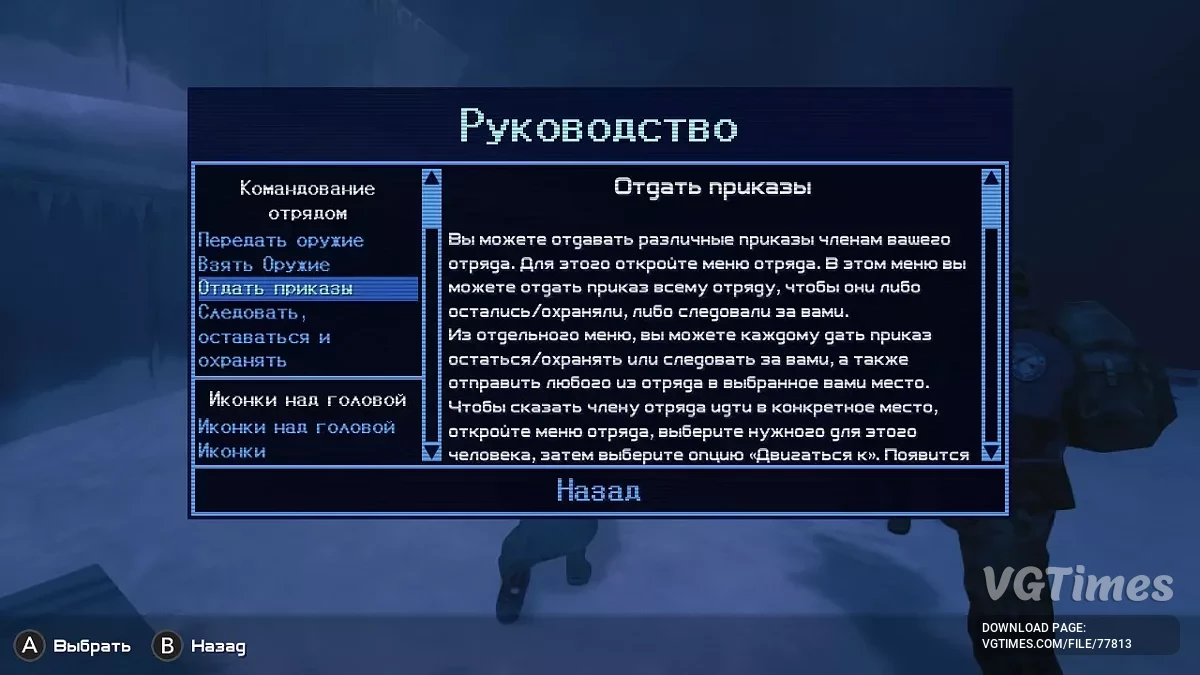
Русификатор текста и звука
Версия и дата перевода: 1.1 от 28.01.25.
Лаунчеры:Steam/GOG.
В архиве два файла: english.pak и Common.kpf.
- english.pak это озвучка — с заменой кинуть его в папку Data (находится в главной папке с игрой);
- Common.kpf это текст — с заменой кинуть в главную папку с игрой.
Достижения работают.
Обновления:
Версия 1.1 от 28.01.25
- Совместимость с актуальным патчем;
- Исправлены ошибки в тексте.
Как запустить:
- Следовать инструкциям инсталлятора. Установка полностью автоматическая.
Как удалить:
- Зайти в директорию Install_Rus и запустить файл unins***.exe. В этой же директории в папке backup будут находиться оригинальные файлы, замененные при установке русификации (если вы отмечали соответствующую опцию).
Useful links:
![The Thing: Remastered — Cheat Engine Table [1.0.1561.1369]](https://files.vgtimes.com/download/posts/2024-12/thumbs/tablica-dlja-cheat-engine-1-0-1561-1369_1733681444_754769.webp)
![The Thing: Remastered — Trainer (+4) [SKIDROW]](https://files.vgtimes.com/download/posts/2024-12/thumbs/trejjner-4-skidrow_1733916204_643477.webp)
![The Thing: Remastered — Cheat Engine Table [UPD: 06.12.2024]](https://files.vgtimes.com/download/posts/2024-12/thumbs/tablica-dlja-cheat-engine-upd-06-12-2024_1733566130_216388.webp)
![The Thing: Remastered — Trainer (+5) [1.0]](https://files.vgtimes.com/download/posts/2024-12/thumbs/trejjner-5-1-0_1733681231_53632.webp)