The events of the second part, like the original game, will unfold in Ancient Greece. The goddess of retribution Nemesis lost her mind and began to infect the... Read more
Anticipation Rating:
Steam:
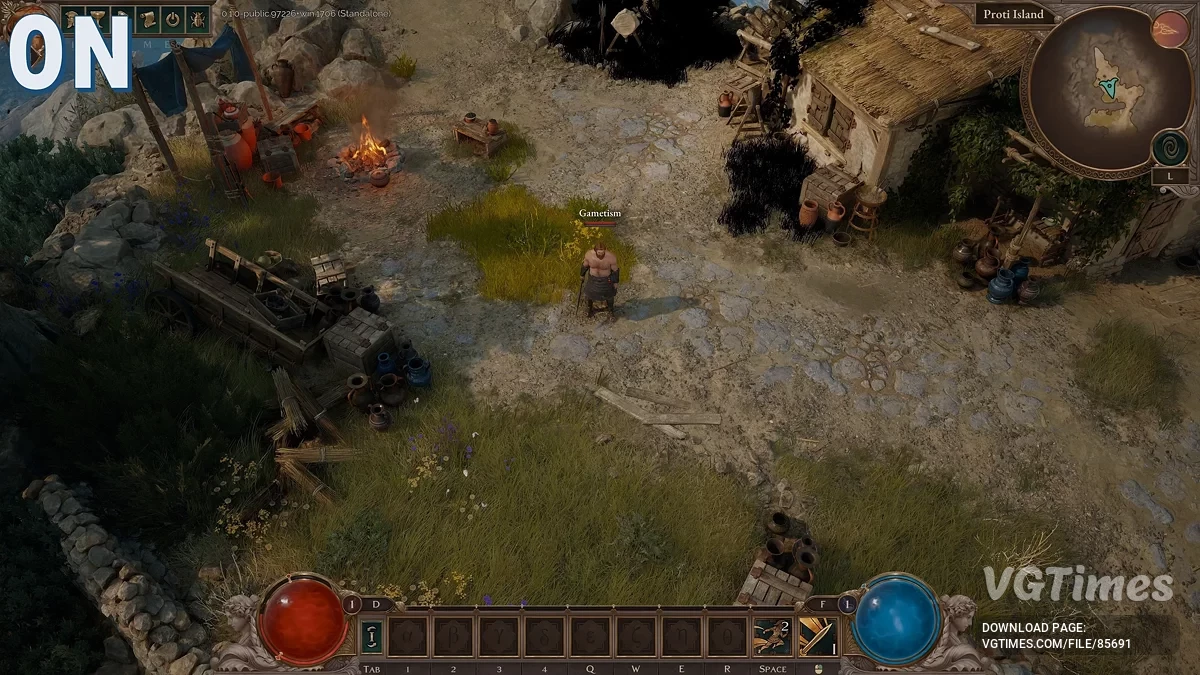
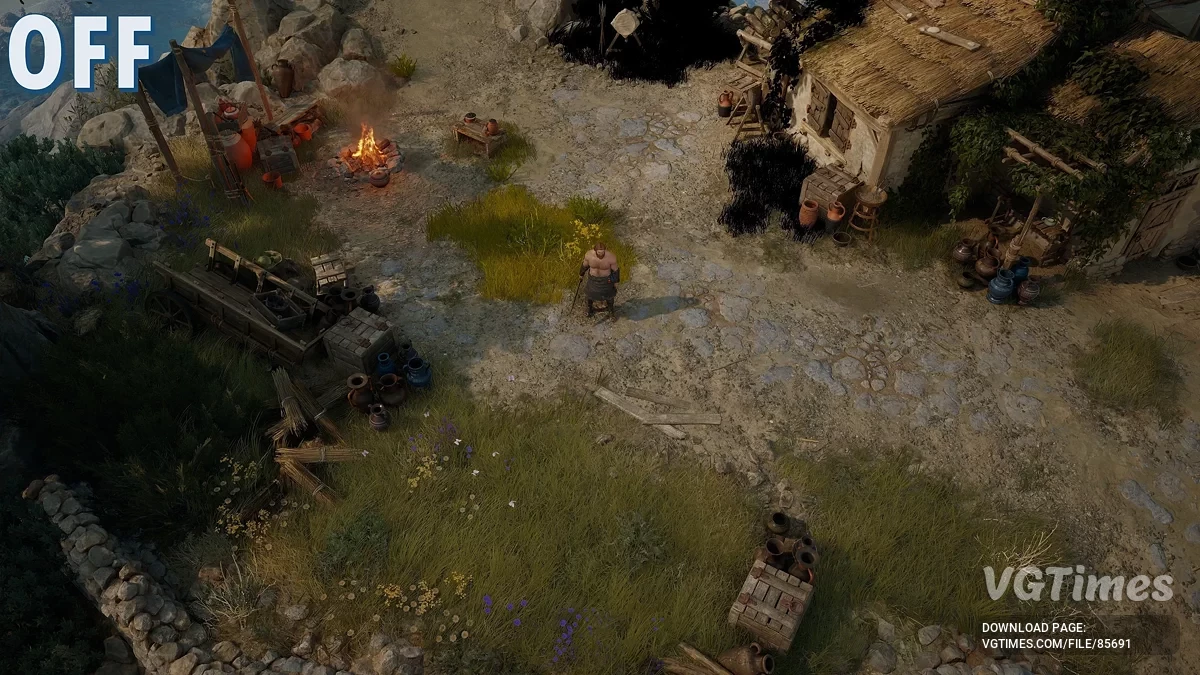
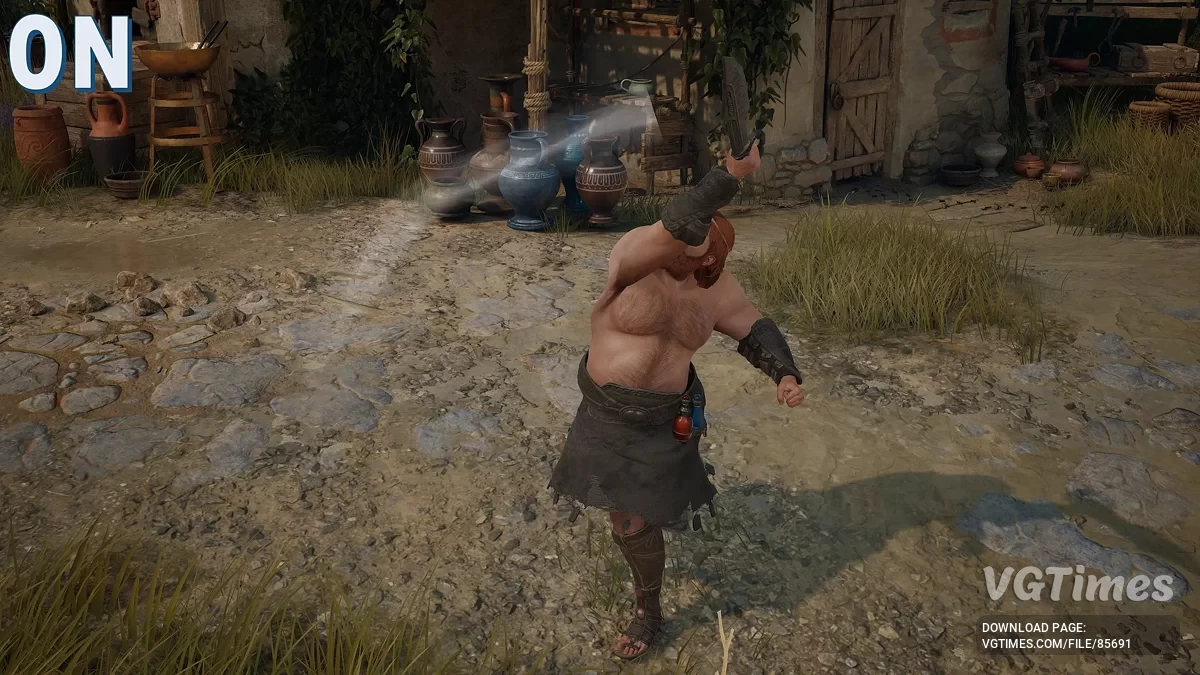
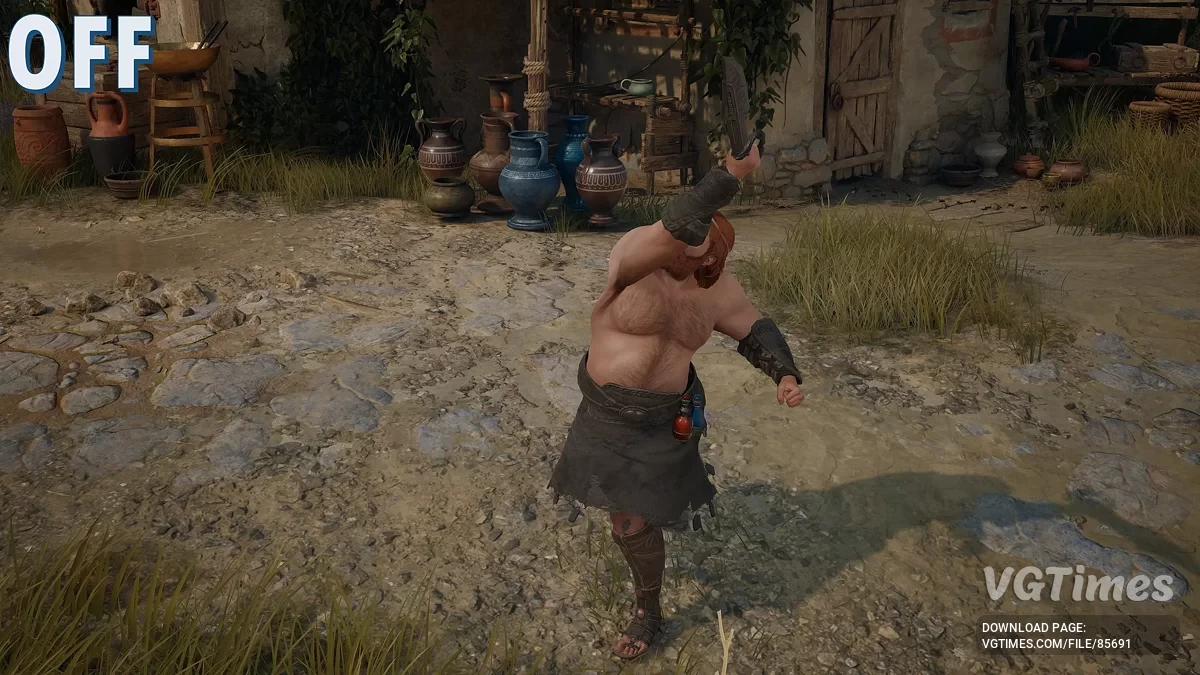
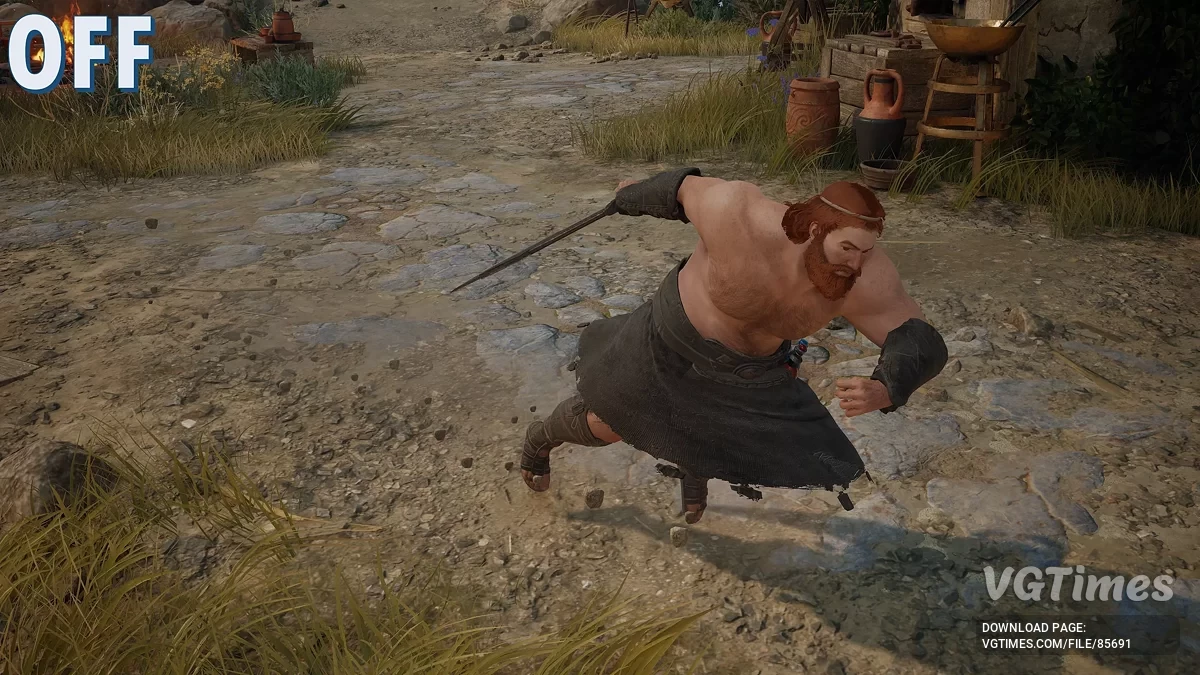
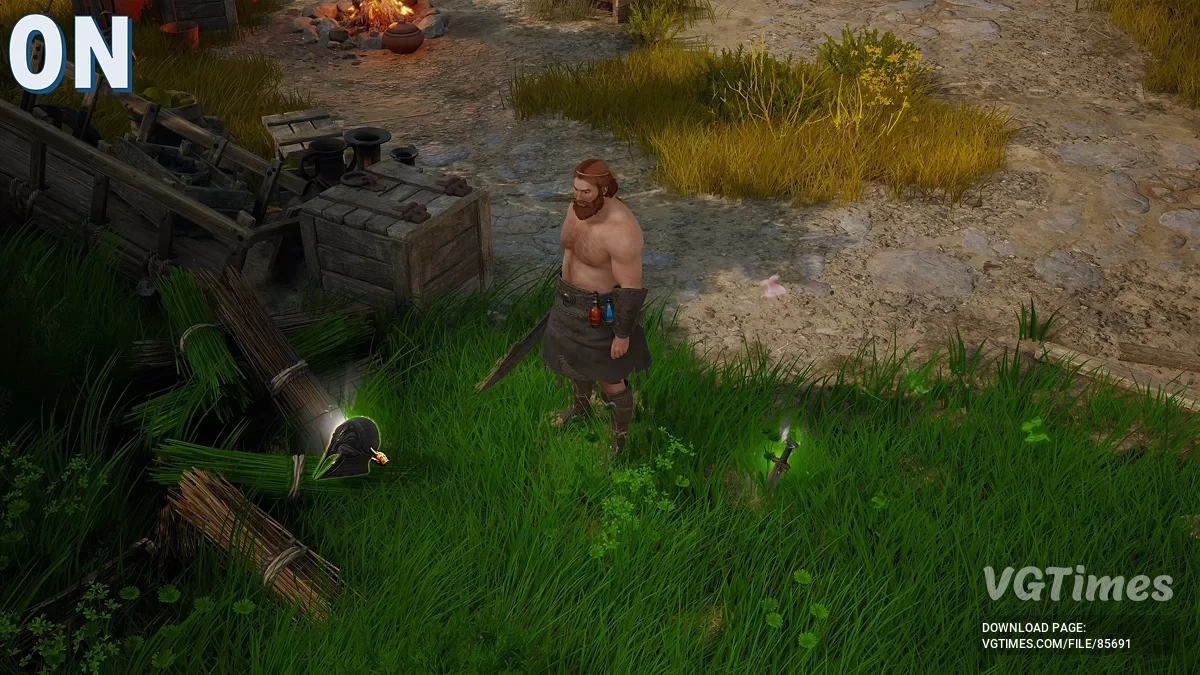
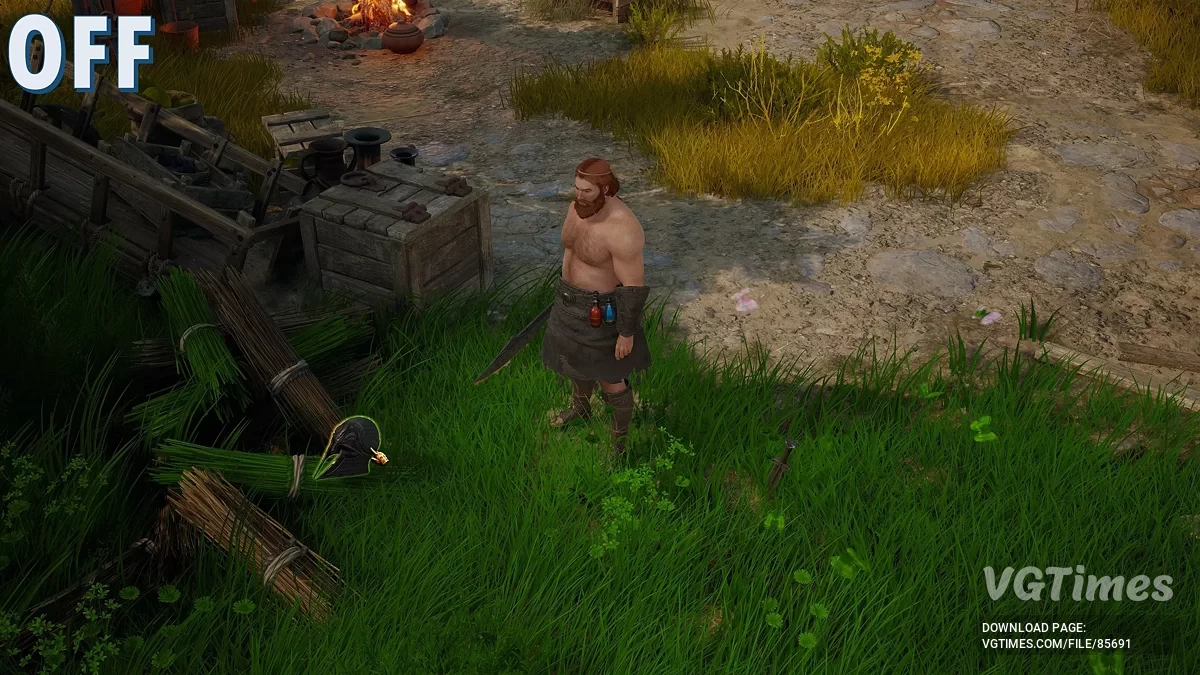
No HUD no effects

Author:
Gametism
Uploaded by:

Size:
2.04 MB
Date:
August 3, 2025, 04:47 AM
Downloads:
5
-
Download (2.04 MB)August 3, 2025, 04:47 AMotkljuchenie-interfejjsa-i-jeffektov_1754185629_605168.zip
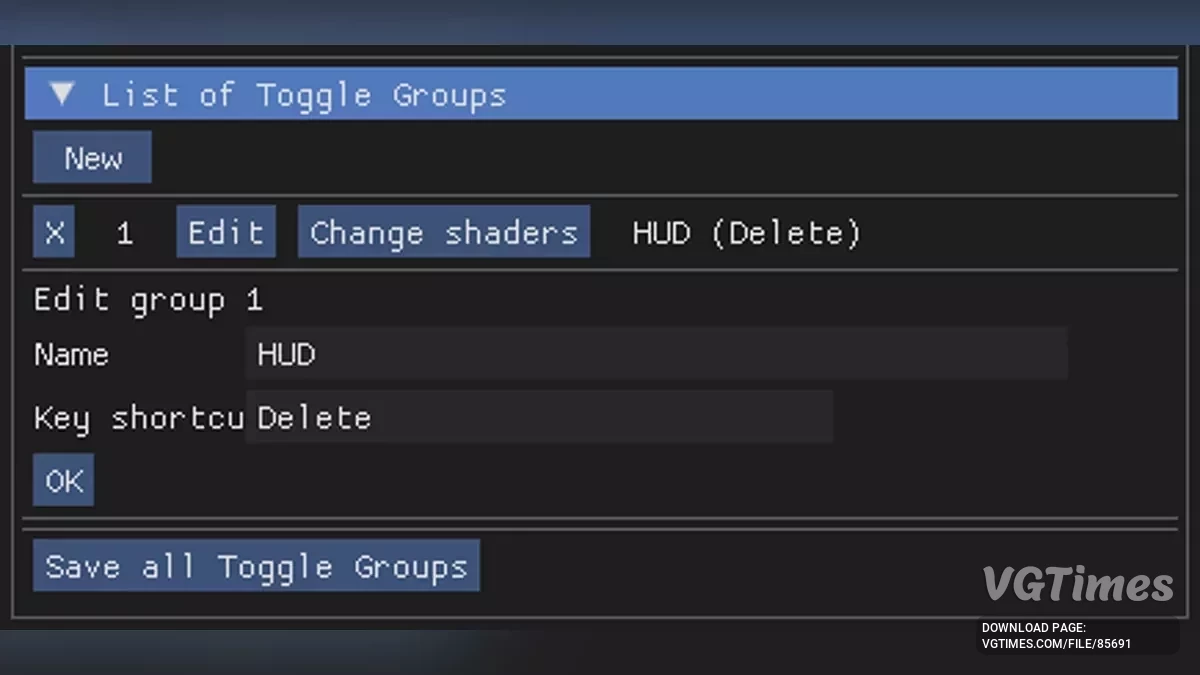
Utilizes ShaderToggler to enable and disable the HUD and effects. To change the keys, open the ReShade interface (HOME) and go to the Add-ons tab. Open the desired toggle group and click Edit.
Control keys:
- HUD [END];
- Swing trails [NUMPAD /];
- Dash trails [NUMPAD *];
- Loot shine [NUMPAD -];
- Character/object outlines [NUMPAD +];
- Hit effects [BACKSPACE];
- Arrow trails [PAGE UP];
- Chest/loot beams [PAGE DOWN];
- Fog [UP ARROW];
- Lighting [RIGHT ARROW];
- Enemy special attack icon [DOWN ARROW];
- Enemy attack direction indicator [LEFT ARROW].
How to launch:
- Extract and copy the files from the archive to your game root folder.
Useful links:
![Titan Quest 2 — Table for Cheat Engine [UPD: 03.08.2025]](https://files.vgtimes.com/download/posts/2025-08/thumbs/tablica-dlja-cheat-engine-upd-03-08-2025_1754386254_570035.webp)
![Titan Quest 2 — Table for Cheat Engine [UPD: 06.08.2025]](https://files.vgtimes.com/download/posts/2025-08/thumbs/tablica-dlja-cheat-engine-upd-06-08-2025_1754555701_8982.webp)

![Titan Quest 2 — Table for Cheat Engine [UPD: 07.08.2025]](https://files.vgtimes.com/download/posts/2025-08/thumbs/tablica-dlja-cheat-engine-upd-07-08-2025_1754638958_711790.webp)