![Valheim — BepInEx [5.4.23.5] / Editors and programs / Cheats](https://files.vgtimes.com/si/gameprev_64902_768_1788976196.webp "Valheim — BepInEx [5.4.23.5] / Editors and programs / Cheats")
A fantasy sandbox with survival elements. You can play alone or with others, exploring the world and gathering resources, finding and raiding tombs, building bases... Read more

BepInEx [5.4.23.5]
![Valheim — BepInEx [5.4.23.5]](https://files.vgtimes.com/download/posts/2021-02/thumbs/bepinex-5-4-23-5_1789381484_545435.webp)
![Valheim — BepInEx [5.4.23.5]](https://files.vgtimes.com/download/posts/2021-02/thumbs/bepinex-5-4-23-5_1789381484_354648.webp)
![Valheim — BepInEx [5.4.23.5]](https://files.vgtimes.com/download/posts/2021-02/thumbs/bepinex-5-4-23-5_1789381484_339490.webp)

-
Download (689.58 kB)September 14, 2026, 01:24 PMbepinex-5-4-23-5_1789381484_664471.zip
A preconfigured, game-specific distribution of the BepInEx modding framework built specifically for Valheim. It acts as the core prerequisite runtime for loading custom C# assemblies and plugins: handles dynamic method patching at runtime via Harmony without touching base assets, channels engine and script diagnostics into unified logging outputs, and manages plugin load orders. This dedicated pack resolves engine-specific edge cases, dedicated server compatibility, and extended versioning issues.
BepInExPack Features & Enhancements:
- Preconfigured Environment: Out-of-the-box BepInEx.cfg configured with an active logging console and the exact entry points required by Valheim.
- Dedicated Server & Linux Support: Bundles targeted launch scripts to host modded Linux dedicated servers and client instances, including complete integration with r2modman.
- Customized Preloader: Tailored preloading stage preventing assembly conflicts during runtime class patches.
- Modded Status Enforcement: Programmatically toggles the internal Game.isModded flag to true following chainloader execution.
- Diagnostic Version Logging: Prints the Thunderstore pack revision directly to the command line to decouple portal releases from core framework builds.
- SemVer Parsing: Full support for Semantic Versioning strings (e.g., 1.2.0-beta.1), preventing the "invalid version" initialization exceptions common to stock BepInEx 5.
Installation Instructions:
- Download the mod archive.
- Extract the archive into a separate temporary directory on your drive (do not unpack it directly into your game directory).
- Open the extracted folder and locate BepInExPack_Valheim.
- Move the complete contents of BepInExPack_Valheim (the BepInEx folder, doorstop_config.ini, winhttp.dll, and shell scripts) into your root game directory:
<Steam Location>\steamapps\common\Valheim\
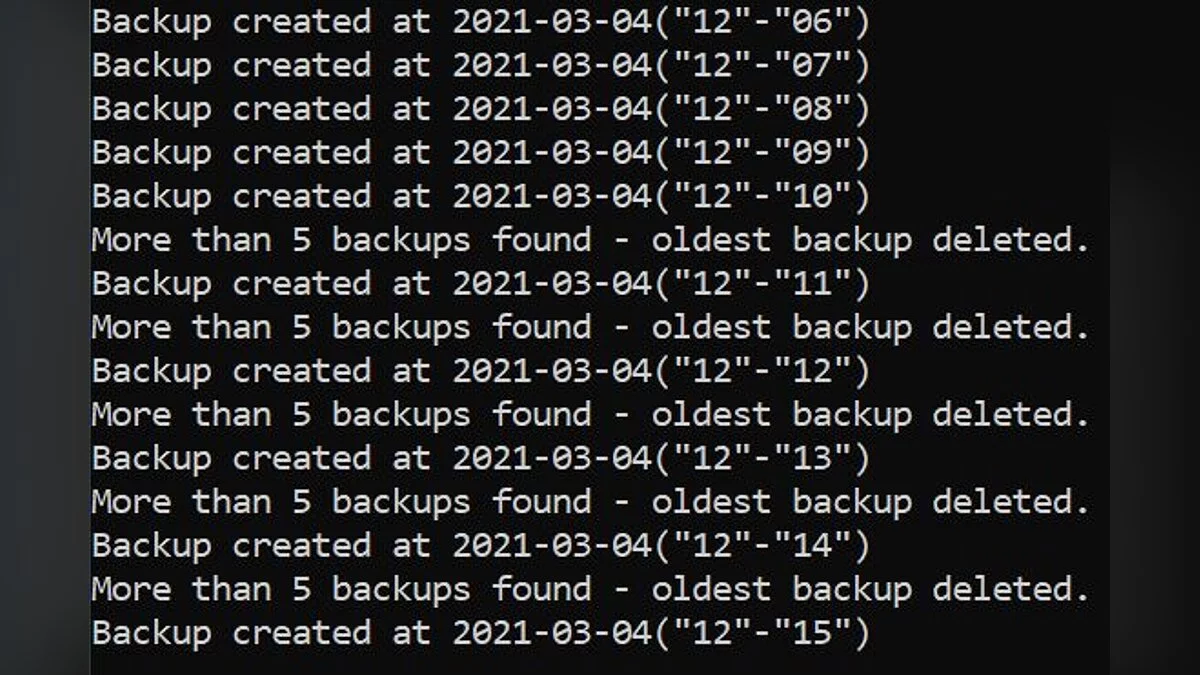
(ensure these files sit alongside the main valheim.exe binary). - Launch the game through Steam. On successful installation, a command window will initialize alongside the game client.
Useful links:
![Valheim — Cheat Engine Table [UPD: 17.03.2021]](https://files.vgtimes.com/download/posts/2021-03/thumbs/1616228201_02.webp)
![Valheim — Cheat Engine Table [UPDATED: 02/24/2021]](https://files.vgtimes.com/download/posts/2021-02/thumbs/1614326947_7257bc51fc504949_1920xh.webp)
![Valheim — Cheat Engine Table [0.216.9]](https://files.vgtimes.com/download/posts/2023-06/thumbs/tablica-dlja-cheat-engine-0-216-9_1686754952_43236.webp)
![Valheim — Cheat Engine Table [UPD: 07.16.2023]](https://files.vgtimes.com/download/posts/2023-07/thumbs/tablica-dlja-cheat-engine-upd-16-07-2023_1689668511_807115.webp)
![Valheim — YamlDotNet [16.3.1]](https://files.vgtimes.com/download/posts/2026-09/thumbs/yamldotnet-16-3-1_1789382507_612877.webp)
![Valheim — Table for Cheat Engine [UPD: 27.02.2025]](https://files.vgtimes.com/download/posts/2025-02/thumbs/tablica-dlja-cheat-engine-upd-27-02-2025_1740734897_750620.webp)