
A fantasy sandbox with survival elements. You can play alone or with others, exploring the world and gathering resources, finding and raiding tombs, building bases... Read more
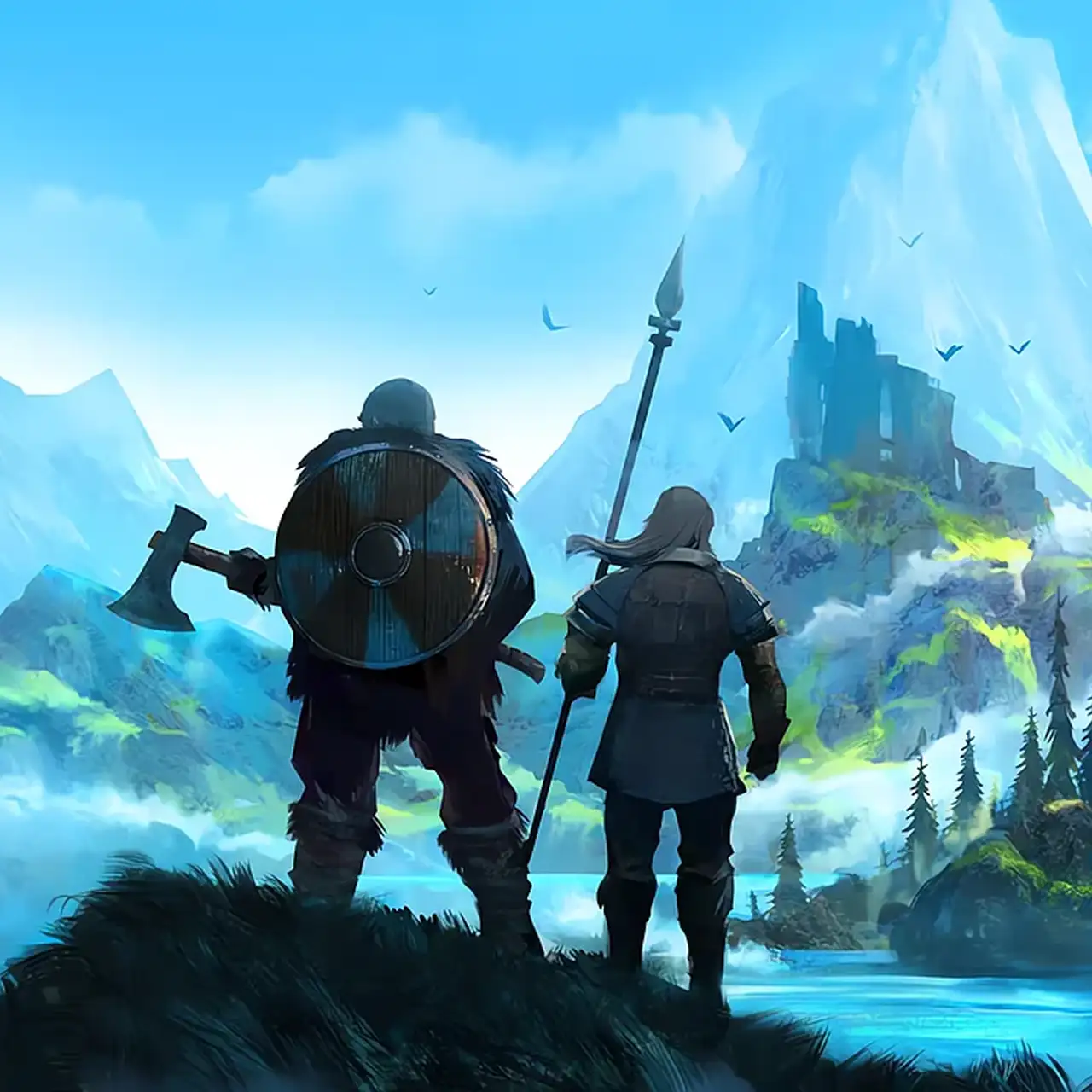
MidgardPlus — All-in-One Modular Overhaul, NPC Companions, Tiered Portals & Mechanics Suite


-
Download (522.43 kB)September 14, 2026, 03:43 PMmidgardplus-kompanony-tirovye-portaly_1789389830_824999.zip
A massive, fully modular game expansion and quality-of-life framework for Valheim, created by Odin the Red. MidgardPlus acts as a unified replacement for dozens of conflicting standalone plugins, operating on a strict "opt-in" architecture: immediately upon installation, every single mechanic starts in a disabled state, leaving the gameplay 100% vanilla. Players and server hosts decide precisely what to activate—be it automated NPC companions (warriors, gatherers, builders), metal-compatible tiered portals, single-click terrain excavation, dynamic flowing water physics, underwater diving, dual wielding, or comprehensive gameplay multipliers. All configuration entries re-apply live while the client is running without requiring restarts, and built-in protection locks custom configurations across future game patches.
Core Systems & Module Breakdown:
1. Companions: Warriors, Gatherers & Builders:
- Three Horns, Three Specializations: Forged at the basic workbench (Companion Horn, Gatherer's Horn, Builder's Horn). The total active squad size is capped via Companions per player.
Warriors: Provide frontline combat support; guard specific territory when ordered to hold position (Guard radius, Guard leash).
Gatherers: Autonomously scavenge ground resources, fell trees, and mine ore deposits when supplied with axes/pickaxes, returning full hauls to base storage chests and fleeing to the player when hostiles approach.
Builders: Repair damaged structures starting with the most critical, and routinely refuel campfires, torches, kilns, and smelting crucibles. - Commands & Routing: Press E to toggle follow/stay; hold E to inspect their inventory and supply weapons/armor; crouch and sound the horn twice to dismiss all active companions back home. Stationing a companion assigns that exact perimeter as their permanent homestead.
- Portals & Recall Mechanics: Following companions step through portals seamlessly. If distance exceeds Companion recall distance, they are warped back to your side automatically. Dismissed or stationed companions remain persistently saved in the world file.
- Companion Progression (Companion levels): Every summoned follower accumulates individual XP (warriors via combat, gatherers via logging/mining, builders via construction/fueling, and all via eating). Advancing through 10 levels awards scalable health pools, damage thresholds, and working velocity.
- Visual Armor Tiers (Companion gear by level): Follower equipment automatically matches world progression (scaling from primitive rags and flint spears up to Carapace and Flametal armaments), restricted strictly by world boss defeat status. Player-donated gear always takes absolute priority.
- Persistent Level Records (Companions keep their levels): XP milestones belong permanently to your Viking (tracked per horn type), persisting across world transitions or follower deaths.
- Companion Feeder: Constructed via the Building Hammer (Misc tab: 10 Wood, 2 Resin). Followers within Feeder range automatically consume up to 3 food types when injured or starved. They never touch private storage chests.
- Appearance Customizer (Shift + E): Renaming prompt, body frame selection (Viking or Dvergr), facial hair, hairstyles, and skin tones.
2. Architecture, Landscape Modification & Water Simulation:
- Coordinate Grid Alignment (World grid): Equipping a hammer, hoe, or cultivator and tapping H anchors placement to a gold guide grid. Shift + H adjusts step dimensions.
- Expanded Structural Snap Points (Extra snap points): Injects midpoint (Mid_) and quarter-length (Quarters) snap nodes across all structural beams, posts, and floor tiles.
- Active Node Selector (Target snap points): Hovering over a placed structure and tapping Home cycles through valid snapping nodes, highlighted by an illuminated tracking sphere.
- Flush Wall Mounting (Wall pieces): Eliminates placement gaps for signs, item mounts, trophies, banners, sconces, and crafting upgrades against walls and beams.
- Area-Based Construction & Cultivation: Utilize [ ] — = to expand build area widths, ground-leveling patches, and farming crop rows simultaneously.
- One-Click Excavation (Excavation): Equip a pickaxe and press B to select excavation shapes (pits, trenches, mounds, flat platforms, ramps, or stairs). A blue holographic boundary previews the alteration; pressing Dig completes the work instantly with zero stamina consumption, zero stone cost, and zero pickaxe durability degradation.
- Groundworking Tools: Grid-based square soil alterations, elevation resets, and PageUp / PageDown vertical leveling adjustments.
- Curved & Glass Elements: Integrates transparent window panes, curved wall segments, circular timber flooring, and semicircular stone arches.
- Dynamic Fluid Water (Flowing water): Construct a Water Source via the hammer (5 Stone, 1 Resin). Water cascades downhill, generates waterfalls across cliff ledges, and pools in basins for swimming or diving. Deconstructing the source drains the fluid simulation.
- Build Camera (Build camera): Press F6 to enter a decoupled flight camera to build complex roofs and towers from any perspective.
- Holographic Blueprints (Builder plans): Press F7 to lay down zero-cost blue structural plans for Builder companions to finish or for manual activation with E.
- Structural Freedom: Completely toggle off workstation proximity requirements, eliminate rain-induced water decay, bypass structural stability physics, and run smelters/fireplaces indoors without chimneys or roofs.
3. Global World Systems & Portal Network:
- Tiered Material-Permitted Portals (Tiered portals):
Bronze Portal (+10 Bronze bars): Permits transportation of Copper, Tin, and Bronze (raw ore, scrap, and bars).
Iron Portal (+10 Iron bars): Permits transportation of all copper/bronze goods plus raw and refined Iron.
Silver Portal (+10 Silver bars): Transports all metals and raw ores without restrictions (Ashlands Stone Portal parity). - Interactive Destination Selector (Portal destination picker): Press Shift + E on any portal to open an interface displaying all network portals, their current biomes, and linear distance.
- Unrestricted Travel (Portals carry everything): Global toggle allowing unrestricted ore transfer through basic vanilla portals.
- Tamable Creature Teleportation: Tamed wolves, boars, and lox step through portals alongside their owner.
- Subsurface Diving (Underwater diving): Hold Left Ctrl while swimming to dive below the water line with a dedicated breath capacity meter. Options allow weapon usage and food consumption underwater.
- Surface Buoyancy (Everything floats): Submerged metals, raw ores, heavy gear, and trophies float on the water surface instead of sinking to unreachable sea floors.
- Zone Boundaries (Zone borders): Press Shift + J to render the 64-meter engine grid borders as bright blue guidelines.
- Tactical Flashbangs: Crafted at the forge (Surtling Core, 2 Resin, Bronze bar); triggers temporary whiteout screen blind and auditory ringing without lethal damage.
4. Storage, Crafting & Logistics:
- Concurrent Chest Access (Shared chests): Multiple players can interact with identical containers simultaneously without item duplication or deletion glitches.
- Custom Container Dimensions: Fully customizable column and row parameters for all storage types (wood, iron, black metal, personal chests, carts, and ship cargo holds).
- Remote Chest Crafting (Craft from nearby chests): Workbenches and hammer blueprints craft, upgrade, and repair directly utilizing ingredients inside authorized base containers.
- Automated Floor Vacuuming & Production Dumping: Chests pull dropped ground loot within range (Chests tidy the ground), and smelters deposit bars directly into nearby storage.
- Inventory Favoriting (Left Alt + Left Click): Locks gear and tools with a favorite marker to prevent accidental dumping, quick-stacking, or trashing.
- Recycling & Deletion: Point at any item in your bag and press Delete twice to destroy it; press End in proximity to a workbench to dismantle crafted items for a partial resource refund.
- Progress Gauges: Visual countdown timers for fermenting mead barrels, farm crops, saplings, and bush regrowth.
- Cart Hitch Keybind (G): Instantly hitch or unhitch handcarts on the run by pressing G. Empty carts and boats can be dismantled using the hammer.
5. Nautical Navigation (Sailing):
- Tailwind Assistance (Tailwind): "Always behind" forces maximum tailwind into the sails at all times; "Helpful" preserves normal environmental winds but prevents unfavorable headwinds (never worse than a crosswind). Atmospheric weather remains synchronized for other players.
- Ship Handling Modifiers: Granular speed, acceleration, and turning radius sliders across all vessels (Raft, Karve, Longship, Drakkar).
- Serpent Sonar Alert (Sea serpent alert): Emits audio-visual Wishbone-style proximity pings when hostile Sea Serpents enter your perimeter, accompanied by directional warnings.
6. Viking Attributes, Progression & Combat:
- Attribute Scaling: Adjustable base modifiers for Carry Weight, Maximum Health, Stamina, and Eitr, accompanied by smoothed health regeneration curves and fall damage reduction.
- Responsive Dodging (Double tap to dodge): Execute combat dodge rolls by double-tapping movement keys without holding the block button.
- 5 Custom Progression Skills (New skills): Mining, Foraging, Sailing, Packhorse (scaling carry capacity), and Breath Holding (extended dive lung capacity).
- Dual Wielding (Dual wielding): Hold Left Alt while equipping an additional one-handed weapon or pickaxe to enter dual-wielding stances with balanced stamina drain and damage scaling.
- Obliterator Preservation: Retains passive functional attributes of the Megingjord belt, Wishbone, Wisplight, or Swamp Key upon sacrifice in the Obliterator.
7. Agriculture & Environmental Multipliers:
- Universal Cultivator Farming (Plant anything): Allows planting of wild raspberry, blueberry, and cloudberry bushes, mushrooms, thistle, and dandelions.
- Global Biome Agriculture (Crops grow in any biome): Eliminates biome soil restrictions for crops (e.g., growing barley and flax outside the Plains).
- Animal Husbandry & Production Tuning: Configurable sliders for animal taming speed, breeding limits, maturation timers, smelter output, and kiln conversion cycles.
- Batch Production & Global Repair: Hold Shift while clicking Craft to forge items in batches; click repair once to restore all damaged gear instantly.
Default Controls & Shortcuts:
- F9 — Opens the in-game configuration interface.
- H / Shift + H — Toggles construction grid alignment / cycles grid steps.
- Home — Cycles active structure snap points.
- [ / ] and — / = — Adjusts placement brush, leveling area, and crop row lengths.
- B (with pickaxe equipped) — Opens excavation mode and executes terrain alterations.
- F6 — Activates the decoupled flight Build Camera.
- F7 — Toggles blue Builder Blueprint mode.
- Shift + E — Opens the Portal destination browser / Companion customizer.
- Left Alt + Left Click — Toggles favorite status on inventory items.
- G — Hitches / unhitches nearby handcarts.
- End — Recycles hovered item at a workstation for material refunds.
- Delete (double tap) — Permanently destroys targeted inventory items.
Dependencies & Installation:
- Required Dependencies: BepInExPack Valheim and Jötunn, the Valheim Library (JVL).
Installation Instructions:
- Ensure both BepInEx and Jötunn are properly installed.
- Place the MidgardPlus folder directly into:
<Valheim_Directory>\BepInEx\plugins\MidgardPlus\. - Boot the game once to generate BepInEx/config/midgardplus.cfg (all modules default to disabled).
- Enable desired mechanics via the configuration file or the in-game F9 manager menu.
Useful links:
![Valheim — Cheat Engine Table [0.217.14]](https://files.vgtimes.com/download/posts/2023-08/thumbs/tablica-dlja-cheat-engine-0-217-14_1692962486_170425.webp)
![Valheim — Table for Cheat Engine [25.10.2025]](https://files.vgtimes.com/download/posts/2025-10/thumbs/tablica-dlja-cheat-engine-25-10-2025_1761473346_764017.webp)

![Valheim — Trainer (+12) [0.139.3]](https://files.vgtimes.com/download/posts/2021-02/thumbs/1612865672_bjy0qvkacgynsmkzct7ehg.webp)
![Valheim — Cheat Engine Table [UPD: 10.09.2022]](https://files.vgtimes.com/download/posts/2022-10/thumbs/1665397194_a593c38fbd1ff641ae1bf4618c9b28e1.webp)
![Valheim — Cheat Engine Table [UPD: 04.02.2021]](https://files.vgtimes.com/download/posts/2021-02/thumbs/1612524503_valheim.jpg.c03d89a9ac5667fba0788cf49242ffa6.webp)