
Cooperative PvE adventure in a world of pirates, pioneers, and treasure hunters. The game combines a classic formula of building, crafting, and battles with... Read more
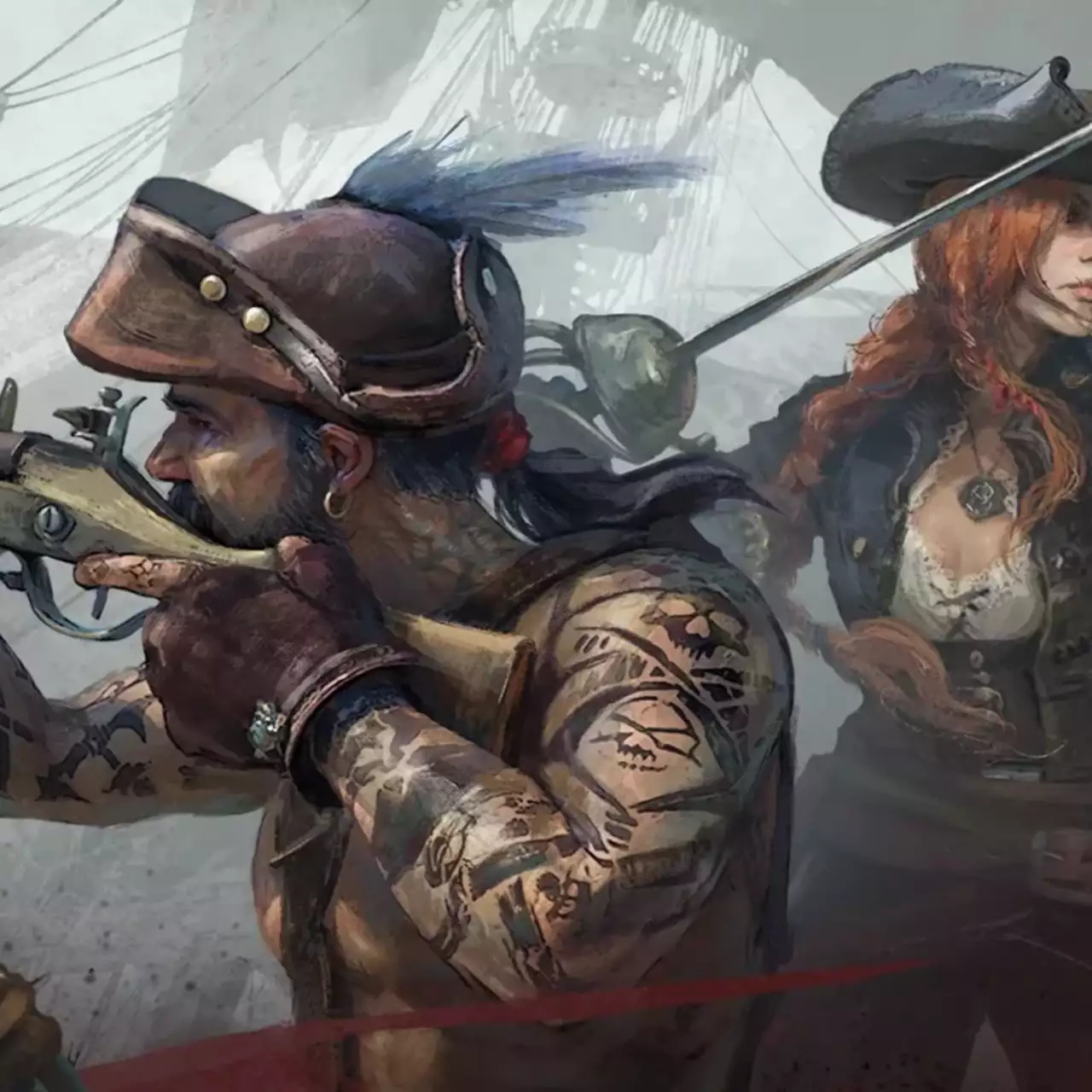
Windrose Character Editor


Author:
Carrumbum
Uploaded by:

Size:
353.00 MB
Date:
May 26, 2026, 12:43 PM
Downloads:
102
-
Download (353.00 MB)May 26, 2026, 12:43 PMInstallerredaktor-sokhranenijj_1779788585_412481.rar
-
Download (352.79 MB)May 26, 2026, 12:43 PMPortableredaktor-sokhranenijj_1779788585_764956.rar
A multifunctional graphics editor for the game Windrose, allowing you to modify character stats, talents, equipment, ships, recipes, and discoveries directly, without manually editing save files. The program features a built-in hidden parameters calculator, an undo system, and a backup manager.
- Important requirement: Disable Steam Cloud for Windrose.
- After the May 4th patch, the game uses an internal checkpoint system. If Steam Cloud saves are enabled, all your changes will be automatically erased the next time you launch the game.
- How to disable: In the Steam client, right-click on Windrose → Properties → General → uncheck "Keep game saves in the Steam Cloud for Windrose". If Steam notifies you of a version conflict, select "Use local files". This is a one-time action.
Main features:
- Character: Change name, level, experience, edit all 6 main stats (Strength, Dexterity, Accuracy, Mastery, Vitality, Endurance), and freely distribute points across the entire talent tree.
- Inventory: Replace any items, change their quantity, and upgrade equipment level (from 1 to 15).
- Ships: Replace hulls, customize cannons, sails, plating, and boarding crew. Manage cargo hold and consumables, assign a flagship, repair instantly, as well as add new ships to the fleet or remove old ones.
- Customization: Freely combine sails, hull colors, and flags of any unlocked factions (Standard, Brotherhood, Blackbeard, Buccaneers, Smugglers, Corsairs).
- Recipes: Manage learned blueprints (cooking, alchemy, construction, ship equipment). Convenient search, filtering, and mass unlocking of entire categories are available.
- Discovery: Track progress across all biomes (89 points of interest in Coastal Jungles, Foothills, Cursed Swamps, and Ashlands). The interface fully mirrors the in-game one, including boss restrictions (the next biome is unavailable until the previous boss is defeated). When hovering over a tile, the in-game description and effects are displayed. Note: For the "Ashlands" region, an hourglass animation with "In development" is shown, as the game developers have not released this content yet.
Technical features and safety:
- Live parameter calculation: The editor uses the original mathematical formulas from the game’s PAK files. You will immediately see the real change in health, defense, crit chance, and weapon damage (taking into account hidden S/A/B/C scaling ranks from Strength/Dexterity/Accuracy) even before saving.
- Network compatibility: All character data, including fleet and inventory, is stored locally and travels with you to any server (including friends’ worlds and co-op). Be polite and follow server rules when playing with modified stats.
- Automatic backups: Before each save, the program creates a backup of the save folder. You can roll back to any checkpoint directly through the editor interface.
- File corruption protection: Before writing, the parser does a test build of unchanged data and compares bytes. If they don’t match, the process is aborted, eliminating the risk of accidental save corruption due to parser bugs.
- Recovery tool: If the game gives a migration error or doesn’t see the save, the “Repair save folder” function in the Help menu automatically fixes the most common patch issues (version mirroring errors, missing directories, etc.).
- Dynamic updates: The editor can fetch fresh PAK data directly from GitHub when micro-patches for the game are released and notifies you of new editor versions. No telemetry at all — the utility works strictly locally.
Installation instructions:
- Choose one of the editor versions:
Installer (Recommended) — an automatic installer that creates shortcuts in the Start menu and on the desktop. Supports auto-updates and does not require administrator rights.
Portable — a single .exe file. Works without installation (can be run from a flash drive), but you’ll have to update it manually. - Run the downloaded file. Windows Defender (SmartScreen) may show a “Windows protected your PC” warning. Click “More info” → “Run anyway”. The utility is safe; the warning appears due to the lack of a paid digital certificate.
- Be sure to close Windrose before saving changes in the editor. If the game is running, a yellow “Game running — close to save” indicator will appear at the top of the program, and the save button will be disabled.
- Make the necessary changes, save, and launch the game to check.
Hotkeys:
- Ctrl + S — Save changes to disk.
- Ctrl + Z / Ctrl + Y — Undo / Redo (slider steps are grouped as one action).
- Ctrl + B — Open backup manager.
- Ctrl + R — Reload files from disk.
- Ctrl + / — Open the “Help / About” window.
- Esc — Close any popup modal window.
- / — Focus the search bar inside the item selection window.
Useful links:
![Windrose — Table for Cheat Engine [V2]](https://files.vgtimes.com/download/posts/2026-02/thumbs/tablica-dlja-cheat-engine_1772270044_811371.webp)

![Windrose — Table for Cheat Engine [v0.10.0.1.6-02cb3254]](https://files.vgtimes.com/download/posts/2026-04/thumbs/tablica-dlja-cheat-engine-v0-10-0-1-6_1776324759_889056.webp)


![Windrose — Table for Cheat Engine [V5]](https://files.vgtimes.com/download/posts/2026-03/thumbs/tablica-dlja-cheat-engine-v5_1772886876_431502.webp)