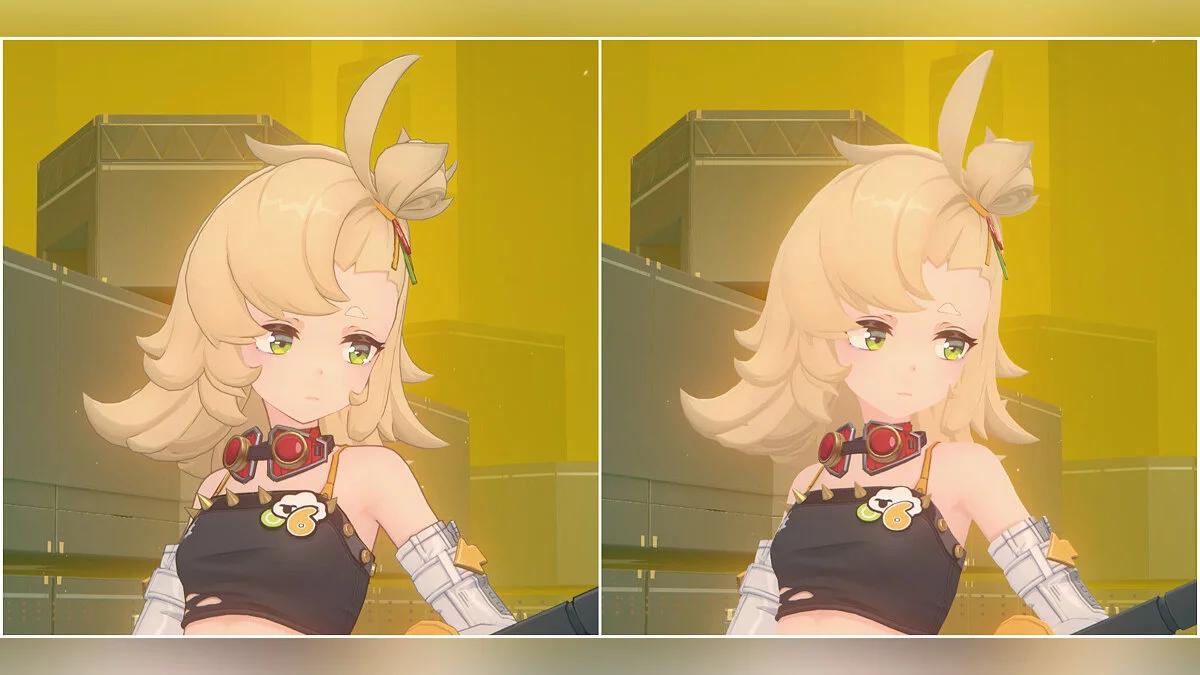
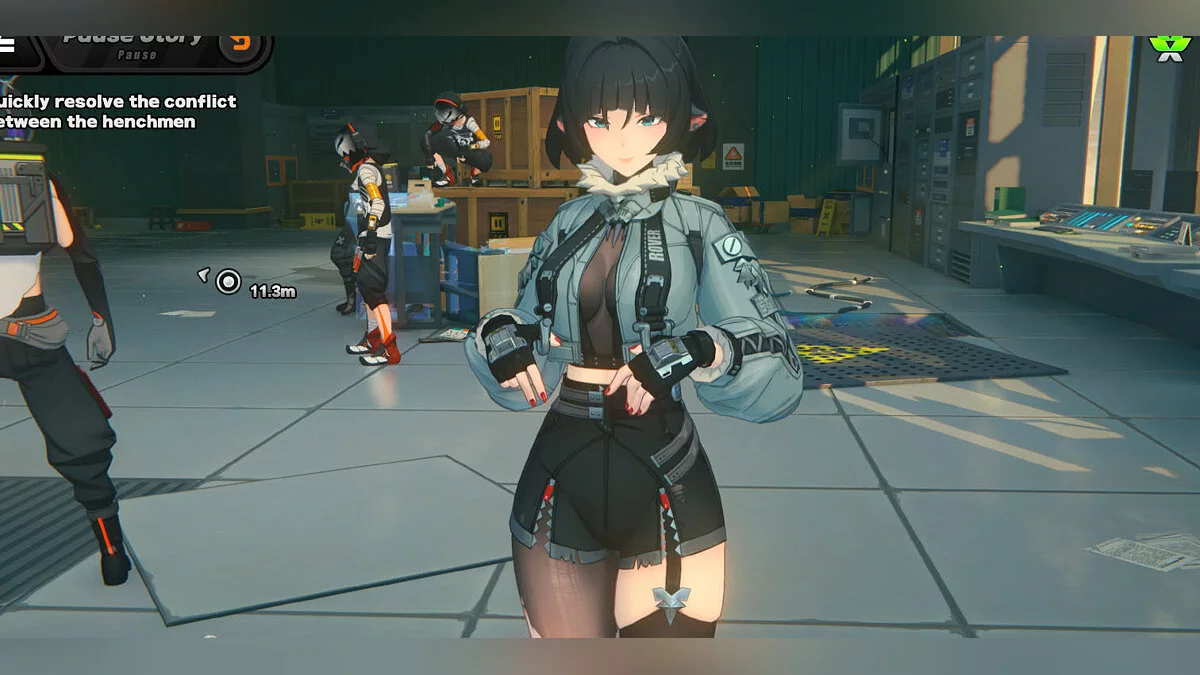
Free role-playing action game from the creators of Genshin Impact and Honkai: Star Rail. In the near future, the world was shaken by a catastrophe: mysterious... Read more
Players:
Steam:
Metacritic:
Miyabi without clothes and in a bikini













Author:
RenKamui
Uploaded by:

Size:
17.32 MB
Date:
April 14, 2025, 12:57 PM
Updated:
October 5, 2026, 06:00 AM
Downloads:
409


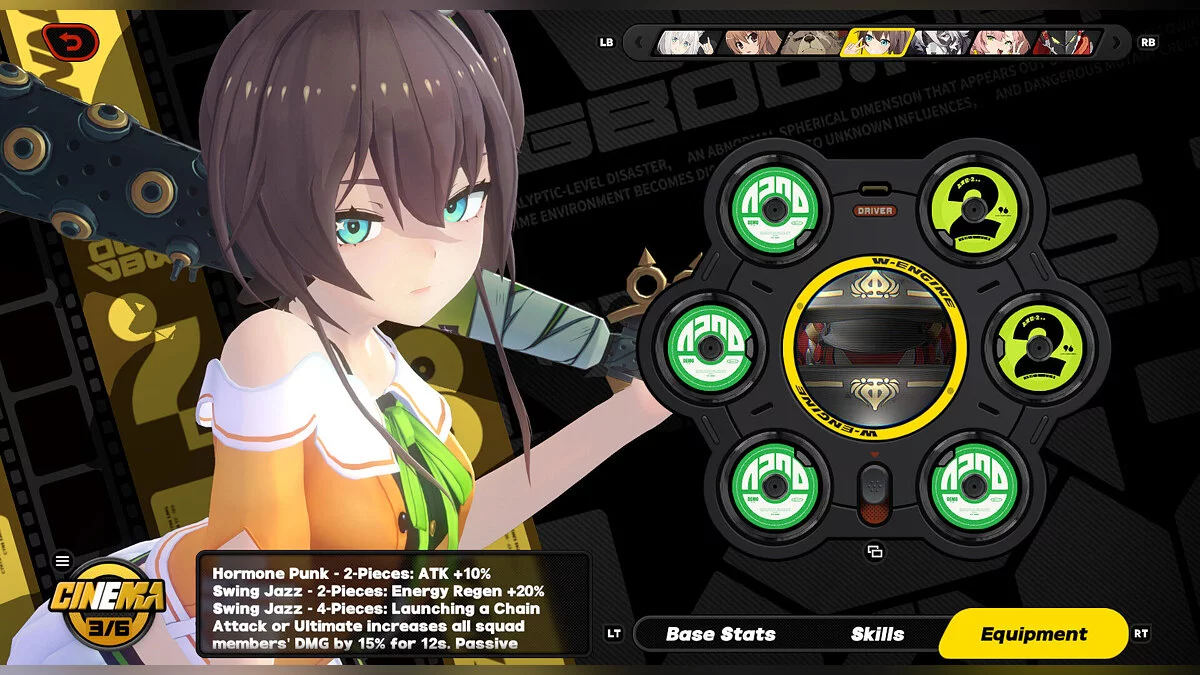
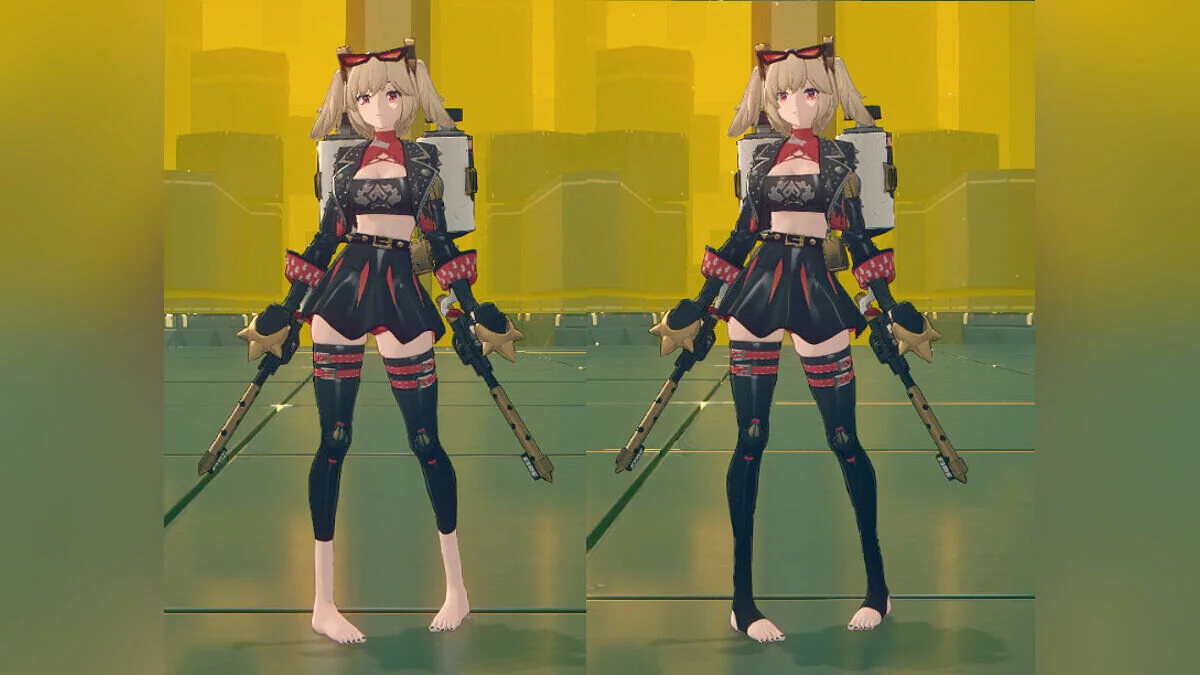
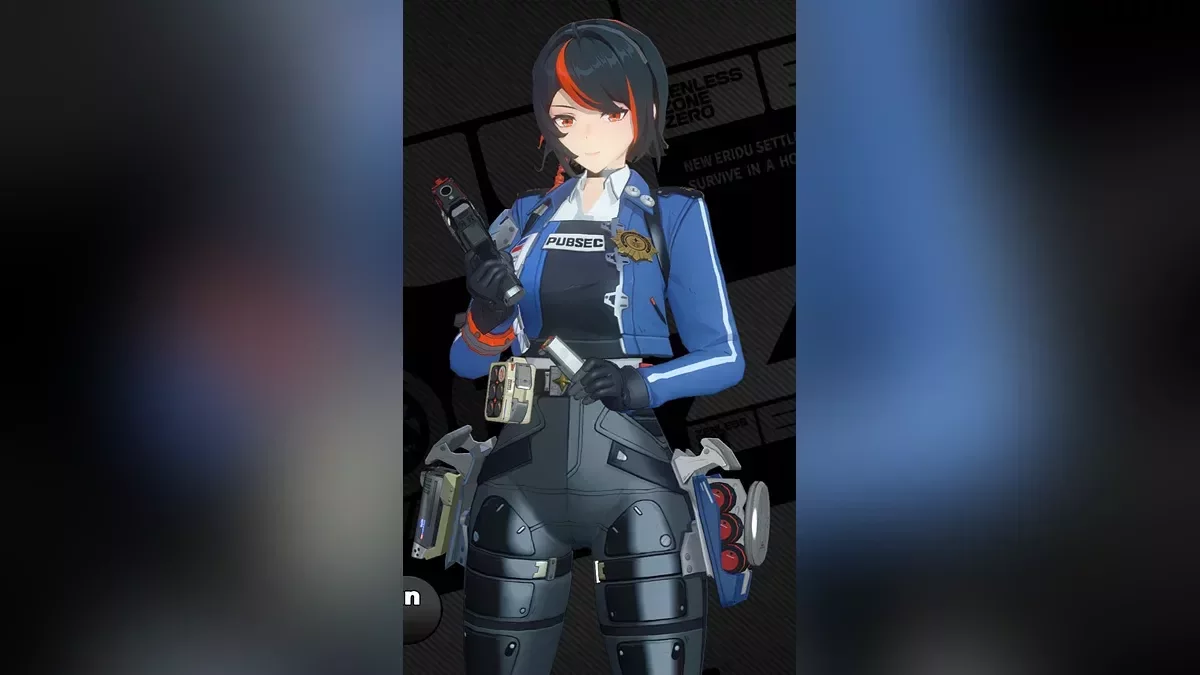
The slender but strong Void Hunter Hoshimi Miyabi reveals her cute and intimate side.
Toggle Options & Keys:
- 5 — shirt/sarashi/revealing sarashi/bikini top/topless;
- Alt 5 — jacket/no jacket;
- 6 — tights/fundoshi/bikini bottom/bottomless;
- Alt 6 — long skirt/medium skirt/short skirt/miniskirt/no skirt/bare midriff;
- 7 — tie/no tie;
- Alt 7 — no pubes/pubes;
- 8 — arm armor/armband/bare arm;
- Alt 8 — glove/bare hand;
- 9 — shoes/sandals/barefoot;
- 0 — cycle between presets;
- Reloading mods — save selected options for future game launches;
- Ctrl Alt 0 — reset all toggles to default.
Miyabi's shirt and tights cannot be combined with some other options. In this case, those options will appear differently from their actual states.
Presets:
- There are 3 presets of options which can be adjusted to your liking;
- When pressing 0, all current options will be saved in the current preset, and you will switch to the next preset;
- This way, you can save different appearances for different occasions.
How to launch:
- Install the XXMI mod loader;
- Download the mod;
- Unpack the file and place the folder in the Mods folder;
- Reload mods in the game (F10 by default) to load the mod (if the mod looks broken after loading for the first time, restart the game);
- Enjoy.
Related files:
Useful links: