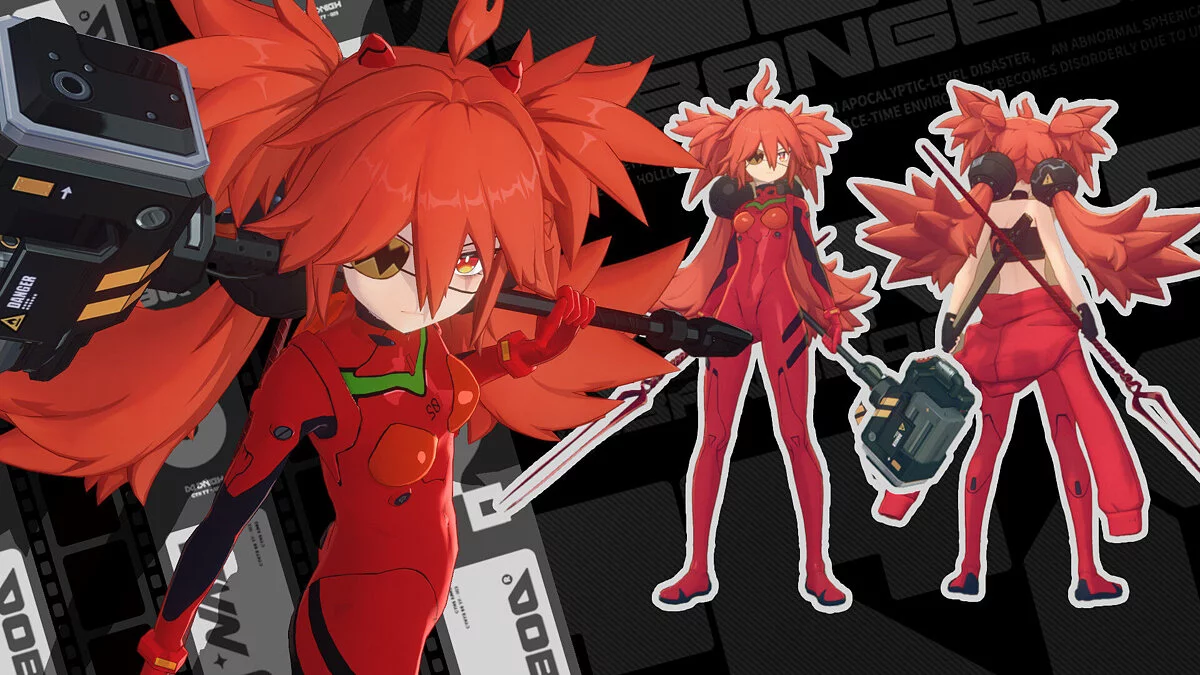
Free role-playing action game from the creators of Genshin Impact and Honkai: Star Rail. In the near future, the world was shaken by a catastrophe: mysterious... Read more
Players:
Steam:
Metacritic:
Miyabi nightgown
Author:
VyxMods
Uploaded by:

Size:
27.67 MB
Date:
November 14, 2025, 05:35 AM
Downloads:
107


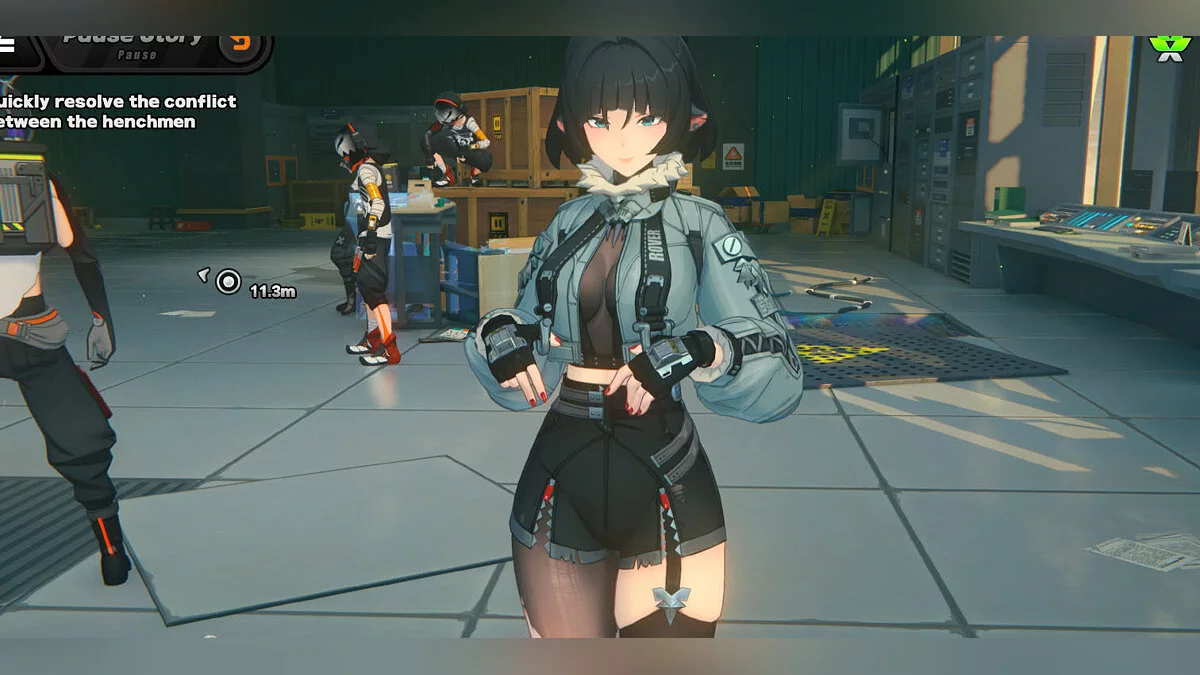
Adds a new nightgown for Miyabi.
Toggles:
- Nightgown = CTRL 1;
- Top = CTRL 2;
- Skirt = CTRL 3;
- Panty = CTRL 4;
- Garter = CTRL 5;
- Hair = CTRL 6;
- Primary color = CTRL 7;
- Secondary color = CTRL 8;
- Top transparency = CTRL 9;
- Skirt transparency = CTRL 0.
To ensure transparency effects work properly, you need to disable Motion Blur:
- Options > Graphics > Motion Blur;
- Set it to "Disable". Note: Motion Blur is the third-to-last item in the Graphics menu.
Transparency customization:
If you want to manually adjust the transparency level:
- Open the Miyabi.ini file located inside the ZMH-05 folder using a text editor;
- Go to line 514;
- Edit the blend_factor values (0, 1, and 2);
- Recommended values are between 0.5 and 0.9.
Note: Lower blend_factor values increase visual artifacts when a transparent object overlaps another transparent one. This issue gets worse with light colors (unfortunately, this mod mainly uses pastel colors x.x).
Useful links: