Free role-playing action game from the creators of Genshin Impact and Honkai: Star Rail. In the near future, the world was shaken by a... Read more
Players:
Steam:
Metacritic:
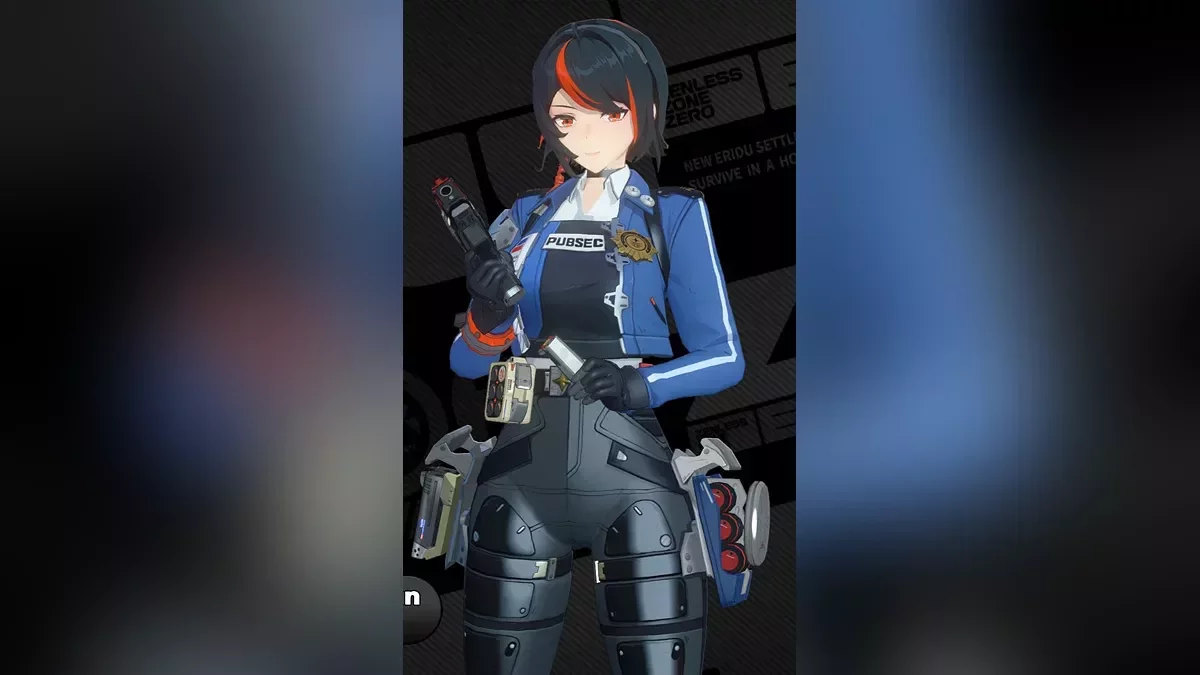
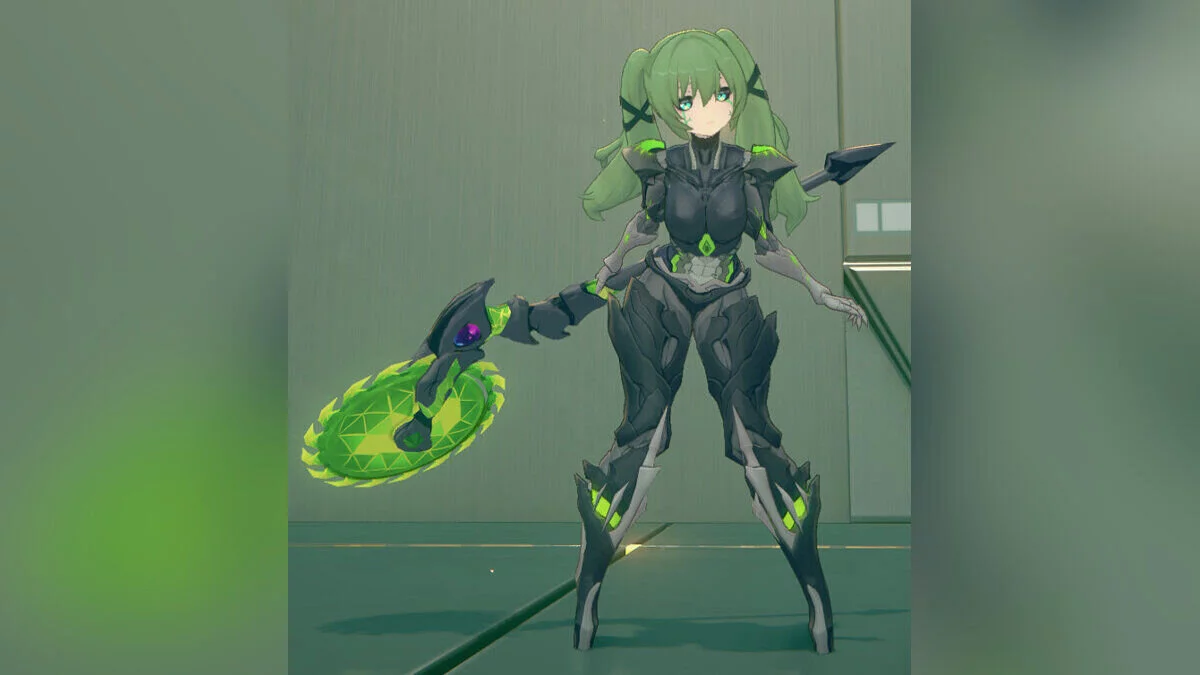
Orphie and Magus - Civilian Arsenal


Author:
DasBirb, Civic, veritas921, lewdlad, MaximiliumM
Uploaded by:

Size:
29.40 MB
Date:
November 4, 2026, 06:57 AM
Downloads:
2
A casual wardrobe for Orphie (+ Magus), based on Yuzuha's suggestions and including the outfit from the GIGO collab artwork. Magus' outfit is based on this manga by 86H4na. Due to Orphie's complicated model splits, expect clippings on some parts and wiggly movements on the bare arms. Toggles:
- Alt H — toggle info (may only work if your GIMI Shaderfixes folder has the help files);
- Alt K — reset toggles to default;
- Alt , — toggle lock (off by default);
- H — open/close menu;
- Alt H — change menu size;
- Alt K — reset toggles to default;
- Alt P — quick toggle;
- Up — eyeglasses: on/off;
- Down — scarf: on/off;
- Left — bag: on/off;
- Right — necklace: on/off;
- Alt Up — hosiery: thighhighs, tights, kneehighs with garter, kneehighs, short socks, off;
- Alt Down — footwear: sneakers, loafers, boots, shoes;
- Alt Left — legwarmers: on/off;
- Alt Right — bottom: plaid skirt, pants, shorts, ruffled skirt;
- Ctrl Up — outer top: sweater, sweater two-piece, off;
- Ctrl Down — top tucked in: off/on;
- Ctrl Left — beret: on, with insignia, off;
- ] — Magus' Hat;
- [ — Magus' Coat.
Note: You can change the key toggle by opening the character's ini file (not help.ini) with a text editor, using CTRL+F to find "key =", and changing the values to your preferred keys. Updates:
- 1.1 — Fixed missing mesh underneath the black skirt. Added the character's original beret.
Useful links: