Free role-playing action game from the creators of Genshin Impact and Honkai: Star Rail. In the near future, the world was shaken by a... Read more
Ye Shunguang - New Eridu Popstar


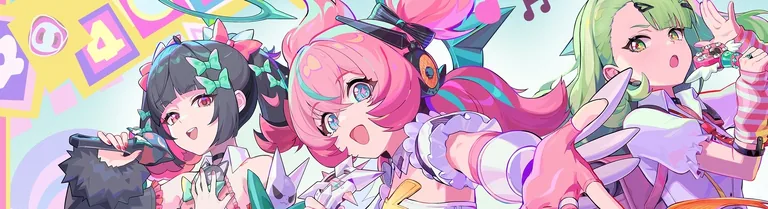
The mod adds a new outfit for the character in the style of a modern pop star. The set combines elements of traditional Japanese clothing and bright details typical of stage costumes: a short skirt with decorative ribbons, a top with a checkered pattern, stylish gloves, and hair accessories. The outfit is done in pink and white tones with contrasting black and red accents, making the character look fashionable and dynamic. Toggles:
- H — open/close menu;
- Alt H — change menu size;
- Alt , — toggle lock (off by default);
- Alt K — reset toggles to default;
- Alt O — quick toggle;
- Up — hat: on/off;
- Down — outer sleeves: on/off;
- Left — inner sleeves: on, left, right, off;
- Right — legwarmers: on/off;
- Alt Up — footwear: sneakers, converse, boots, off;
- Alt Down — hosiery color: black, white;
- Alt Left — hosiery left: thighhighs, kneehighs, short socks, off, tights;
- Alt Right — hosiery right: kneehighs, short socks, off, tights, thighhighs;
- Ctrl Up — bottom: skirt, shorts, off;
- Ctrl Down — leg accessories: on, left, right, off.
Note: You can change the key toggle by opening the character’s ini file (not help.ini) with a text editor, using CTRL+F to find "key =", and set the values for each function as you prefer. Press F10 to save your selected options.
Useful links: