

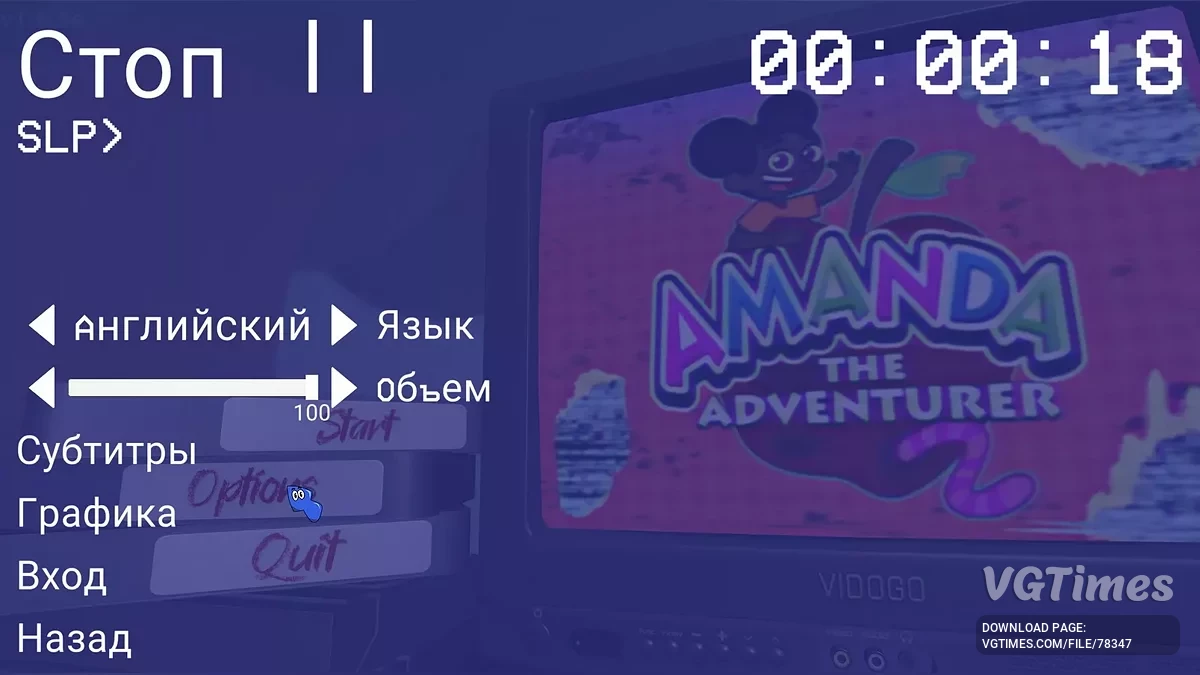
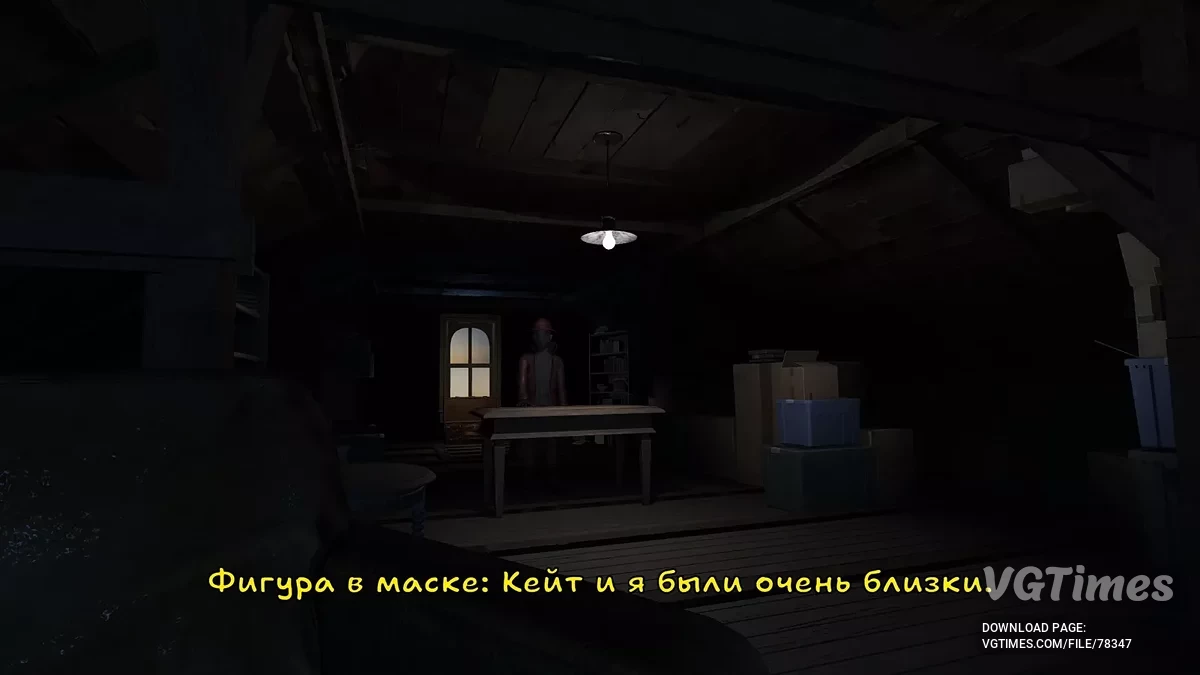
Sequel to Amanda the Adventurer, in which Riley encounters a mysterious masked figure after destroying the TV in the attic. The main character goes... Read more
Players:
Steam:
Text Localizer

Author:
coalwi
Uploaded by:

Size:
1.18 MB
Date:
December 25, 2024, 05:54 AM
Downloads:
513
-
Download (1.18 MB)December 25, 2024, 05:54 AMrusifikator-teksta_1735095289_100015.zipArchive password: vgtimes
Last updated on: November 18, 2024.
To operate, you will need XUnity.AutoTranslator-ReiPatcher-5.4.3.zip, which is included in this archive (file SetupReiPatcherAndAutoTranslator.exe).
How to launch:
- Download the archive;
- Extract the file SetupReiPatcherAndAutoTranslator.exe from the archive to the root folder of the game and run it;
- After closing the window, a file Amanda The Adventurer 2 (Patch and Run).lnk should appear, run it. After loading the main menu — exit the game. If this file did not appear, open the ReiPatcher folder and run the ReiPatcher application, another detailed patching will occur, which will fix the issue;
- A folder AutoTranslator appeared in the root folder of the game. Open the folder, then edit the file Config.ini using Notepad.
Language=ru
FromLanguage=en
MaxCharactersPerTranslation=2500 (maximum 2500, responsible for the length of text capture)
IgnoreWhitespaceInDialogue=False
IgnoreWhitespaceInNGUI=False (if this line is missing — add it manually)
OverrideFont=Corbel Bold Italic (changes the font in the game) - After changing the values, run Amanda The Adventurer 2.exe and exit the game;
- The file _AutoGeneratedTranslations.txt from the downloaded archive should be placed in the folder: ...\Amanda the Adventurer 2\AutoTranslator\Translation\ru\Text (path in the folder where the game is installed);
- Launch through Amanda The Adventurer 2.exe or from the desktop shortcut.
The file name and description have been translated Show original
(RU)Show translation
(EN)
Русификатор текста
Дата последнего обновления: 18.11.2024.
Для работы понадобится XUnity.AutoTranslator-ReiPatcher-5.4.3.zip, который уже содержится в данном архиве (файл SetupReiPatcherAndAutoTranslator.exe).
Как запустить:
- Скачать архив;
- Распаковать из архива файл SetupReiPatcherAndAutoTranslator.exe в корневую папку с игрой и запустить;
- После закрытия окна, должен появиться файл Amanda The Adventurer 2 (Patch and Run).lnk, запустить его. После загрузки главного меню — выйти из игры. Если этот файл не появился, открыть папку ReiPatcher и запустить приложение ReiPatcher, произойдет еще одна детальная прошивка, которая исправит проблему;
- В корневой папке игры появилась папка AutoTranslator. Открыть папку, а затем отредактировать файл Config.ini через блокнот.
Language=ru
FromLanguage=en
MaxCharactersPerTranslation=2500 (максимально 2500, отвечает за длину захвата текста)
IgnoreWhitespaceInDialogue=False
IgnoreWhitespaceInNGUI=False (если этой строчки нет — добавить ее вручную)
OverrideFont=Corbel Bold Italic (меняет шрифт в игре) - После изменения значений запустить Amanda The Adventurer 2.exe и выйти из игры;
- Файл _AutoGeneratedTranslations.txt из скачанного архива положить в папку: ...\Amanda the Adventurer 2\AutoTranslator\Translation\ru\Text (путь в папке, где установлена игра);
- Запустить через Amanda The Adventurer 2.exe или с ярлыка на рабочем столе.
Useful links: