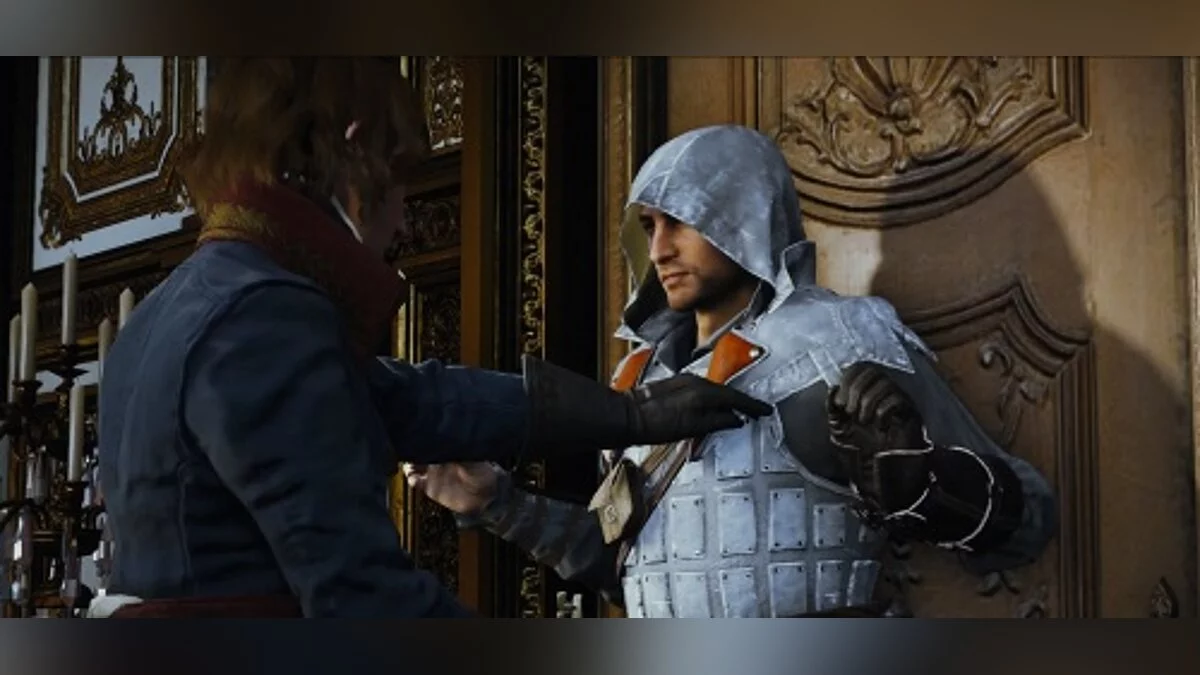
![Assassin's Creed: Unity — Cheat Engine Table [UPD: 06.06.2020] / Tables / Cheats](https://files.vgtimes.com/si/gameprev_43165_768_1726777889.webp "Assassin's Creed: Unity — Cheat Engine Table [UPD: 06.06.2020] / Tables / Cheats")
Assassin's Creed: Unity is a stealth action game with a third-person view in a historical setting. The game takes place in Paris in the 18th century. The developers... Read more
Cheat Engine Table [UPD: 06.06.2020]
![Assassin's Creed: Unity — Cheat Engine Table [UPD: 06.06.2020]](https://files.vgtimes.com/download/posts/2020-06/thumbs/1591446818_1591446709_63.webp)

-
1591445895_1591445895_acu_varia_v2.zipDownload (16.87 kB)
* Player Status: health, god mode (with full health restore), invisibility, eagle vision (with extended scan zone) // Health, invisibility, enhanced eagle vision
* Inventory Supplies: everything, including Sync points (also added 'Money Pouches') // Add all items
* Teleport & Coordinates... (improved procedure... icons can still be a hassle though) // Teleportation
* Free Roam (definitely read Readme) // Free Roaming
* Tools — Build Icon List... (creates a list of "system" icons, but primarily used for easy access to ViewPoints)
* Tools — Show Icons... (creates a list of all "inventory" icons (chests, artifacts, etc) + displays them on the map permanently)
Launch Process:
1. Start Cheat Engine, "Load" and select the table
2. "Select a process to open", choose the desired process.
3. Choose the desired option, check the box.
* Player Status: health, god mode (w/ full health restore), invisibility, eagle vision (w/ extended scan zone) // Здоровье, невидимость, ув. орлиного зрения
* Inventory Supplies: everything, incl Sync points (also added 'Money Pouches') // Добавить все Предметы
* Teleport & Coordinates... (improved procedure... icons can still be a pain though) // Телепорт
* Free Roam (definitely read Readme) // Свободные Поездки
* Tools — Build Icon List... (builds a list of "system" icons, but use it primarily to get easy access to ViewPoints)
* Tools — Show Icons... (builds a list of all "inventory" icons (chests, artifacts, etc) + have them shown on the map permanently)
Процесс запуска:
1. Запустить Cheat Engine, "Load" и выбрать таблицу
2. "Select a process to open", выбрать нужный процесс.
3. Выбрать нужную опцию, поставить крест.
Related files:
Useful links:

![Assassin's Creed: Unity — Save File (Synchronization 65%) [Uplay]](https://files.vgtimes.com/download/posts/2020-08/thumbs/1598687889_fcb9a6231ecad4a4_1200xh.webp)

![Assassin's Creed: Unity — Trainer (+3) from 05.02.2020 [WeMod]](https://files.vgtimes.com/download/posts/2020-02/thumbs/1580923353_2020-02-05_201928.webp)
![Assassin's Creed: Unity — Cheat Engine Table [UPD: 29.05.2023]](https://files.vgtimes.com/download/posts/2023-06/thumbs/tablica-dlja-cheat-engine-upd-29-05-2023_1687687812_718951.webp)
![Assassin's Creed: Unity — Trainer (+3) from 09.03.2021 [WeMod]](https://files.vgtimes.com/download/posts/2021-03/thumbs/1615307807_2021-03-09_193553.webp)
![Assassin's Creed: Unity — Game completed at 99% [Steam]](https://files.vgtimes.com/download/posts/2025-09/thumbs/igra-projjdena-na-99-steam_1756881852_376307.webp)
![Assassin's Creed: Unity — Save File (After Prison Escape, Full Map Unlocked, Lots of Money) [Uplay]](https://files.vgtimes.com/download/posts/2020-05/thumbs/1590682851_1590682754_53.webp)