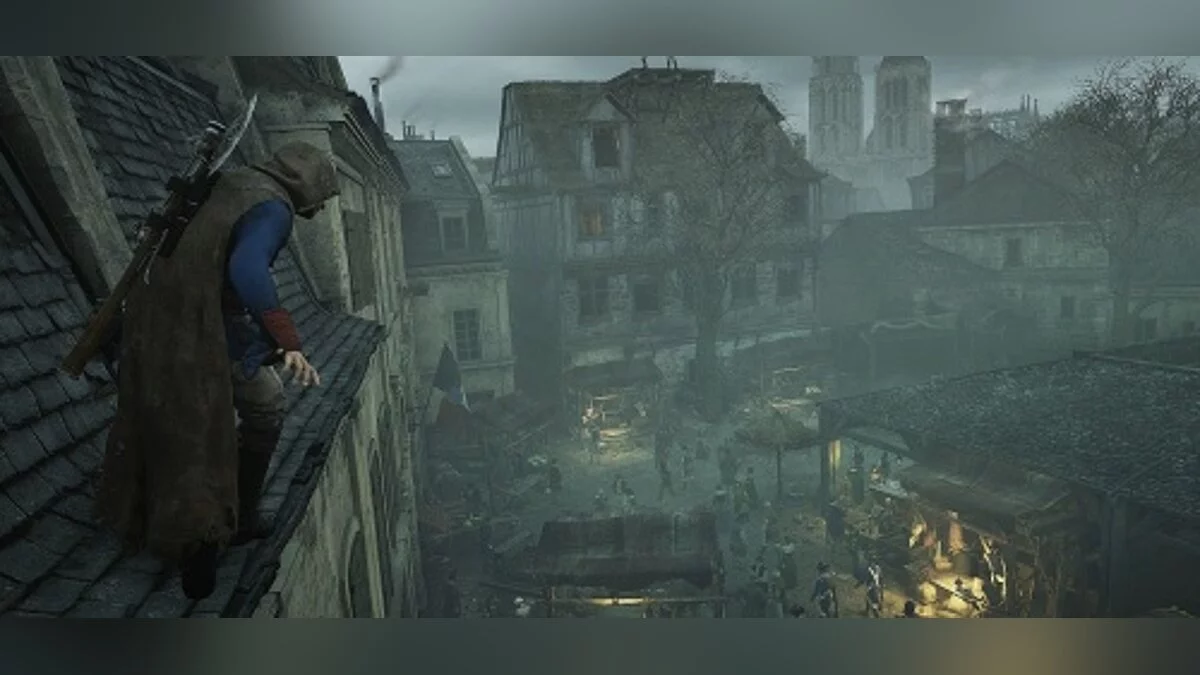
Assassin's Creed: Unity is a stealth action game with a third-person view in a historical setting. The game takes place in Paris in the 18th century. The developers... Read more
Players:
Steam:
Metacritic:
100% Game Completion

Author:
Perenus56
Uploaded by:

Size:
149.91 kB
Date:
August 24, 2026, 12:10 AM
Downloads:
65
-
Download (149.91 kB)August 24, 2026, 12:10 AMigra-projjdena-na-100_1787519433_108337.rar
This save file for Assassin's Creed Unity features nearly complete game progress. All major collectibles have been gathered, side quests completed, assassin clubs unlocked, and expansions finished.
Features:
- All chests collected;
- All artifacts collected;
- All cockades collected;
- All synchronization points collected;
- All viewpoints unlocked;
- Theater Cafe fully upgraded — 5/5;
- All assassin clubs unlocked;
- Assassin club missions completed;
- All Helix rifts completed;
- Paris stories completed;
- All Nostradamus puzzles completed;
- All investigations completed;
- Co-op missions and "Bait" completed;
- Balance — 1,000,000 livres;
- Credo points — 50,825;
- Expansion "Fallen Kings" completed;
- All Napoleon's bicorn hats collected;
- All viewpoints in the expansion unlocked;
- "Suger's Legacy" completed.
Installation:
- Download the ACSaveTool program;
- Download the archive with the save file;
- Run ACSaveTool as administrator;
- In the Game menu, select Assassin's Creed Unity;
- Click Open and select the unpacked save file;
- In the Decryption ID field, enable Detect for the program to automatically identify the save ID;
- In the Encryption ID field, enter your own Ubisoft profile ID;
- To find it, open the folder C:\Program Files (x86)\Ubisoft\Ubisoft Game Launcher\savegames;
- Locate the folder with the alphanumeric name — this is your profile ID;
- Click Convert and wait for the conversion to finish;
- Move the resulting file to C:\Program Files (x86)\Ubisoft\Ubisoft Game Launcher\savegames[Profile ID].
Important:
- Before launching the game, disable cloud synchronization in Ubisoft Connect or Steam, otherwise the cloud save may overwrite the installed file.
The file name and description have been translated Show original
(RU)Show translation
(EN)
Игра пройдена на 100%
Это сохранение для Assassin's Creed Unity с практически полностью завершённым игровым прогрессом. Собраны все основные коллекционные предметы, выполнены дополнительные задания, открыты клубы ассасинов и пройдены дополнения.
Особенности:
- Собраны все сундуки;
- Собраны все артефакты;
- Собраны все кокарды;
- Собраны все очки синхронизации;
- Открыты все точки обзора;
- Кафе «Театр» полностью улучшено — 5/5;
- Открыты все клубы ассасинов;
- Пройдены задания клубов ассасинов;
- Пройдены все разломы Helix;
- Пройдены Парижские истории;
- Пройдены загадки Нострадамуса;
- Пройдены все расследования;
- Пройдены совместные задания и «Наживка»;
- Баланс — 1 000 000 ливров;
- Очки Кредо — 50 825;
- Пройдено дополнение «Павшие Короли»;
- Собраны все двууголки Наполеона;
- Открыты все точки обзора в дополнении;
- Пройдено «Наследие Сугерия».
Установка:
- Скачать программу ACSaveTool;
- Скачать архив с сохранением;
- Запустить ACSaveTool от имени администратора;
- В меню Game выбрать Assassin's Creed Unity;
- Нажать Open и выбрать распакованный файл сохранения;
- В поле Decryption ID включить Detect, чтобы программа автоматически определила ID сохранения;
- В поле Encryption ID указать собственный ID профиля Ubisoft;
- Для его поиска открыть папку C:\Program Files (x86)\Ubisoft\Ubisoft Game Launcher\savegames;
- Найти папку с буквенно-цифровым названием — это ID профиля;
- Нажать Convert и дождаться завершения конвертации;
- Переместить полученный файл в C:\Program Files (x86)\Ubisoft\Ubisoft Game Launcher\savegames[ID профиля].
Важно:
- Перед запуском игры отключить облачную синхронизацию в Ubisoft Connect или Steam, иначе облачное сохранение может перезаписать установленный файл.
Useful links:
![Assassin's Creed: Unity — Trainer (+48) [1.5.0-1.5.1 / Steam, Ubisoft Connect]](https://files.vgtimes.com/download/posts/2026-04/thumbs/trejjner-48-1-5-0-1-5-1-steam-i-ubisoft_1776853374_833831.webp)
![Assassin's Creed: Unity — Game completed at 99% [Steam]](https://files.vgtimes.com/download/posts/2025-09/thumbs/igra-projjdena-na-99-steam_1756881852_376307.webp)
![Assassin's Creed: Unity — Cheat Engine Table [UPD: 06.06.2020]](https://files.vgtimes.com/download/posts/2020-06/thumbs/1591446818_1591446709_63.webp)
![Assassin's Creed: Unity — Trainer (+3) from 09.03.2021 [WeMod]](https://files.vgtimes.com/download/posts/2021-03/thumbs/1615307807_2021-03-09_193553.webp)
![Assassin's Creed: Unity — Save File (Game Completed 100%) [UPlay]](https://files.vgtimes.com/download/posts/2020-03/thumbs/1583525910_1583525826_974.webp)
![Assassin's Creed: Unity — Save File (After Prison Escape, Full Map Unlocked, Lots of Money) [Uplay]](https://files.vgtimes.com/download/posts/2020-05/thumbs/1590682851_1590682754_53.webp)