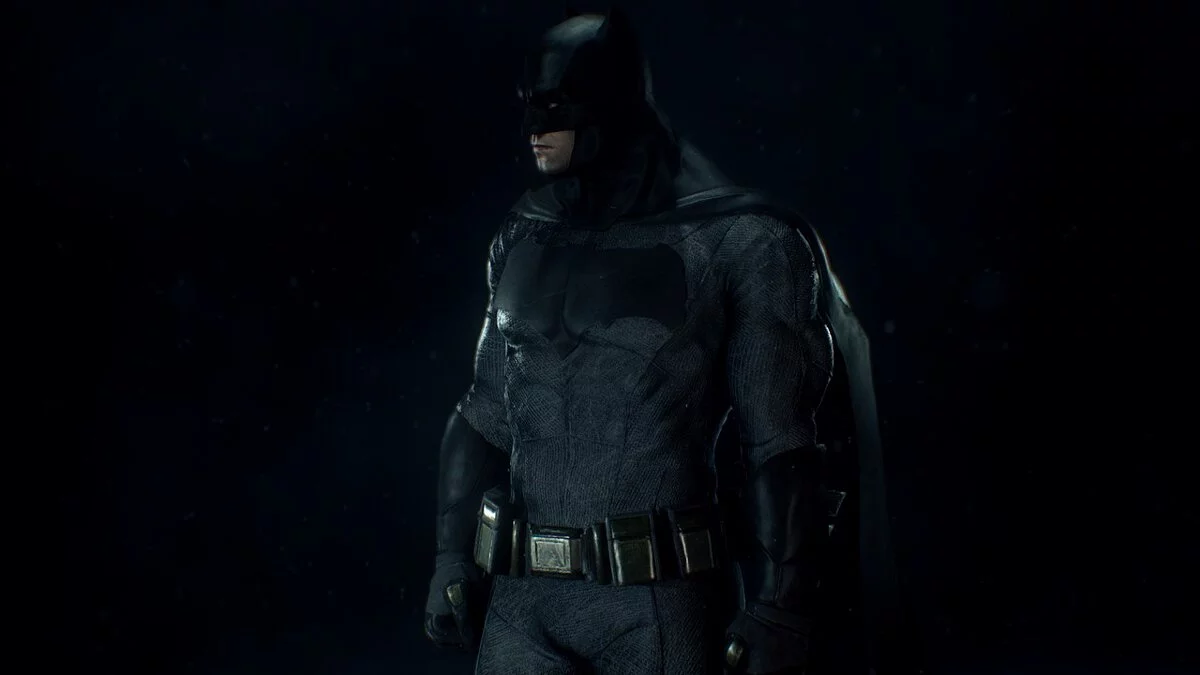
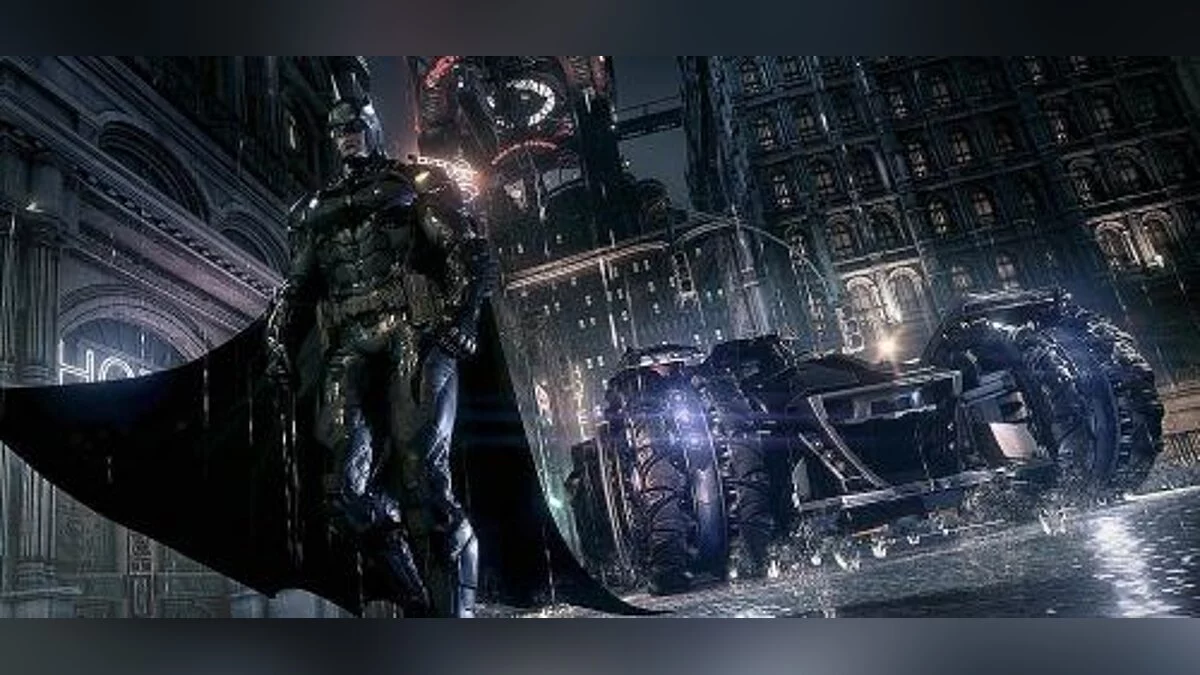
Batman: Arkham Knight is a stealth action adventure game with a third-person view. Nine months have passed since the events in Arkham City. The Joker is dead and... Read more
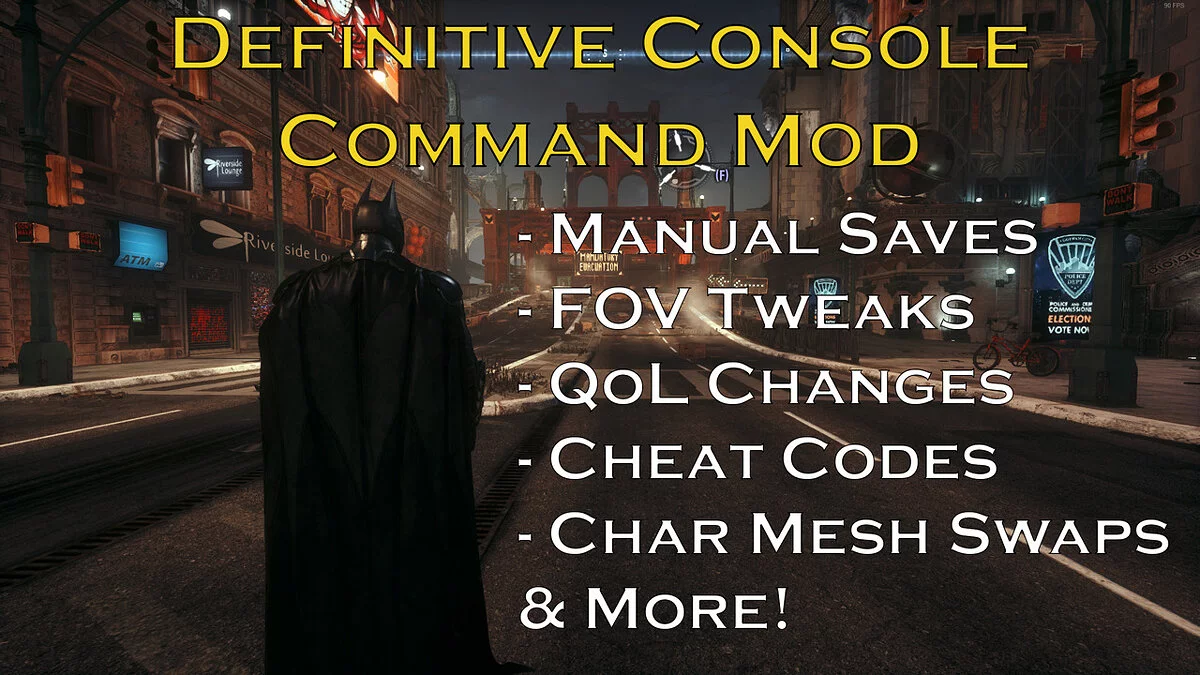
The Definitive Console Command Mod

-
www.nexusmods.comDownload
The Definitive Console Command Mod (Manual Save — FOV tweaks — Cheats and more).
This mod allows you to execute console commands in the game Batman: Arkham Knight to access some much-needed features, including various cheats for Batman and his Batmobile, as well as changing Batman's textures to other characters! You can also customize the mod by altering the key bindings and commands.
How to install the mod:
1. Download the mod, which is a zip file.
2. Extract the zip file using 7Zip, WinRAR, or the built-in tool in Windows 10. After extracting the contents of the zip file, you will see two folders: Binaries and BmGame.
3. Optional step: the mod files include an ini configuration file that will overwrite the existing configuration file in your game directory. If you wish, you can copy the file to the game directory (Path:/Batman Arkham Knight/BmGame/Config/BmInput.ini) and paste it into another directory on your PC to serve as a backup in case you want to restore the configuration file to its original state later.
4. Copy the Binaries and BmGame folders that you extracted from the mod's zip file and paste them into the root directory of your game. When prompted, choose to overwrite and replace the existing BmInput.ini file.
5. Path to the game's root directory for Steam: /steamapps/common/Batman Arkham Knight
6. Path to the game's root directory for Epic Games: /Batman Arkham Knight
7. Installation complete. When you launch the game and load a saved game, you will see a warning as shown below. This is expected since we modified the BmInput.ini configuration file, so just click OK. You will see this warning every time you load a saved file, but you don't need to worry about it causing any issues.
The Definitive Console Command Mod (Manual Save — FOV tweaks — Cheats and more).
Этот мод позволяет вам запускать консольные команды в игре Batman: Arkham Knight, чтобы получить некоторые столь необходимые функции, включая несколько читов для Бэтмена и его Бэтмобиля и смена текстур Бэтмена на других персонажей! Вы также можете настроить мод, изменив сочетания клавиш и команды.
Как установить мод:
1. Загрузите мод, который представляет собой zip-файл.
2. Распакуйте zip-файл с помощью 7Zip, WinRAR или встроенного инструмента в Windows 10. После извлечения содержимого zip-файла вы увидите две папки: Binaries и BmGame.
3. Необязательный шаг: файлы мода включают файл конфигурации ini, который перезапишет существующий файл конфигурации в каталоге вашей игры. Если вы хотите, вы можете скопировать файл в каталог с игрой (Путь:/Batman Arkham Knight/BmGame/Config/BmInput.ini) и вставить его в другой каталог на вашем ПК, чтобы он служил резервной копией на случай, если вы захотите позже восстановить файл конфигурации в исходное состояние.
4. Скопируйте каталоги Binaries и BmGame, которые вы извлекли из zip-файла мода, и вставьте их в корневой каталог вашей игры. При появлении запроса выберите перезапись и замену существующего файла BmInput.ini.
5. Путь к корневому каталогу игры для Steam: /steamapps/common/Batman Arkham Knight
6. Путь к корневому каталогу игры для Epic Games: /Batman Arkham Knight
7. Установка завершена. Когда вы запустите игру и загрузите сохраненную игру, вы увидите предупреждение, изображенное ниже. Это ожидается, так как мы изменили файл конфигурации BmInput.ini, поэтому просто нажмите OK. Вы будете видеть это предупреждение каждый раз, когда загружаете сохраненный файл, но вам не нужно беспокоиться о том, что это вызовет какие-либо проблемы.
Useful links:
![Batman: Arkham Knight — Trainer (+11) [1.0.4.5] [64 Bit] [Baracuda]](https://files.vgtimes.com/download/posts/2017-08/thumbs/1502307601_png.webp)
![Batman: Arkham Knight — Trainer (+17) [1.1] [LinGon]](https://files.vgtimes.com/download/posts/2017-08/thumbs/1502307649_png.webp)
![Batman: Arkham Knight — SaveGame (STAGE-BY-STAGE [220 checkpoints - Story, Sidequests] + walkthrough) [condemned123]](https://files.vgtimes.com/download/posts/2017-03/thumbs/1488625565_1488625541_145.webp)
![Batman: Arkham Knight — Trainer (+14) [1.0 ~ Update 24.11.2015] [FLiNG]](https://files.vgtimes.com/download/posts/2017-08/thumbs/1502544968_1502544953_76.webp)
![Batman: Arkham Knight — Trainer (+17) [Update 31.12.2015] [LinGon]](https://files.vgtimes.com/download/posts/2017-08/thumbs/1502307501_jpg.webp)