
Battlefield 6 is a multiplayer first-person shooter and the thirteenth game in the main series. The developers have returned to the formula fans love, with four... Read more
VGTimes:
Players:
Steam:
Metacritic:

Optimization
Author:
ImGuts
Uploaded by:

Size:
957 байт
Date:
November 2, 2025, 06:25 AM
Downloads:
55
-
Download (957 байт)November 2, 2025, 06:25 AMoptimizacija_1762053952_703364.zip
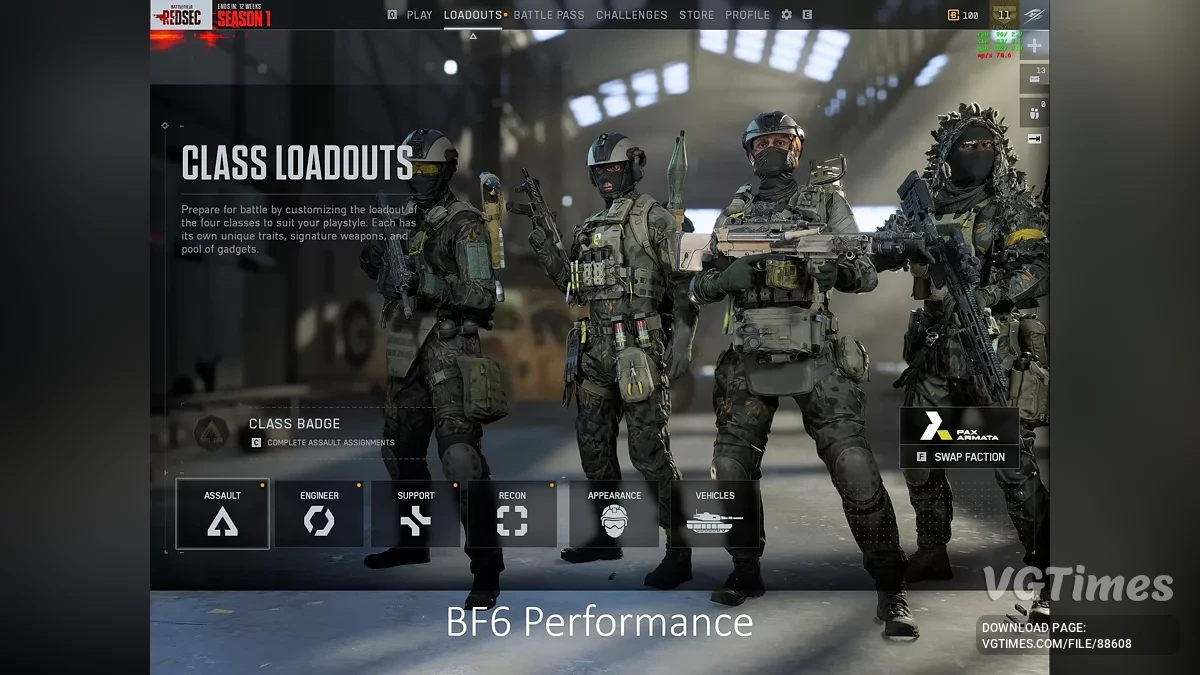
Optimizes CPU usage, disables Depth of Field/Motion Blur, disables Vsync. Improved in-game FPS overlay added.
Update v1.1
- Additional options such as HDR, triple buffering, etc. have been added;
- More detailed descriptions and sorting for convenience.
How to use:
- Extract the User.config file into your Battlefield 6 game folder. Example for Steam: C:\Program Files\Steam\steamapps\common\Battlefield 6;
- Edit the first and second lines to match the number of physical CPU cores, and the third line to match your CPU's thread count. You can find this information in Task Manager under the "Performance" tab (CPU) or by searching for your CPU model online.
Useful links:

![Battlefield 6 — Trainer (+2) [RUNE]](https://files.vgtimes.com/download/posts/2025-12/thumbs/trejjner-2-rune_1766820553_844667.webp)
![Battlefield 6 — Trainer (+6) [1.0.387.51411]](https://files.vgtimes.com/download/posts/2025-12/thumbs/trejjner-6-1-0-387-51411_1764852982_559592.webp)
![Battlefield 6 — Table for Cheat Engine [1.0.394.13260]](https://files.vgtimes.com/download/posts/2025-11/thumbs/tablica-dlja-cheat-engine-1-0-394-13260_1764013171_818202.webp)