A car sandbox built around detailed physics of destruction and vehicle behavior. Every collision, turn, and acceleration is calculated in real-time... Read more
Modular Construction Crane v1.0 (0.40.x)


- 🤖 Working with an AI agent? Press the 🤖 button and give the agent the link: it will install the mod into your game itself
-
Auto-installNo waiting Download39.07 MB 🤖November 27, 2026, 09:22 PMmodular-construction-crane-v1-0-0-40-x_1795803727_849413.zip
This mod adds a tower crane to BeamNG.drive that can be assembled from separate components or spawned fully assembled. It is controlled from the operator's cab using interactive switches and displays.
Specifications:
- Standard height — 36 m, adjustable up to approximately 120 m;
- Boom length — 40 m;
- Hook-equipped trolley;
- 360° tower rotation;
- All components can be transported on a European semi-trailer or an American flatbed.
Features:Assembly and construction:
- 15 separate structural elements: base cross (freestanding or anchored), mast section, climbing frame, slewing mechanism with cab, tower head, counter-jib, ballast, jib sections, tie rods, and chain sling;
- Parts automatically lock into place when installed on the corresponding components;
- A glowing holographic guide indicates where to install a part;
- Precisely position components using Shift+J;
- Assemble and disassemble the crane using Shift+M;
- Raise and lower the mast using Shift+N and Shift+B.
Cab and control systems:
- Interactive switches, buttons, and displays;
- A monitor displaying the feed from a camera mounted on the hook;
- An information display showing cargo weight, boom reach, and load moment;
- Opening door and cab lighting;
- Horn and emergency stop;
- Free-slewing tower mode (weathervaning).
Automation and safety:
- Point Pilot — save hook positions and automatically move to set points;
- Route Pilot — record a route and play it back later;
- Load-sway damping system;
- Vertical positioning function and precision mode;
- Load moment limiter with an audible warning;
- Set the maximum height for raising and lowering the hook.
Securing loads:
- Secure loads with tie-down straps using Shift+L;
- Four-leg chain sling that automatically attaches to parts using Shift+H.
Controls:
- U / O — rotate the crane;
- T / G — move the trolley;
- Y / H — raise and lower the hook;
- Numpad 7 — release the load;
- F6 — grab a load with the hook;
- K — detach a part;
- Shift+J — install a part;
- Shift+K — toggle the hologram;
- Shift+M — assemble and disassemble the crane;
- Shift+N / Shift+B — add and remove mast sections;
- Shift+L — use tie-down straps;
- Shift+H — use the chain sling.
- All keys can be remapped in Settings → Controls.
Note:
- This mod is demanding on computer resources due to the large number of moving parts.
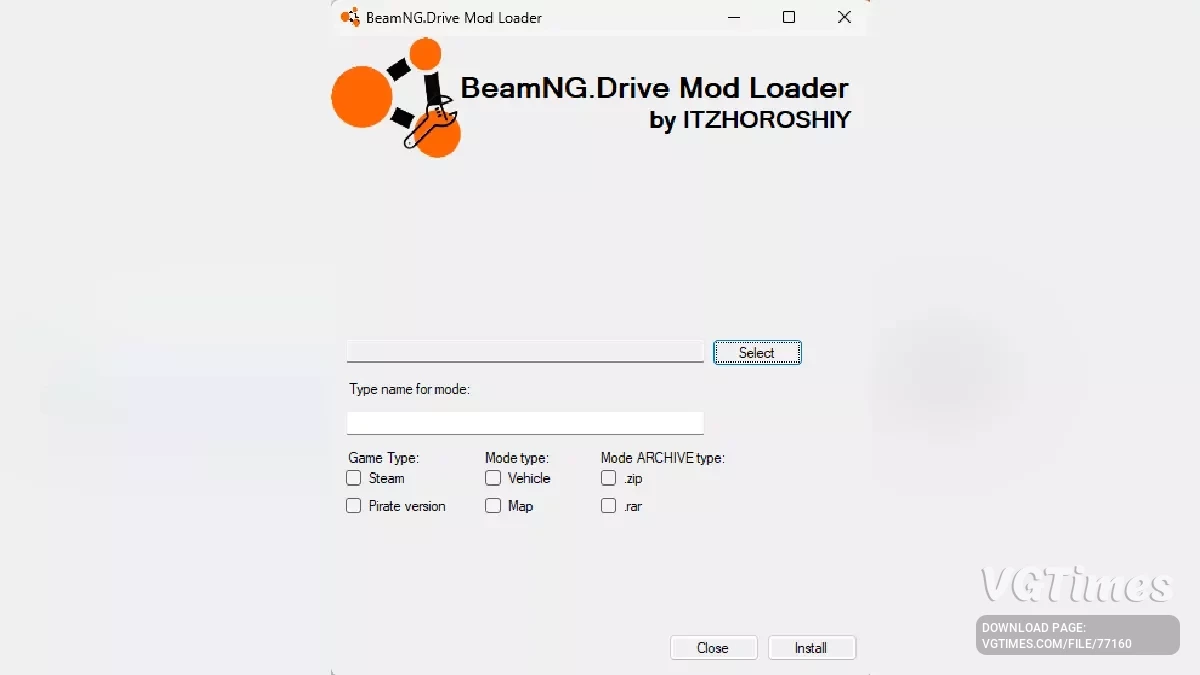
Installation:
- Download the mod archive;
- Move the archive to: C:\Users\UserNAME\Documents\BeamNG.drive\mods.
Данный мод добавляет в BeamNG.drive башенный кран, который можно собрать из отдельных компонентов или создать в готовом виде. Управление осуществляется из рабочей кабины с помощью интерактивных переключателей и дисплеев.
Технические характеристики:
- Высота в стандартной комплектации — 36 м, с возможностью увеличения примерно до 120 м;
- Длина стрелы — 40 м;
- Грузовая тележка с крюком;
- Вращение башни на 360°;
- Все компоненты можно перевозить на европейском полуприцепе или американской платформе.
Особенности:Сборка и конструкция:
- 15 отдельных элементов конструкции: крестовина основания (свободностоящая или анкерная), секция мачты, монтажная обойма, поворотный механизм с кабиной, оголовок башни, контрстрела, балласт, секции стрелы, расчалки и цепной строп;
- Автоматическая фиксация деталей при установке на соответствующие элементы;
- Светящаяся голограмма-подсказка, показывающая место установки детали;
- Точное размещение компонентов с помощью комбинации Shift+J;
- Сборка и разборка крана с помощью Shift+M;
- Увеличение и уменьшение высоты мачты с помощью Shift+N и Shift+B.
Кабина и системы управления:
- Интерактивные переключатели, кнопки и дисплеи;
- Монитор с изображением с камеры, установленной на крюке;
- Информационный дисплей с отображением веса груза, вылета стрелы и грузового момента;
- Открывающаяся дверь и освещение кабины;
- Звуковой сигнал и аварийная остановка;
- Режим свободного вращения башни (флюгирование).
Автоматизация и безопасность:
- Point Pilot — сохранение положений крюка и автоматическое перемещение в заданные точки;
- Route Pilot — запись маршрута и его последующее воспроизведение;
- Система гашения раскачивания груза;
- Функция вертикального позиционирования и режим точного наведения;
- Ограничитель грузового момента со звуковым сигналом;
- Настройка предельной высоты подъёма и опускания крюка.
Крепление грузов:
- Возможность фиксации грузов стяжными ремнями с помощью Shift+L;
- Четырёхветвевой цепной строп, автоматически закрепляемый на деталях с помощью Shift+H.
Управление:
- U / O — поворот крана;
- T / G — перемещение грузовой тележки;
- Y / H — подъём и опускание крюка;
- Numpad 7 — отцепление груза;
- F6 — захват груза крюком;
- K — отсоединение детали;
- Shift+J — установка детали;
- Shift+K — включение или отключение голограммы;
- Shift+M — сборка и разборка крана;
- Shift+N / Shift+B — наращивание и демонтаж секций мачты;
- Shift+L — использование стяжных ремней;
- Shift+H — использование цепного стропа.
- Все клавиши можно переназначить в меню «Настройки» → «Управление».
Примечание:
- Мод требователен к ресурсам компьютера из-за большого количества движущихся элементов.
Установка:
- Скачать архив с модом;
- Переместить архив в папку: C:\Users\UserNAME\Documents\BeamNG.drive\mods.
Useful links: