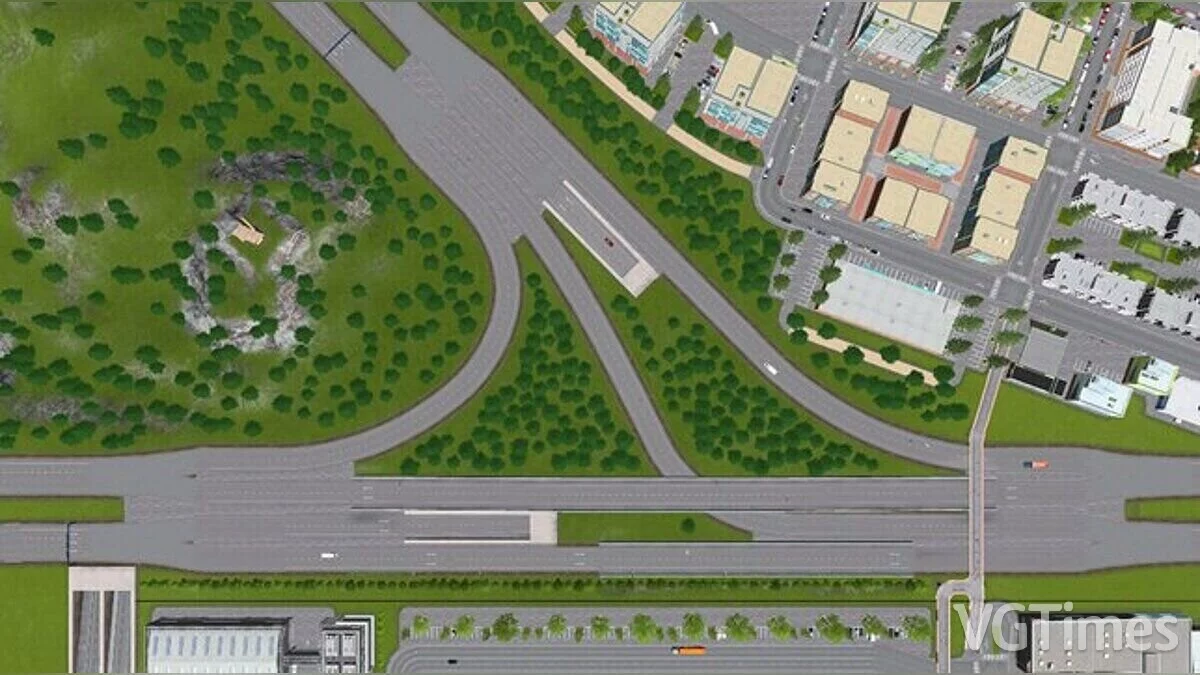
Cities: Skylines is a city planning simulator with a developed management system and metropolitan management. As mayor, you'll have to take care of education... Read more
Change the Appearance of Roads

-
1588076116_network_skins_2_sunset_harbor_compatible_.zipDownload (1.98 MB)
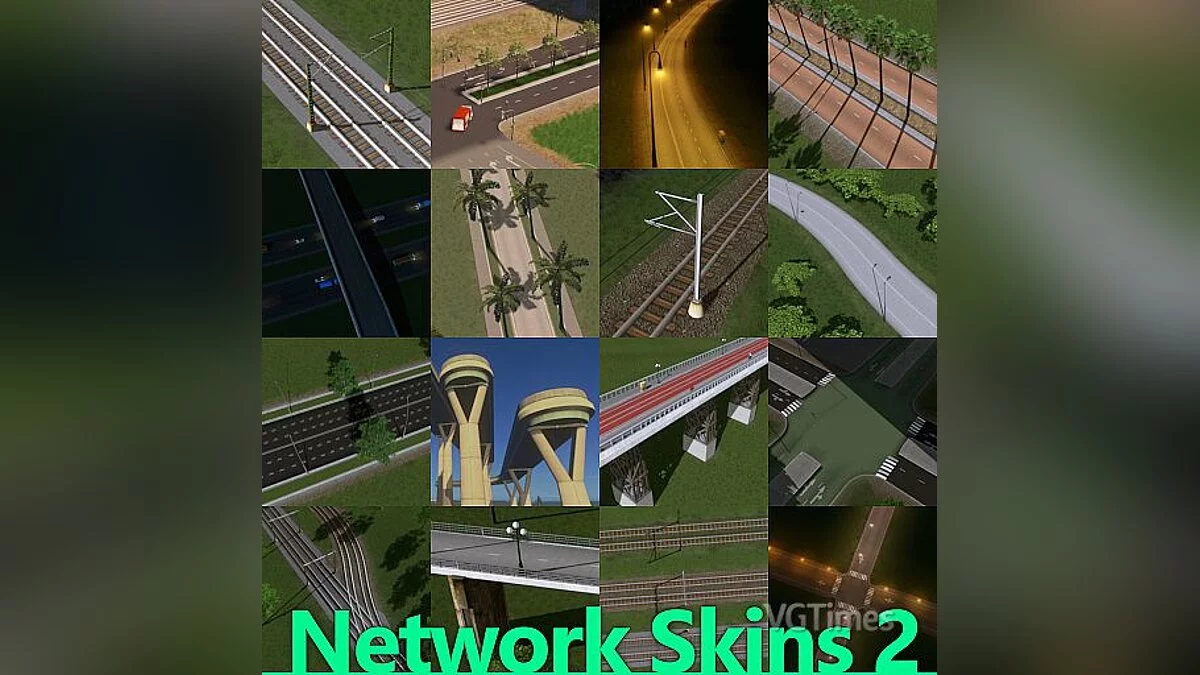
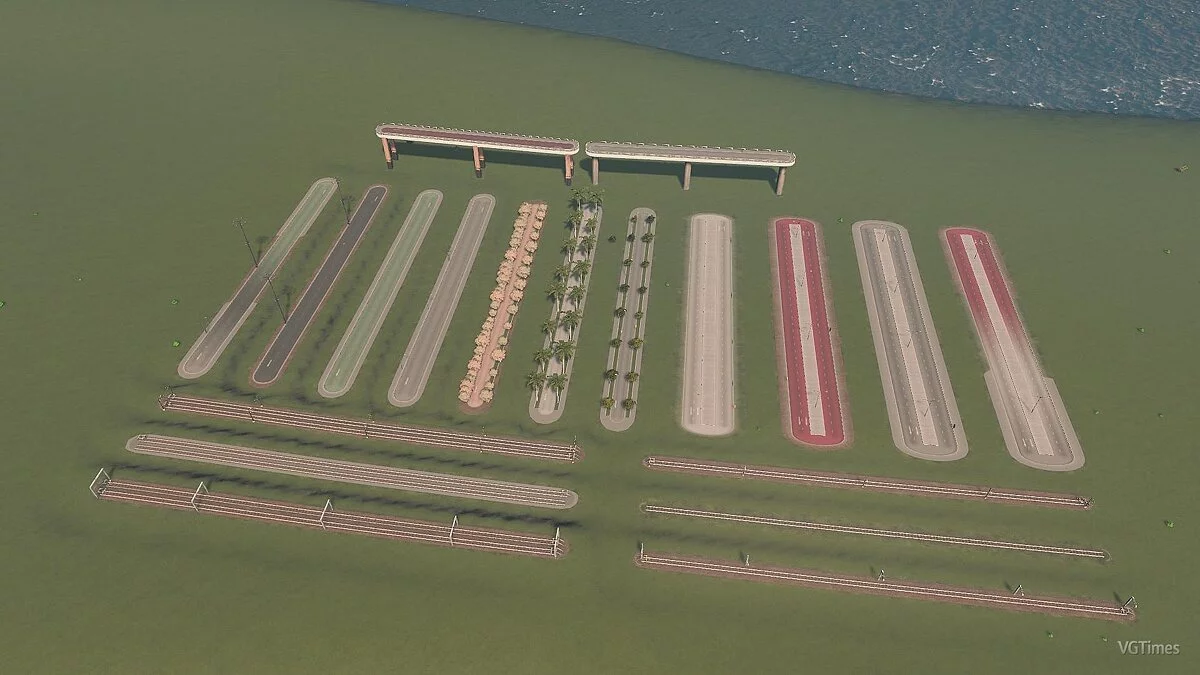
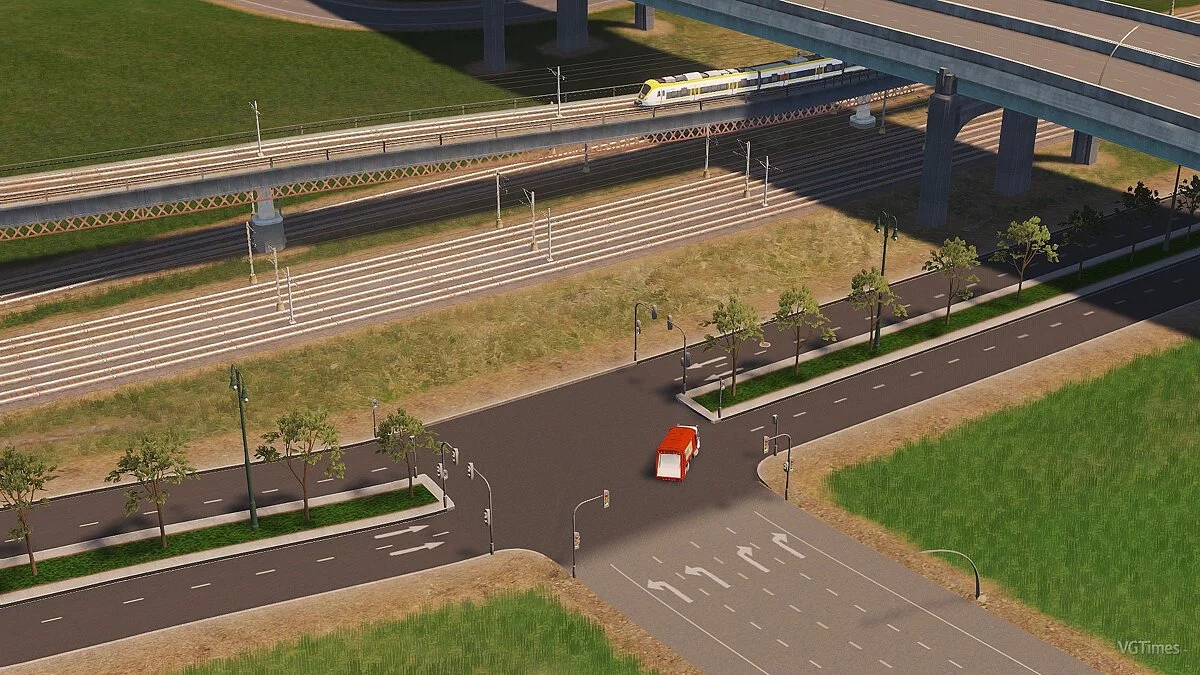
Alter the appearance of roads, railways, and pedestrian paths on segments.
This is an enhanced version of the well-known mod Network Skins, developed by TPB and boformer.
Disable any other Network Skins mod before starting to use this version!!!
Features
Improved performance
Super nice graphical interface created by TPB, with previews and toggle buttons!
Favorites, blacklist, and a 'Reset Network' button
Eyedropper tool: click on a network segment to place it again (select it in the interface, apply the skin)
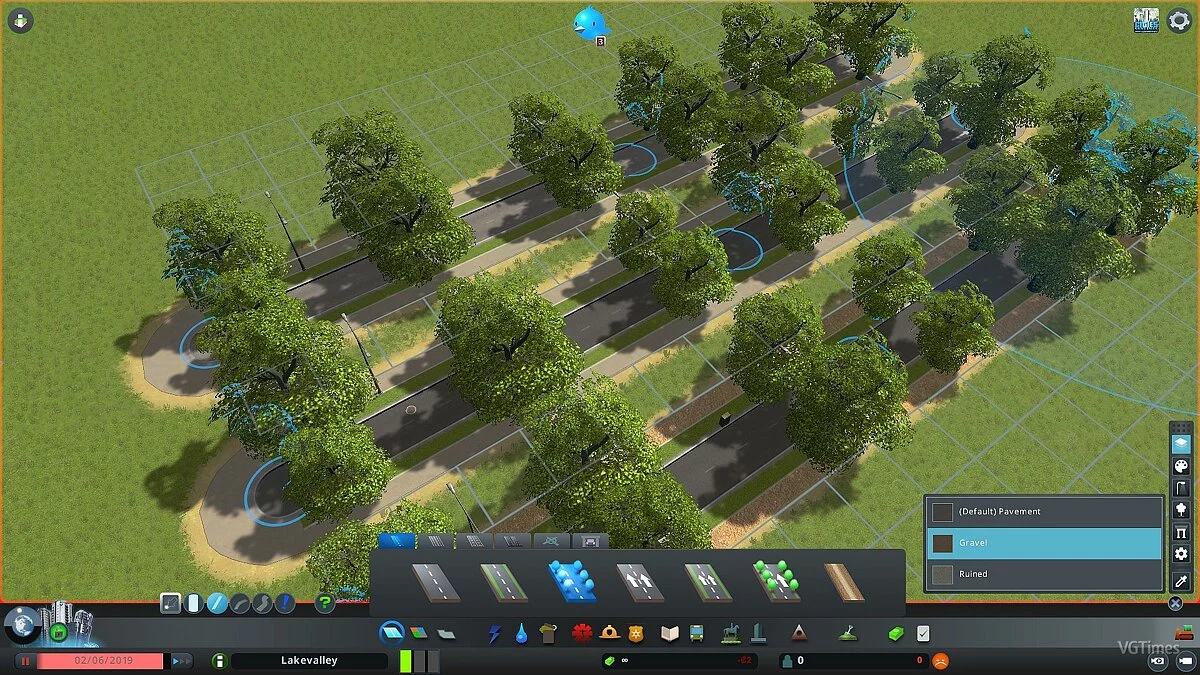
Change the material of sidewalks or pedestrian paths (concrete, gravel, or broken)
Change the color of individual road sections
Swap roadside trees (only on one side or both sides) and adjust the repeat distance
Change streetlights and adjust the repeat distance. Also supports custom streetlights! The light color of each streetlight is displayed in the selection list.
Change the poles of overhead networks and bridges (now with better support for 81 tiles)
Change railway track chains or completely remove overhead wires (on the segment!). R69 railway tracks with custom contact chains are also fully supported!
If you also have the 'Hide Crossings' mod installed: Hide pedestrian crossings and stop lines of the road segment (thanks kian.zarrin)
Switch between concrete and gravel railway tracks!
Change the contact networks of tram tracks or remove wires
Full support for the map editor
Installation:
To install the mod for Transport Fever 2, you need to copy the folder from the downloaded archive to the path Path to installed game\Transport Fever 2\mods and enable the mod in the menu.
Измените внешний вид дорог, железнодорожных путей и пешеходных дорожек на сегмент.
Это улучшенная версия известного мода Network Skins, разработанного TPB и boformer.
Отключите другой мод Network Skins, прежде чем начать использовать эту версию !!!
особенности
Улучшенная производительность
Супер приятный графический интерфейс, созданный TPB, с превью и кнопками переключения!
Избранное, черный список и кнопка «Сбросить сеть»
Инструмент пипетки: нажмите на сегмент сети, чтобы разместить его снова (выберите его в пользовательском интерфейсе, примените скин)
Измените материал тротуара или пешеходной дорожки (бетон, гравий или разрушенный)
Изменить цвет отдельных участков дороги
Поменяйте придорожные деревья (только с одной стороны или сразу с обеих сторон) и измените расстояние повтора
Измените уличные фонари и измените расстояние повтора. Также поддерживает пользовательские уличные фонари! Светлый цвет каждого уличного фонаря отображается в списке выбора.
Поменять столбы надземных сетей и мостов (теперь с лучшей поддержкой 81 тайла)
Измените цепочки железнодорожных путей или полностью удалите воздушные провода (на сегмент!). Железнодорожные пути R69 с пользовательскими контактными цепями также полностью поддерживаются!
Если у вас также установлен мод "Hide Crossings": Скрыть пешеходные переходы и остановить линии отрезка дороги (спасибо kian.zarrin)
Swich между бетонных и гравийных железнодорожных путей!
Поменяйте контактные сети трамвайных путей или удалите провода
Полная поддержка редактора карт
Установка:
Для того, чтобы установить мод для игры Transport Fever 2 необходимо скопировать папку из скачанного архива по пути Путь к установленно игре\Transport Fever 2\mods и включить мод в меню.
Useful links:
![Cities: Skylines — Trainer (+5) from 12.16.2022 [WeMod]](https://files.vgtimes.com/download/posts/2022-12/thumbs/1671270076_2022-12-17_123919.webp)
![Cities: Skylines — Trainer (+1: Money) [1.0.6b] [iNvIcTUs oRCuS / HoG]](https://files.vgtimes.com/download/posts/2017-05/thumbs/1495564032_1495564004_395.webp)
![Cities: Skylines — Trainer (+2) [1.1] [Ziqunca]](https://files.vgtimes.com/download/posts/2017-05/thumbs/1495564029_1495563979_652.webp)
![Cities: Skylines — Cheat Engine Table [UPD: 27.03.2023]](https://files.vgtimes.com/download/posts/2023-03/thumbs/tablica-dlja-cheat-engine-upd-27-03-2023_1680005750_800407.webp)
![Cities: Skylines — Trainer (+1: Money) [All Versions] [XiaoXing]](https://files.vgtimes.com/download/posts/2017-05/thumbs/1495564133_1495564042_36.webp)
![Cities: Skylines — Trainer (+1: Money) [1.2.0] [MrAntiFun]](https://files.vgtimes.com/download/posts/2017-05/thumbs/1495561766_tnr3k4jr.webp)