

Atmospheric role -playing game with an unusual setting and dynamic step -by -step battles. In the center of the plot is a mysterious artist whose... Read more
VGTimes:
Players:
Steam:
Metacritic:

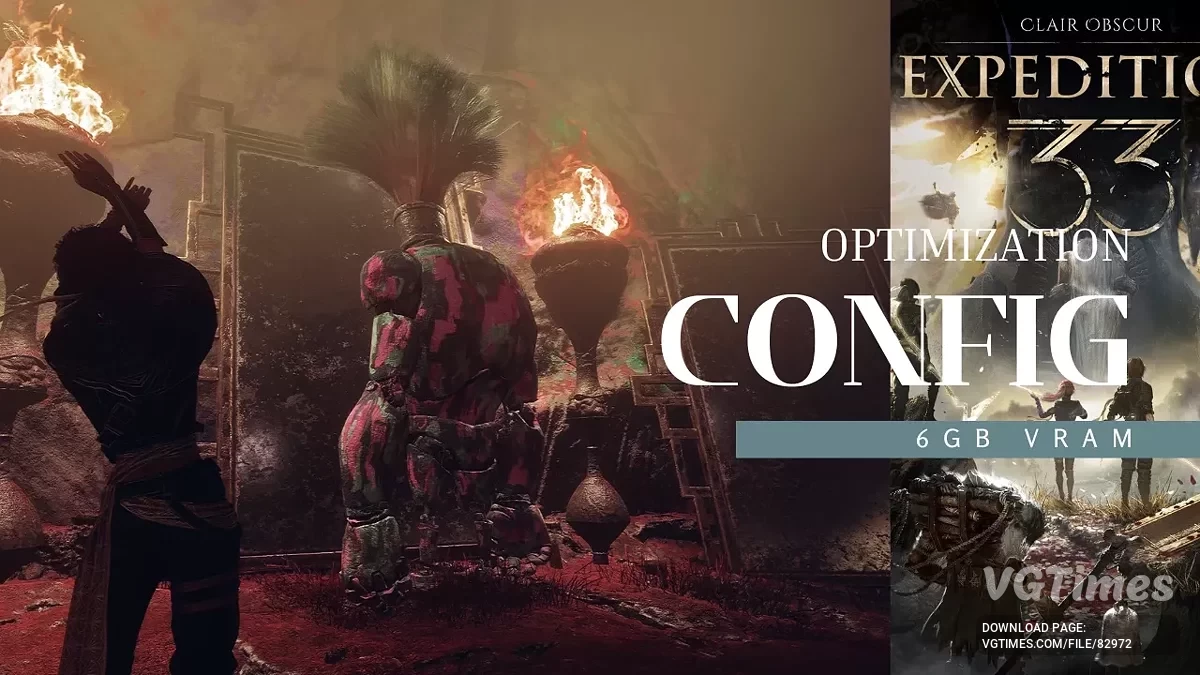
Config optimization 6 GB VRAM
Author:
axbhub
Uploaded by:

Size:
746 байт
Date:
April 30, 2025, 01:40 PM
Downloads:
89
-
Download (746 байт)April 30, 2025, 01:40 PMoptimizacija-dlja-videokart-na-6-gb_1746009614_793061.7z
This mod enhances visual quality in games while keeping performance smooth and stable — tuned for 6GB VRAM graphics cards. It boosts lighting, reflections, texture detail, and draw distances without breaking CGI cutscenes or causing memory overload.
1. Enhanced Lighting & Reflections
- Lumen Reflections active for realistic reflections;
- Improved Screen Space Reflections (SSR) quality;
- Volumetric Fog active for deeper and more atmospheric environments.
2. Sharpened Visuals
- Sharper image with minimal grain and no color fringe;
- Improved color grading through higher Tonemapper quality.
3. High-Quality World Details
- Higher mesh and Level of Detail (LOD) quality;
- Increased foliage density and longer visible distances.
4. Preserved Cutscene Quality
- Motion Blur disabled for sharper cutscenes and gameplay;
- Depth of Field quality lightly adjusted to maintain cinematic focus without interfering with videos.
5. Optimized for Performance and Stability
- VRAM usage balanced to around 70% of available memory, ideal for 6GB graphics cards;
- Shader caching enabled to reduce shader compilation stutter;
- Improved streaming system with faster texture loading and fewer hitches.
6. Safe Multithreading Setup
- Parallel rendering features disabled to avoid graphical bugs and issues in CGI cutscenes.
How to launch:
- Copy the provided ini settings into your game's config folder at AppData\Local\Sandfall\Saved\Config\Windows;
- When prompted, confirm the overwrite. Only one optimization file should be active at a time;
- Be sure to right-click the new file, go to Properties, set it to "Read-Only," and click "Apply" before launching the game.
Useful links:

![Clair Obscur: Expedition 33 — Save file [Game Pass License]](https://files.vgtimes.com/download/posts/2025-09/thumbs/clair-obscur-expedition-33-sokhranenie_1758237487_593528.webp)

![Clair Obscur: Expedition 33 — Trainer (+33) [1.0 - UPD: 01.05.2025]](https://files.vgtimes.com/download/posts/2025-05/thumbs/trejjner-33-1-0-upd-01-05-2025_1746173347_219268.webp)


![Clair Obscur: Expedition 33 — Table for Cheat Engine [UPD: 26.04.2025]](https://files.vgtimes.com/download/posts/2025-04/thumbs/tablica-dlja-cheat-engine-upd-26-04-2025_1745747341_314579.webp)