Atmospheric role -playing game with an unusual setting and dynamic step -by -step battles. In the center of the plot is a mysterious artist whose... Read more
VGTimes:
Players:
Steam:
Metacritic:

Stutter, FPS, and latency fix


Author:
Hybred
Uploaded by:

Size:
128.59 kB
Date:
May 14, 2025, 01:46 PM
Downloads:
211
-
Download (128.59 kB)May 14, 2025, 01:46 PMispravlenie-frizov-fps-i-zaderzhki_1747219572_552118.zip
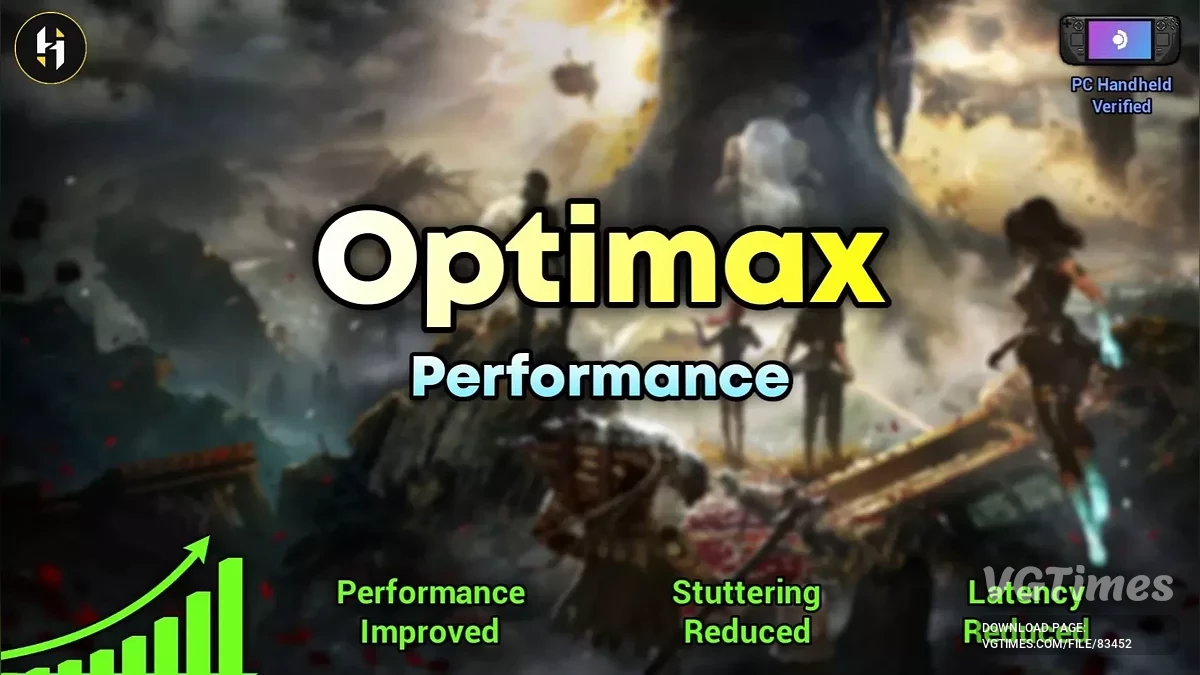
Improves performance. Increases FPS. Reduces input latency. Reduces stuttering. Reduces visual artifacts and ghosting. Improves the quality of all upscaling/anti-aliasing methods.
Performance boost:
- Ultra Quality: 6%;
- High Quality: 8.2%;
- Quality: 10.6%;
- Balanced: 21.2%;
- Performance: 23.5%;
- Extra Performance: 41.2%;
- Ultra Performance: 59%;
- Low Spec Gaming: 81%.
VRAM recommendations:
- 10GB+: Ultra/Epic;
- 8GB: High;
- 6GB: Medium;
- 4GB: Low.
Users on APUs (PC handhelds) are not recommended to set texture quality above medium regardless of VRAM, as higher anisotropic filtering values lower FPS.
How to install:
- Download the mod and unzip it, then select the preset you want;
- Put the ini files from your selected preset into the game's ini folder and overwrite if prompted (if you added other commands from different mods, you'll need to add them manually — copy and paste the commands);
- Make sure the mod files are set to read-only, then launch the game.
ini file location:
- C:\Users\username\AppData\Local\Sandfall\Saved\Config\Windows;
- C:\Users\username\AppData\Local\Sandfall\Saved\Config\WinGDK.
Useful links:

![Clair Obscur: Expedition 33 — Trainer (+33) [1.0]](https://files.vgtimes.com/download/posts/2025-04/thumbs/trejjner-33-1-0_1745832362_743115.webp)



![Clair Obscur: Expedition 33 — Save file [Game Pass License]](https://files.vgtimes.com/download/posts/2025-09/thumbs/clair-obscur-expedition-33-sokhranenie_1758237487_593528.webp)