Control is a fantastic third-person action game from the creators of Max Payne, Quantum Break and Alan Wake. You will go to a very mysterious and unusual universe... Read more
Interface Toggle
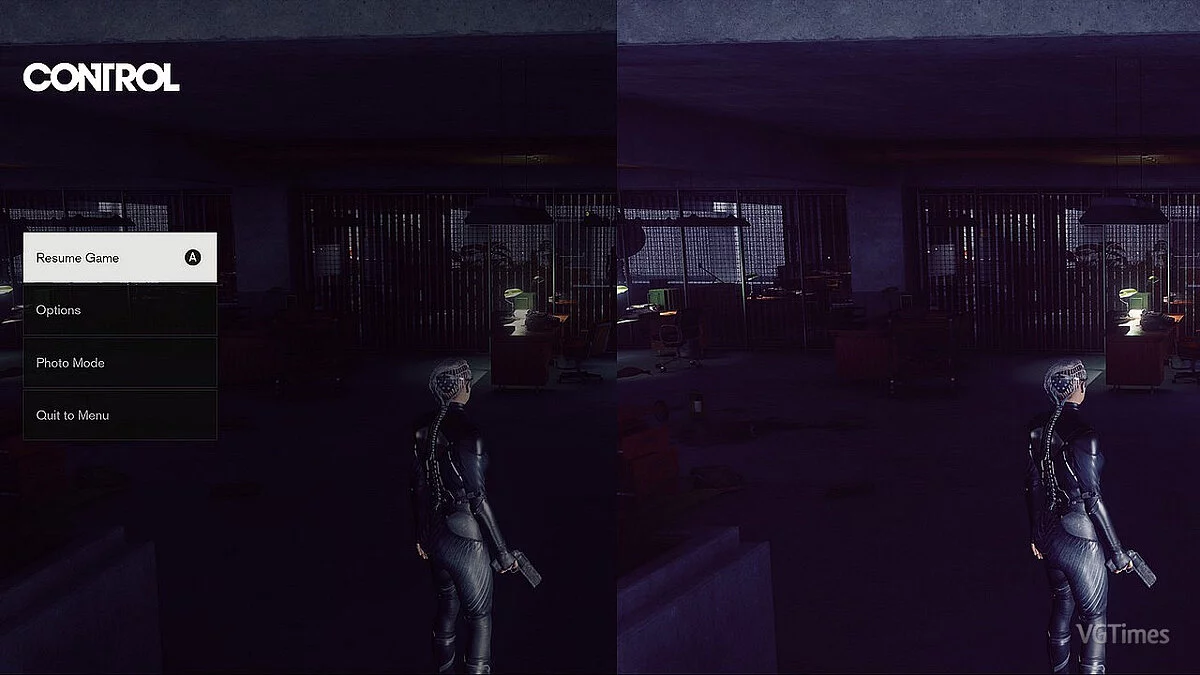
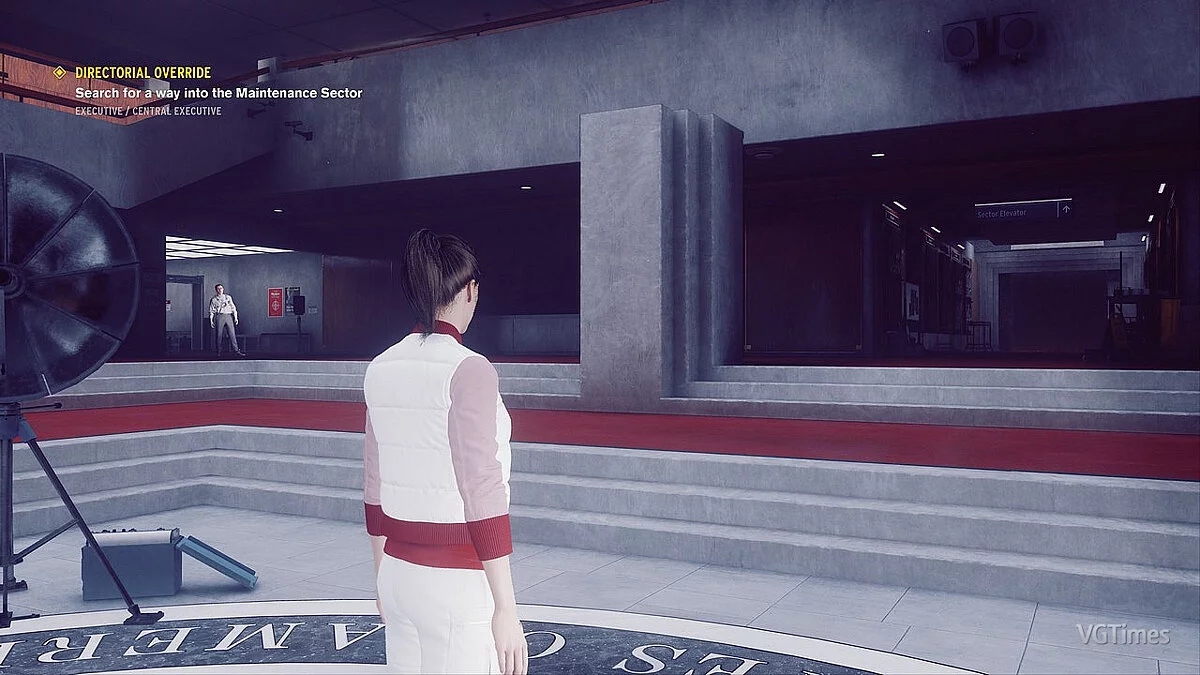
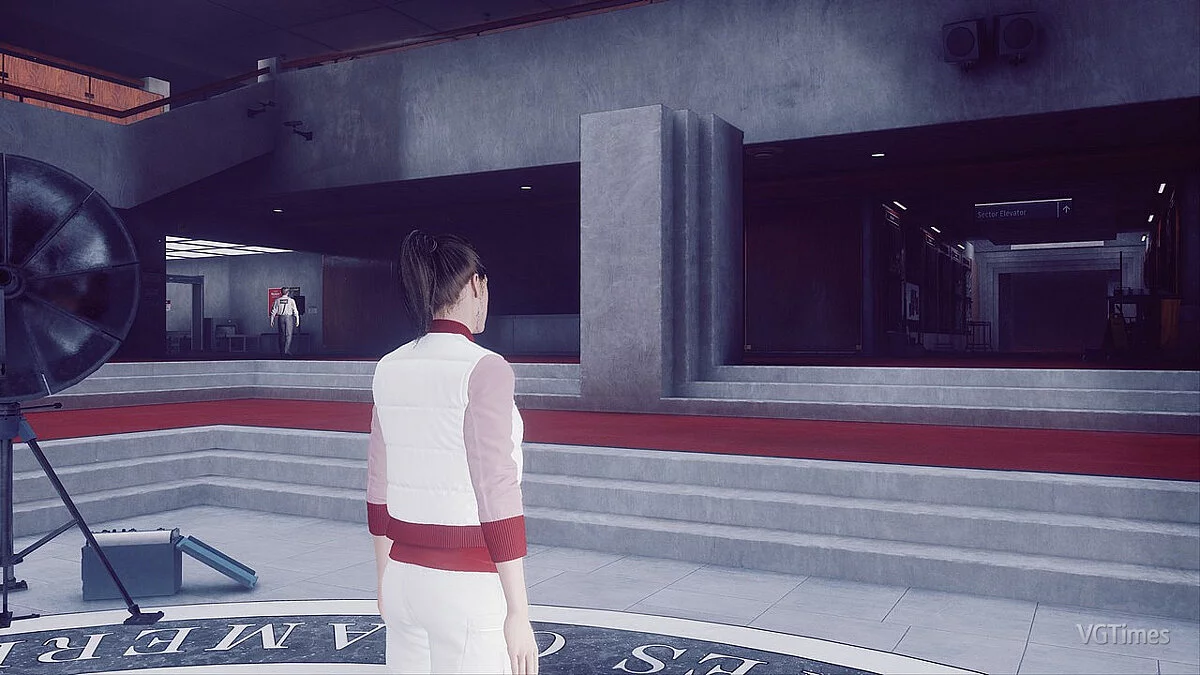

-
www.nexusmods.comDownload
HUD Toggle (ReShade).
Simple HUD toggle using ReShade.
Installation:
1) Install ReShade 5.2.2 or higher if you haven't done so already
2) Place ShaderToggler.addon from Github and ShaderToggler.ini from the downloaded file in the same folder as your Reshade 5.2.2 (usually where your Control.exe file is located)
3) Launch the game and use CAPS LOCK to toggle the HUD (to change to another hotkey, go to the 'Add-ons' tab and select 'Edit' in the ShaderToggler section to choose a new hotkey)
HUD Toggle (ReShade).
Простое переключение HUD с помощью ReShade.
Установка:
1) Установите ReShade 5.2.2 или выше, если у вас его еще нет
2) Поместите ShaderToggler.addon с Github и ShaderToggler.ini из загружаемого файла в той же папке, где находится ваш Reshade 5.2.2 (обычно там, где находится ваш файл Control.exe)
3) Загрузите игру и используйте CAPS LOCK для переключения HUD (на измените на другую горячую клавишу, перейдите на вкладку «Дополнения» и выберите «Изменить» в разделе ShaderToggler, чтобы выбрать новую горячую клавишу)
Useful links:
![Control — Trainer (+5) [UPD: 29.08.2019]](https://files.vgtimes.com/download/posts/2019-08/thumbs/1567081519_mug3hympmbb9vlwp94xeng.webp)
![Control — Trainer (+8) dated 27.04.2021 [WeMod]](https://files.vgtimes.com/download/posts/2021-04/thumbs/1619608349_2021-04-28_141121.webp)
![Control — Cheat Engine Table [0.0.344.1879/DX12]](https://files.vgtimes.com/download/posts/2022-01/thumbs/1641546065_bdc4bdd4-924b-44b3-ba90-7b9dc6b290bf.webp)
![Control — Trainer (+8) from 09.01.2020 [WeMod]](https://files.vgtimes.com/download/posts/2020-09/thumbs/1599052463_2020-09-02_161225.webp)