
Control is a fantastic third-person action game from the creators of Max Payne, Quantum Break and Alan Wake. You will go to a very mysterious and unusual universe... Read more
The Beginning of the End — ReShade Preset
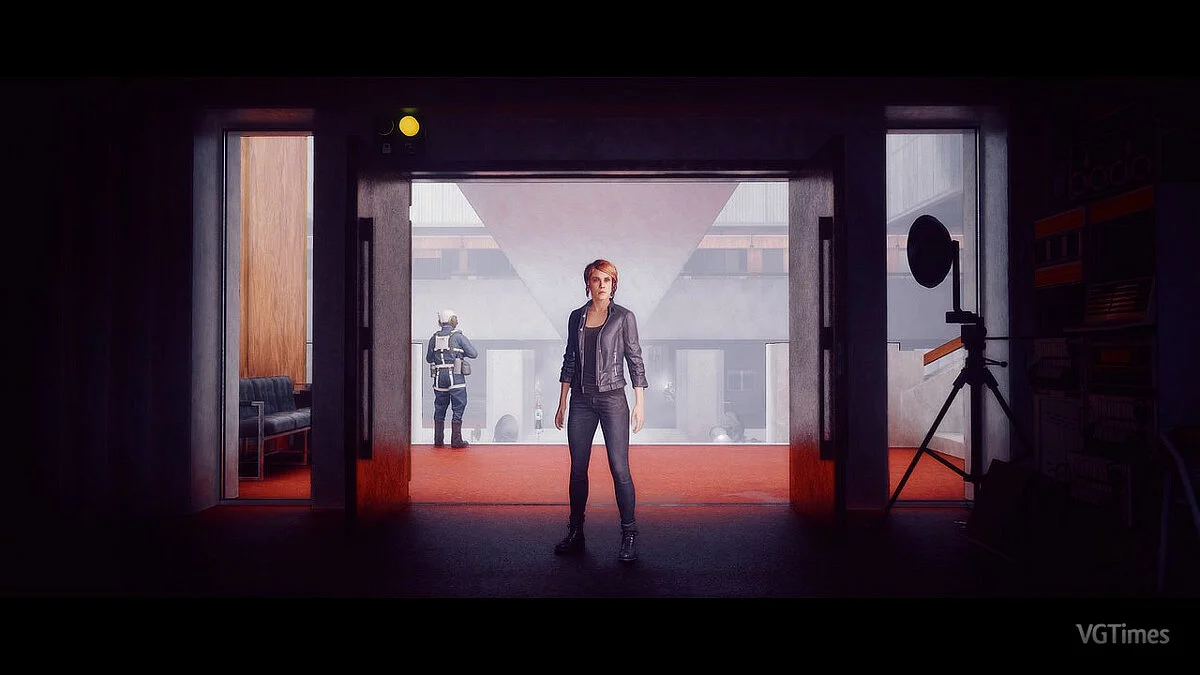
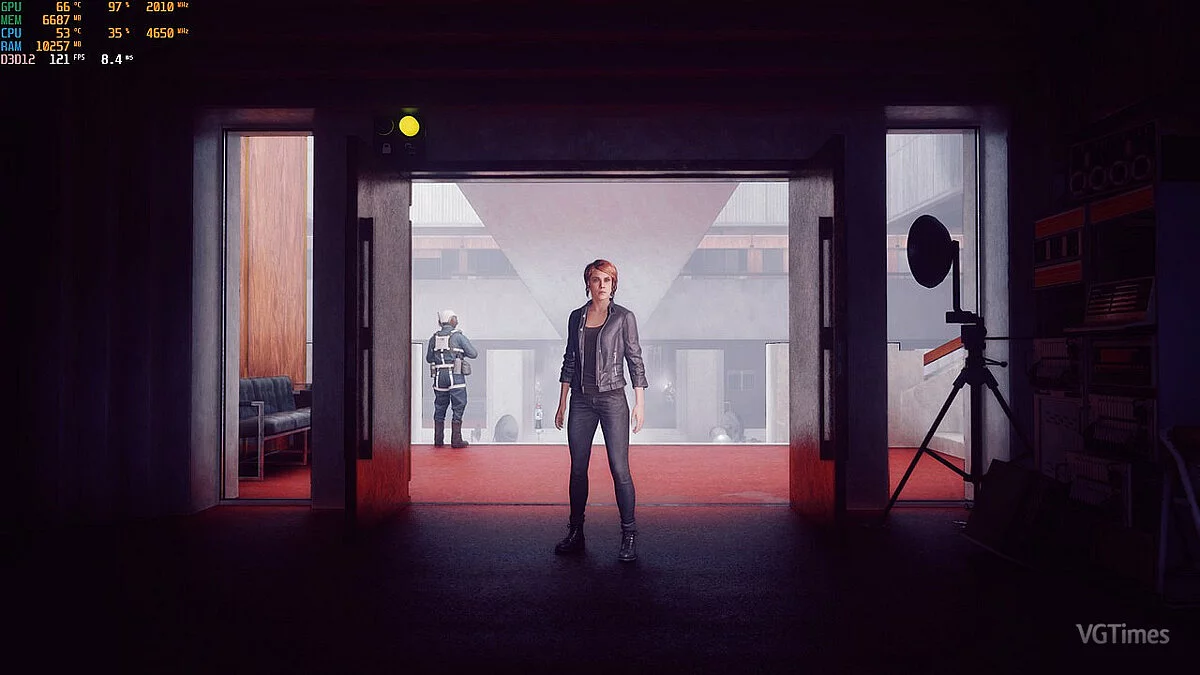
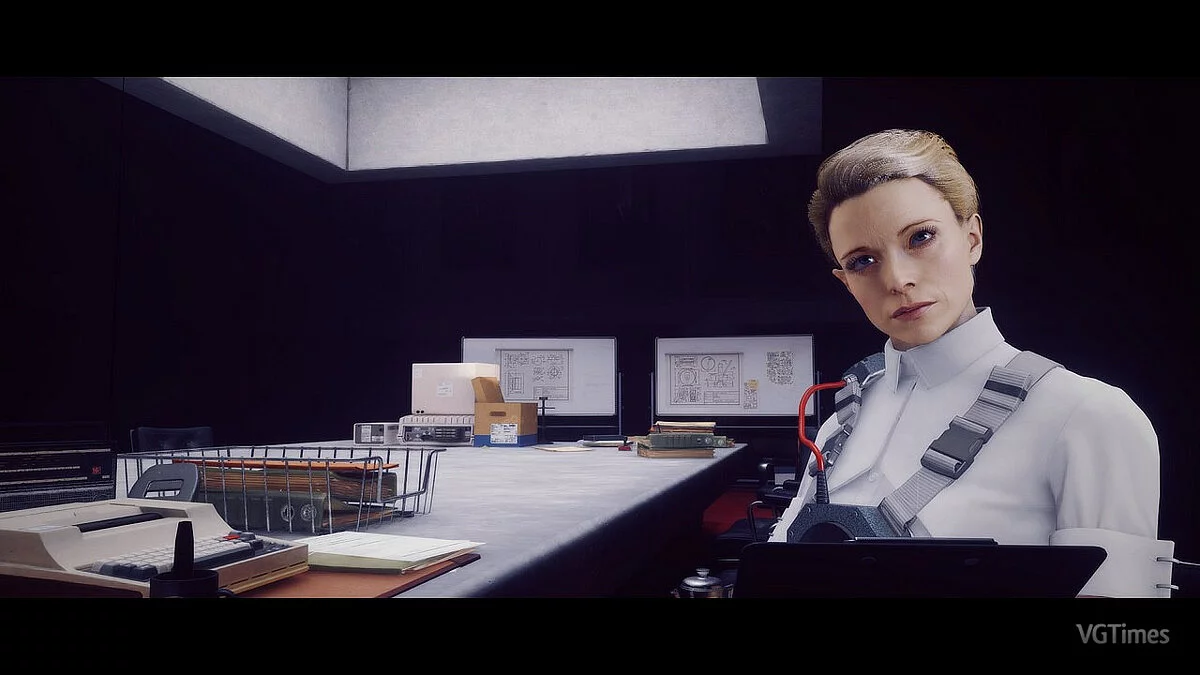
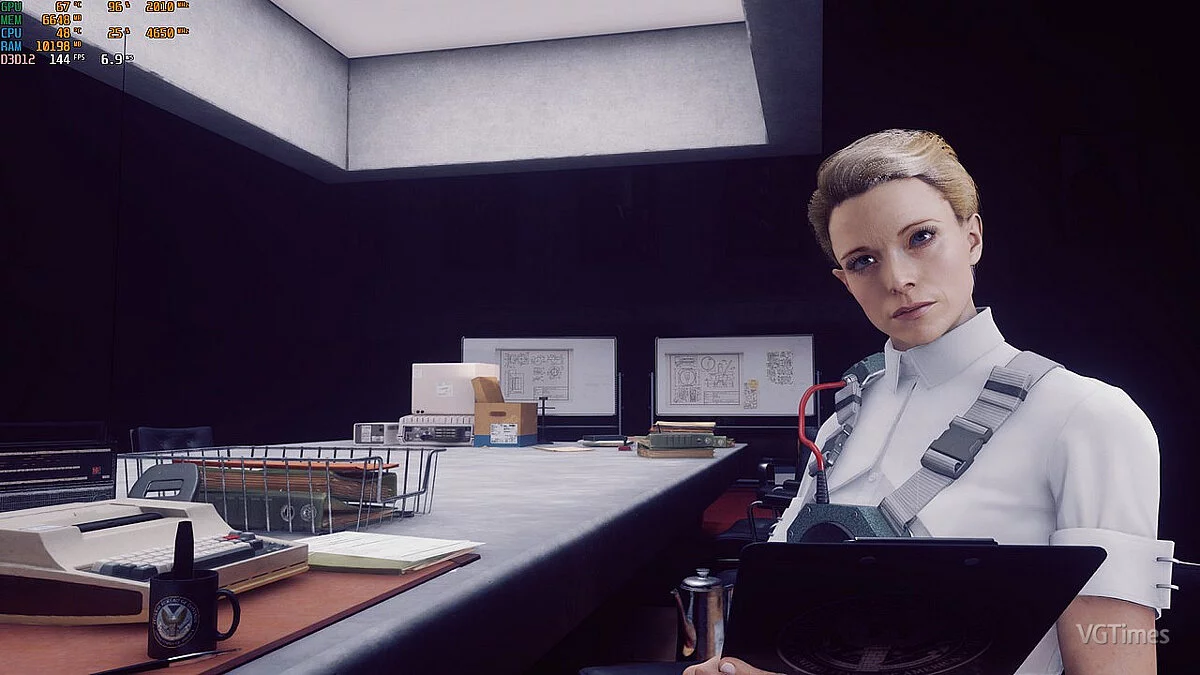

-
www.nexusmods.comDownload
ReShade preset.
If you dislike the border, simply disable it by unchecking the box to turn it off. If the image appears too sharp, I recommend unchecking Luma Sharpen. Performance impact: minimum 5-8 FPS.
Installation Guide:
1. Install ReShade https:\/\/reshade.me\/ and select all options during setup.
2. Download my preset and extract it.
3. Copy and paste my preset into the game folder where you installed ReShade.
4. Launch the game and open the ReShade menu using the "Home" key.
5. Choose my preset from the dropdown menu at the top.
The End's Beginning — ReShade Preset.
Предустановка ReShade. Если вам не нравится граница, просто отключите ее, сняв флажок, чтобы отключить ее. Если вы находите изображение слишком резким, я бы посоветовал снять флажок Luma Sharpen. Влияние на производительность: минимум 5-8 кадров в секунду
Руководство по установке:
1. Установите ReShade https://reshade.me/ выберите все опции при установке.
2. Скачайте мой пресет и распакуйте его.
3. Скопируйте и вставьте мой пресет в папку с игрой, в которую вы только что установили ReShade.
4. Запустите игру и откройте меню ReShade с помощью клавиши «Домой»
5. Выберите мой пресет из раскрывающегося списка вверху.
Useful links:
![Control — Trainer (+7) [1.04.01: DX11 / DX12]](https://files.vgtimes.com/download/posts/2019-11/thumbs/1575030242_3lirauje8b98b5klrsovqw.webp)
![Control — Cheat Engine Table [DX12 / DX11] - ENG](https://files.vgtimes.com/download/posts/2020-04/thumbs/1587212027_u_zttfsz9wzyws15uxrhwg.webp)
![Control — Cheat Engine Table [1.13 Fixed]](https://files.vgtimes.com/download/posts/2022-10/thumbs/1666945634_kpqs7ra1bam3ub69duzesa.webp)
![Control — Save (STAGED [94 checkpoints] + guides)](https://files.vgtimes.com/download/posts/2020-05/thumbs/1588343488_1588343424_247.webp)

![Control — Trainer (+10) [Ver 0.0.269.9979]](https://files.vgtimes.com/download/posts/2019-09/thumbs/1567426674_ovvcedtscwhuqhgud1_avq.webp)