A large-scale adventure action game with an open world, where the harsh reality of war intertwines with the personal story of mercenaries. At the... Read more
VGTimes:
Players:
Steam:
Metacritic:
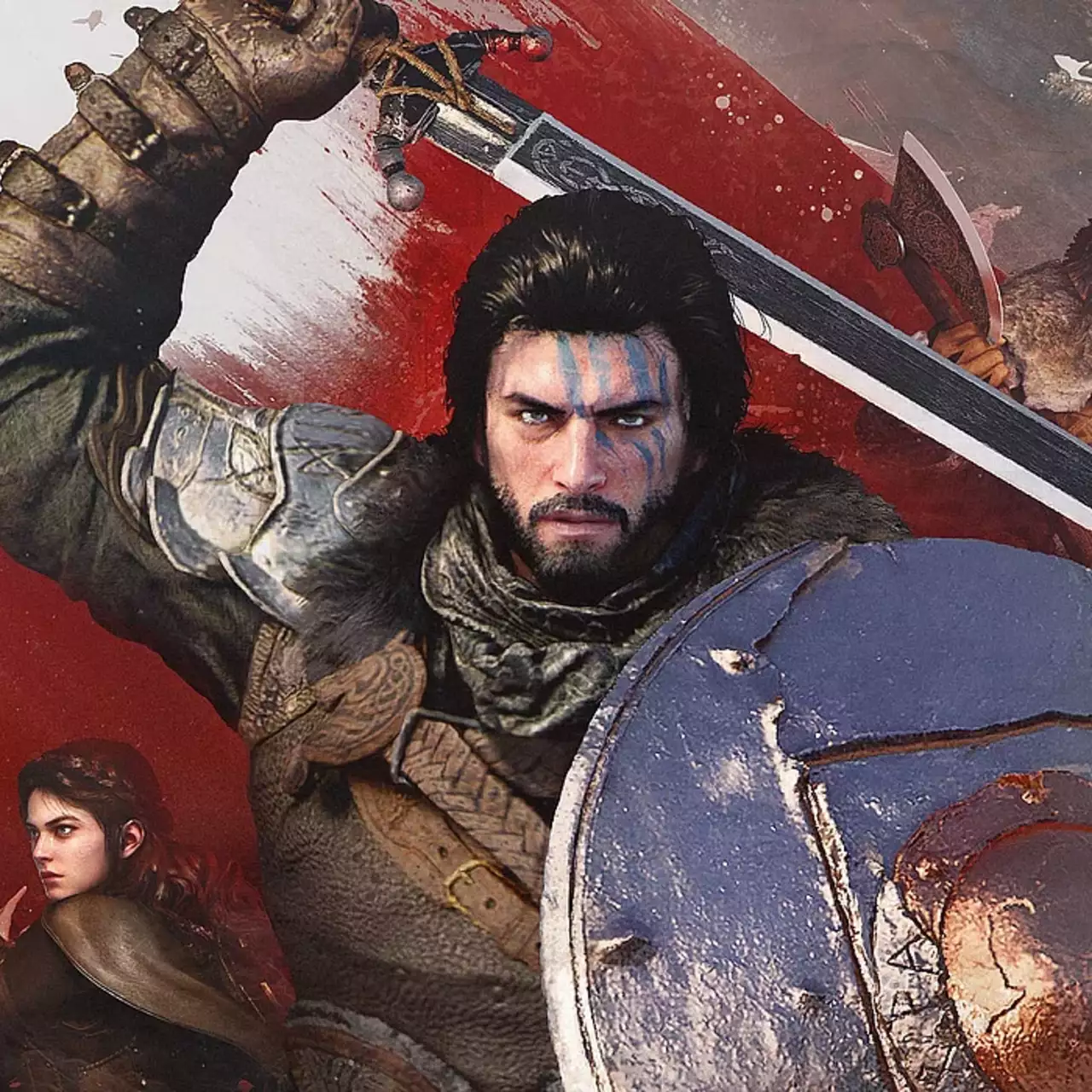
JSON Mod Manager


Author:
PhorgeForge
Uploaded by:

Size:
72.89 MB
Date:
November 19, 2026, 11:22 AM
Downloads:
0
-
Download in TelegramNo waiting Download72.89 MBNovember 19, 2026, 11:22 AMjson-mod-manager-avtonomnyjj-menedzher_1795076560_494004.zip
A standalone mod manager for Crimson Desert that applies byte-level patches to game files using a safe overlay system. Original game archives are never permanently modified: the tool reads compressed files from 0008/, decompresses them (LZ4), applies selected patches, recompresses them into a separate 0036/ overlay directory, and registers it in meta/0.papgt, allowing clean restoration to 100% vanilla at any time.
Features:
- Standalone single executable (mod_manager.exe) with no Python or external dependencies required.
- Dark-themed 3-panel GUI featuring Available Mods, Active Mods, and Per-Patch Toggles.
- Granular per-patch control allowing you to enable or disable individual changes within a mod.
- Color-coded categories for organized mod browsing.
- Automatic Steam game directory detection with a manual Browse option.
- Safe overlay architecture that reads from 0008/ and writes patched files to 0036/ without touching original PAZ archives.
- Automatic backup of the original 0.papgt file before applying any modifications.
- One-click Apply, full overlay removal via UNINSTALL, and direct backup recovery via RESTORE.
Installation Instructions:
- Download and extract the archive anywhere on your PC.
- Double-click mod_manager.exe to launch the manager.
- Verify that your Steam installation of Crimson Desert is auto-detected (if not found, click Browse to select the game folder manually).
- Select the desired mods from the left panel and activate them using the arrow button.
- Toggle individual patches on or off in the right panel if desired.
- Click APPLY and launch the game.
- To uninstall all mods and revert to vanilla, click UNINSTALL in the mod manager (or click RESTORE to restore the backed-up 0.papgt directly).
Useful links:


