
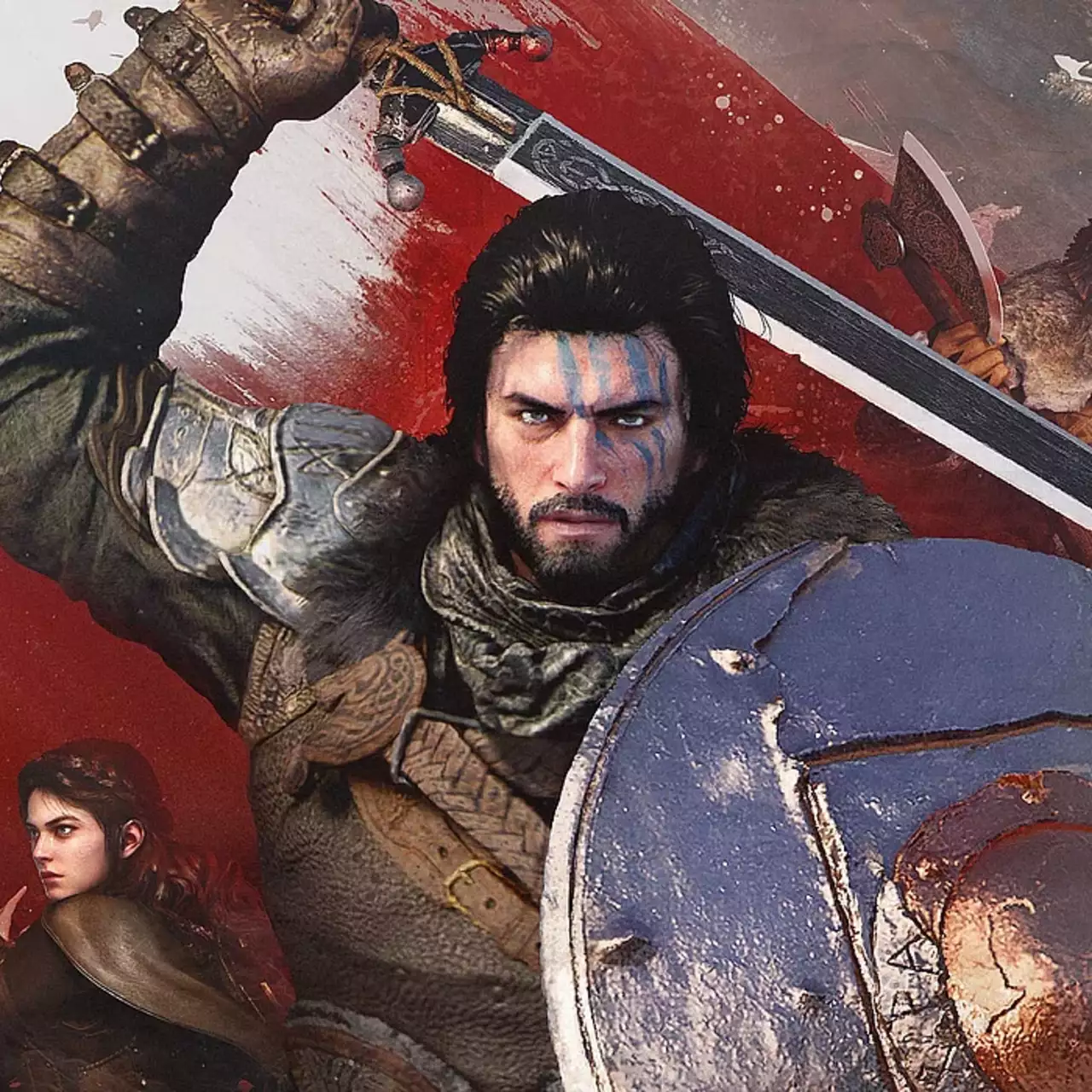
A large-scale adventure action game with an open world, where the harsh reality of war intertwines with the personal story of mercenaries. At the... Read more
SWISS Knife Save Editor


-
Download in TelegramNo waiting Download76.43 MBNovember 20, 2026, 11:47 AMswiss-knife-save-editor-universalnyjj_1795164475_936272.zip
A portable, standalone save file editor (v2.5.6) for Crimson Desert that lets you modify your save data (save.save) directly without running the game, injecting code, or risking bans. Distributed as a single executable (CrimsonSaveEditor.exe) with no installation required, it features comprehensive editors for inventory, equipment, sockets, quests, knowledge, mounts, mercenaries, and item stats, alongside a built-in community JSON mod loader, shareable quest/knowledge packs, and multi-layered automatic backups.
Key Features:
- Unlock ALL Knowledge — injects 5,500+ entries including skills, all dyes and recipes, full map reveal, fast travel points, and infinite ammo key items.
- Quest Editor — skip, complete, or reset any quest, browse over 6,780 quests and missions from game data, and fix bugged quests blocking progression.
- Reveal Map / Re-Fog Map — reveal the entire world map at once or cover it back up with fog of war.
- Unlock All Abyss Nexus Gates — reveals all nexus gate locations on your map.
- Dragon Mount + Reduced CD Item — obtain the Blackstar dragon via save edit and pair it with Narima's Horn (via PARC Insert) for instant cooldown resets.
- Inventory Editor — view and modify stack sizes, batch edit, or delete items (maximum bag space slot is 230).
- Equipment Editor — customize enhancement levels (0–10), endurance, and sharpness.
- Item Swap — transform any item into another using a database of over 6,000 items with authentic game templates.
- Repurchase (Vendor Swap) — the most reliable swap method: sell junk to a vendor, swap it in the editor, and buy it back in-game.
- Socket Editor — swap Abyss Gear gems with access to 189 gems across more than 30 categories.
- ItemBuffs (Dev Mode) — modify base stats on any item including damage, defense, speed, crit, and resistances, or apply presets like God Mode, Max DDD, and Max HP.
- Max Stacks — set all stackable items to 99, 999, or 9999 (replaces the FatStacks mod).
- GPatch (Dev Mode) — enables 1-second mount death respawn and expands storage capacity to 700 slots.
- Community Mod Loader — load community JSON mods alongside editor patches.
- Item Packs — download and apply curated item collections created by the community.
- Give Item (Donor System) — sacrifice a cheap donor item to receive any item you want.
- Automatic Backups & Auto-Find Saves — automatically creates a backup before every save and detects save folders across Steam, Epic Games, Xbox Game Pass, and Linux Proton.
Important Notes:
- Store and mercenary items are read-only and cannot be edited (though renaming mercenaries works).
- Swapped equipment may display its previous icon until you unequip and re-equip it in-game.
- Only supports main save.save files; lobby.save files are not supported.
- Enchantment edits affect item stats, which the game recalculates upon loading the save.
- HP and MP values are dynamically set by the game at runtime, so editing them in the save file has no effect.
- Dev Mode can be enabled to access experimental features such as Game Patches, ItemBuffs, and experimental mounts.
Requirements:
- Crimson Desert installed (Steam, Epic Games, Xbox Game Pass, or Linux Proton) and an existing save.save file.
Installation & Quick Start Instructions:
- Close Crimson Desert completely.
- Download the archive and extract CrimsonSaveEditor.exe to any folder (single portable file — no installation needed).
- Run CrimsonSaveEditor.exe.
- Select File > Auto-Find Save or File > Open Save File (typical path: %LOCALAPPDATA%\Pearl Abyss\CD\save\<steamid>\slot100\save.save).
- Make your desired edits across any of the tabs (enable Dev Mode if you wish to use experimental features).
- Click File > Save (an automatic backup is created before saving).
- Launch Crimson Desert and load your edited save.
Useful links:


