A game by CD Projekt RED, creators of The Witcher, inspired by Mike Pondsmith’s Cyberpunk 2020 tabletop role-playing game. The player is sent to the... Read more

CyberCAT Save Editor Reloaded


-
Download in TelegramNo waiting Download72.29 MBNovember 25, 2026, 01:31 PMcybercat-save-editor-reloaded-redaktor_1795602696_181002.zip
CyberCAT Reloaded continues Deweh's classic CyberCAT-SimpleGUI save editor, which stopped working with recent game updates. It reads and writes patch 2.5 saves, including the new optimized stats format, while introducing a wide range of new features: a perks editor for the 2.0 skill trees, a ripperdoc-style cyberware screen, a visual save browser, undo/redo history, and safer file saving. Everything has been tested in-game on a 2.5 save, including saving again from inside the game afterward.
Features:
- Save browser with screenshots — double-click a save to open it.
- Safe saving: the file is verified before replacing sav.dat, and the last 5 versions are kept as timestamped backups.
- Warning on unsaved changes, an asterisk (*) next to the save name, and Ctrl+S shortcut to save.
- Undo/redo support via Ctrl+Z / Ctrl+Y (up to 10 steps).
- Saves from game versions newer than the editor supports open in read-only mode so they cannot be damaged.
- Character editor: Level, Street Cred, attributes, skills, attribute / perk / Relic points, and life path.
- Perks editor: every 2.0 skill tree and Relic perk — unlock, max out, or remove, with or without spending points.
- Ripperdoc-style cyberware screen featuring a body map, slot cards with icons and tiers, and capacity and armor gauges.
- Equip any cyberware in any slot of its body area—even items you do not own (created automatically)—and raise cyberware capacity beyond the game's limit.
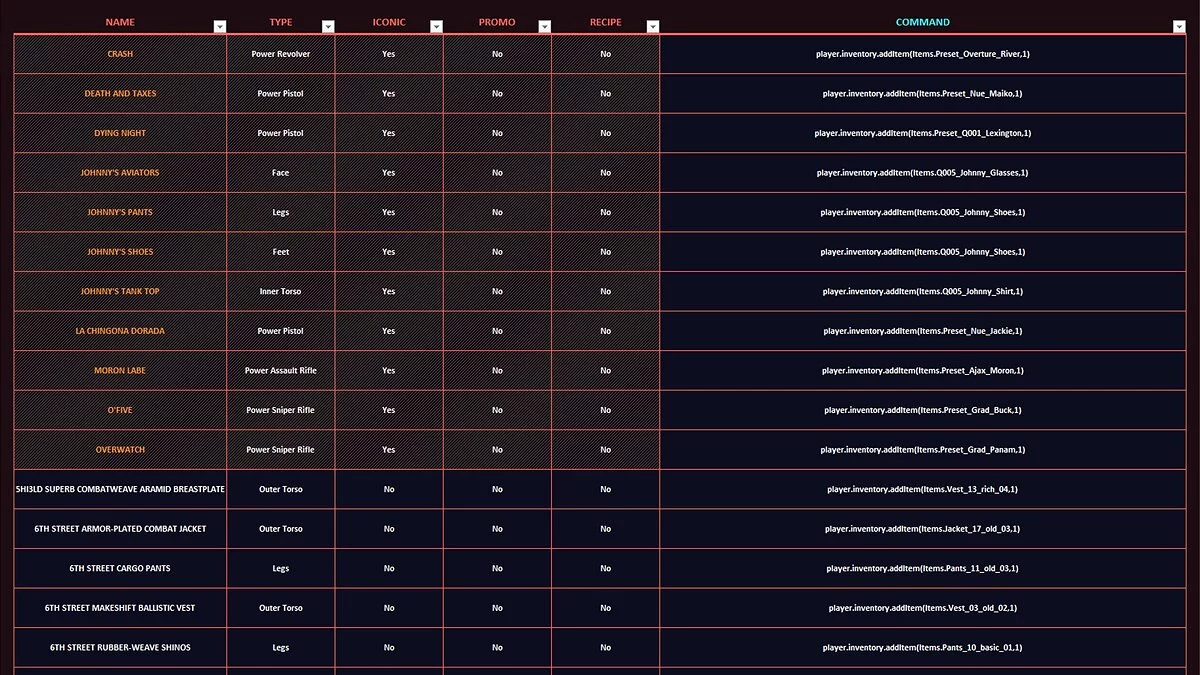
- Inventory management with in-game item names (English or Brazilian Portuguese) and rarity colors for fixed-quality items.
- Inventory search with filters: name:, type:, id:, slot:, quantity:, and desc:.
- Add any item, copy/paste, and clone items along with their mods and stats.
- Move items between V's inventory and the stash individually or all listed items at once.
- Upgrade items to Tier 5++ and set item quantities, including in bulk.
- Crafting components and money editor, plus detailed item inspection for quantity, flags, mod trees, and stats.
- World and appearance tools: unlock or lock any player vehicle (search, unlock all / lock all), unlock every fast travel point (including Dogtown), edit quest facts, load/save appearance presets, and use an advanced appearance editor.
Good to know:
- Undo takes a few seconds because it reloads the entire save file to step backward.
- Rarity colors only display for items whose rarity is fixed (mods, quickhacks, cyberware, etc.), whereas weapons and clothing roll their tier in-game and remain uncolored.
- Gigs and NCPD scanner hustles cannot be completed via the editor since their progress is stored in the quest journal.
- Saves containing data from certain game mods may fail to load; an error message will indicate when this happens.
- If something goes wrong, error details are saved in the logs folder next to the executable—please attach that log file when submitting bug reports.
Settings (optional config.json next to the exe):
- "Theme": 1 — classic light theme; "Theme": 0 follows the Windows system theme.
- "UndoSteps": 0 — disables undo history (each stored step uses ~4 MB of memory).
- "CheckForUpdates": 0 — disables update checks on startup.
Installation and usage:
- Close the game, or at least return to the main menu.
- Extract the downloaded ZIP archive anywhere and run CP2077SaveEditor.exe.
- Double-click a save in the save browser.
- Make your desired changes, then click Save (or press Ctrl+S) to overwrite that save, or choose Save As... to write it into another save folder.
- Load the edited save in the game (making a manual save in-game beforehand is recommended as an extra precaution).
Useful links: