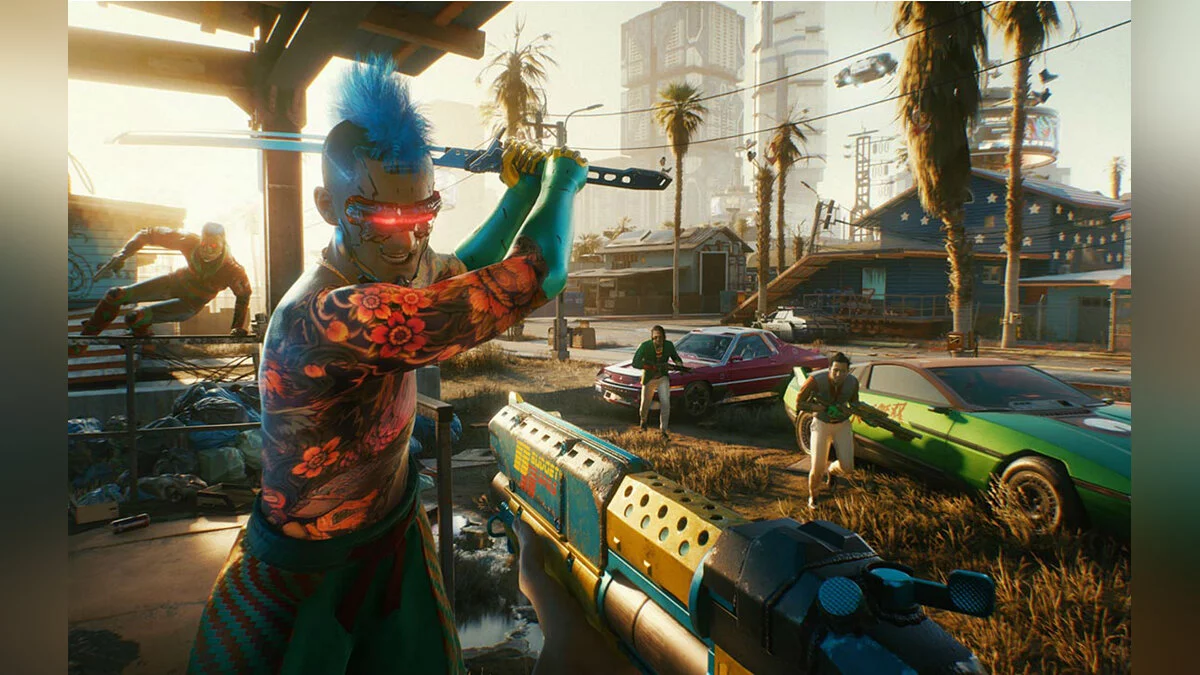
A game by CD Projekt RED, the creators of The Witcher, based on Mike Pondsmith’s Cyberpunk 2020 tabletop RPG. Players are sent to the year 2077... Read more

Disabling Vehicle Camera Auto-Centering
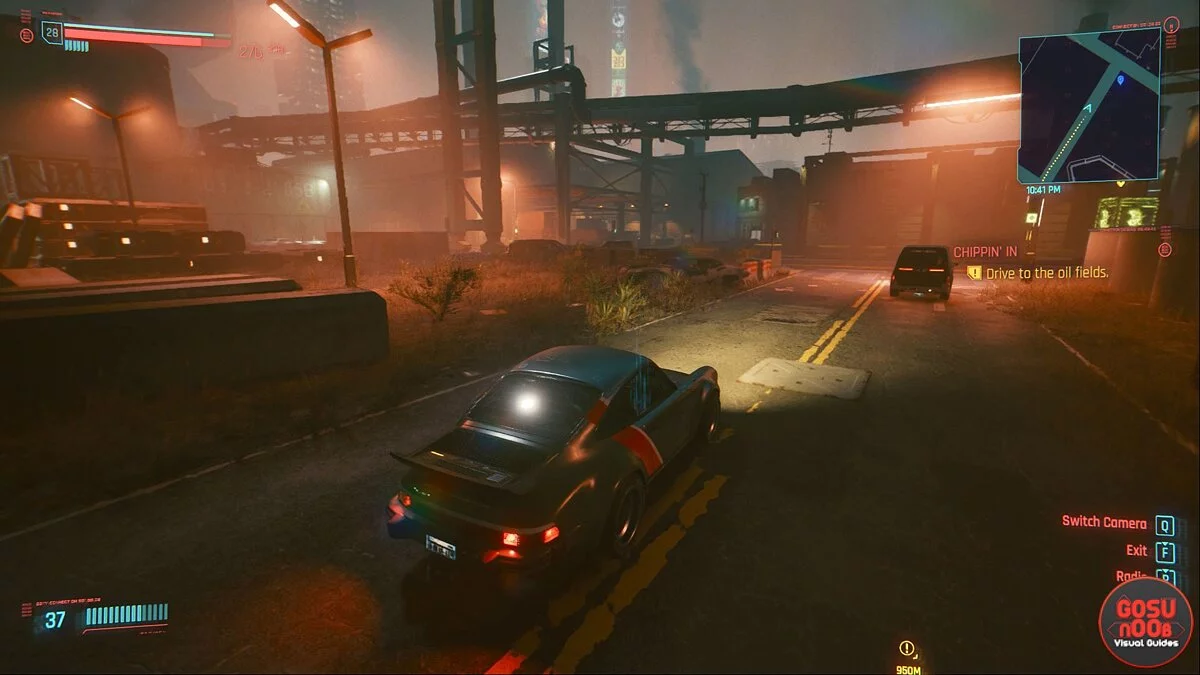


-
www.nexusmods.comDownload
Disable Vehicle Camera Auto-Centering.
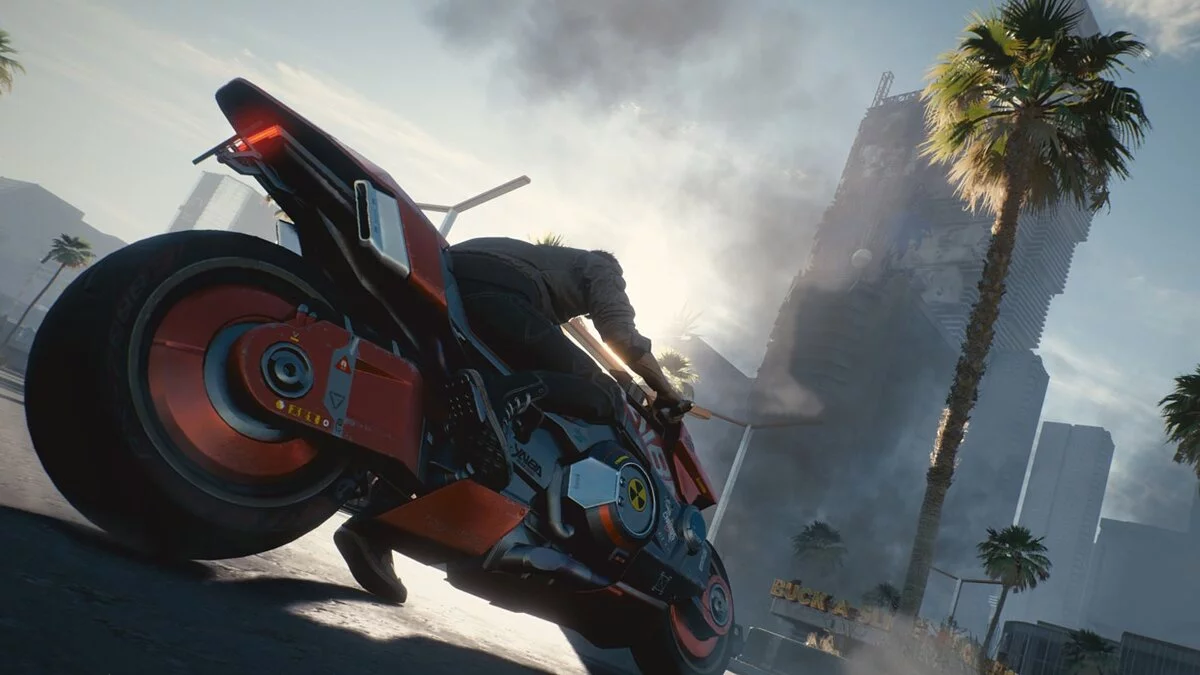
This is not a mod by itself, but an AutoHotkey script to disable the automatic camera rotation forward while driving, if you do not move the mouse for a few seconds. Once you enter the game and get into a vehicle, simply press the middle mouse button to start the script, which slightly moves your camera up and down every half second. While driving, this will not be very noticeable and will prevent the camera from auto-centering. Then, when you exit the vehicle, press the middle mouse button again to stop the camera movement. If you load or paste the script, you can replace "MButton" with any other button or key you prefer.
Disable Vehicle Camera Auto-Centering.
На самом деле это не мод сам по себе, а скрипт AutoHotkey для отключения автоматического поворота камеры вперед во время движения, если вы не двигаете мышь в течение нескольких секунд. Как только вы войдете в игру и сядете в автомобиль, просто нажмите среднюю кнопку мыши, чтобы запустить сценарий, который слегка перемещает вашу камеру вверх и вниз каждые полсекунды. Во время вождения это будет не очень заметно и помешает автоцентрированию камеры. Затем, когда вы выйдете из машины, снова нажмите среднюю кнопку мыши, чтобы остановить движение камеры. Если вы загрузите или вставите скрипт, вы можете заменить «MButton» любой другой кнопкой или ключом, которые вам нравятся.
Useful links: