A game by CD Projekt RED, the creators of The Witcher, based on Mike Pondsmith’s Cyberpunk 2020 tabletop RPG. Players are sent to the year 2077... Read more

New Game Plus


-
www.nexusmods.comDownload
Head Start and New Game Plus.
A simple script to activate after the tutorial mission that allows you to start a new game +.
Available in two versions:
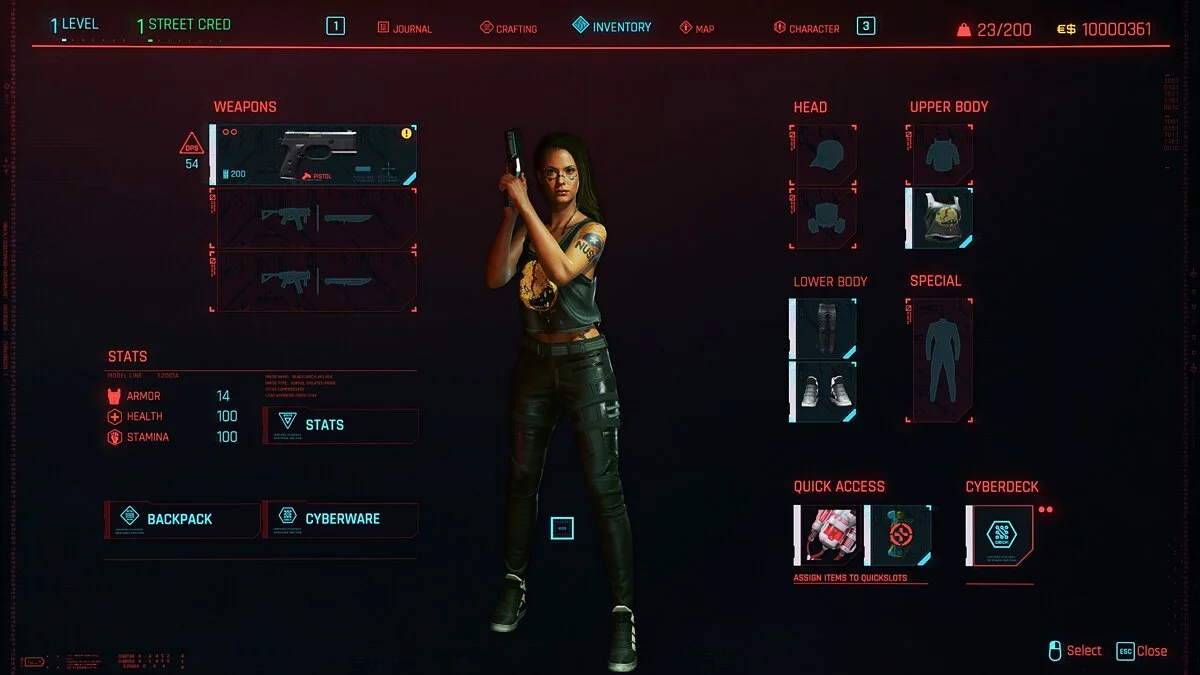
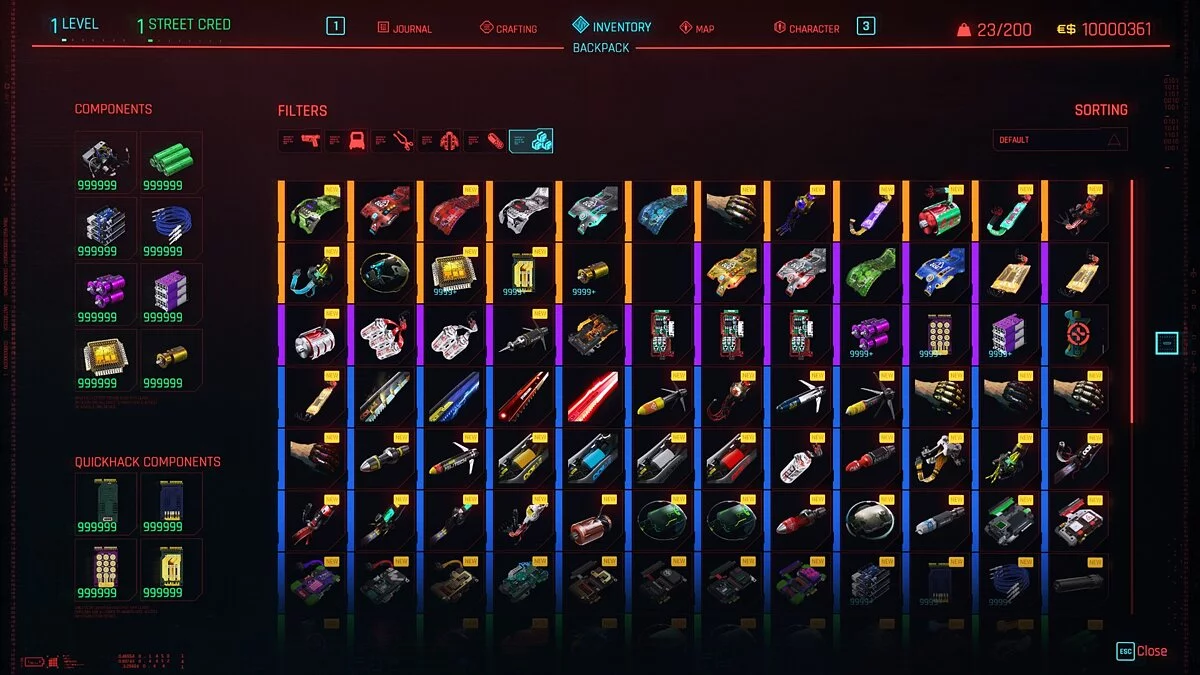
Head Start: you will receive 10 million whirlpools, 100 thousand of all crafting materials, every cyber program and mods in the game, as well as one part of armor and weapon upgrades in the game.
New Game Plus: the same as at the start, but you will be raised to level 50 with 49 attributes and perk points that you can spend at your discretion. Attribute levels remain at level 1, and you will naturally gain more perk points as your attribute levels increase. Designed to simulate New Game Plus as closely as possible.
Installation:
- For Steam users, simply place it in the root directory of Cyberpunk 2077.
- For GOG users, you will need to place it in the following path: Cyberpunk 2077 / bin / x64 / plugins / cyber_engine_tweaks / scripts
To activate the script, simply enter the following in the console
For Steam:
For Head Start:
dofile ([[C: / Program Files (x86) / Steam / steamapps / common / Cyberpunk 2077 / NewGame.lua]] )
or if you did not install Cyberpunk in the program files, like I did.
dofile ([[C: / Games / Steam / steamapps / common / Cyberpunk 2077 / NewGame.lua]])
For New Game Plus:
dofile ([[C: / Program Files (x86) / Steam / steamapps / common / Cyberpunk 2077 / NewGamePlus.lua]])
or
dofile ([[C: / Games / Steam / steamapps / common / Cyberpunk 2077 / NewGamePlus.lua]])
For GOG:
For Head Start
dofile (plugins / cyber_engine_tweaks / scripts / NewGame.lua)
For New Game Plus:
dofile (plugins / cyber_engine_tweaks / scripts / NewGamePlus.lua)
Troubleshooting: if for some reason the script does not work run — for example, the console gives an error message — you can simply open the .lua file with notepad ++, copy and paste the contents of the file into the console.
Head Start and New Game Plus.
Простой скрипт для активации после обучающей миссии и позволяющий начать новую игру +.
Поставляется в двух вариантах:
Head Start: вы получите 10 миллионов водоворотов, 100 тысяч всех материалов для изготовления, каждую киберпрограмму и моды в игре, а также одну часть улучшений брони и оружия в игре.
New Game Plus: то же, что и при старте, но вы будете повышены до 50 уровня с 49 атрибутами и очками перков, которые вы сможете потратить по своему усмотрению. Уровни атрибутов остаются на уровне 1, и вы, естественно, получите больше очков перков по мере повышения уровня своих атрибутов. Предназначен для симуляции New Game plus как можно лучше.
Установка:
- Для пользователя Steam достаточно просто поместить его в корневой каталог Cyberpunk 2077
- Для пользователя GOG вам нужно будет поместить его по следующему пути Cyberpunk 2077 / bin / x64 / plugins / cyber_engine_tweaks / scripts
Чтобы активировать скрипт, просто введите следующее в консоли
Для Steam:
Для Head Start:
dofile ([[C: / Program Files (x86) / Steam / steamapps / common / Cyberpunk 2077 / NewGame.lua]] )
или если вы не устанавливали киберпанк в файлы программ, как я.
dofile ([[C: / Games / Steam / steamapps / common / Cyberpunk 2077 / NewGame.lua]])
Для New Game Plus:
dofile ([[C: / Program Files (x86) / Steam / steamapps / common / Cyberpunk 2077 / NewGamePlus.lua]])
или
dofile ([[C: / Games / Steam / steamapps / common / Cyberpunk 2077 / NewGamePlus.lua]])
Для GOG:
Для Head Start
dofile (плагины / cyber_engine_tweaks / scripts / NewGame.lua)
Для New Game Plus:
dofile (plugins / cyber_engine_tweaks / scripts / NewGamePlus.lua)
Устранение неполадок: если по какой-то причине скрипт не работает run — например, консоль выдает сообщение об ошибке — вы можете просто открыть файл .lua с помощью notepad ++, скопировать и вставить содержимое файла в консоль.
Related files:
Useful links: