A game by CD Projekt RED, creators of The Witcher, inspired by Mike Pondsmith’s Cyberpunk 2020 tabletop role-playing game. The player is sent to the... Read more

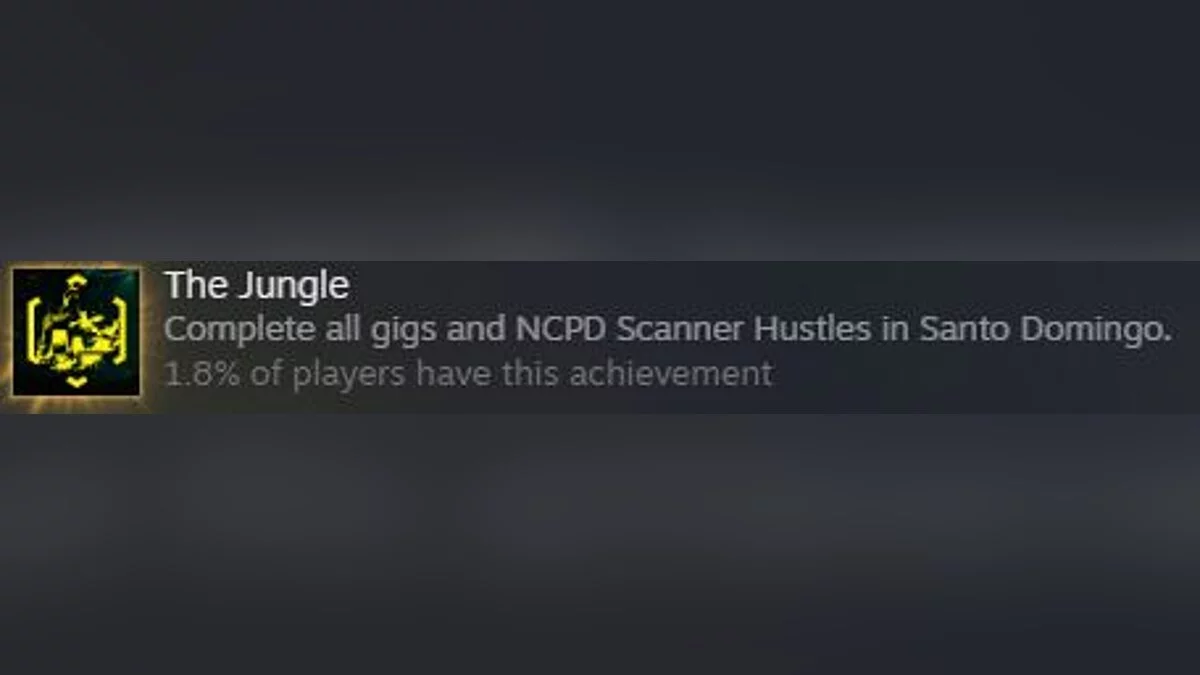
Achievement 'Jungle'

-
www.nexusmods.comDownload
The Jungle Save File.
This file allows you to unlock the Jungle achievement. The 'Jungle' achievement completes all performances and activates the NCPD scanner in Santo Domingo.
Installation:
1 Download the 'Jungle' file and extract it to the save folder in Cyberpunk (User: Your Name: Saved Games: CD Projekt Red: Cyberpunk 2077).
3 Before launching the game, ensure that Steam cloud saves are disabled.
4 To do this, right-click the game in Steam, select 'Properties' and uncheck the 'Steam Cloud' option.
5 Then all you need to do is load the save and rob the container in front of you to earn the achievement.
The Jungle Save File.
Этот файл позволяет разблокировать достижение Джунгли. Достижение «Джунгли» завершает все выступления и запуск сканера NCPD в Санто-Доминго.
Установка:
1 Загрузите файл «Джунгли» и извлеките его в папку с сохранениями в киберпанке (User: Your Name: Saved Games: CD Projekt Red: Cyberpunk 2077).
3 Перед запуском игры убедитесь, что сохранения в Steam отключены.
4 Для этого щелкните правой кнопкой мыши игру в Steam, выберите «Свойства» и снимите флажок с параметра «Облако Steam».
5 Затем все, что вам нужно сделать, это загрузить сохранение и ограбить контейнер перед вами, чтобы получить достижение.
Useful links: