A game by CD Projekt RED, the creators of The Witcher, based on Mike Pondsmith’s Cyberpunk 2020 tabletop RPG. Players are sent to the year 2077... Read more

Performance Boost for Low-End PCs
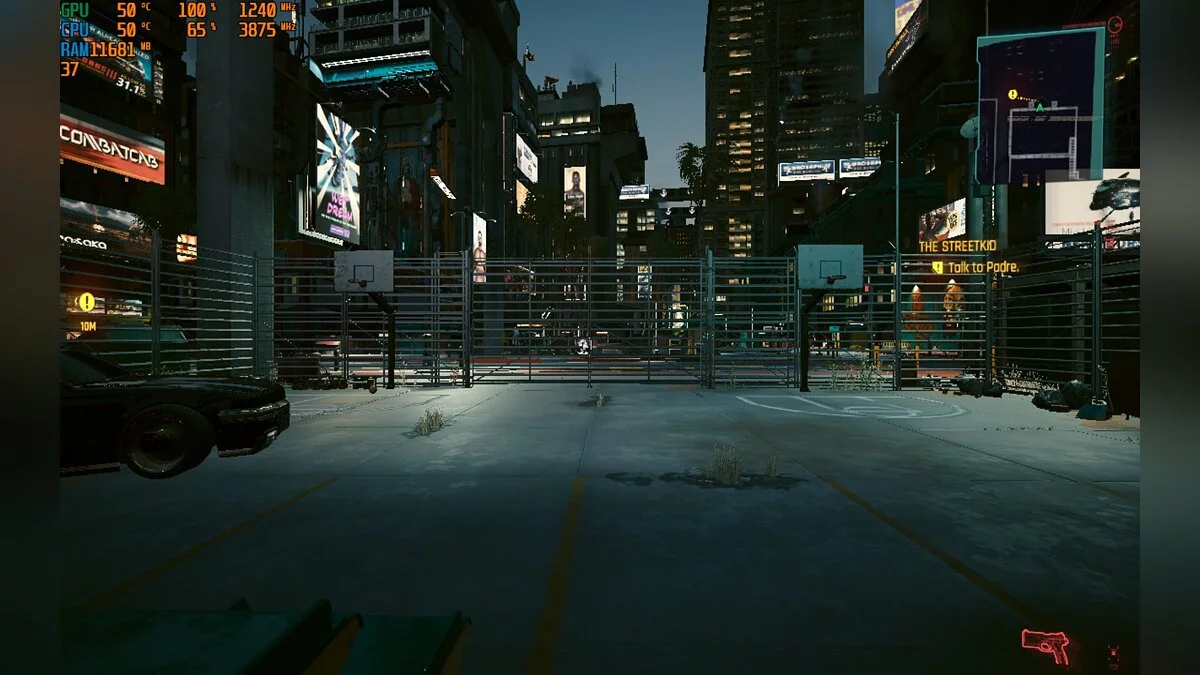
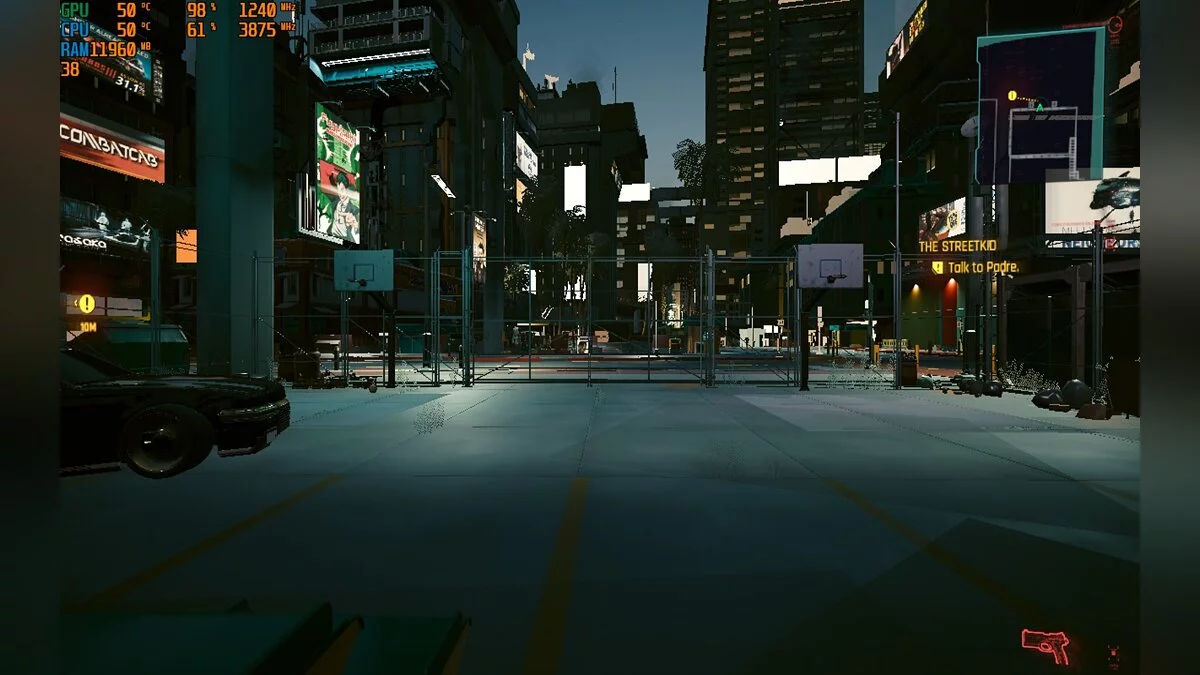
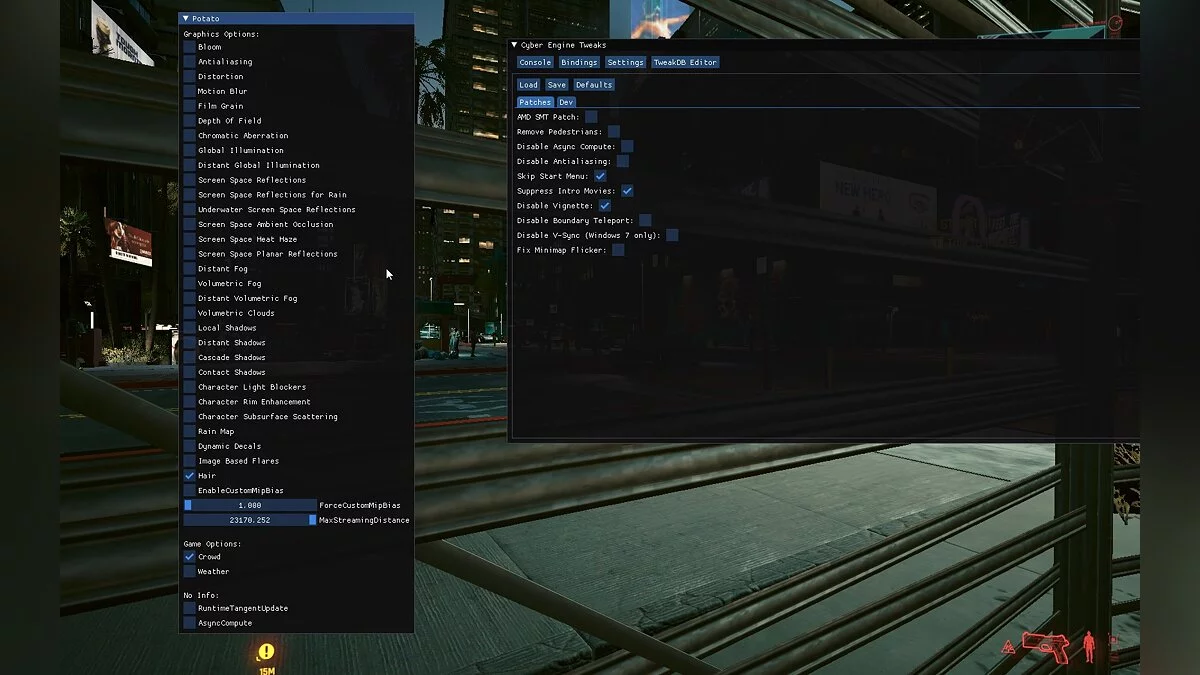

-
www.nexusmods.comDownload
Performance Boost For Potato PC.
An ImGui utility for performance enhancement with hidden options!
Installation:
1 Download Cyber Engine Tweaks / CyberEngineTweaks. Drag its contents into the game folder.
2 Download my mod and place its contents in the game folder.
3 It should look like this: /Cyberpunk2077/bin/x64/plugins/cyber_engine_tweaks/mods/Potato/init.lua
How to use:
1 Launch the game. CyberEngineTweaks will prompt you to assign a hotkey to open its menu. Choose whatever is convenient for you, something like the "End" key. My mod's menu will open alongside the CyberEngineTweaks menu.
2 Load the save file. Do not change the mod settings before creating, as it may disrupt some lighting effects.
3 Once you appear in your world, you can press the hotkey you assigned and start experimenting with all the settings!
Performance Boost For Potato PC.
Утилита ImGui для повышения производительности со скрытыми параметрами!
Установка:
1 Скачайте Cyber Engine Tweaks / CyberEngineTweaks. Перетащите его содержимое в папку с игрой.
2 Скачайте мой мод и закиньте его содержимое в папку с игрой.
3 Должно выглядеть так: /Cyberpunk2077/bin/x64/plugins/cyber_engine_tweaks/mods/Potato/init.lua
Как использовать:
1 Запустить игру. CyberEngineTweaks попросит вас назначить горячую клавишу, чтобы открыть его меню. Делайте все, что вам удобно, что-то вроде кнопки «Конец». Меню моего мода откроется вместе с меню CyberEngineTweaks.
2 Загрузите файл сохранения. Не изменяйте настройки мода перед созданием, это может нарушить некоторые световые эффекты.
3 Как только вы появитесь в своем мире, вы можете нажать назначенную вами горячую клавишу и начать экспериментировать со всеми настройками!
Related files:
Useful links: