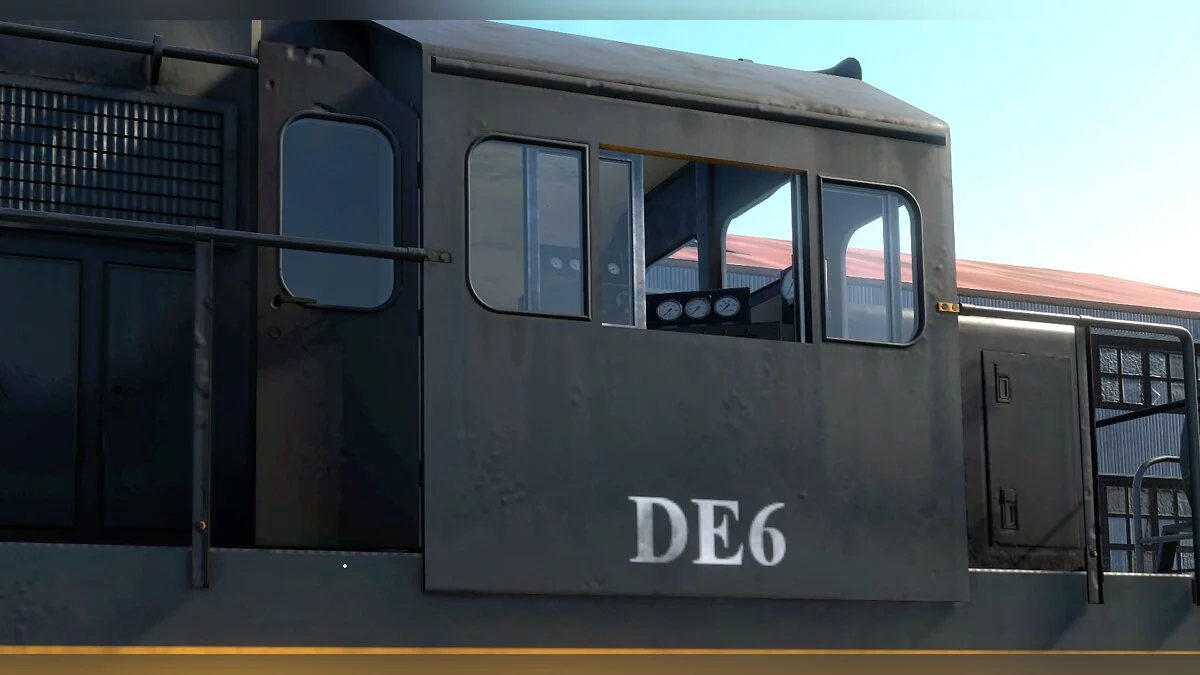
Derail Valley is a realistic train driver simulator with first-person view and support for virtual reality helmets. You will be able to control the rolling stock... Read more
Skin Manager

-
www.nexusmods.comDownload
Skin Manager.
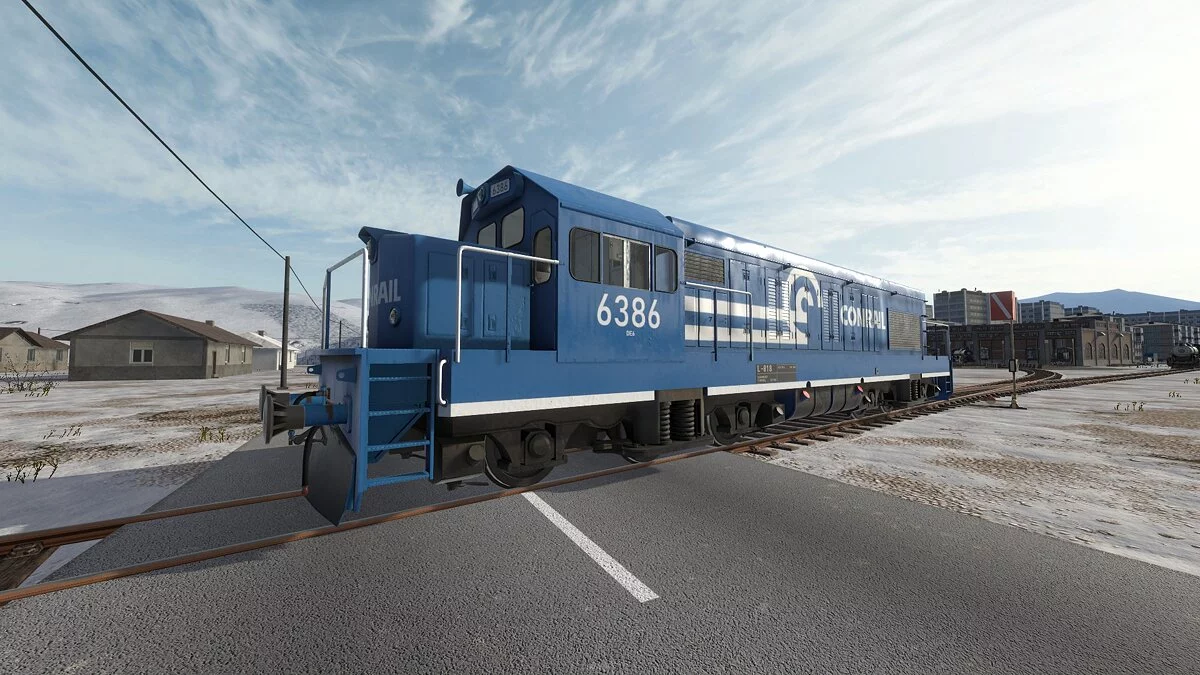
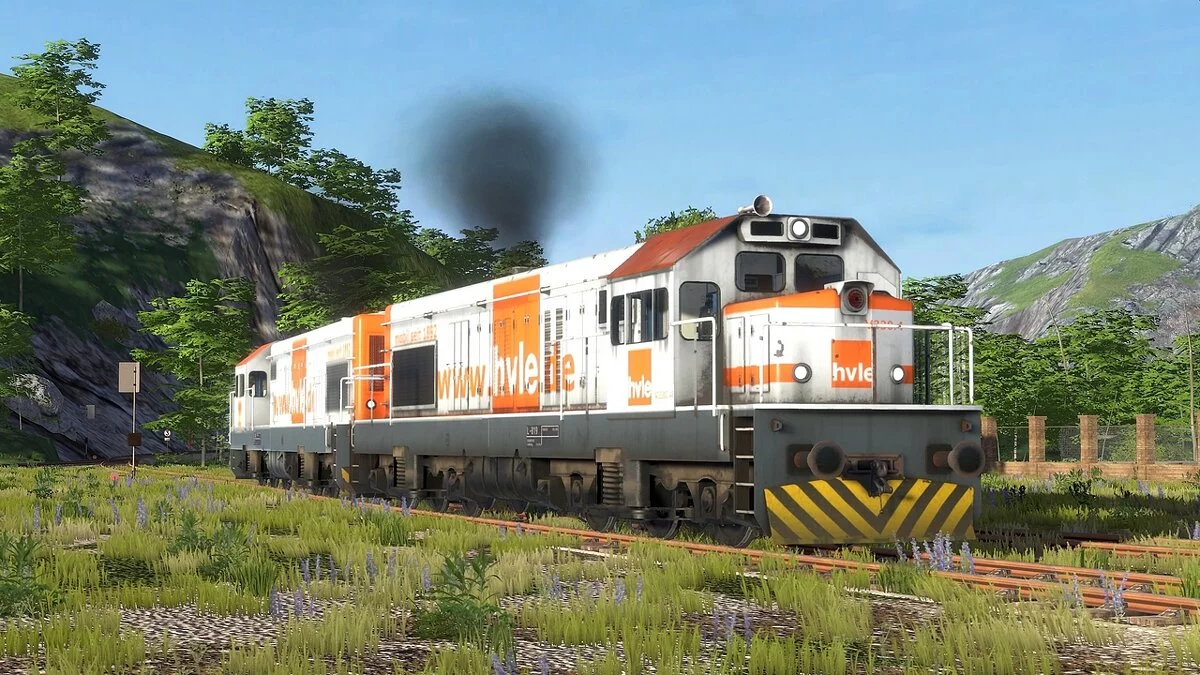
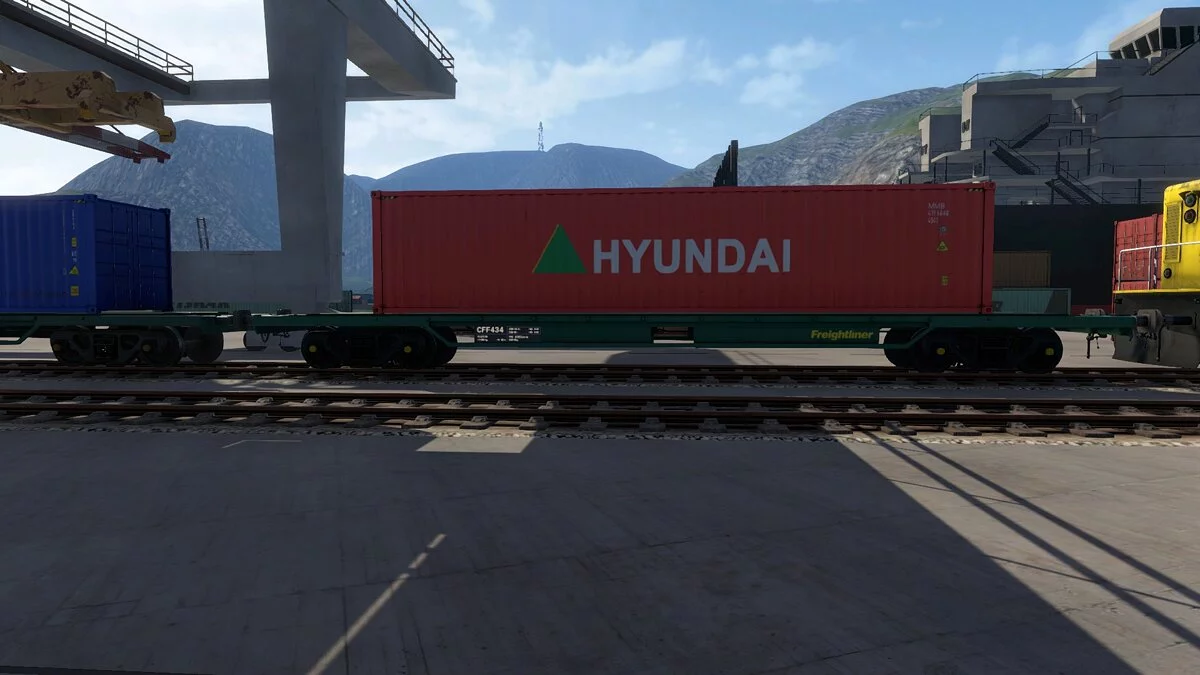
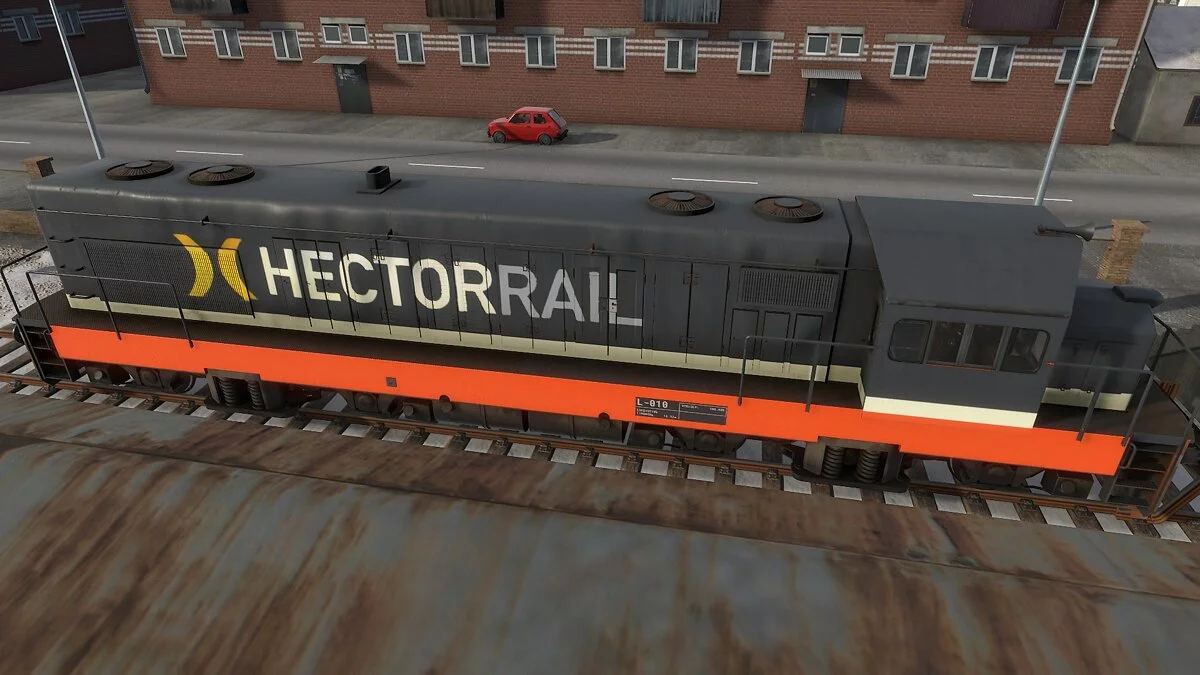
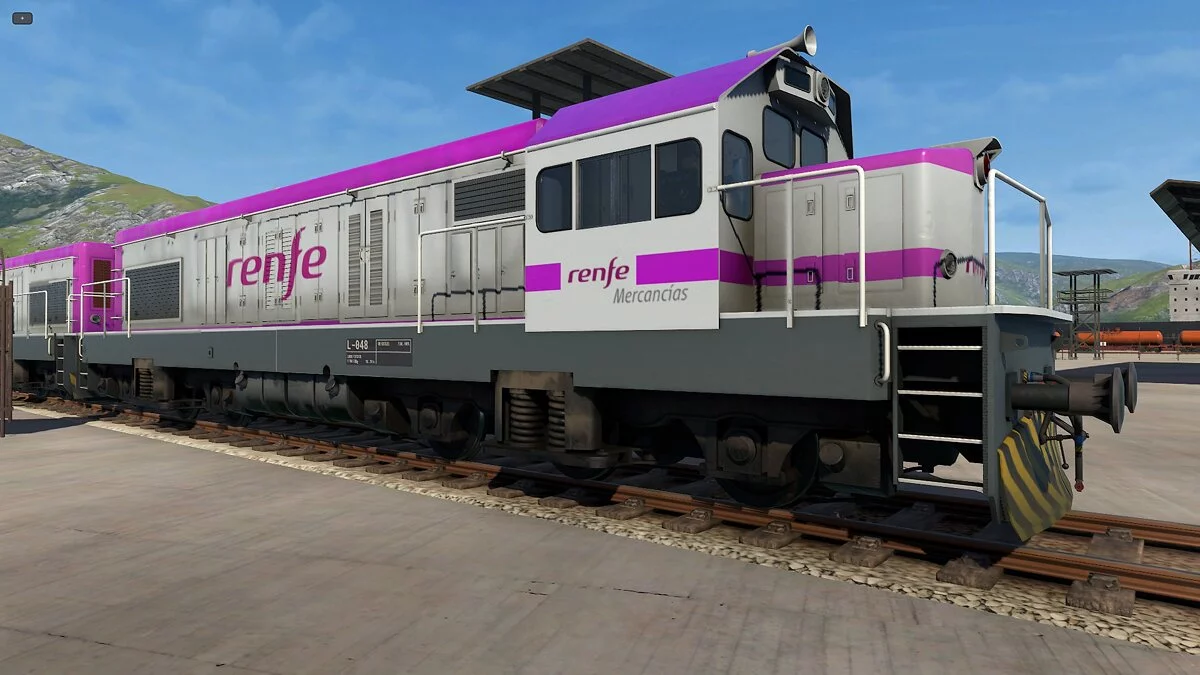
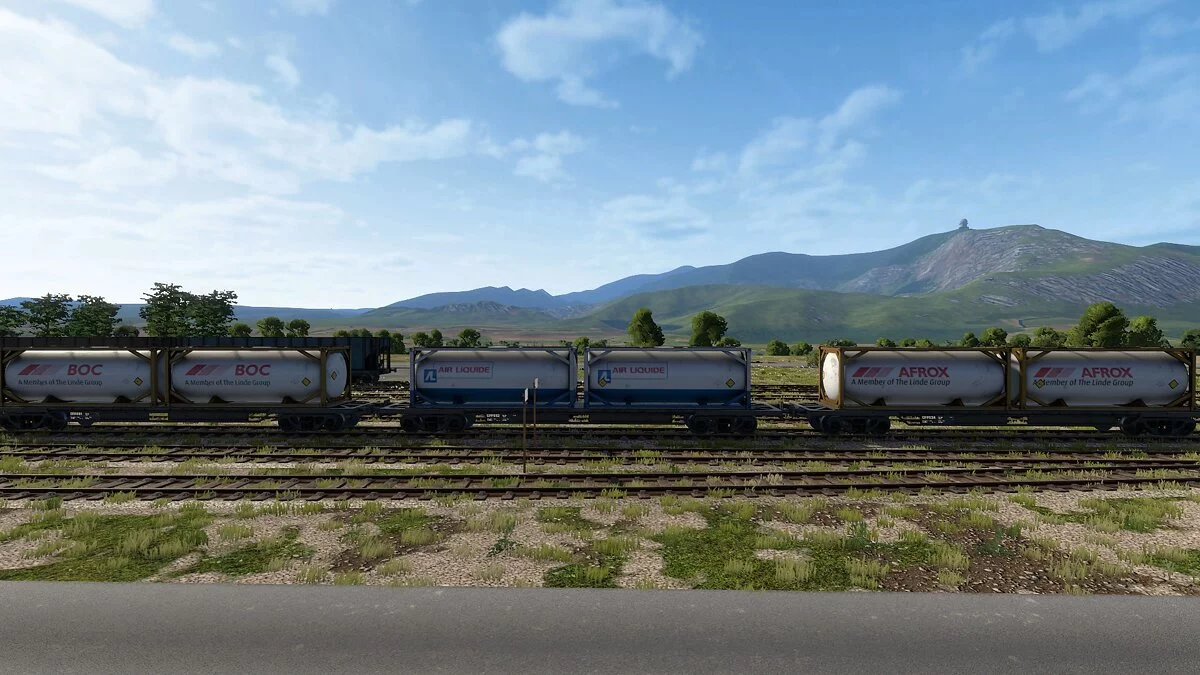
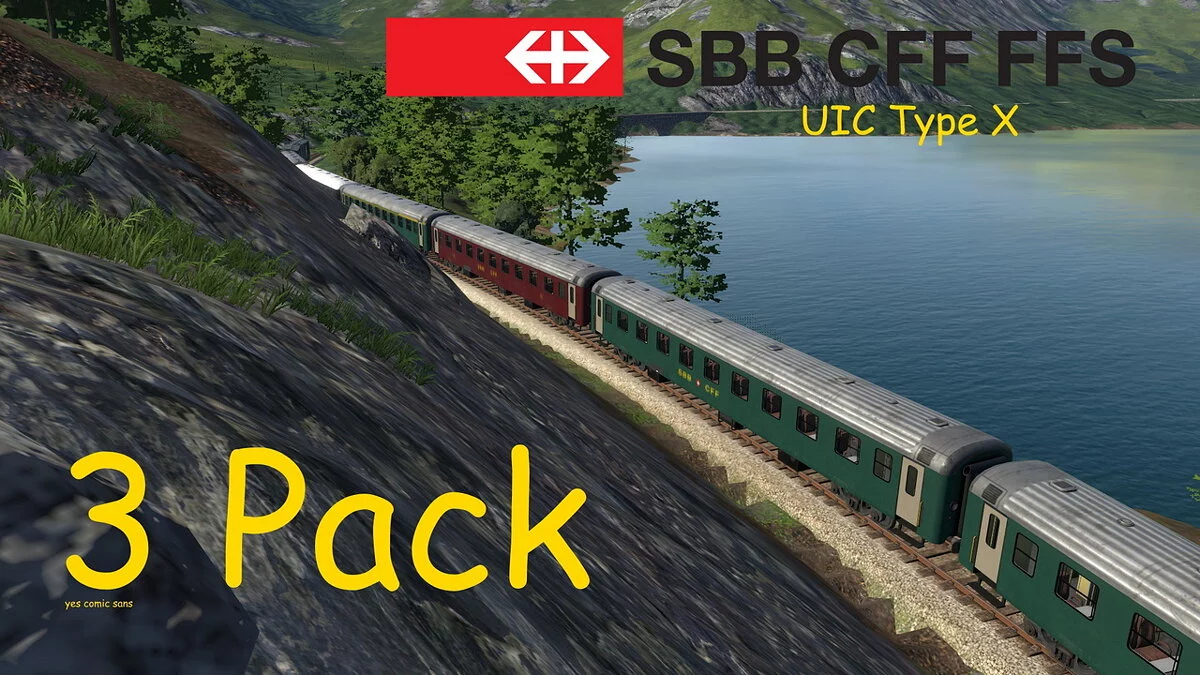
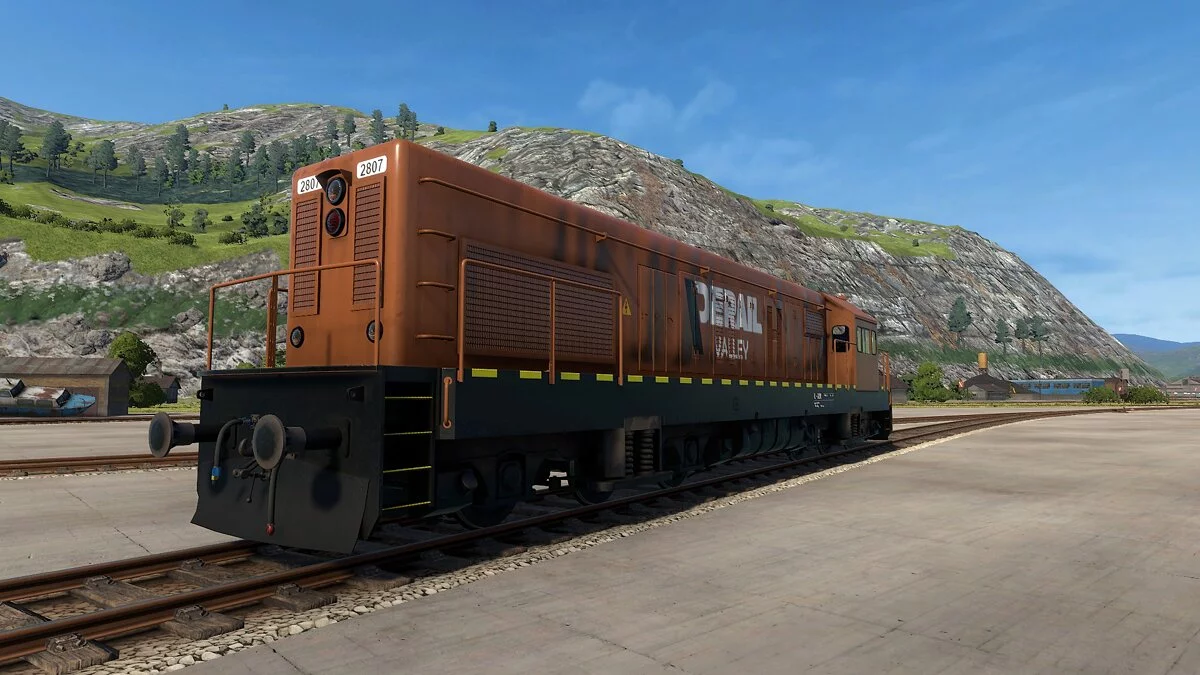
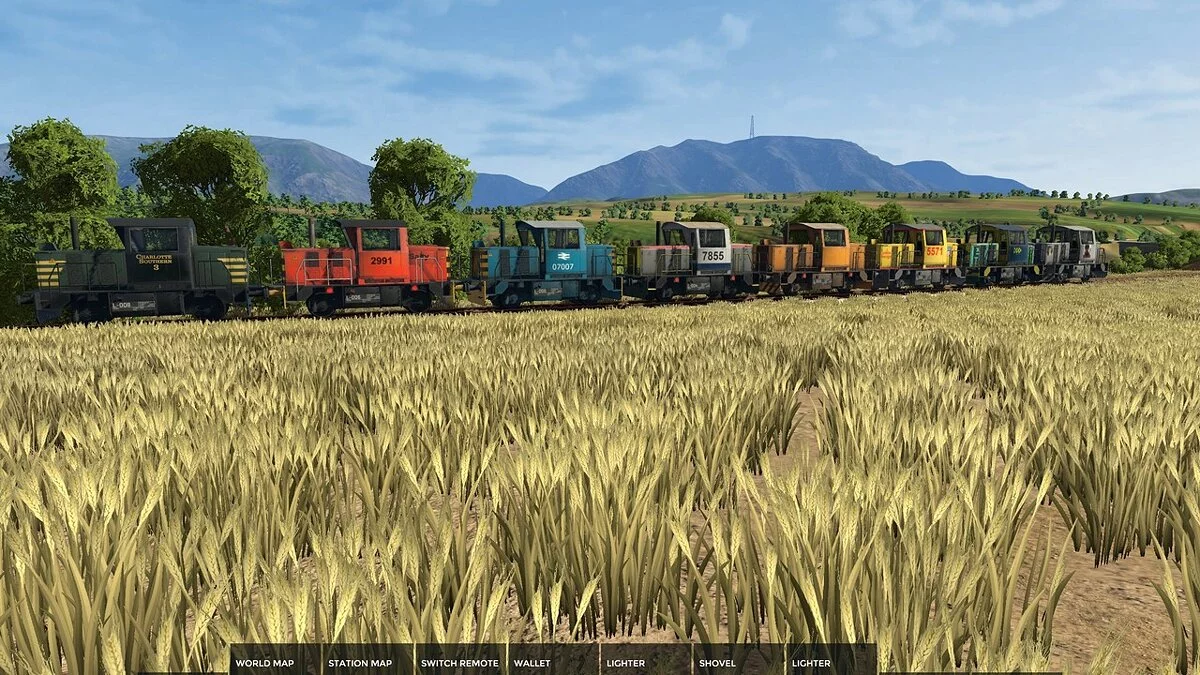
This mod allows you to add your own skins to the game.
How to install the mod:
1 Download and install Unity Mod Manager.
2 Install the mod using Unity Mod Manager or unpack the archive and place the mod folder in the game's Mods folder (Steam / steamapps / common / Derail Valley / Mods).
3 Launch the game.
How to add skins:
1 Download a skin.
2 Go to the mod folder and open the 'Skins' folder (Steam / steamapps / common / Derail Valley / Mods / SkinManagerMod / Skins).
3 Unpack the contents of the skin inside the folder.
4 Launch the game.
Skin Manager.
Этот мод позволит вам добавлять в игру собственные скины.
Как установить мод:
1 Загрузите и установите Unity Mod Manager.
2 Установите мод с помощью Unity Mod Manager или распакуйте архив и поместите папку с модами в папку Mods игры (Steam / steamapps / common / Derail Valley / Mods).
3 Запустите игру.
Как добавить скины:
1 Скачать скин.
2 Перейдите в папку мода и откройте папку «Скины» (Steam / steamapps / common / Derail Valley / Mods / SkinManagerMod / Skins).
3 Распакуйте содержимое скина внутри папки.
4 Запустите игру.
Related files:
Useful links: