
Doom Eternal is a first-person shooter that includes elements of action, platforming, and RPG. It is the first game in the new Doom franchise created after the... Read more
Gloomy Graphics in the Style of Carmack's Games
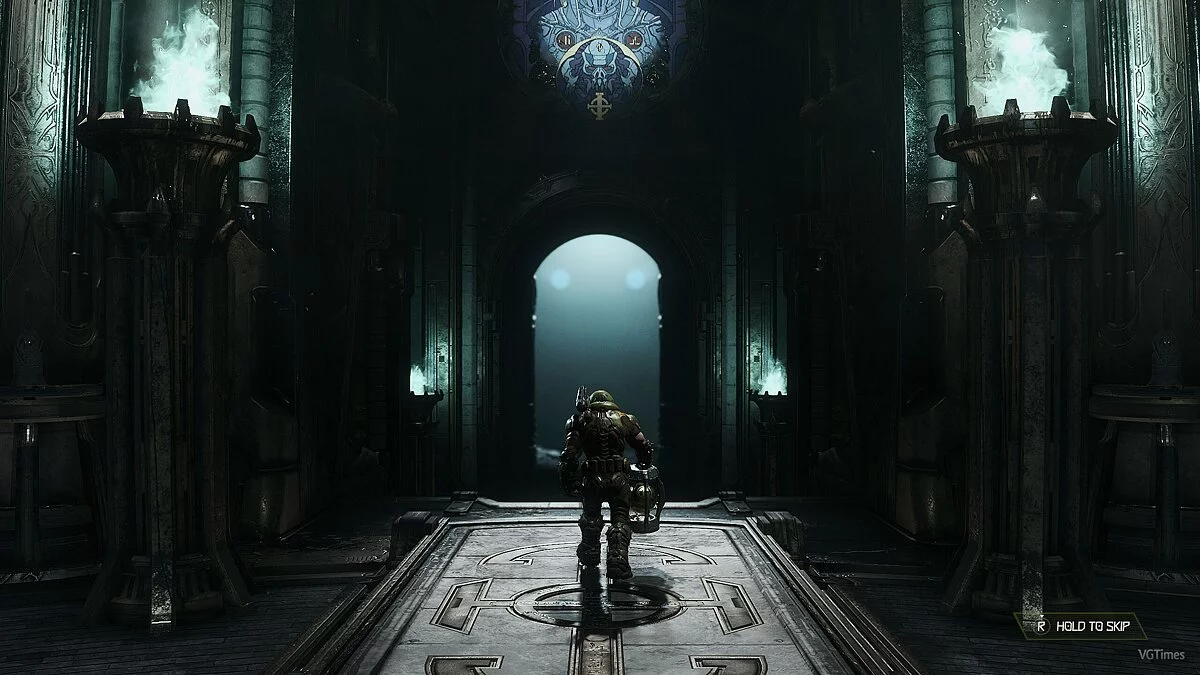
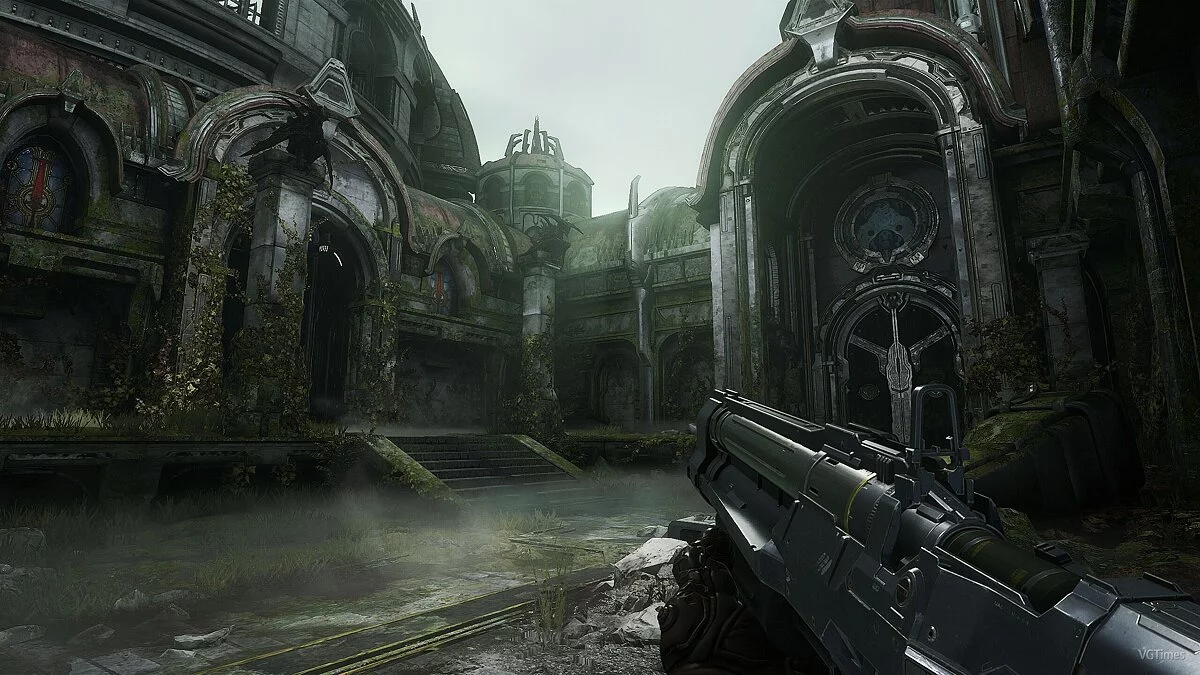
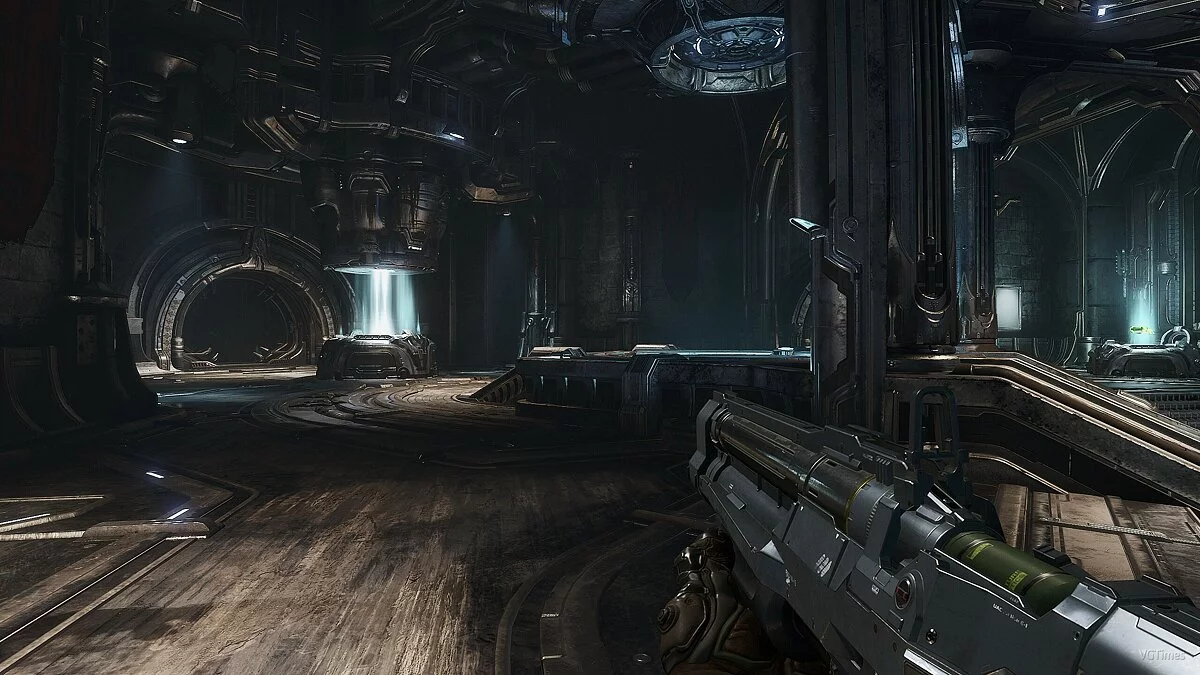
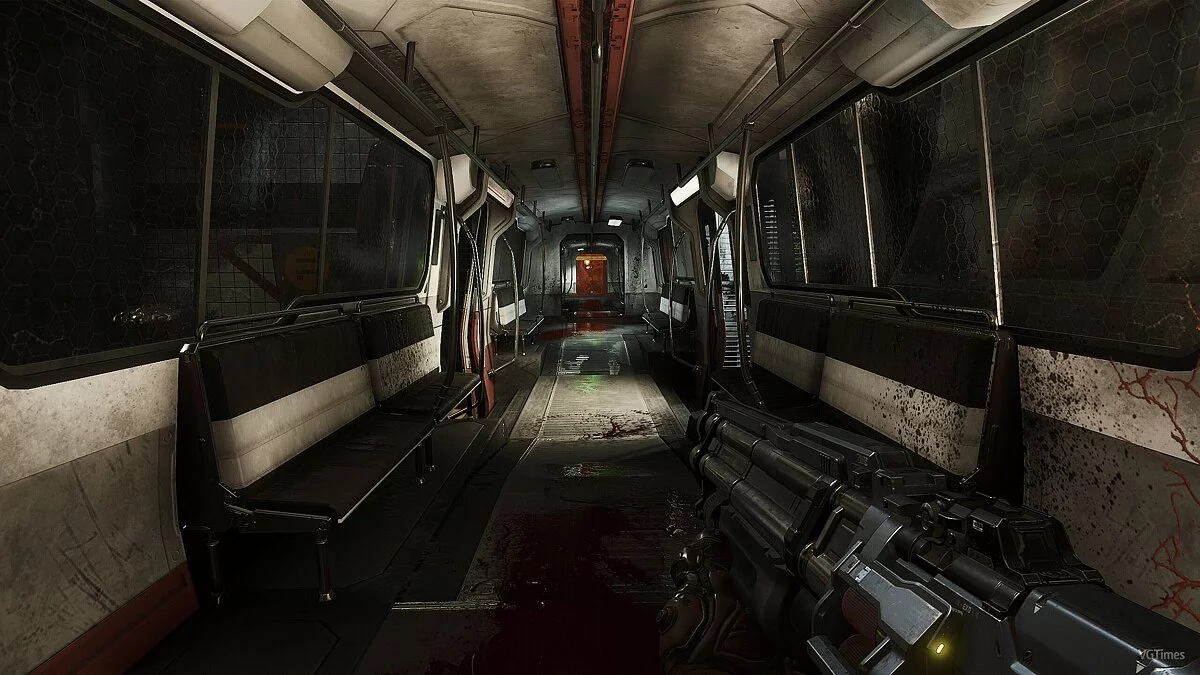
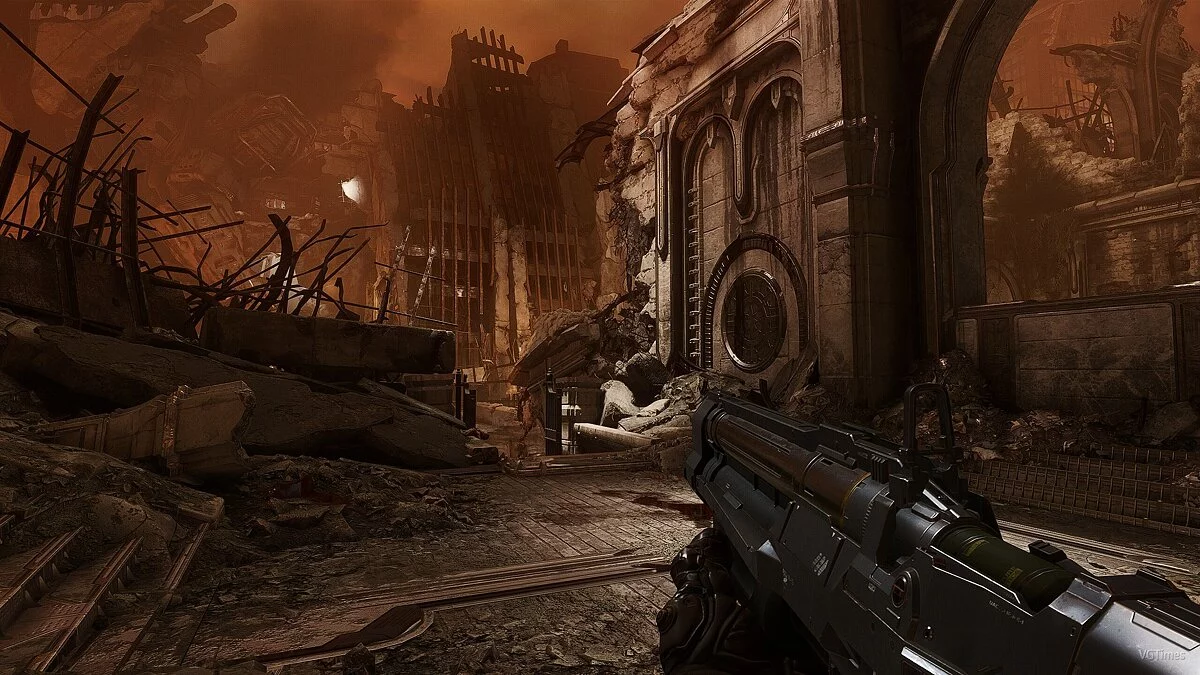
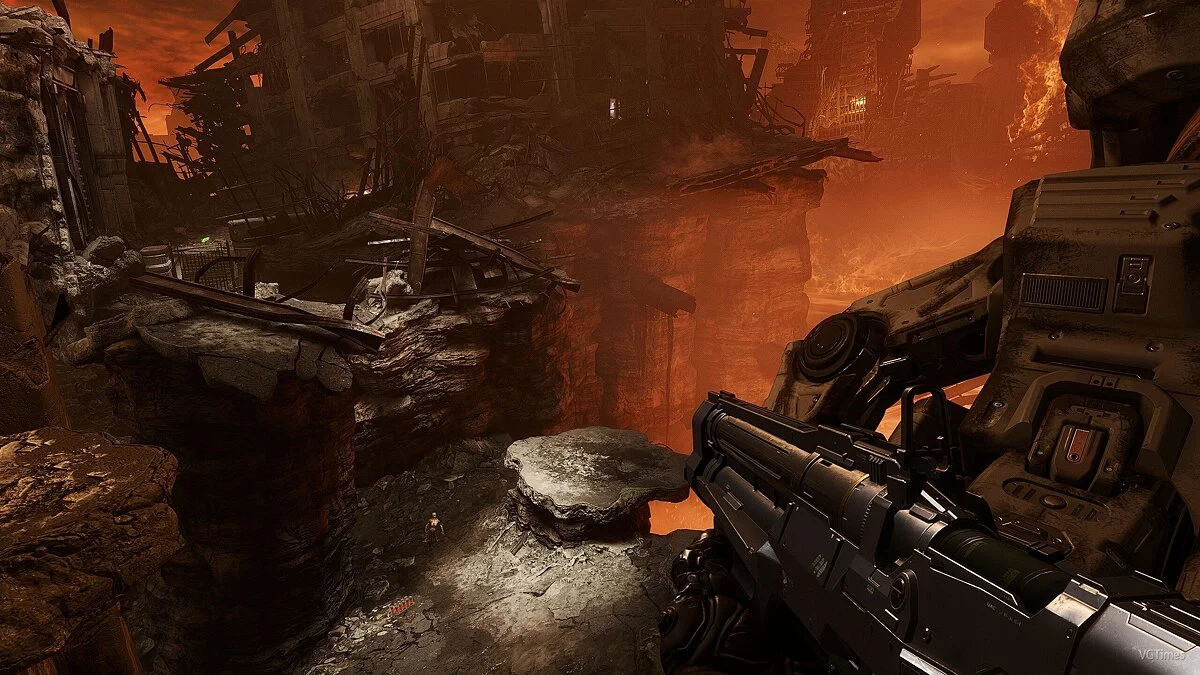

-
1585916006_carmacks_eternal_reshade_4_v1_0_1585769943.zipDownload (12.55 MB)
A simple preset for the graphics settings of the shooter Doom Eternal that makes the game darker. The author modified the standard graphics in the game towards the visual style of the Doom series by John Carmack.
Requirements:
Reshade
Installation:
Run Reshade and activate it
In the window, be sure to select the option "Enable Reshade Vulkan globally (affects all Vulkan games)"
Extract the archive to the folder C:\ProgramData\ReShade
In the game, press the "Home" key, in the upper right corner click “+” and select the installed preset
Простой пресет графический настроек для шутера Doom Eternal, который делает игру более мрачнее. Автор изменил стандартную графику в игре, в сторону визуального оформления серии Doom от Джона Кармака.
Требования:
Reshade
Установка:
Запустите Reshade и активируйте его
В окне обязательно выберите пункт "Enable Reshade Vulkan globally (affects all Vulkan games)"
Распакуйте архив в папку C:\ProgramData\ReShade
В игре и нажмите клавишу "Home", в правом верхнем углу нажмите «+» и выберите установленный пресет
Useful links:
![Doom Eternal — Trainer (+17) [1.0]](https://files.vgtimes.com/download/posts/2020-03/thumbs/1584879309_g16kexlqummi6lasp4cxug.webp)
![Doom Eternal — Trainer (+8) [1.0]](https://files.vgtimes.com/download/posts/2020-03/thumbs/1584828800_r7mqn6b-ihegcxw4byeosq.webp)
![Doom Eternal — Trainer (+13) from 06.28.2020 [WeMod]](https://files.vgtimes.com/download/posts/2020-06/thumbs/1593362142_2020-06-28_193426.webp)
![Doom Eternal — Trainer (+14) [7.1.1]](https://files.vgtimes.com/download/posts/2021-12/thumbs/1639212370_2021-12-11_114457.webp)
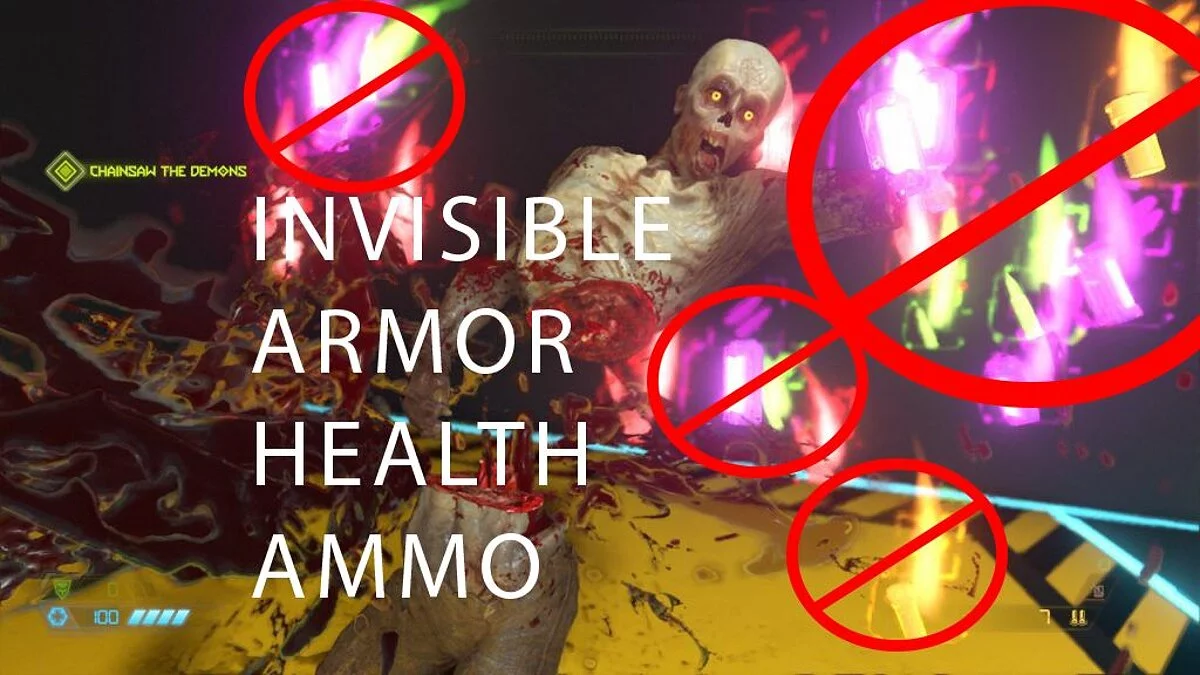
![Doom Eternal — Trainer (+15/+16/+17/+19/+20) [1.0 - UPDATED: 03.18.2021]](https://files.vgtimes.com/download/posts/2021-04/thumbs/1619108201_ryipevrgcli3ui41wsjtdg.webp)
![Doom Eternal — Trainer (+13) from 08.05.2020 [WeMod]](https://files.vgtimes.com/download/posts/2020-08/thumbs/1596702853_2020-08-06_113154.webp)
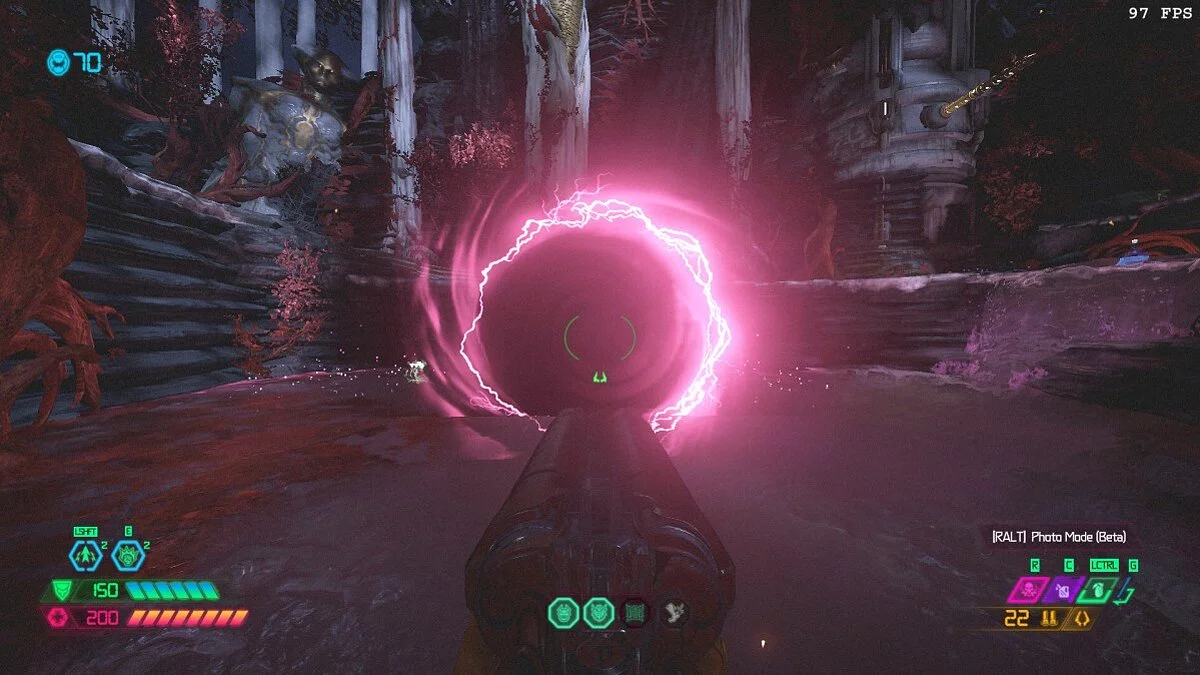
![Doom Eternal — Trainer (+13) from 09.09.2023 [WeMod]](https://files.vgtimes.com/download/posts/2023-09/thumbs/trejjner-13-ot-09-09-2023-wemod_1694337268_773140.webp)
