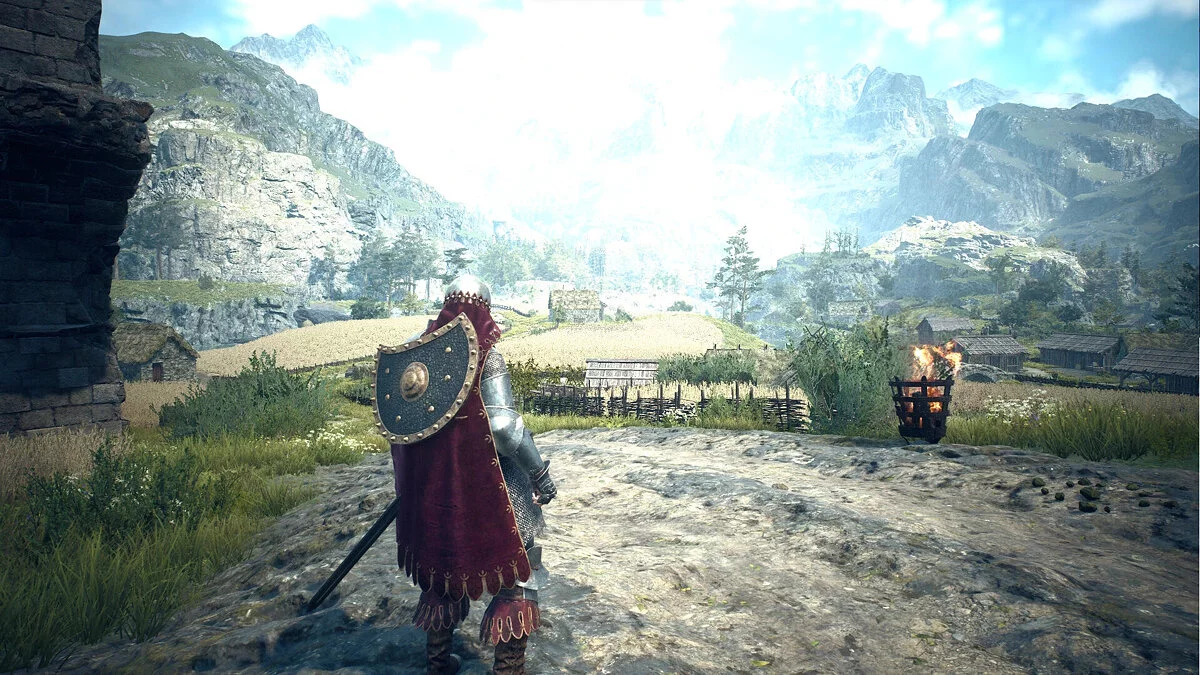
Action RPG with a free camera, dynamic combat, and mechanics typical of hack-and-slash games, Dragon's Dogma 2 continues and expands on the ideas introduced in... Read more
Arisen's Toolbox Companion App — Item Spawner, Pawn Editor, Skills, and Fast Travel


-
Download (67.10 kB)October 24, 2026, 12:40 PMarisens-toolbox-redaktor-predmetov_1792834839_648166.zip
Arisen's Toolbox is a standalone desktop companion utility for Dragon's Dogma 2. It automates setup by installing REFramework if missing, placing its companion Lua script (ddbridge.lua), launching the game directly via DD2.exe without requiring Steam, and connecting instantly once a save file is loaded. Communication relies on plain-text file bridges rather than traditional memory scanning or AOB signatures, keeping the tool resilient against Capcom title updates that routinely break Cheat Engine tables and memory trainers. It features an integrated item spawner and property editor with ring effect mapping and elemental infusions, pawn badge and rating manipulation, character renaming, skill/augment assignment, on-the-fly vocation changes, free marker fast travel without Ferrystones, independent enemy respawn timers, and movement physics modifiers.
Feature List:
Header Bar:
- Target Selector — Toggle between Arisen and Main Pawn.
- Vocation Picker — Set Vocation anywhere on the fly.
- Unlock All Vocations — Instantly unlock all vocations.
- Pawn Picker — Target specific hired pawns.
Items:
- Item Giver — Searchable catalog of every game item with instant quantity delivery.
- Item Editor — Inspect and modify stats and attributes of selected items.
- Item Stats — Read and extract complete item data arrays, including hidden passives (e.g., Ring of Quickening).
- Element Picker — Permanently imbue or strip elemental damage on any weapon (Fire, Ice, Lightning, Holy).
- Rename Items — Apply custom names to item types.
- Duplicate Items — Duplicate highlighted items with one click.
Pawn:
- Rating & Badges — View and edit pawn likes, positive reviews, and tracked badge progression (23 mapped badges).
- Names — Rename the Arisen, main pawn, and hired pawns (up to 12 characters; requires save reload to persist).
Character:
- Skills & Augments — Directly grant weapon skills, upgraded skills (ExSkill), core skills, and passive augments.
Mods:
- Jump Tweaks — Custom jump height, infinite air jumps, hovering, and fall damage immunity.
- Movement Speed — Walking, running, and sprinting speed slider (100–300%) with pawn sync, plus ladder climbing speeds.
- Fast Travel — Direct teleportation to custom map pins or quest markers via native engine routines without consuming Ferrystones (pawns follow; includes post-warp fall immunity).
- Faster Enemy Respawn — Independent respawn timer sliders for standard mobs and boss encounters (down to instant).
Installation & Usage Instructions:
- Extract the Arisen's Toolbox archive into a folder of your choice.
- Launch the Arisen's Toolbox executable.
- Point the tool to your DD2.exe installation path during the initial setup.
- Click «Start» to automatically install REFramework, deploy ddbridge.lua, and start the game executable.
- Load your game save; the tool hooks into the active session automatically.
- Adjust settings, grant items, and configure pawns in real time through the companion interface.
Related files:
Useful links:
![Dragon's Dogma 2 — Cheat Engine Table [UPD: 03.23.2024]](https://files.vgtimes.com/download/posts/2024-03/thumbs/tablica-dlja-cheat-engine-upd-23-03-2024_1711275994_873955.webp)
![Dragon's Dogma 2 — Trainer (+33) [1.0]](https://files.vgtimes.com/download/posts/2024-03/thumbs/trejjner-33-1-0_1711276235_550638.webp)
![Dragon's Dogma 2 — Table for Cheat Engine [UPD: 18.04.2025]](https://files.vgtimes.com/download/posts/2025-04/thumbs/tablica-dlja-cheat-engine-upd-18-04-2025_1745051625_211179.webp)
![Dragon's Dogma 2 — Trainer (+36) [1.0 - UPD: 17.09.2024]](https://files.vgtimes.com/download/posts/2024-09/thumbs/trejjner-36-1-0-upd-17-09-2024_1726647075_256117.webp)
![Dragon's Dogma 2 — Cheat Engine Table [UPD: 24.03.2024]](https://files.vgtimes.com/download/posts/2024-03/thumbs/tablica-dlja-cheat-engine-upd-24-03-2024_1711360277_662069.webp)
![Dragon's Dogma 2 — Cheat Engine Table [UPD: 20.11.2024/Debug Version]](https://files.vgtimes.com/download/posts/2024-11/thumbs/tablica-dlja-cheat-engine-upd-20-11_1732183739_996062.webp)
![Dragon's Dogma 2 — Cheat Engine Table [Updated: 30.03.2024]](https://files.vgtimes.com/download/posts/2024-03/thumbs/tablica-dlja-cheat-engine-upd-30-03-2024_1711882153_783149.webp)