Adventure action game in the open world Dying Light allows you to fully immerse yourself in the world of the zombie apocalypse. You can expect upgrades, RPG... Read more
Enhancing Graphics with Reshade
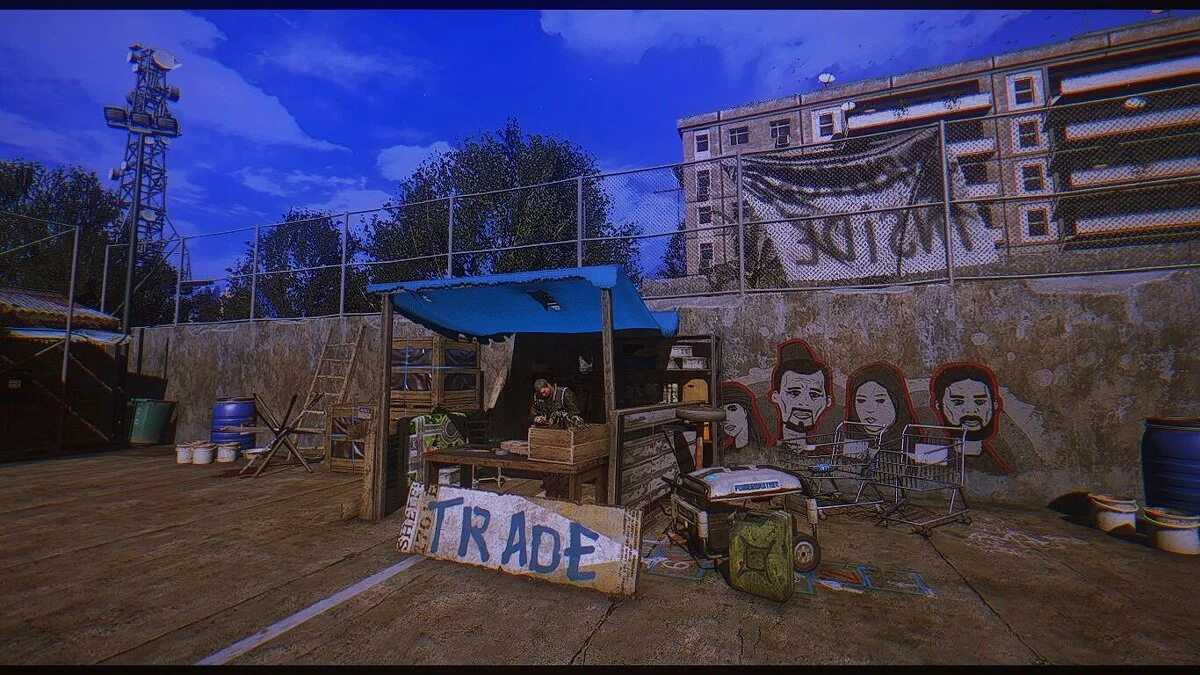
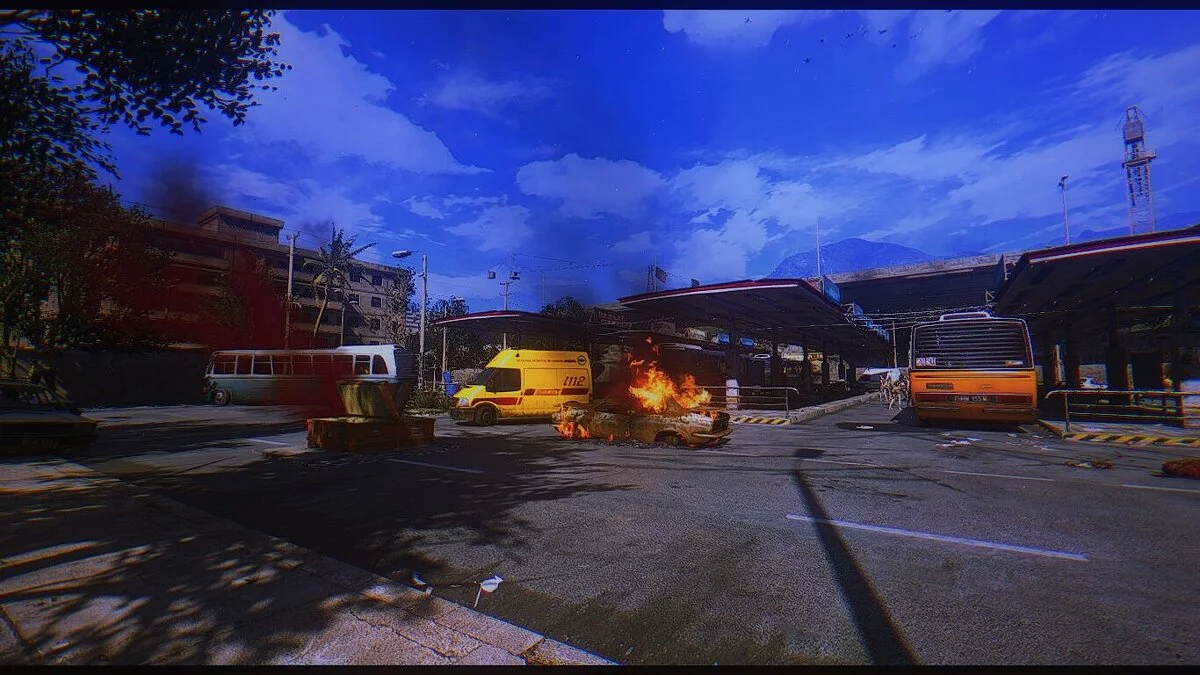
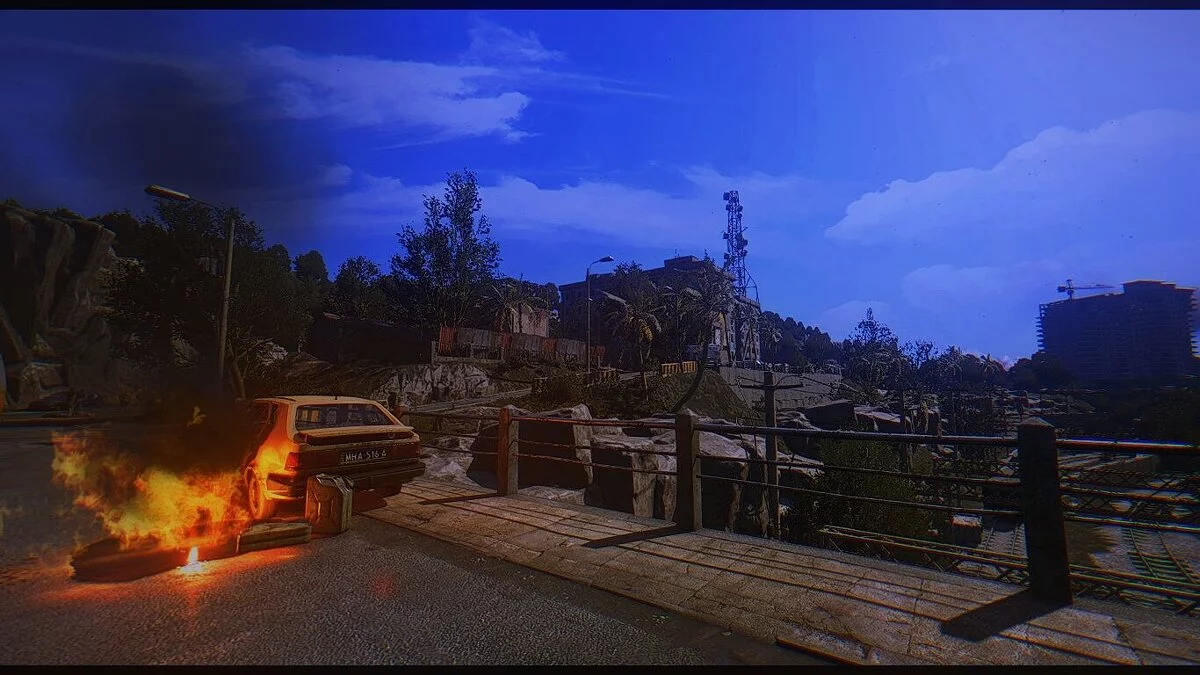
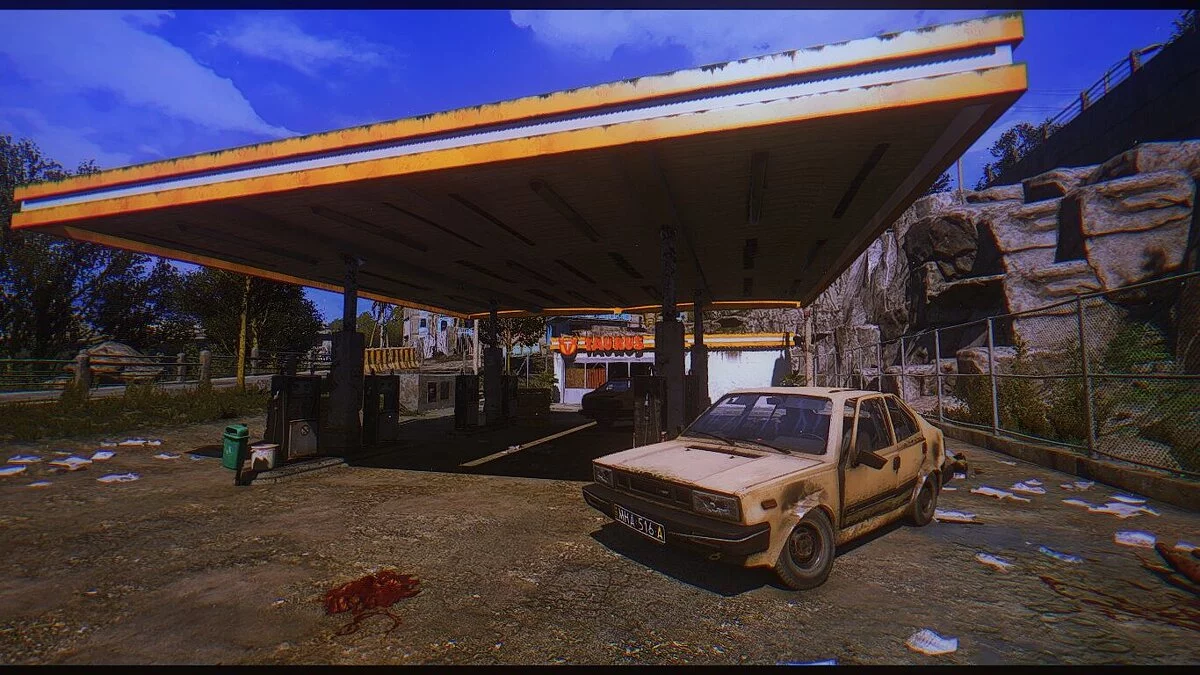
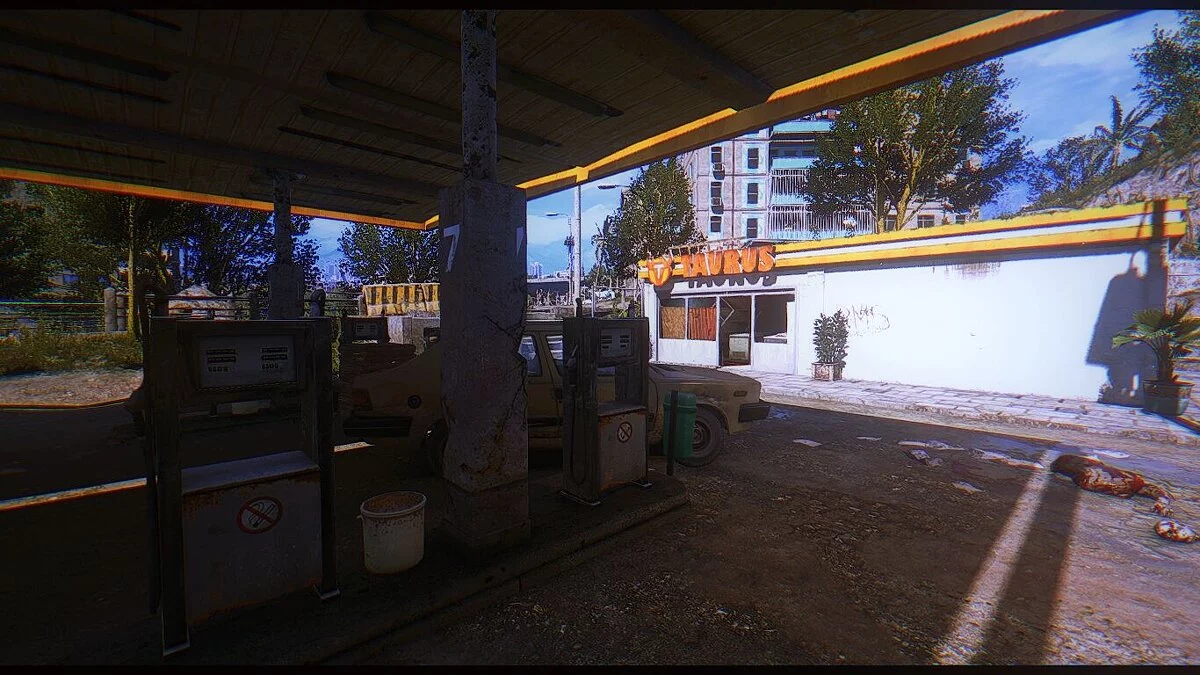
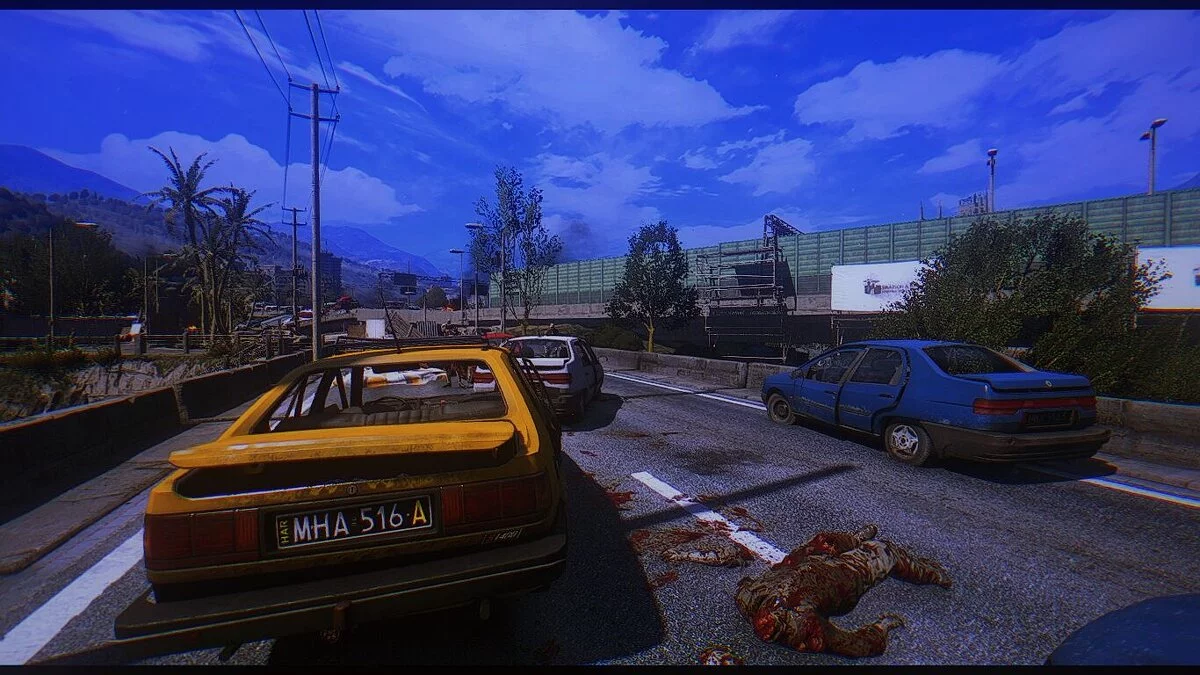
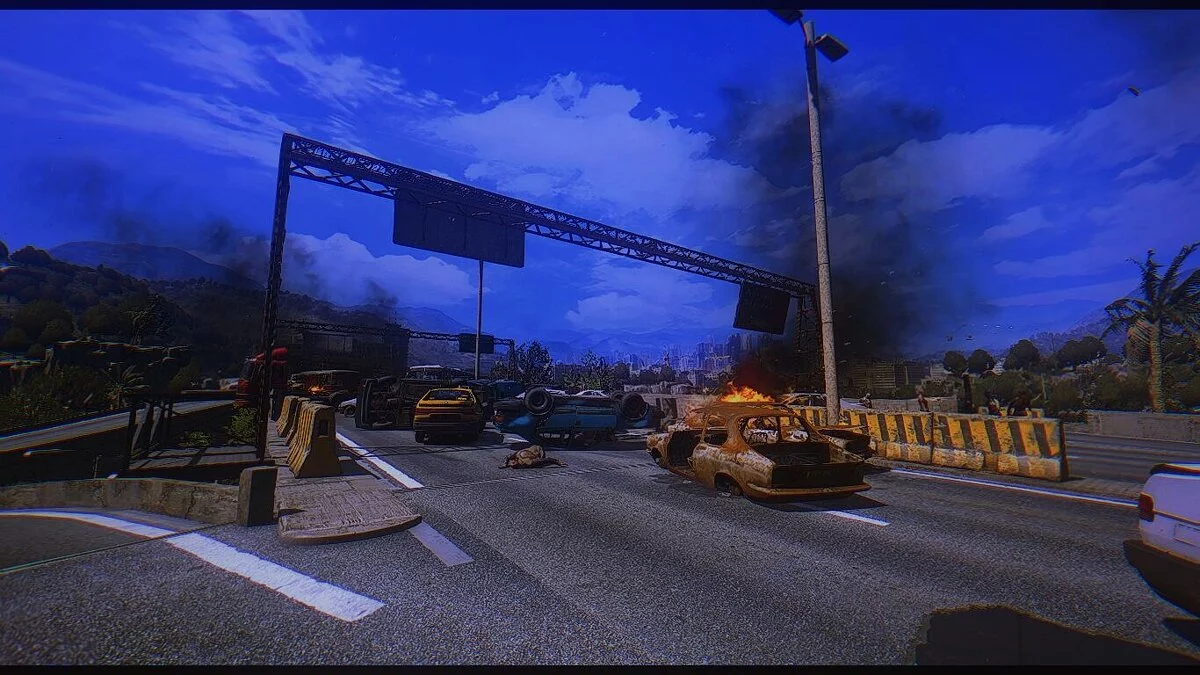
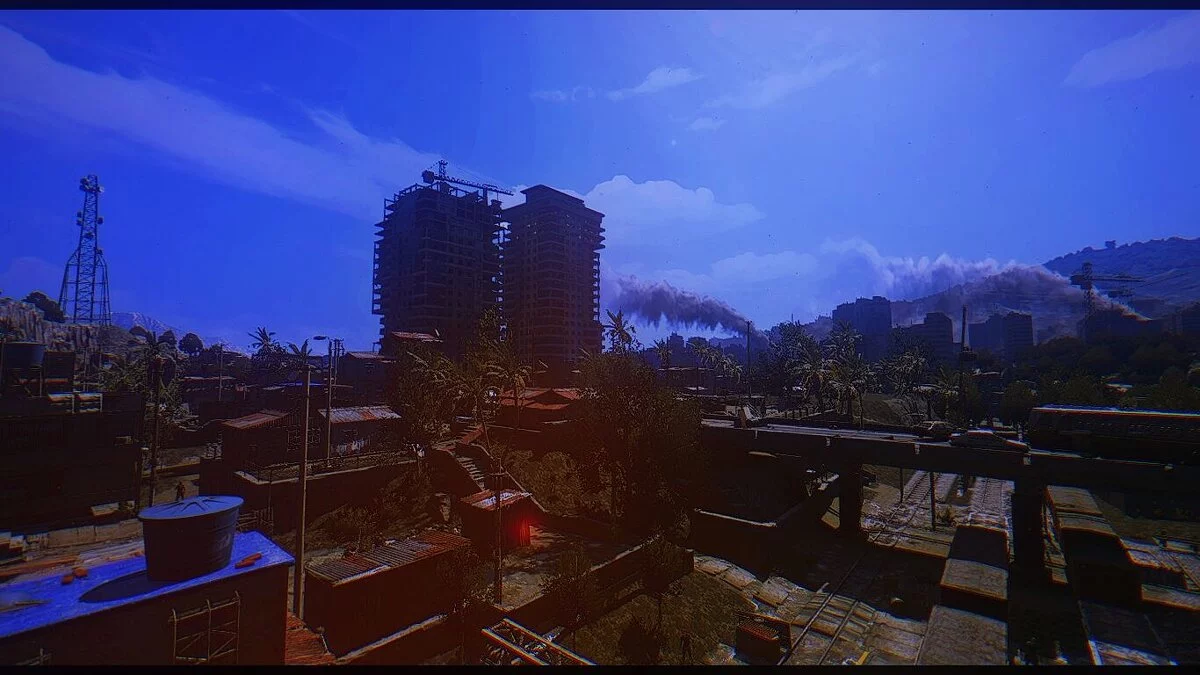
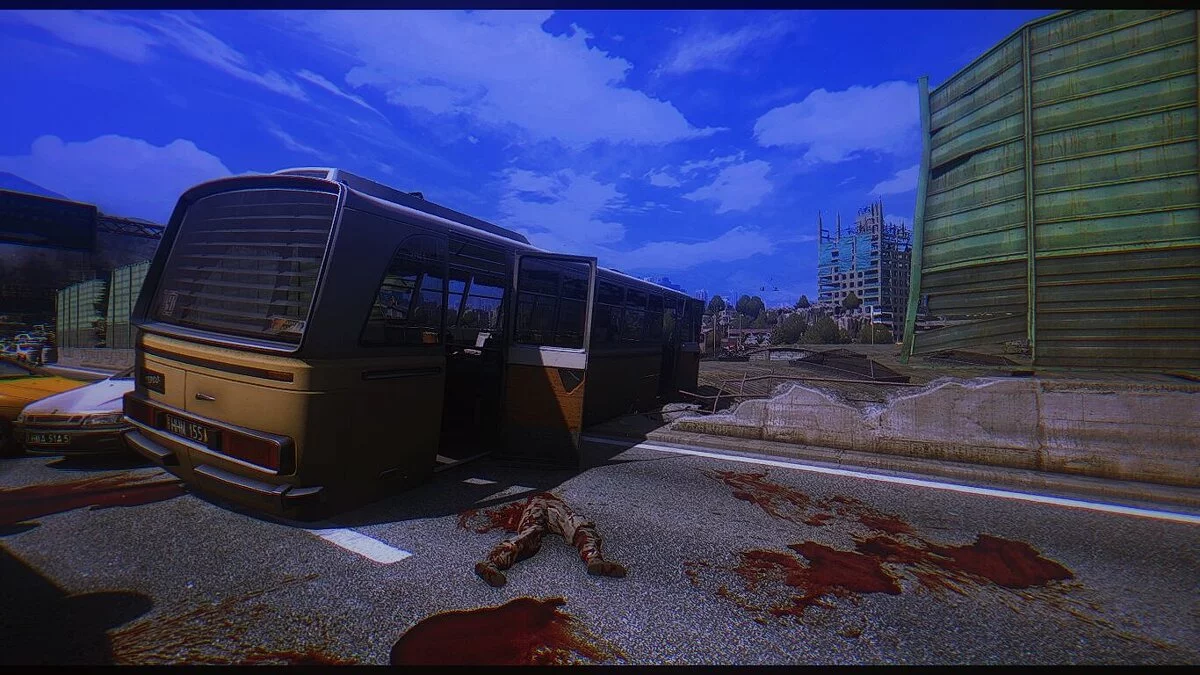
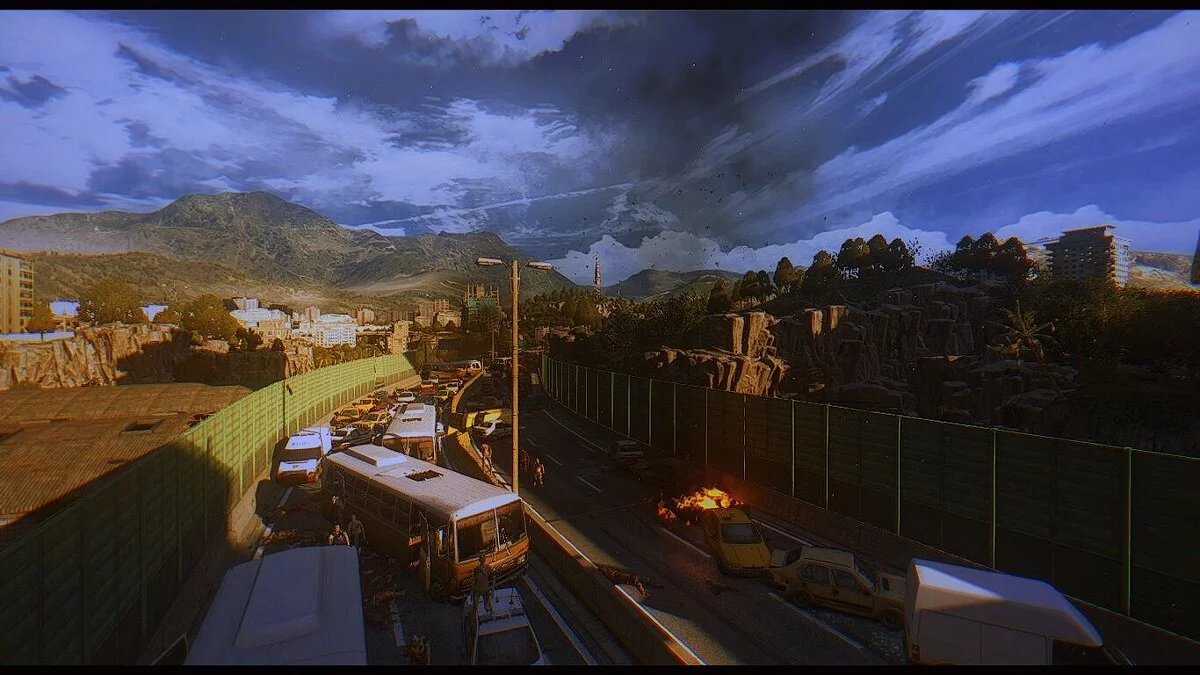
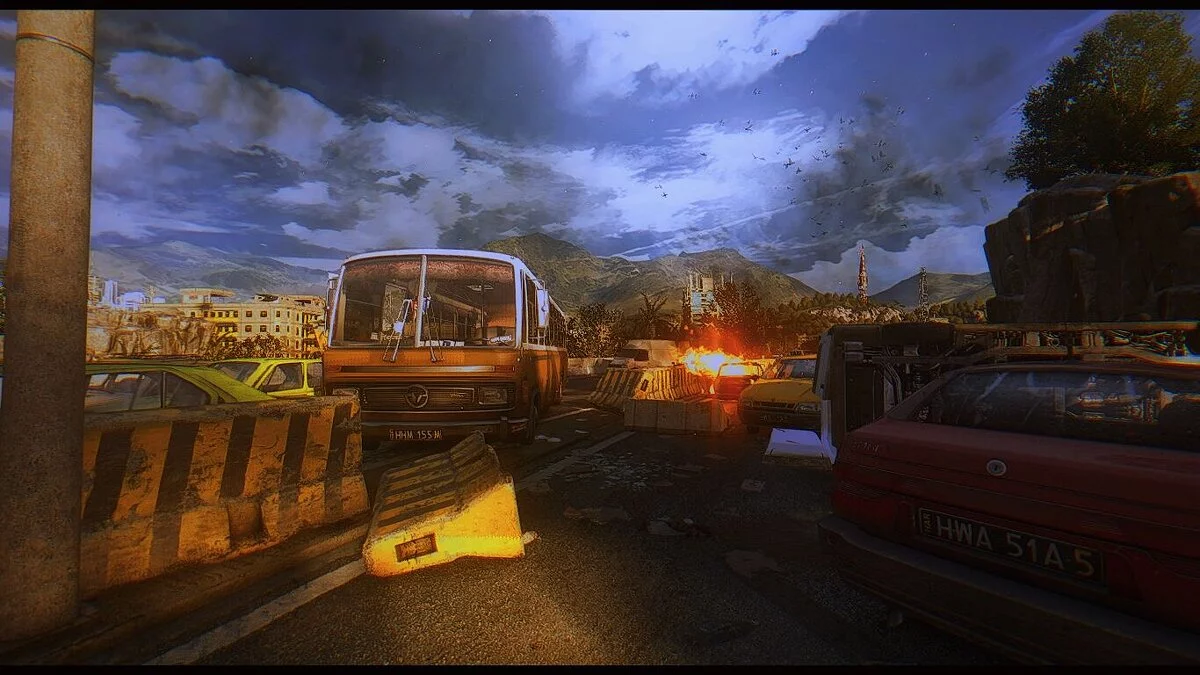
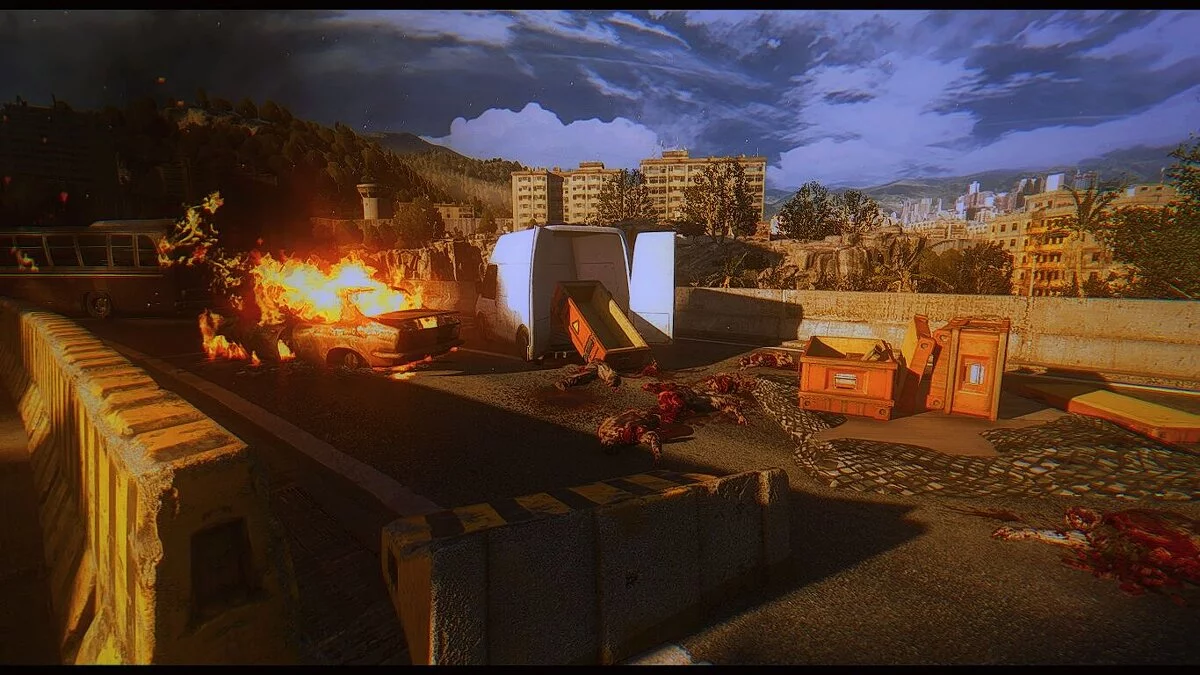
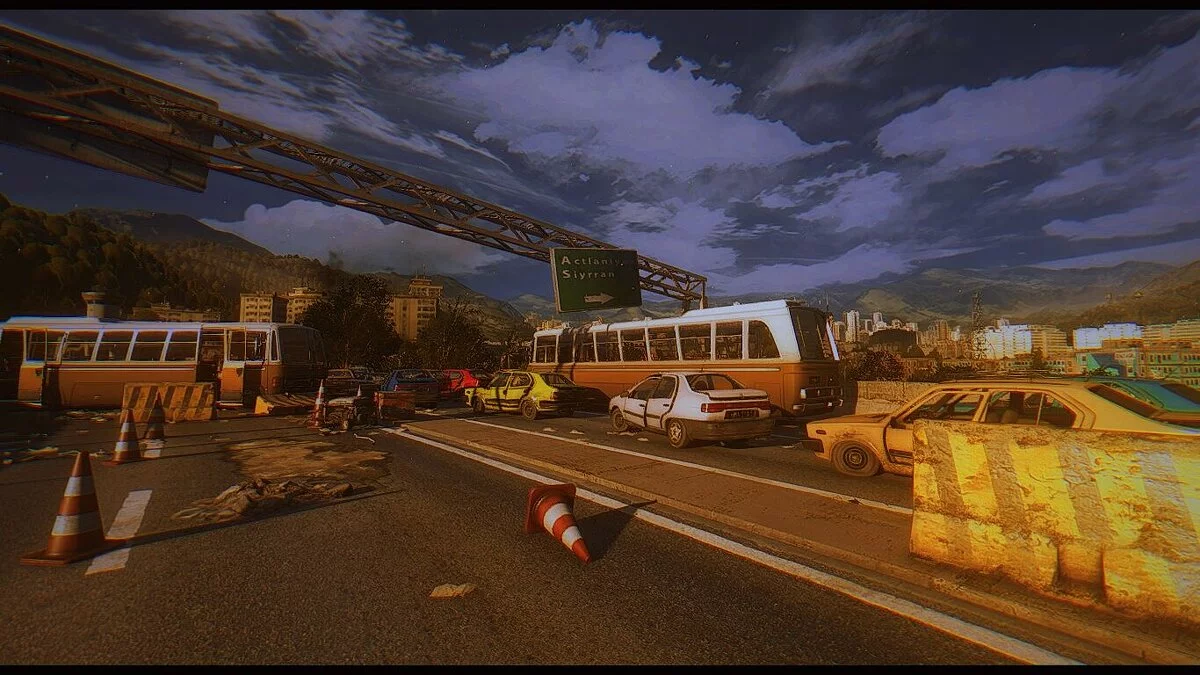
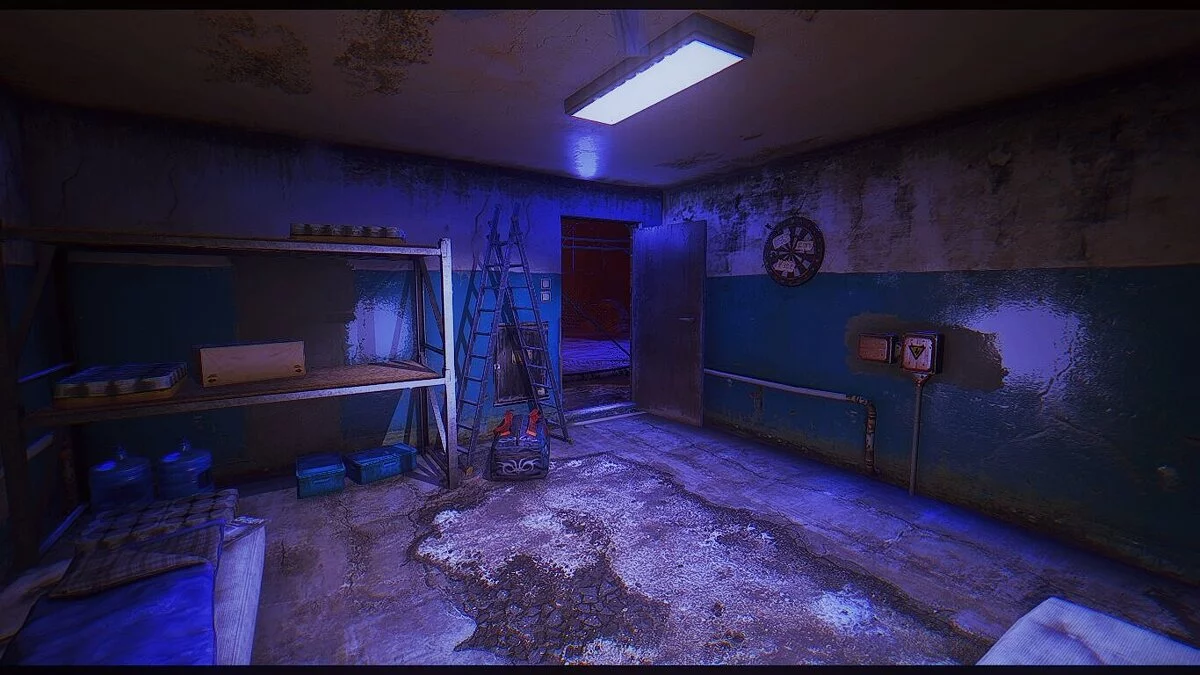

-
1603301220_dying-light-reshade.rarDownload (2.56 MB)
Hello everyone!
Without further ado, let's jump straight into the installation.
Installation:
Inside the archive, there are two files: the first is the preset itself, and the second is the Reshade program.
Place my preset in the game folder (the drive where the game is installed, for example, Drive D/Dying Light; if it's on Steam, then Drive D/Steam/Steamapps/Common/Dying Light). Launch the Reshade 4.6.0 program and follow the instructions shown in the video. (The video features an older version of Reshade using the game Dishonored as an example, so you will need to manually select the effects pack and check all the boxes).
Всем доброго времени суток!
Без всяких объяснений перейдем сразу к установке.
Установка:
В архиве находится два файла, первый это сам пресет, а второй программа Reshade.
Мой пресет в папку с игрой (Диск на котором установлена игра, допустим Диск D/Dying Light, если же это стим то Диск D/Steam/Steamapps/Common/Dying Light). Запускаем программу Reshade 4.6.0 и следуем тому что показано в видео. (В видео стоит старая версия Reshade на примере игры Dishonored, вам придется вручную выбирать сборник эффектов и нужно поставить галочки везде).
Useful links:
![Dying Light — Table for Cheat Engine [5.4.68 Fix]](https://files.vgtimes.com/download/posts/2026-02/thumbs/tablica-dlja-cheat-engine-5-4-68-fix_1771746807_969672.webp)
![Dying Light — Trainer (+19) [1.10.0] [MrAntiFun]](https://files.vgtimes.com/download/posts/2017-05/thumbs/1493847149_fz3zu57r.webp)
![Dying Light — Table for Cheat Engine [UPD: 03.06.2025]](https://files.vgtimes.com/download/posts/2025-06/thumbs/tablica-dlja-cheat-engine-upd-03-06-2025_1749022501_166991.webp)
![Dying Light — Trainer (+30) [1.6.2] [64 Bit] [Baracuda] - Updated: 14.12.2015](https://files.vgtimes.com/download/posts/2017-05/thumbs/1494016050_1494015225_892.webp)
![Dying Light — Trainer (+13) [1.11.0] [iNvIcTUs oRCuS / HoG]](https://files.vgtimes.com/download/posts/2017-05/thumbs/1494014533_1494014455_300.webp)
![Dying Light — Table for Cheat Engine [5.4.68]](https://files.vgtimes.com/download/posts/2026-01/thumbs/tablica-dlja-cheat-engine-5-4-68_1768901990_660668.webp)
![Dying Light — Trainer (+31) [1.6.2] [LinGon] - Fixed: 19.12.2015](https://files.vgtimes.com/download/posts/2017-05/thumbs/1493847234_i9zd9mxm.webp)
![Dying Light — Trainer (+31) [1.6.1] [LinGon]](https://files.vgtimes.com/download/posts/2017-05/thumbs/1493847232_imxlrldt.webp)
![Dying Light — Trainer (+37) [1.6.1] [64 Bit] [Baracuda]](https://files.vgtimes.com/download/posts/2017-05/thumbs/1493847307_yypwvfa5.webp)