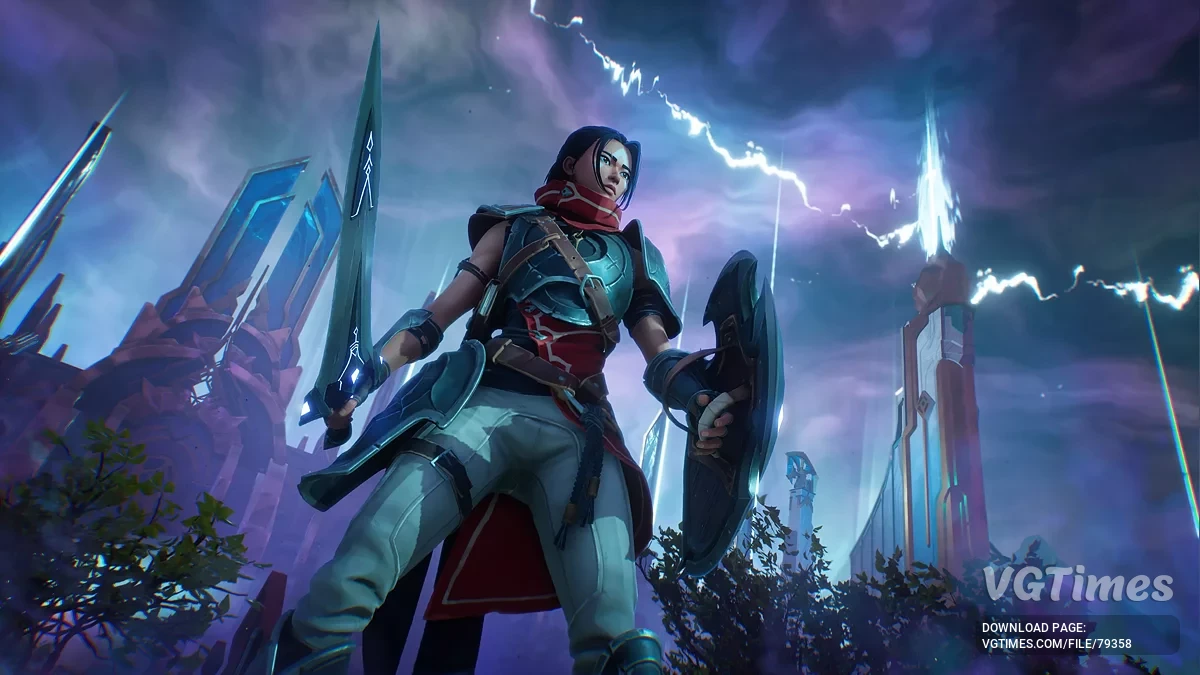
The main character is the young and fearless Brynn, who is determined to return home to her people. She has many powerful spells and an entire arsenal of magical... Read more
Text Localizer - Machine Translation
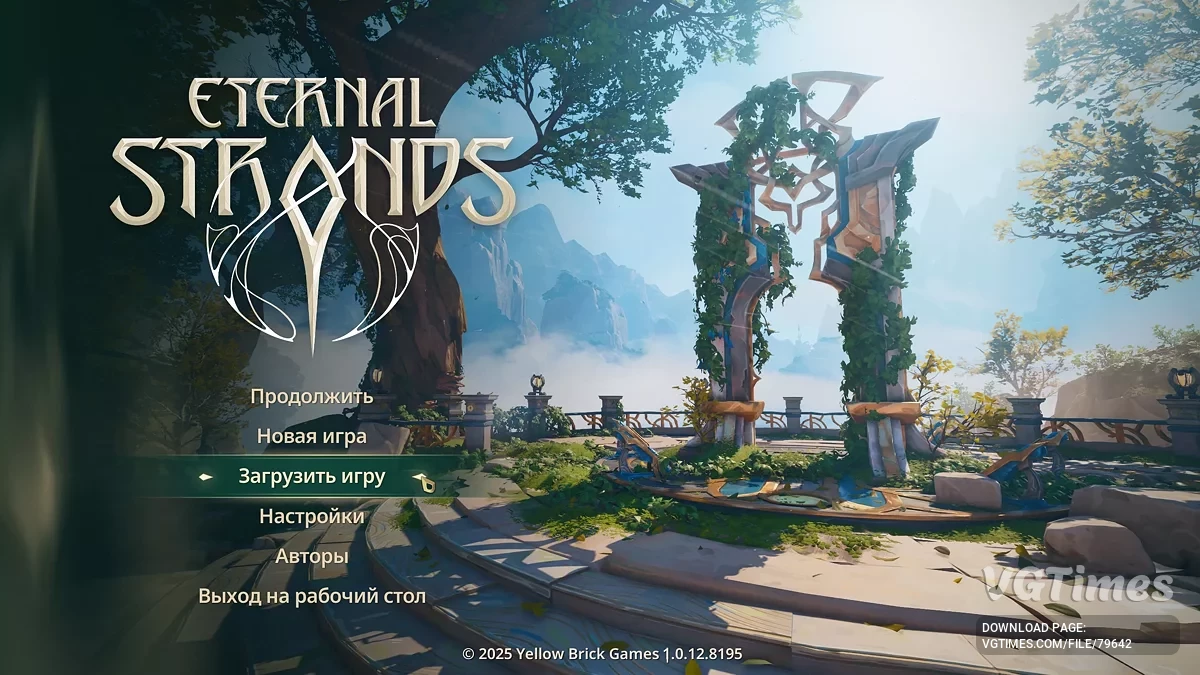


-
Download (5.15 MB)February 16, 2025, 06:45 AMrusifikator-teksta-mashinnyjj-perevod_1739677520_693865.zip
Version and date of translation: 1.2.5 from 05.02.25.
Game version for installation: any [Steam].
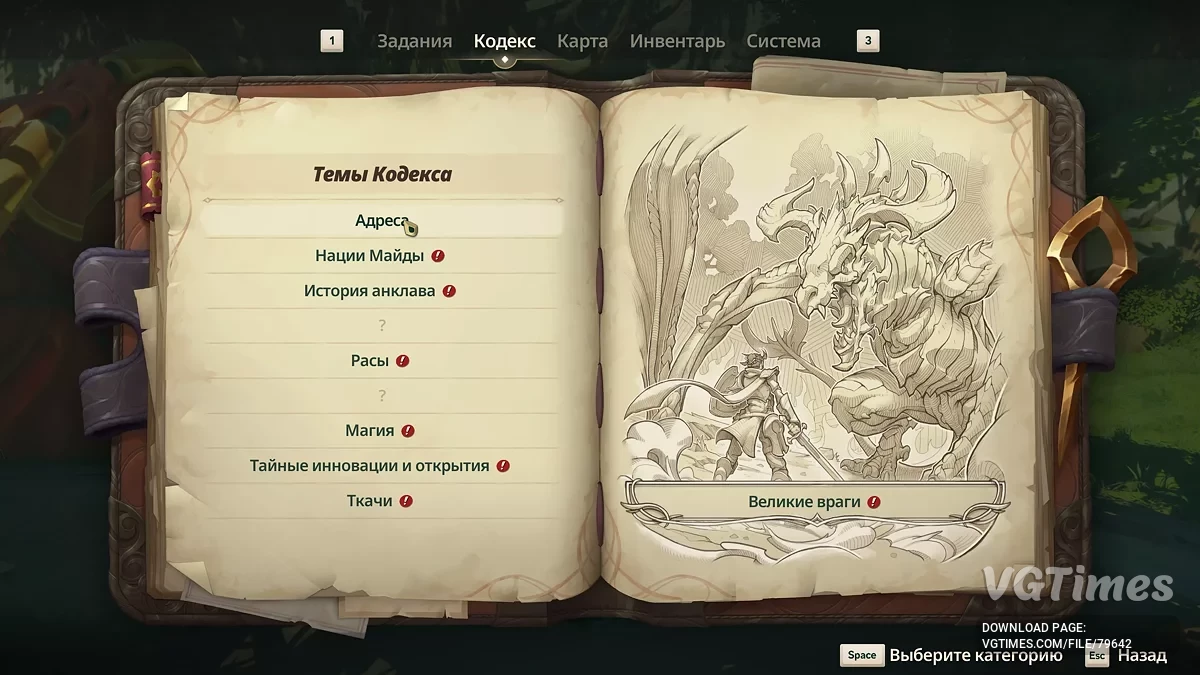
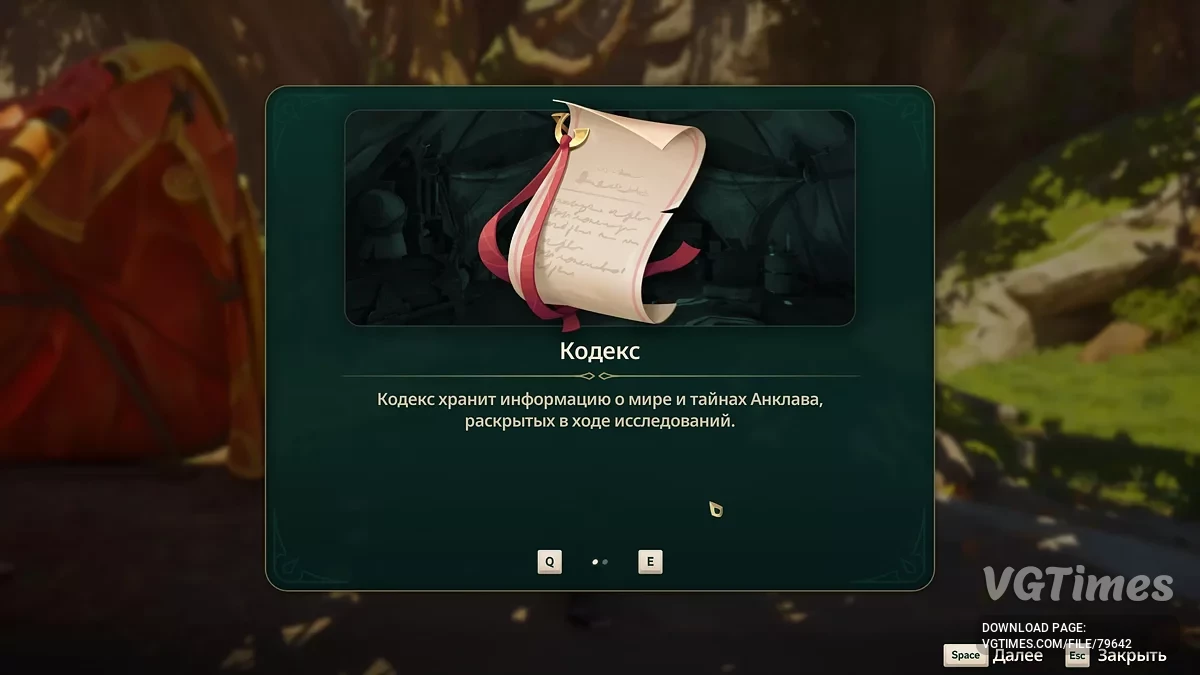
The translation was made using tools from "Yandex" with minor modifications. The fonts are beautiful.
Updates:
Version 1.2.5 from 05.02.25.
- A series of corrections in the translation.
Version 1.02 from 29.01.25.
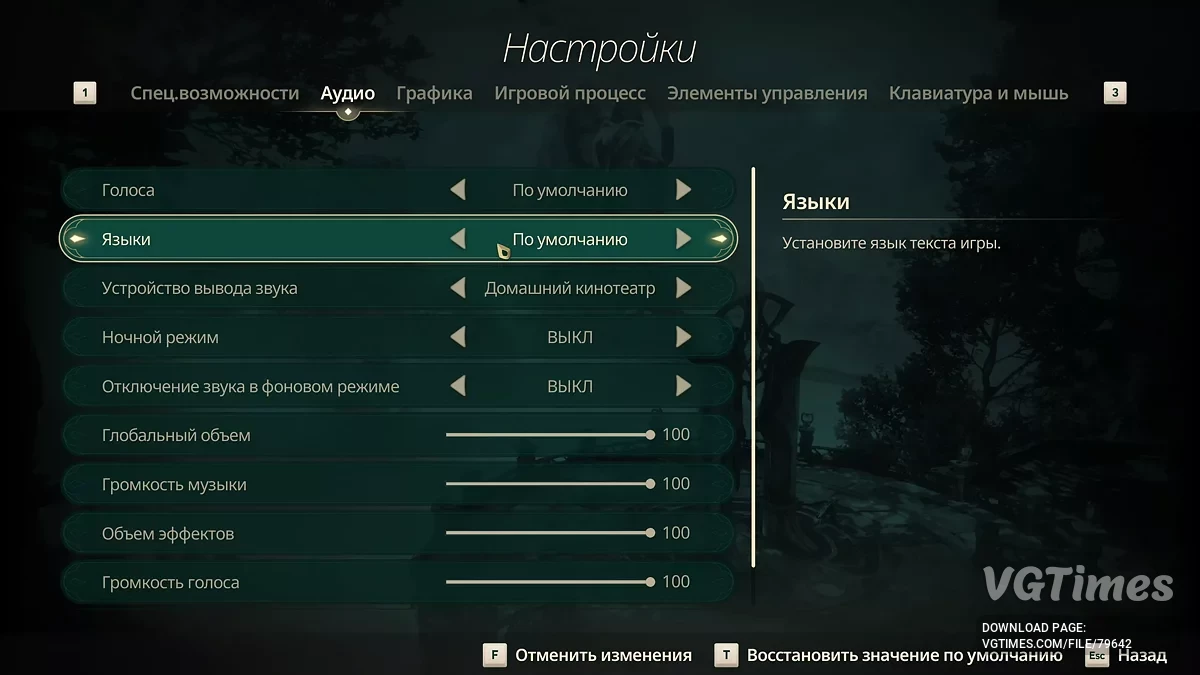
- Support for built-in beautiful fonts has been added — to activate them, select: settings — audio — language — default.
Version 1.01 from 29.01.25.
- The Russian translation now replaces the French one — it needs to be selected in the menu.
How to launch:
- Copy the pak file to the game installation folder \EternalStrands\Content\Paks;
- In the game, select the text language "Default" — this is Russian and beautiful fonts;
- Alternative text option: English (this is Russian with simpler fonts).
How to uninstall:
- Go to the Install_Rus directory and run the file unins***.exe. In this same directory, the backup folder will contain the original files saved during the installation of the localization (if the corresponding option was checked).
Версия и дата перевода: 1.2.5 от 05.02.25.
Версия игры для установки: любая [Steam].
Перевод был сделан силами инструментария от «Яндекса» с небольшими изменениями. Шрифты — красивые.
Обновления:
Версия 1.2.5 от 05.02.25.
- Очередной ряд исправлений в переводе.
Версия 1.02 от 29.01.25.
- Добавлена поддержка встроенных в игру красивых шрифтов — для их активации выбрать: настройки — аудио — язык — по умолчанию.
Версия 1.01 от 29.01.25.
- Теперь русский перевод заменяет французский — его нужно выбрать в меню.
Как запустить:
- Скопировать pak файл в папку с установленной игрой \EternalStrands\Content\Paks;
- В игре выбрать язык текста "По умолчанию" — это русский язык и красивые шрифты;
- Альтернативный вариант текста: Английский (это русский с более простыми шрифтами).
Как удалить:
- Зайти в директорию Install_Rus и запустить файл unins***.exe. В этой же директории в папке backup будут находиться оригинальные файлы, сохраненные при установке русификации (если была отмечена соответствующая опция).
Useful links:
![Eternal Strands — Table for Cheat Engine [UPDATED: 30.01.2025]](https://files.vgtimes.com/download/posts/2025-01/thumbs/tablica-dlja-cheat-engine-upd-30-01-2025_1738312942_438161.webp)
![Eternal Strands — Cheat Engine Table [UPD: 01.02.2025]](https://files.vgtimes.com/download/posts/2025-02/thumbs/tablica-dlja-cheat-engine-upd-01-02-2025_1739097167_401796.webp)
![Eternal Strands — Cheat Engine Table [UPD: 31.01.2025]](https://files.vgtimes.com/download/posts/2025-02/thumbs/tablica-dlja-cheat-engine-upd-31-01-2025_1738850407_683718.webp)
![Eternal Strands — Trainer (+4) [1.0]](https://files.vgtimes.com/download/posts/2025-01/thumbs/trejjner-4-1-0_1738309592_619752.webp)