
F.E.A.R. — a dynamic shooter with a first-person view and horror elements. A mysterious paramilitary force has infiltrated a multibillion-dollar aerospace... Read more
EchoPatch
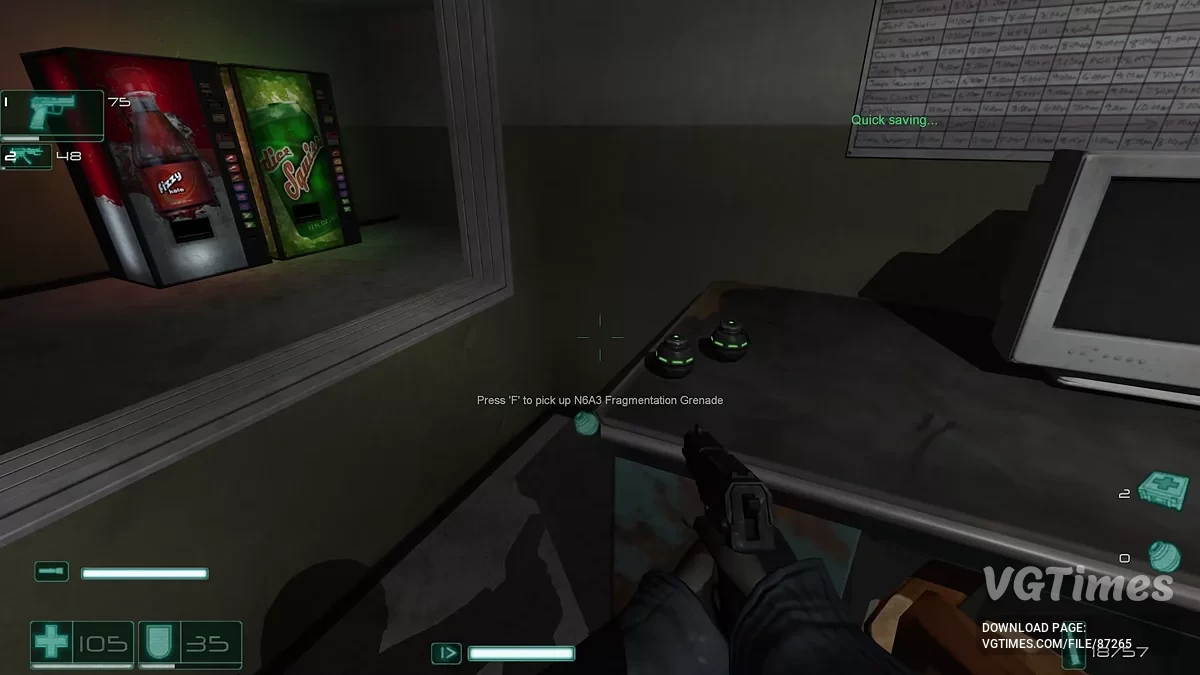
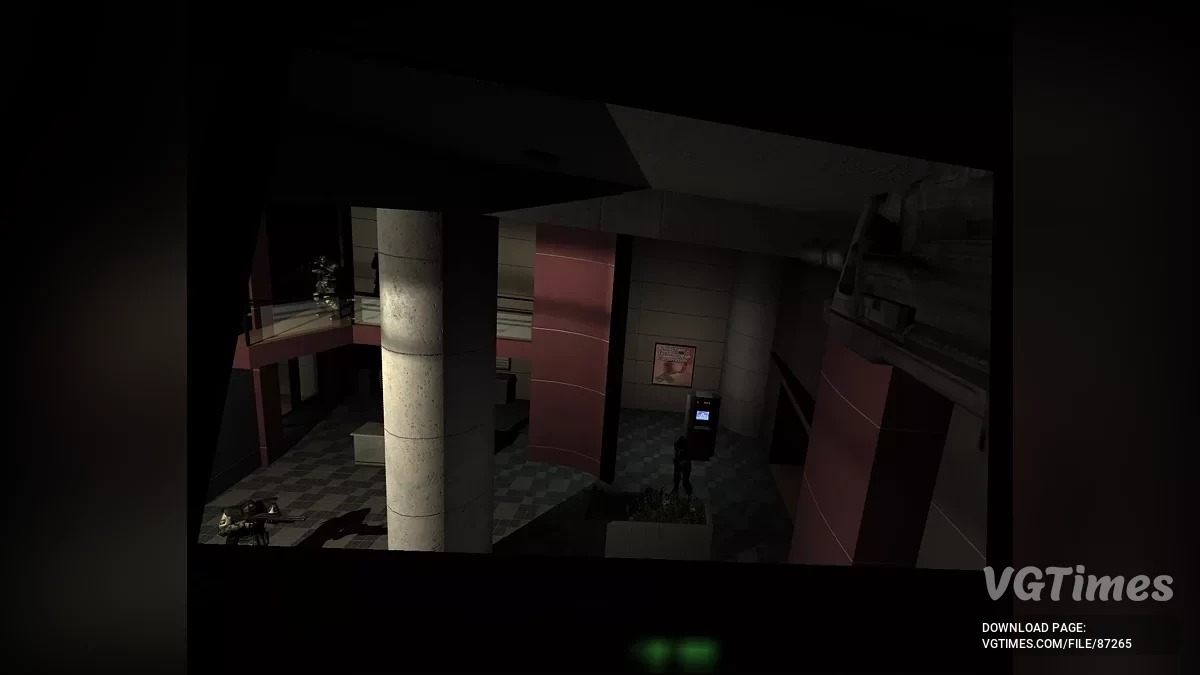

-
Download (195.33 kB)September 21, 2025, 01:54 PMjekho-patch_1758452062_279178.zip
Modernizes F.E.A.R. and its expansions by adding HUD scaling, high-framerate optimizations, XInput controller support, and other quality-of-life improvements. The mod is as non-intrusive as possible: it does not modify game files and, by default, does not change gameplay, focusing solely on fixing issues and enhancing the overall experience.
Compatibility: F.E.A.R. Ultimate Shooter Edition (Steam), F.E.A.R. Platinum (GOG), as well as the Extraction Point and Perseus Mandate expansions.
How to install:
- Download the patch;
- Extract the contents of the archive into the game’s folder, in the same directory as FEAR.exe.
GOG version specifics:
- By default, there is a 60 FPS cap;
- To remove it, open the dxwrapper.ini file and set the LimitPerFrameFPS parameter from 60 to 0;
- This will enable the HighFPSFixes optimizations and ensure smooth gameplay at up to 240 FPS.
To launch the game on Steam Deck or Linux, open the game’s properties in Steam and add the following to the launch options: WINEDLLOVERRIDES="dinput8=n,b" %command%. On Steam Deck, change the controller configuration to Gamepad With Joystick Trackpad for XInput support.
Some features:
- Fixes numerous issues at high framerates. Optimized for smooth gameplay up to 240 FPS:
- Ragdoll physics instability above 60 FPS;
- Water physics instability above 120 FPS;
- Excessive water splash effect repetitions above 60 FPS;
- Frozen FX effects above 120 FPS;
- Oversized particles above 120 FPS;
- Overly dampened velocity after jumping out of water above 60 FPS;
- Velocity dampening when jumping and landing above 120 FPS;
- Walking animation prematurely reverting to idle, causing camera stutter above 120 FPS;
- Inability to perform a jump kick above 120 FPS;
- Excessive sliding on sloped surfaces above 60 FPS.
You can view the full changelog on the official mod page.
Useful links:
![F.E.A.R. — Trainer (+4) from 10.11.2022 [WeMod]](https://files.vgtimes.com/download/posts/2022-10/thumbs/1665562335_2022-10-12_111139.webp)
![F.E.A.R. — New Weapons, Enemies, and Enhanced Multiplayer [1.0]](https://files.vgtimes.com/download/posts/2019-05/thumbs/1558032722_128-1557680566-435398271.webp)
![F.E.A.R. — Save File [Steam License]](https://files.vgtimes.com/download/posts/2025-01/thumbs/f-e-a-r-sokhranenie-licenzija-steam_1736887813_763132.webp)