Friday Night Funkin' is a musical action game with elements of adventure. This is a game where you have to perform musical feats to get closer to your girlfriend... Read more
FPS Boost
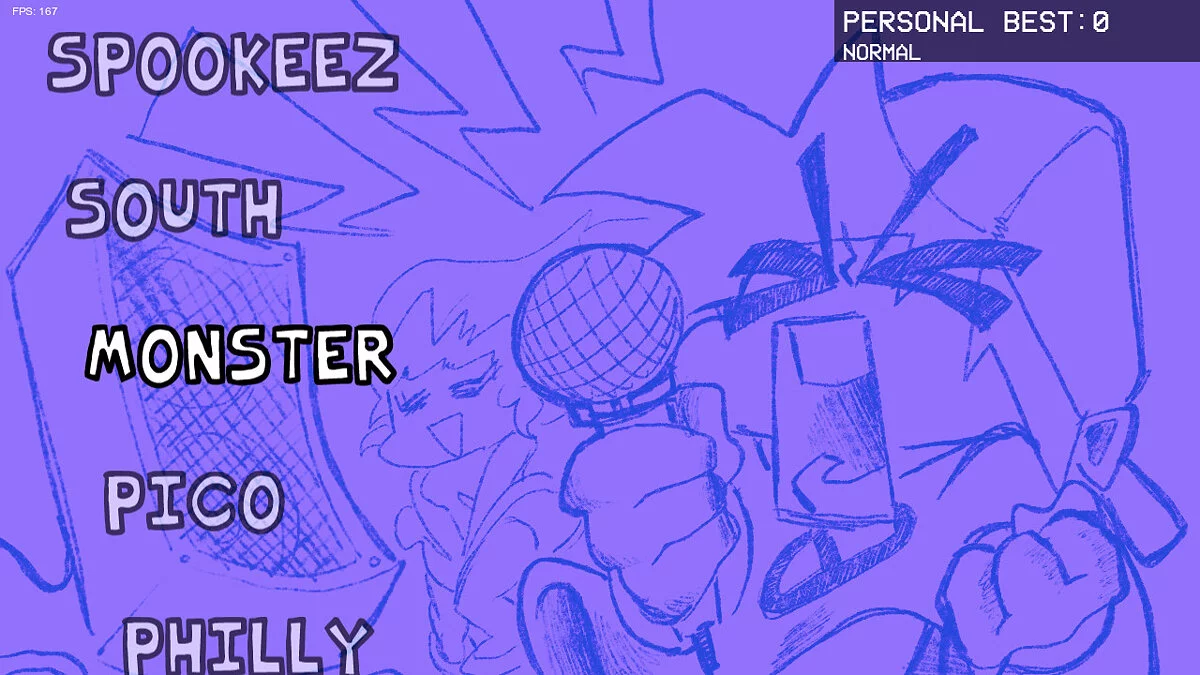


-
gamebanana.comDownload
FPS Plus.
This mod is aimed at enhancing Friday Night Funkin in various ways, primarily by increasing the frame rate at which the game operates. Here’s a list of changes:
- Maximum frame rate increased to 168.
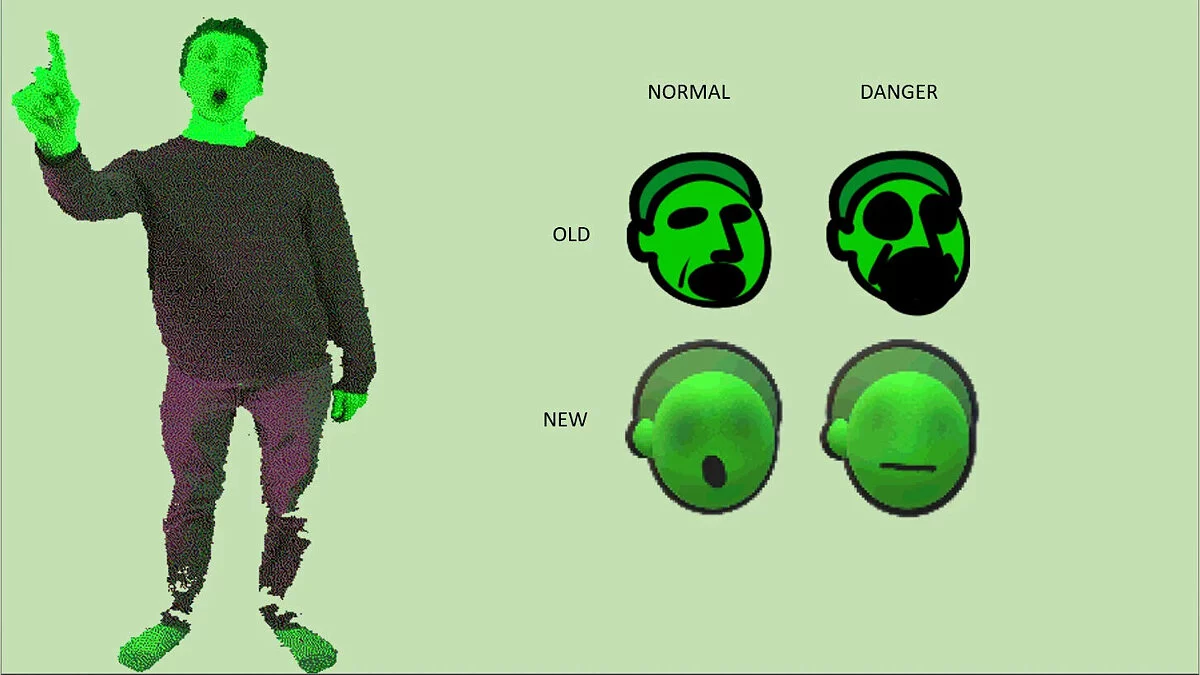
- The monster can be selected in Freeplay.
- You can use H, J, K, and L.
- The Monster has been updated to use its new art.
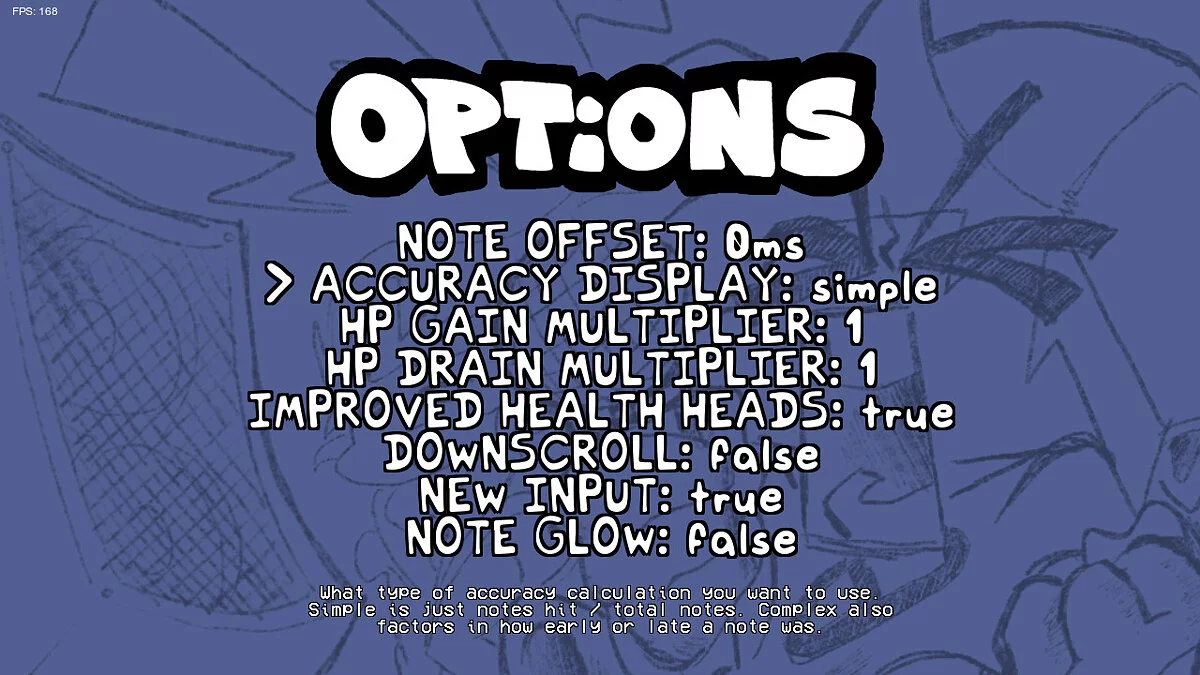
- Pay attention to offsets.
- More information on accuracy.
- Downscroll.
- Improved input system
- Health modifiers.
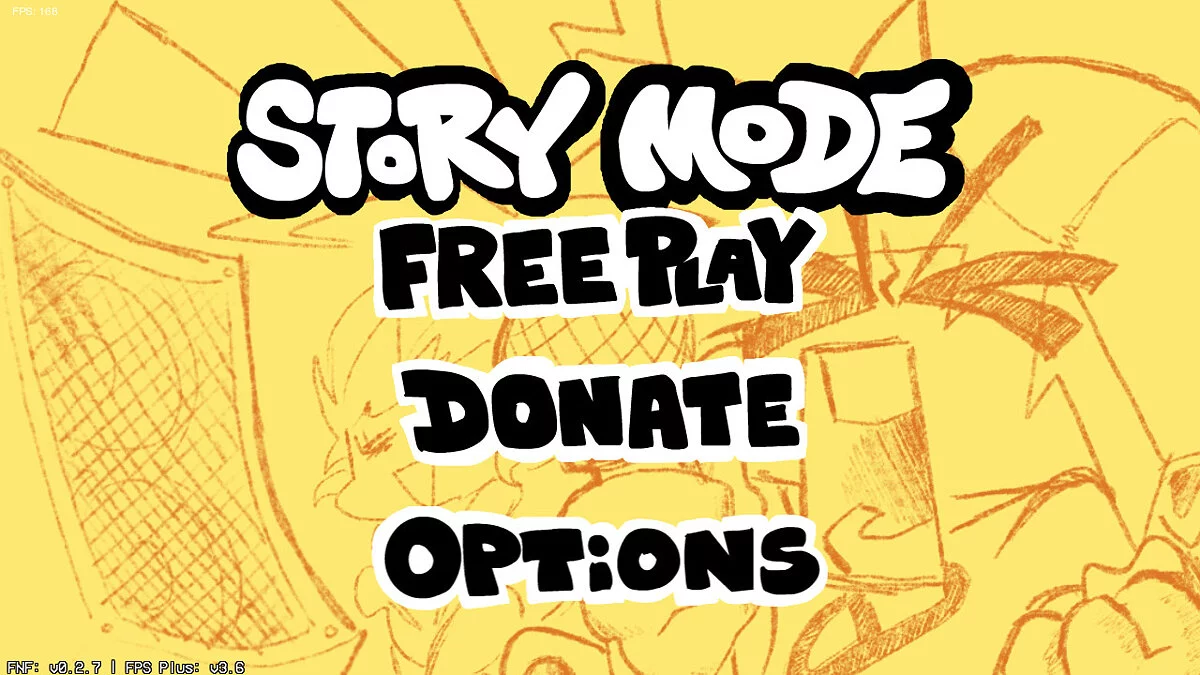
- New title screen assets.
A small note about the animation debug screen.
You can press 8 during a song to open the animation debug screen for the opponent. SHIFT + 8 opens it for the boyfriend, and CTRL + 8 opens it for the girlfriend. You can switch between animations using W and S and play the animation using SPACE. You can change the visual offset of the animation using the arrow keys. Note: changing the offset in the animation debug does not change it in the game; it simply acts as a reference for setting the animation offset in the game’s source code.
FPS Plus.
Этот мод направлен на улучшение Friday Night Funkin различными способами, в первую очередь за счет увеличения частоты кадров, с которой работает игра. Вот список изменений:
- Максимальная частота кадров увеличена до 168.
- Монстра можно выбрать в Freeplay.
- Вы можете использовать H, J, K и L.
- Обновлен Монстр, чтобы использовать его новое искусство.
- Обратите внимание на смещения.
- Больше информации о точности.
- Даунскролл.
- Лучшая система ввода
- Модификаторы здоровья.
- Новые активы титульного экрана.
Небольшая заметка об экране отладки анимации.
Вы можете нажать 8 в песне, чтобы открыть экран отладки анимации для противника. SHIFT + 8 открывает его для парня, а CTRL + 8 открывает его для девушки. Вы можете переключаться между анимациями с помощью W и S и воспроизводить анимацию с помощью SPACE . Вы можете изменить визуальное смещение анимации с помощью клавиш со стрелками. Примечание: изменение смещения в отладке анимации не меняет его в игре, оно просто действует как ссылка для установки смещения анимации в исходном коде игры.
Useful links: