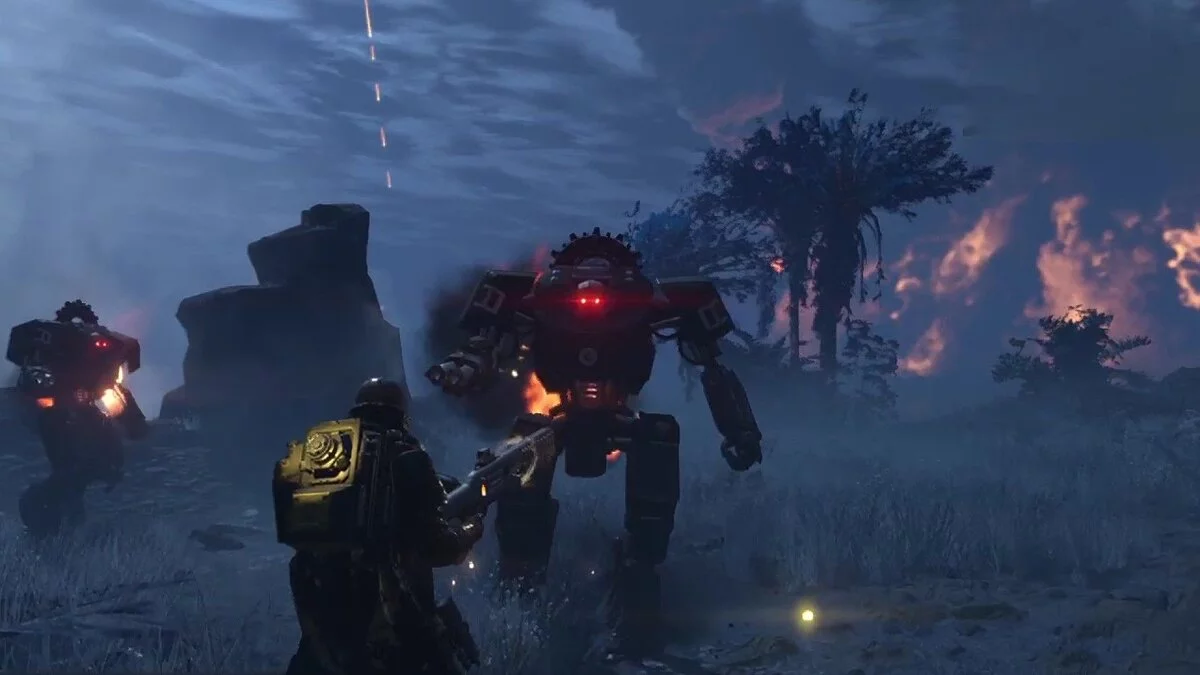
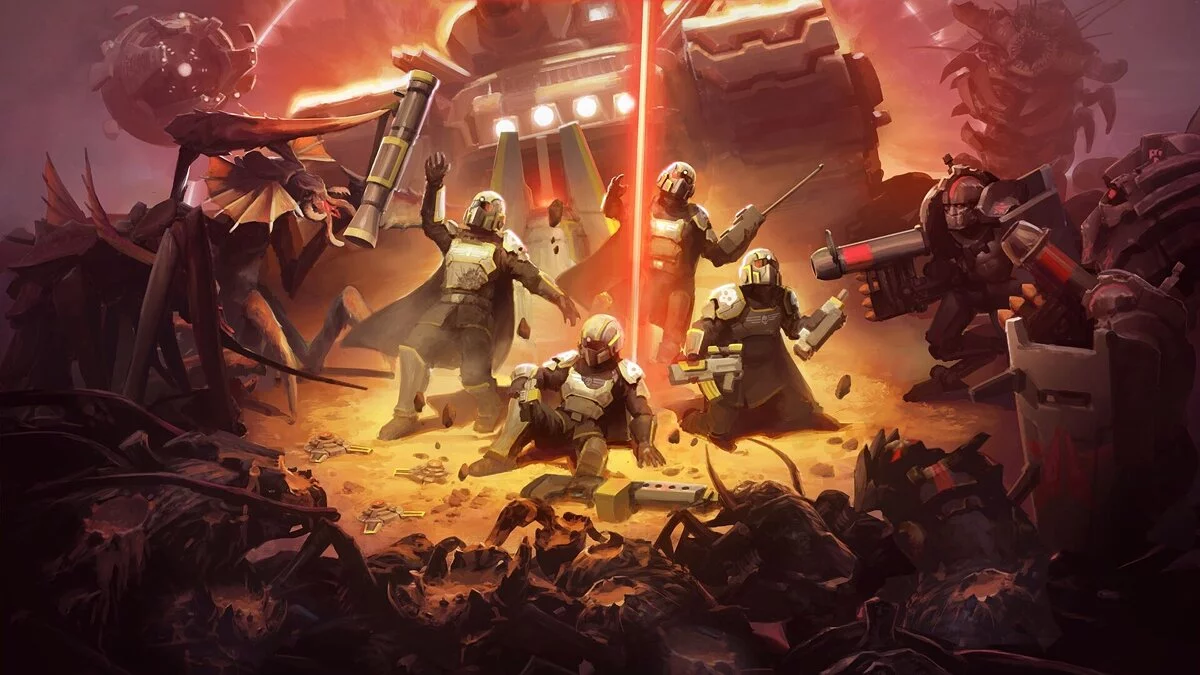
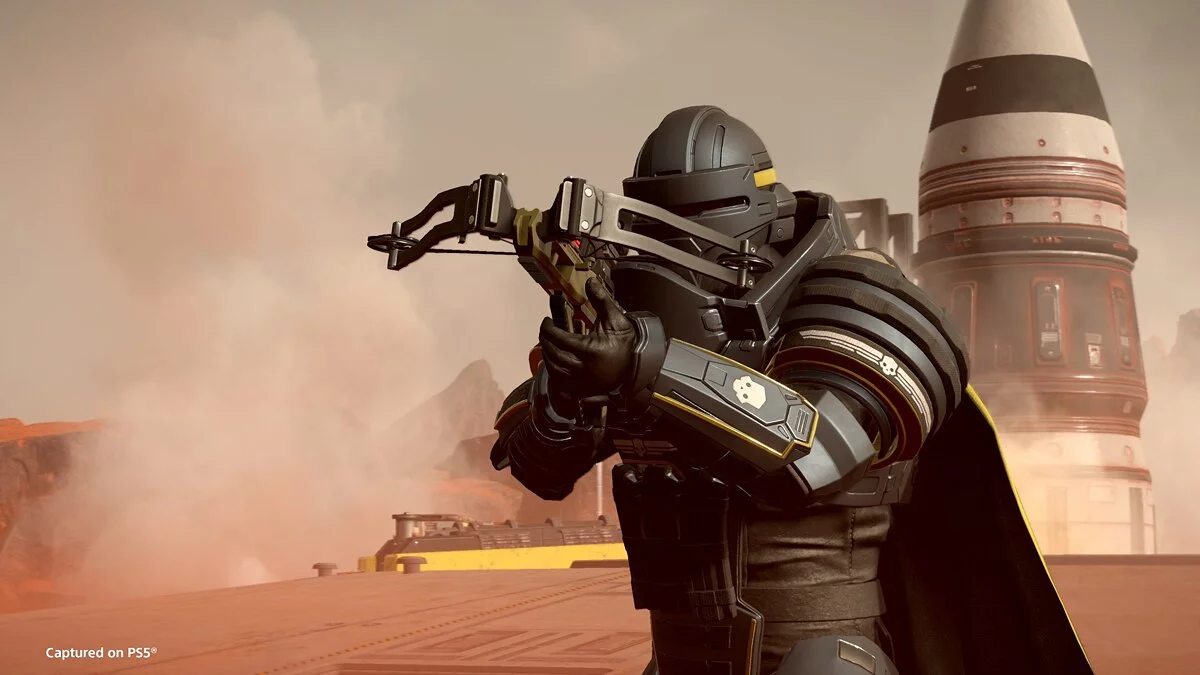
A large-scale cooperative third-person extraction shooter, Helldivers 2 continues the story of humanity’s fight against alien invaders across fronts spanning the... Read more
Players:
Steam:
Metacritic:
NarrowHUD — compact combat HUD and indicators around crosshair


Author:
luka189
Uploaded by:

Size:
434.13 kB
Date:
Yesterday, 11:49
Downloads:
0
-
Download (434.13 kB)November 1, 2026, 11:49 AMnarrowhud-kompaktnyjj-boevojj_1793522941_599606.zip
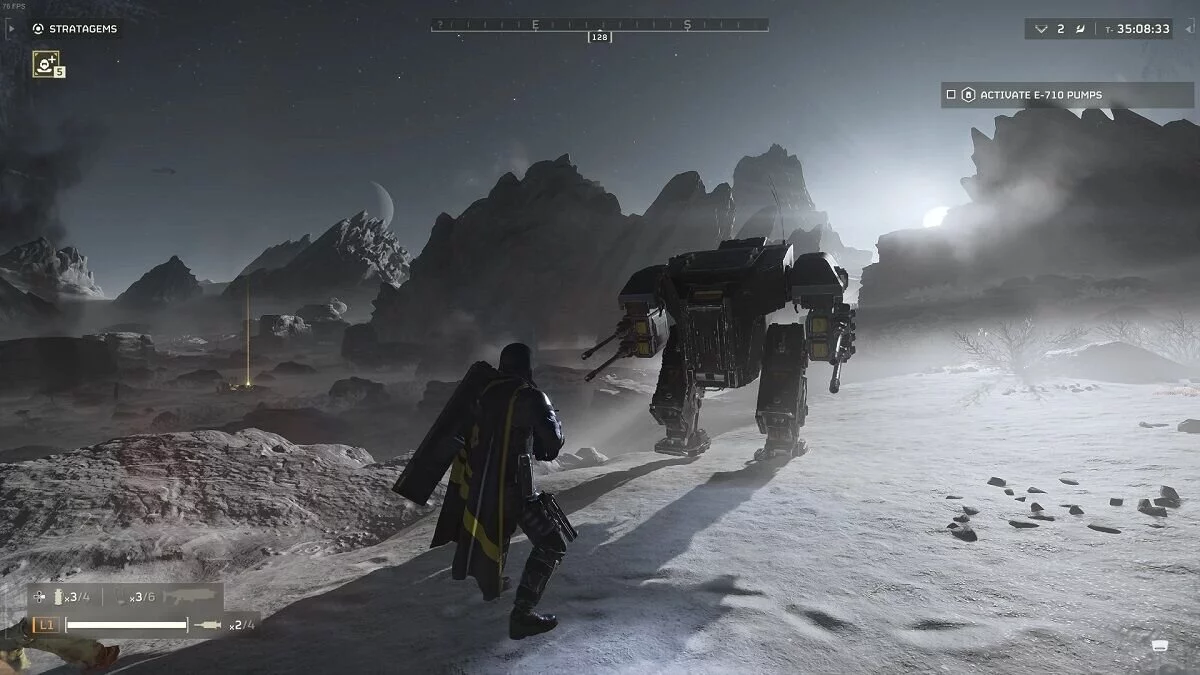
This modification displays compact ammunition, heat, and gear indicators directly beside your crosshair, removing the need to look away into screen corners during intense firefights.
Displayed Information:
- Ammunition indicators showing current magazine status, numerical rounds, and reserve magazines with orange low warnings and red empty alerts.
- Heat and charge meters for laser, plasma, and charge weapons, alongside lock on indicators for the Spear and WASP.
- Backpack weapon status indicating chambered ordnance and remaining pack inventory.
- Fire modes, underbarrel attachments, and cyclic rates shown as text and game icons.
- Stim counts, grenades, backpack state, health, stamina, active stim duration timer, and reload progress.
- Emplacement turret status while operating stationary guns.
- Drop trajectory lines for launchers, rockets, and plasma, alongside throw arcs for stratagems, grenades, and C4 explosives.
- Waypoint markers and last death coordinates with distance readouts.
Version 2.1 Features:
- Ground landing indicators displaying a ring and directional arrow based on native terrain heights.
- Red targeting highlights indicating confirmed direct hits on bug holes, fabricators, dropships, or Illuminate towers.
- Persistent reticle display for sniper rifles, first person heavy machine guns, and flamethrowers.
- Reorganized F9 settings menu with dedicated line opacity and marker scale sliders.
Customization and Layouts:
- Multiple built in layout presets including horizontal stacks, curved arcs, vertical pairs, and compact blocks.
- Support for the external layout editor to create personalized HUD arrangements with pinned anchors and curved bars.
- Custom layouts are stored inside the AppData Roaming\Arrowhead\Helldivers2 directory named chef_data_luka189_2fnarrowhud__layout.lua.
Requirements:
- Installed Chef Shared Loader version 1.2.3 or newer set to the highest load priority in your mod manager.
Installation:
- Install Chef Shared Loader.
- Add the NarrowHUD archive into your mod manager and enable it.
- Launch the game and press F9 to access the configuration menu.
Useful links: