Life simulator in the spirit of the series The Sims. As you pass, players create characters using a detailed editor. The characters themselves can have a playing... Read more
Anticipation Rating:
Steam:
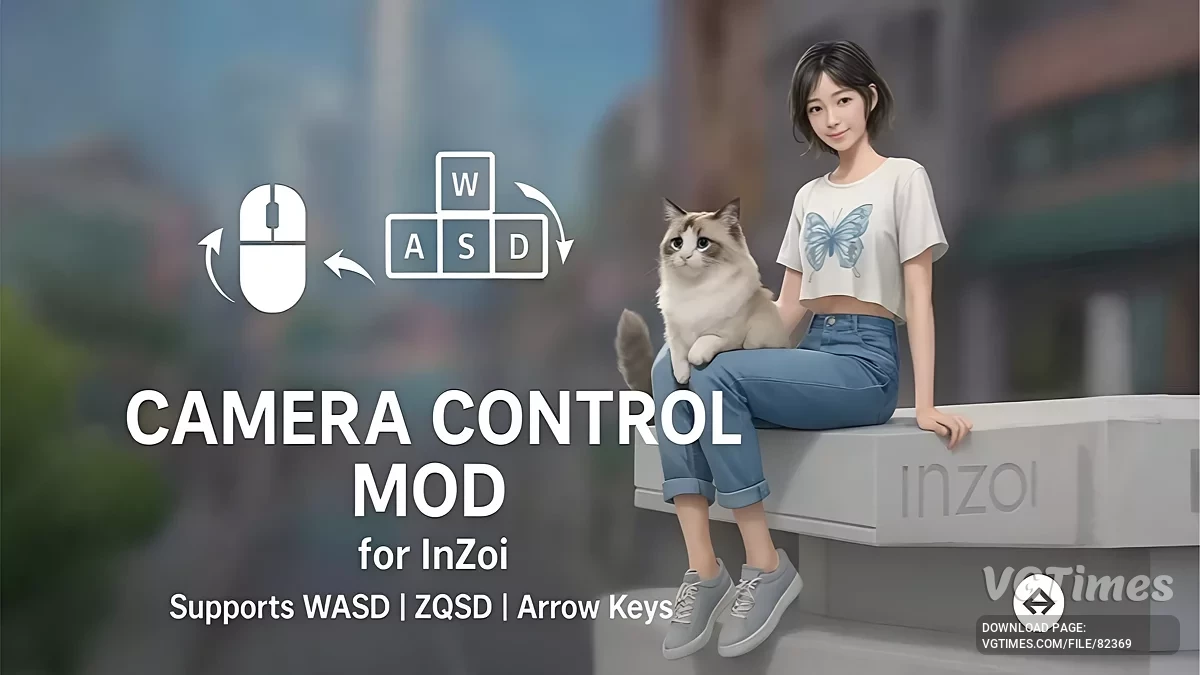
WASD camera control mod version 2
Author:
Armtin
Uploaded by:

Size:
135.22 kB
Date:
April 13, 2025, 05:34 AM
Downloads:
82
-
Download (135.22 kB)April 13, 2025, 05:34 AMWASDupravlenie-kamerojj-wasd-versija-2_1744511693_824792.zip
-
Download (132.54 kB)April 13, 2025, 05:34 AMСтрелкиupravlenie-kamerojj-wasd-versija-2_1744511693_685357.zip
-
Download (135.22 kB)April 13, 2025, 05:34 AMZQSDupravlenie-kamerojj-wasd-versija-2_1744511693_803217.zip
Each version has its own downloadable file, so you need to choose the one that matches your preferred control style:
Arrow Keys Version:
- Enables smooth camera movement using arrow keys.
WASD Version:
- Enables smooth camera movement using WASD keys.
ZQSD Version (AZERTY layout):
- Enables smooth camera movement using ZQSD keys.
Mod Features (All Versions):
- Smooth and precise camera control using your chosen key set;
- Dynamic Build/Live Mode Detection;
- Automatically switches key behaviors;
- Live Mode: Custom keys smoothly move the camera;
- Build Mode (Arrow Version Only): Arrow keys mimic WASD behavior for intuitive building controls;
- Fully customizable via INI file;
- Settings like move speed are easily adjustable through a simple config.ini;
- Instant Mod Toggle (F2 Key);
- Quickly enables or disables the mod in-game whenever needed.
How to launch:
- Install UE4SS by extracting its contents directly into your game's main executable folder, typically located at Steam\steamapps\common\inZOI\BlueClient\Binaries\Win64;
- Download your chosen camera control version and extract it to Steam\steamapps\common\inZOI\BlueClient\Binaries\Win64\ue4ss;
- Edit settings in config.ini if needed;
- Launch the game—the mod loads automatically;
- Press F2 at any time to toggle the mod functionality.
Related files:
Useful links: