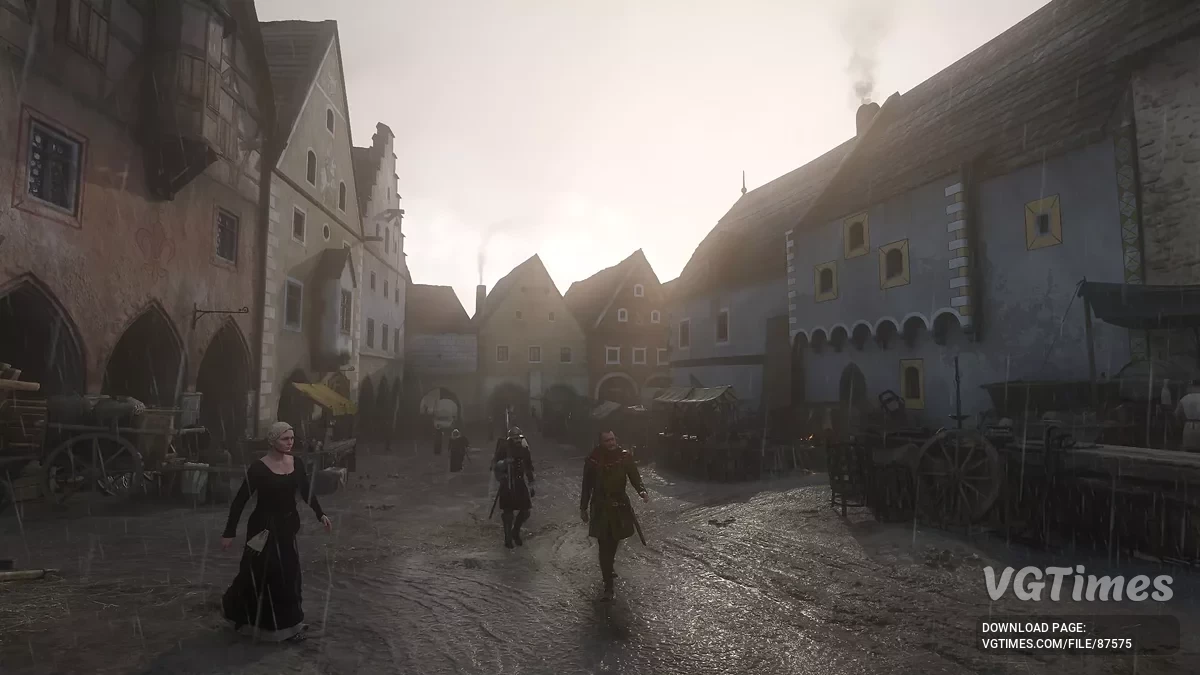
First-person role-playing action in the vast open world of Kingdom Come: Deliverance 2 is a direct sequel to the 2018 game, taking players back to... Read more

Clock


-
Download in TelegramNo waiting Download606.60 kBNovember 22, 2026, 12:14 AMchasy_1795295652_998553.zip
This mod adds a clock to the Kingdom Come: Deliverance 2 interface, displaying the current in-game time. The clock is shown alongside the HUD, as well as during various activities and minigames. If needed, it can also be enabled in photo mode.
Features:
- Displays the current in-game time on the HUD;
- Works during alchemy, blacksmithing, dice games, and reading;
- Supports display in photo mode (optional);
- Automatically hides the clock in menus, dialogues, and story scenes;
- Lets you choose between 12- and 24-hour time formats;
- Supports displaying the time of day and the number of in-game days elapsed;
- Lets you enable the display of real-world time;
- Adds a clock face showing the positions of the sun and moon;
- Lets you customize the font, colors, clock position, and display conditions;
- Additional settings are available in the KCD2_HUDClock.ini file.
Requirements:
- Kingdom Come Script Extender (KCSE) or an ASI Loader for the additional ASI component.
Installation:
- Download the mod archive;
- Go to the Kingdom Come: Deliverance 2 game folder:
- ...\Steam\steamapps\common\KingdomComeDeliverance2;
- Open the Mods folder, or create it if it does not exist;
- Extract the archive contents into the Mods folder.
Note:
- Kingdom Come Script Extender (KCSE) must be installed for the mod to work. If using the additional ASI component, an ASI Loader is required.
Данный мод добавляет на игровой интерфейс Kingdom Come: Deliverance 2 часы, отображающие текущее внутриигровое время. Часы отображаются вместе с HUD, а также во время различных занятий и мини-игр. При необходимости их можно включить даже в фоторежиме.
Особенности:
- Отображает текущее игровое время на HUD;
- Работает во время алхимии, кузнечного дела, игры в кости и чтения;
- Поддерживает отображение в фоторежиме (опционально);
- Автоматически скрывает часы в меню, диалогах и сюжетных сценах;
- Позволяет выбирать 12- или 24-часовой формат времени;
- Поддерживает отображение времени суток и количества прошедших игровых дней;
- Позволяет включить отображение реального времени;
- Добавляет циферблат с положением солнца и луны;
- Позволяет настраивать шрифты, цвета, расположение часов и условия их отображения;
- Дополнительные параметры доступны в файле KCD2_HUDClock.ini.
Требования:
- Kingdom Come Script Extender (KCSE) или ASI Loader для дополнительного ASI-компонента.
Установка:
- Скачать архив с модом;
- Перейти в папку игры Kingdom Come: Deliverance 2:
- ...\Steam\steamapps\common\KingdomComeDeliverance2;
- Открыть папку Mods, если она отсутствует — создать её;
- Извлечь содержимое архива в папку Mods.
Примечание:
- Для работы мода необходимо установить Kingdom Come Script Extender (KCSE). Если используется дополнительный ASI-компонент, потребуется ASI Loader.
Useful links: