
First-person role-playing action in the vast open world of Kingdom Come: Deliverance 2 is a direct sequel to the 2018 game, taking players back to fifteenth-century... Read more
VGTimes:
Players:
Steam:
Metacritic:

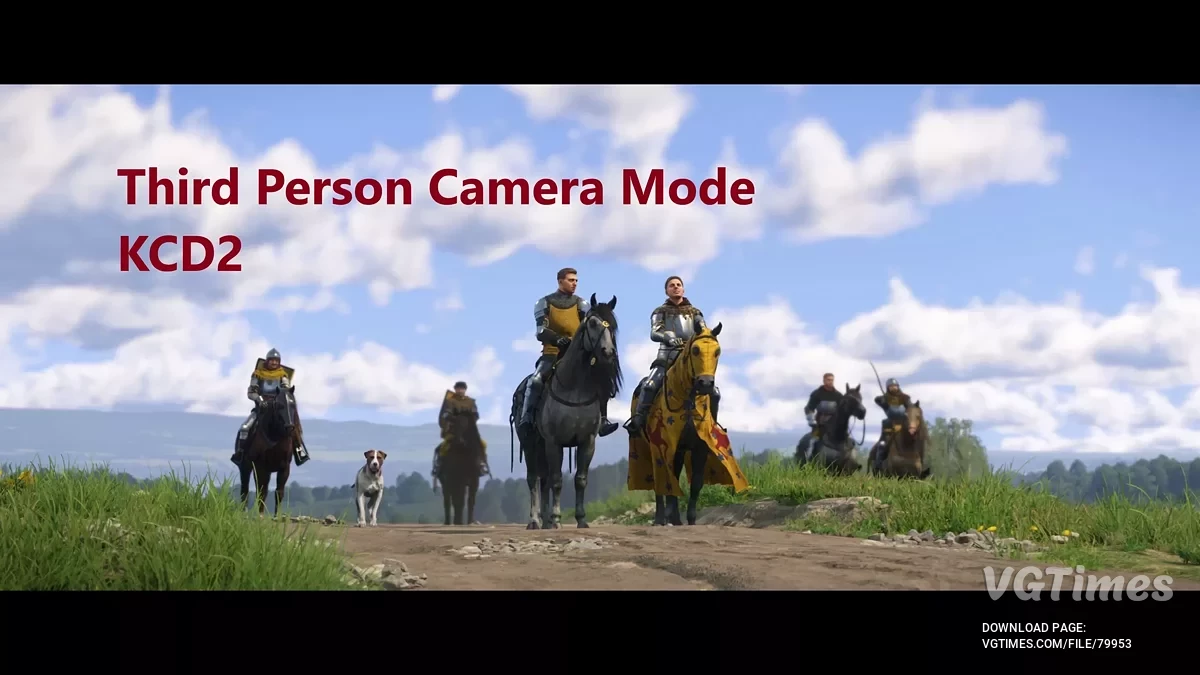
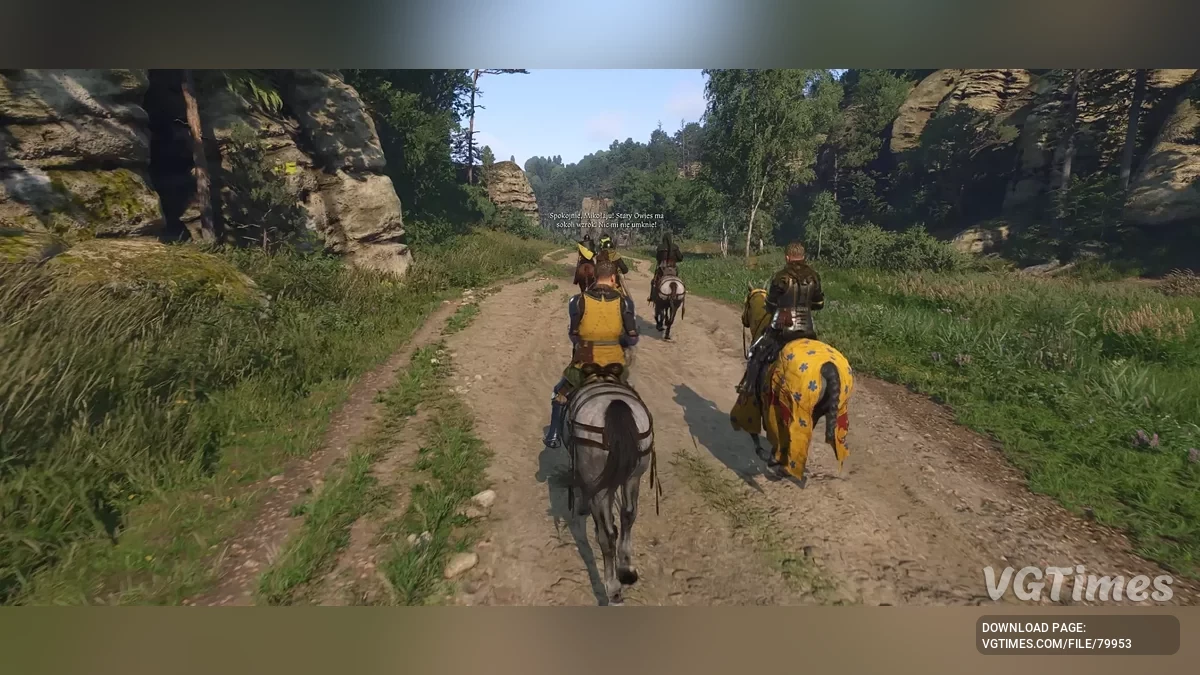
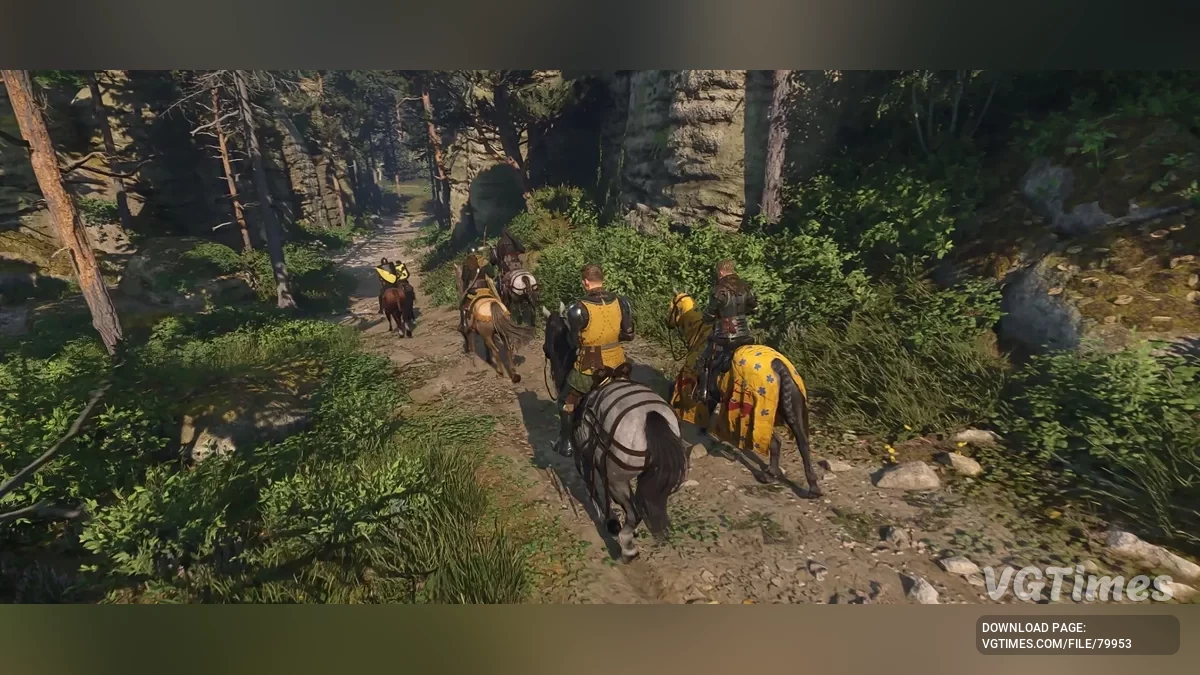
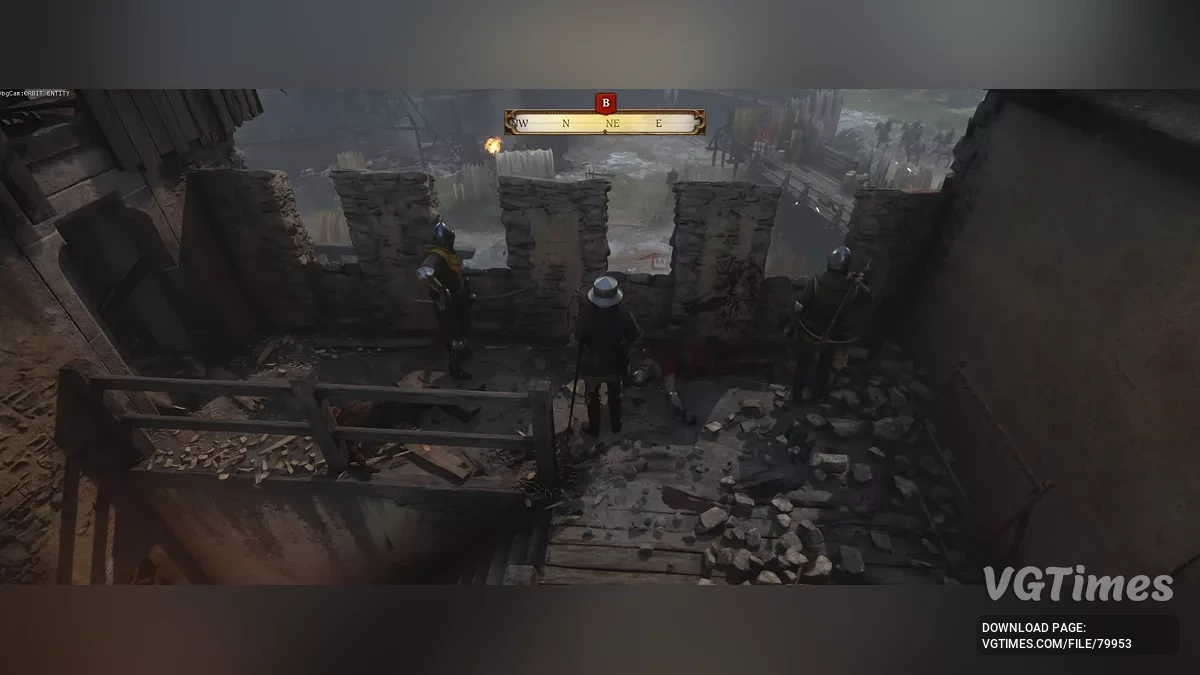
Third-Person Camera Mode (Toggleable)
Author:
Javier66
Uploaded by:

Size:
667 байт
Date:
February 6, 2025, 11:15 PM
Updated:
February 28, 2025, 11:49 PM
Downloads:
321

-
Download (667 байт)February 28, 2025, 11:49 PMrezhim-kamery-ot-tretego-lica_1740775760_490573.zip
This mod allows you to switch between first-person and third-person views at any time.
Installation:
- Download the file user.cfg.
- Open Steam → game library → right-click on Kingdom Come: Deliverance 2 → 'Properties' → 'Set Launch Options...' → enter:
- -devmode +exec user.cfg
- Move user.cfg to the game folder:
- ...\Steam\steamapps\common\KingdomComeDeliverance2\
- If there is already a user.cfg file in the game, simply add the contents of the downloaded file to it (the order of lines does not matter).
- Launch the game and load your save.
- Use the following keys to control the camera:
- F3 — switch to third-person mode;
- F4 — switch back to first-person mode;
- / — disable the crosshair;
- * — enable the crosshair;
- Mouse Wheel — zoom the camera;
- Q / E — rotate the camera left/right in third-person mode.
Known issues:
- The camera has no collisions and can pass through walls and the ground;
- Shooting with a bow and crossbow is not supported, as aiming in third-person mode is not possible;
- Combat works, but combos are not possible, as sword positions cannot be changed (up, down, left, right);
- Before cutscenes or intros, it is recommended to press F4, otherwise the camera may fly up or down from the scene.
Mod demonstration:
The file name and description have been translated Show original
(RU)Show translation
(EN)
Режим камеры от третьего лица (переключаемый)
Этот мод позволяет переключаться между видом от первого и третьего лица в любое время.
Установка:
- Скачайте файл user.cfg.
- Откройте Steam → библиотека игр → правый клик по Kingdom Come: Deliverance 2 → «Общие» → «Установить параметры запуска...» → введите:
- -devmode +exec user.cfg
- Переместите user.cfg в папку игры:
- ...\Steam\steamapps\common\KingdomComeDeliverance2\
- Если в игре уже есть файл user.cfg, просто добавьте в него содержимое скачанного файла (порядок строк не имеет значения).
- Запустите игру и загрузите сохранение.
- Используйте следующие клавиши для управления камерой:
- F3 — переключение в режим третьего лица;
- F4 — переключение обратно в режим первого лица;
- / — отключить точку прицела;
- * — включить точку прицела;
- Колесо мыши — зум камеры;
- Q / E — поворот камеры влево/вправо в режиме третьего лица.
Известные проблемы:
- Камера не имеет коллизий и может проходить сквозь стены и землю;
- Не поддерживается стрельба из лука и арбалета, так как нельзя целиться в режиме третьего лица;
- Бой работает, но невозможны комбо, так как нельзя менять позиции меча (вверх, вниз, влево, вправо);
- Перед кат-сценами или заставками рекомендуется нажимать F4, иначе камера может улететь вверх или вниз от сцены.
Демонстрация мода:
Useful links:


![Kingdom Come: Deliverance 2 — Table for Cheat Engine [UPD: 10.03.2025]](https://files.vgtimes.com/download/posts/2025-03/thumbs/tablica-dlja-cheat-engine-upd-10-03-2025_1741690452_314232.webp)
![Kingdom Come: Deliverance 2 — Cheat Engine Table [UPD: 06.02.2025] + Item Editor](https://files.vgtimes.com/download/posts/2025-02/thumbs/tablica-dlja-cheat-engine-upd-06-02_1738849437_554465.webp)
![Kingdom Come: Deliverance 2 — Table for Cheat Engine [UPD: 16.01.2025]](https://files.vgtimes.com/download/posts/2025-02/thumbs/tablica-dlja-cheat-engine-upd-16-01-2025_1739793361_70544.webp)
![Kingdom Come: Deliverance 2 — Table for Cheat Engine [UPD: 09.03.2025]](https://files.vgtimes.com/download/posts/2025-03/thumbs/tablica-dlja-cheat-engine-upd-09-03-2025_1741595989_266777.webp)
![Kingdom Come: Deliverance 2 — Table for Cheat Engine [UPD: 05.03.2025]](https://files.vgtimes.com/download/posts/2025-03/thumbs/tablica-dlja-cheat-engine-upd-05-03-2025_1741253264_553768.webp)
![Kingdom Come: Deliverance 2 — Cheat Engine Table [UPD: 01.04.2025]](https://files.vgtimes.com/download/posts/2025-02/thumbs/tablica-dlja-cheat-engine-upd-04-01-2025_1738755412_487100.webp)