An exciting sandbox focused on freedom of action and exploring a practically endless open world. Created through procedural generation, it is filled... Read more
Reign of Nether - classic RTS


- 🤖 Working with an AI agent? Press the 🤖 button and give the agent the link: it will install the mod into your game itself
-
Download (22.59 MB)April 20, 2025, 01:30 PMОсновной модreign-of-nether-klassicheskaja-rts_1745145010_938189.zip
-
Auto-installNo waiting Download53.26 MB 🤖April 20, 2025, 01:30 PMОбучениеreign-of-nether-klassicheskaja-rts_1745145010_21039.zip
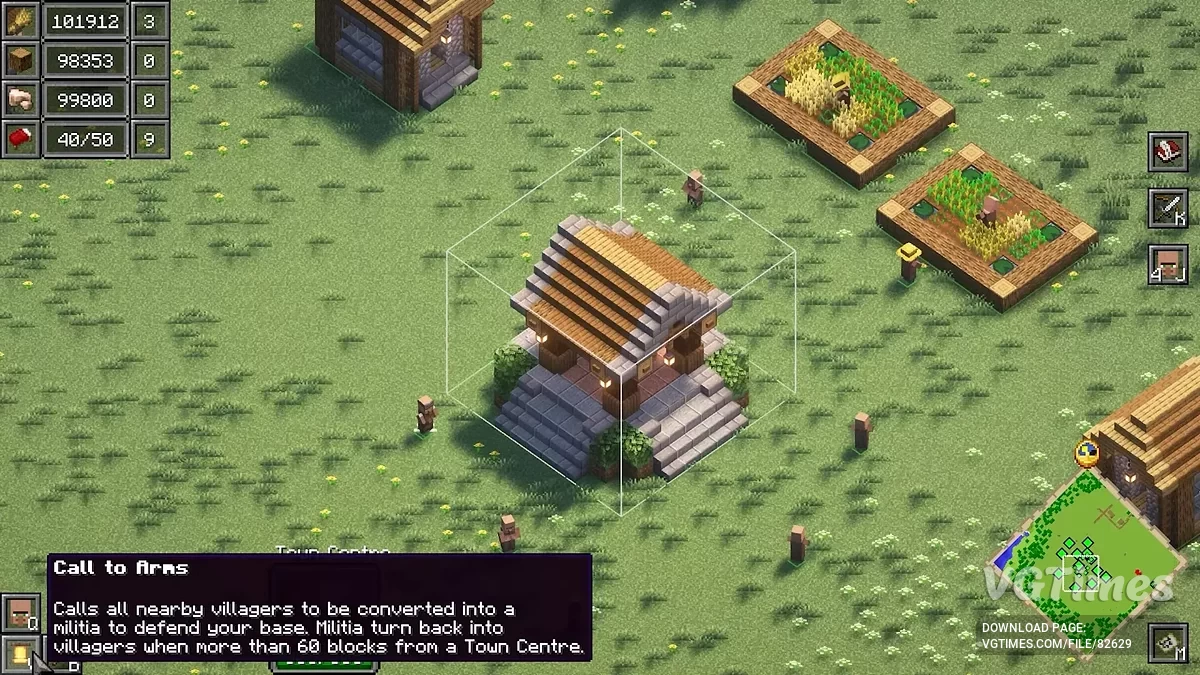
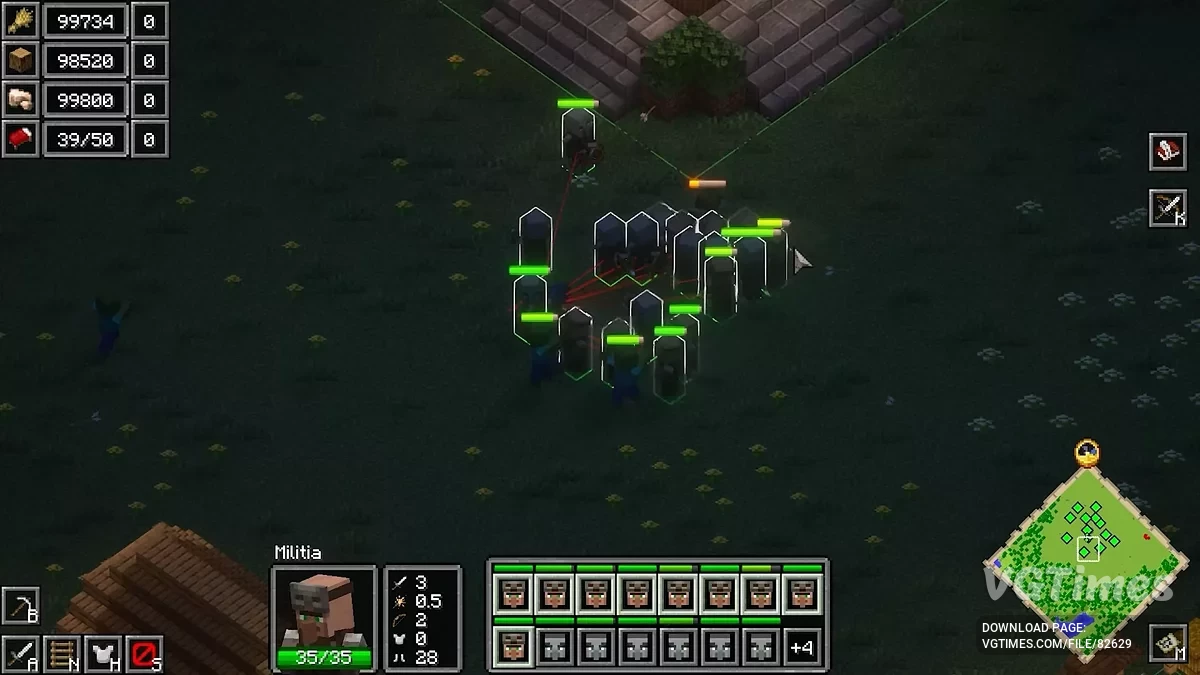
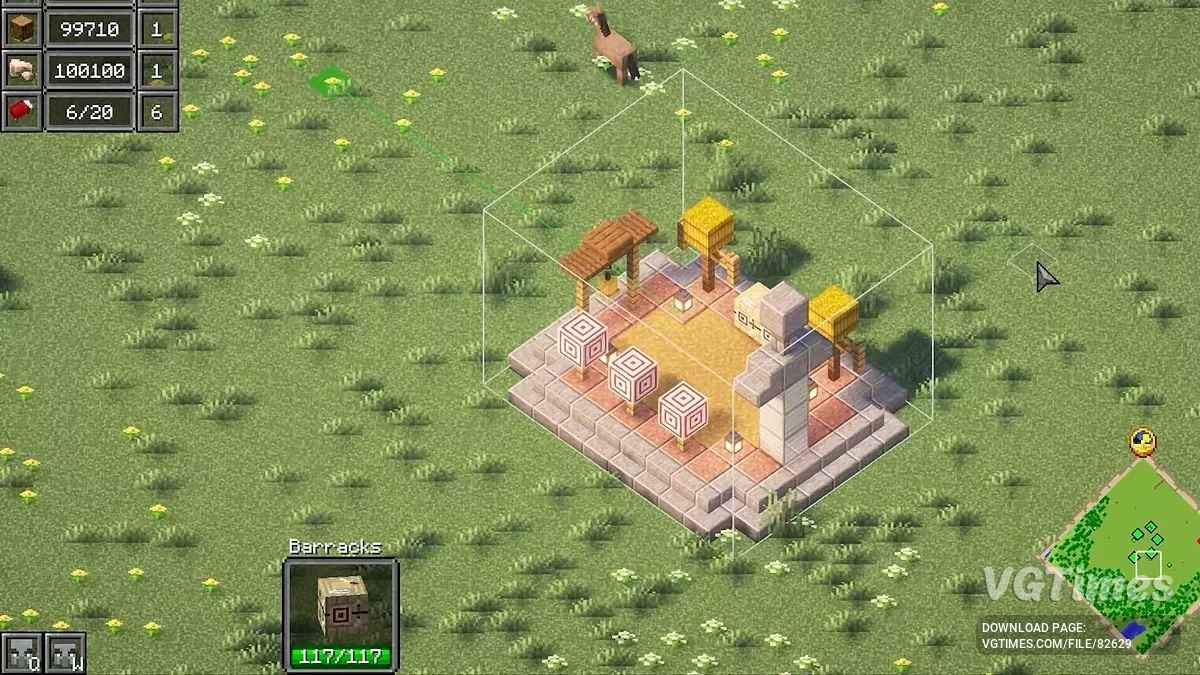
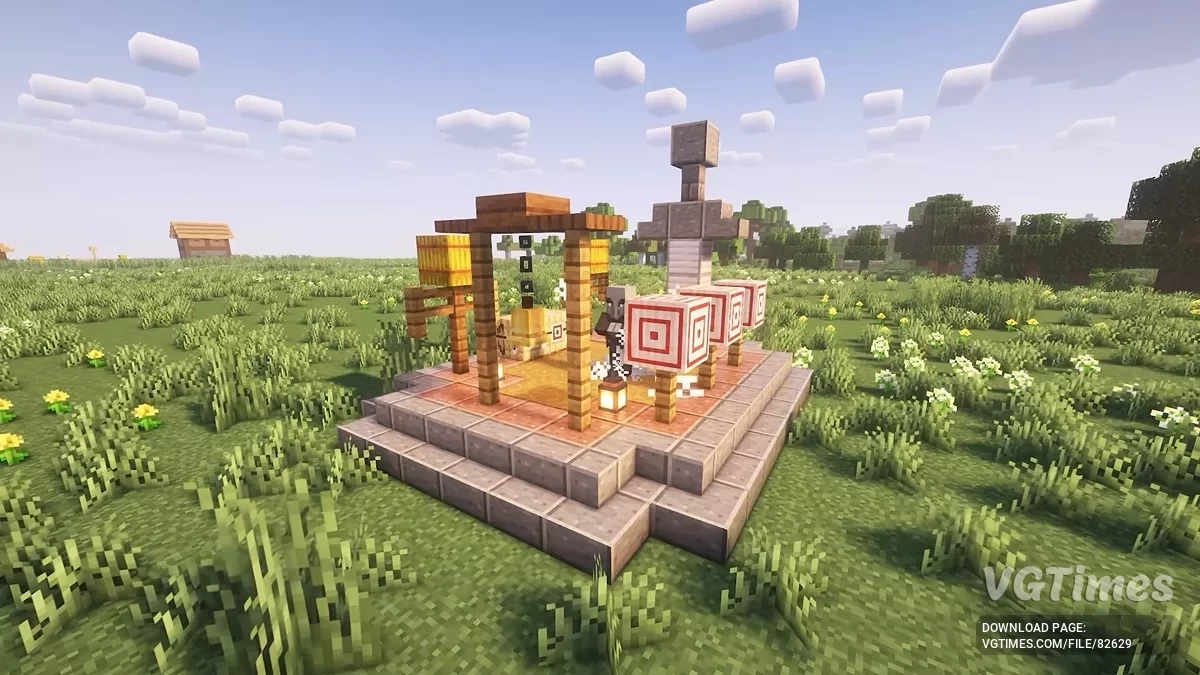
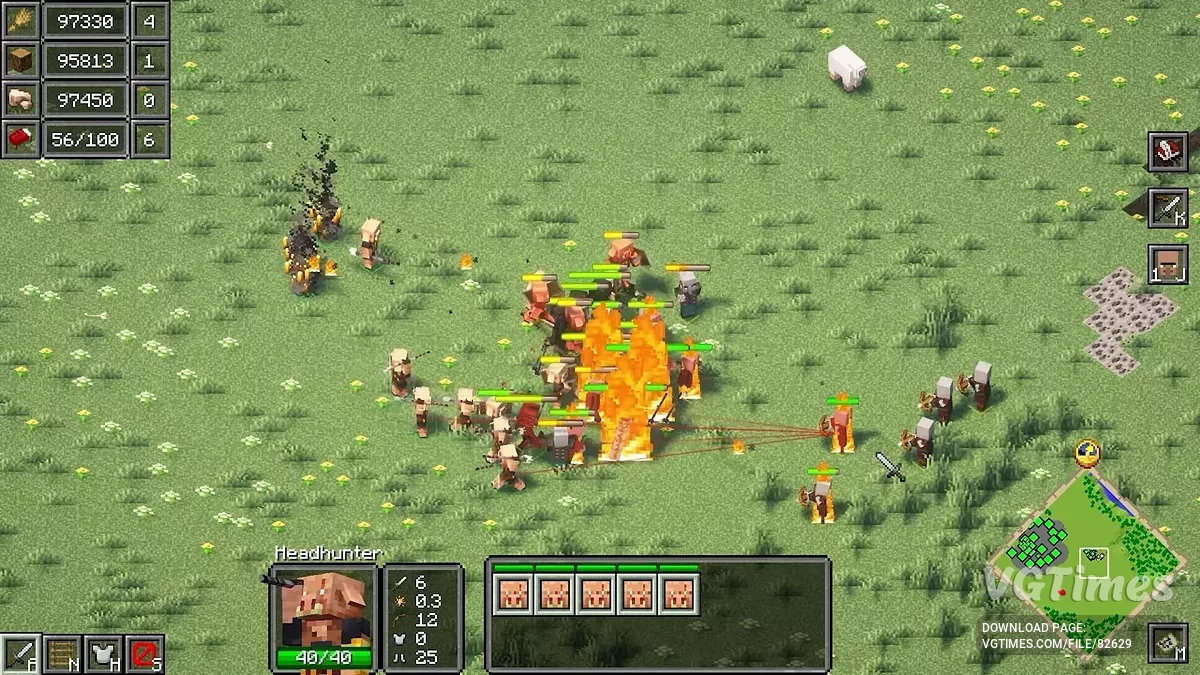
Reign of Nether transforms Minecraft into a completely new game and genre — a classic RTS, like Warcraft, Starcraft, or Age of Empires. It offers the opportunity to build your base, gather resources, train an army, and engage in epic battles.
The ability to play as one of 3 factions, each with unique mechanics and styles.
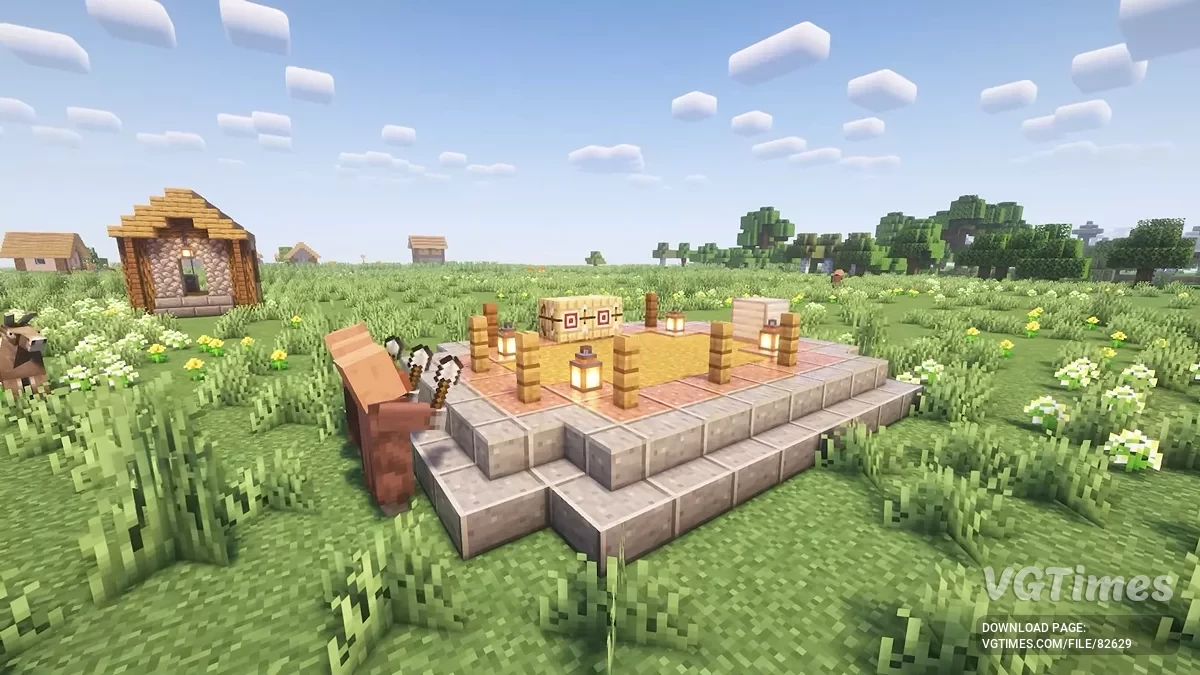
- Villagers — a desperate alliance of villagers and illagers who have banded together to protect their home against invaders. Villager ingenuity combined with illager militarism creates a formidable army of warriors and spellcasters, backed by farmers, builders, and craftsmen. Transform the humble village into a fortress.
- Monsters — previously wild and untamed creatures of the overworld now brought together by mysterious forces. Raise the dead from graveyards, hatch spiders from nests, and more. Monsters shun sunlight and can only safely venture outside at night, but once night falls, they should be feared just as they have been for ages past.
- Piglins — denizens of the nether who have come through portals to expand their empire. Piglins can only build on nether terrain, but wherever they expand, the overworld is transformed into a visage of their home, turning grass into nylium and stone into netherrack. Conquer the overworld and let none stand in your way.
Game Modes:
- Classic: the classic RTS experience in free-for-all or team modes. You need to destroy all of your opponents' buildings to win;
- Wave Survival: survive brutal waves of enemies each night, solo or with allies;
- King of the Beacon: fight for control of a central Beacon. You need to unlock powerful auras and defend it to win;
- Sandbox: create your own map by freely placing units and buildings.
Tutorial:
- For newcomers to the RTS genre, you may want to start with the single player tutorial. The reign_of_nether_tutorial map included in the downloads will help you start playing RTS and learn all the basics of the mod.
How to Play:
- To start a match, press F12 to switch to the RTS camera and use the buttons in the top-right corner to place your starting workers.
- For a list of commands and controls, use /rts-help and /rts-controls.
- A good seed for the first game is: 4756899154123723533, with coordinates: -3000 80 -1000 (the same one used for the tutorial map). World generation has been changed to remove caves and difficult biomes and place ores on the surface. You can join Discord to get custom maps.
Experimental Fog of War:
By using the command /rts-fog enable/disable, you can toggle fog of war for all players on the server. This means that all chunks not within immediate range of your units and buildings will be greyed out, and all mobs and block updates will not be visible until you explore them. This is typical for classic RTS games, but unfortunately, this mod has encountered many bugs and performance issues related to it, so it has been labeled as experimental.
Tips for improving performance:
- Optifine is not compatible. Enabling it will crash the game;
- Do not enable or disable it in the middle of a match;
- Reduce your chunk render distance.
How to Launch:
- Install Forge 1.20.1;
- Download and add the Reign of Nether mod file to the mods folder;
- Launch Minecraft, selecting the Forge 1.20.1 installation;
- When installing on a server, it is recommended to use the following server.properties settings:
- view-distance=25
- simulation-distance=25
- spawn-monsters=false
- spawn-npcs=false
- spawn-protection=0
- gamemode=spectator
For mod versions 1.1.3 and below, use Forge 1.19.2.
Useful links:
![Minecraft — Sodium [1.21] [1.20.6] [1.19.4] [1.16.5]](https://files.vgtimes.com/download/posts/2024-06/thumbs/sodium-1-21-1-20-6-1-19-4-1-16-5_1718972773_449609.webp)
![Minecraft — Kottle [1.15.2]](https://files.vgtimes.com/download/posts/2020-05/thumbs/1588860895_kottle.webp)
![Minecraft — Cheat Engine Table [1.19.0]](https://files.vgtimes.com/download/posts/2022-07/thumbs/1658310937_uqxkzjvmaoz8zncyfed4qw.webp)
![Minecraft — The Ability to See Through Portals [1.15.2] [Fabric]](https://files.vgtimes.com/download/posts/2020-04/thumbs/1587996585_1.webp)
![Minecraft — MrCrayfish's Vehicle [1.15.2] [1.12.2]](https://files.vgtimes.com/download/posts/2020-02/thumbs/1580645155_nmbyjyu6ht5g06gcrn0rag.webp)
![Minecraft — Table for Cheat Engine [1.18.0]](https://files.vgtimes.com/download/posts/2021-12/thumbs/1638865796_minecraft_now_available_on_game_pass_for_pc.webp)
![Minecraft — Cheat Engine Table [1.19.41] (Windows 10 Edition)](https://files.vgtimes.com/download/posts/2022-11/thumbs/1669119274_10fdaf_203beea9b55f47b6972ee69ad.webp)

![Minecraft — Fabric [1.21] [1.20.6] [1.19.4] [1.16.5]](https://files.vgtimes.com/download/posts/2024-06/thumbs/fabric-1-21-1-20-6-1-19-4-1-16-5_1718971213_6261.webp)