![Minecraft — Corpse — item retention after death [26.2] / Gameplay / Mods and Skins](https://files.vgtimes.com/si/gameprev_39_768_1793127107.webp "Minecraft — Corpse — item retention after death [26.2] / Gameplay / Mods and Skins")
An exciting sandbox focused on freedom of action and exploring a practically endless open world. Created through procedural generation, it is filled... Read more
Corpse — item retention after death [26.2]
![Minecraft — Corpse — item retention after death [26.2]](https://files.vgtimes.com/download/posts/2026-07/thumbs/corpse-sokhranenie-predmetov-posle_1784968138_705207.webp)
![Minecraft — Corpse — item retention after death [26.2]](https://files.vgtimes.com/download/posts/2026-07/thumbs/corpse-sokhranenie-predmetov-posle_1784968138_138764.webp)
![Minecraft — Corpse — item retention after death [26.2]](https://files.vgtimes.com/download/posts/2026-07/thumbs/corpse-sokhranenie-predmetov-posle_1784968138_459868.webp)
![Minecraft — Corpse — item retention after death [26.2]](https://files.vgtimes.com/download/posts/2026-07/thumbs/corpse-sokhranenie-predmetov-posle_1784968138_755351.webp)
![Minecraft — Corpse — item retention after death [26.2]](https://files.vgtimes.com/download/posts/2026-07/thumbs/corpse-sokhranenie-predmetov-posle_1784968138_65155.webp)
![Minecraft — Corpse — item retention after death [26.2]](https://files.vgtimes.com/download/posts/2026-07/thumbs/corpse-sokhranenie-predmetov-posle_1784968138_827038.webp)
![Minecraft — Corpse — item retention after death [26.2]](https://files.vgtimes.com/download/posts/2026-07/thumbs/corpse-sokhranenie-predmetov-posle_1784968138_759177.webp)
![Minecraft — Corpse — item retention after death [26.2]](https://files.vgtimes.com/download/posts/2026-07/thumbs/corpse-sokhranenie-predmetov-posle_1784968138_394188.webp)
![Minecraft — Corpse — item retention after death [26.2]](https://files.vgtimes.com/download/posts/2026-07/thumbs/corpse-sokhranenie-predmetov-posle_1784968138_538276.webp)
Author:
henkelmax
Uploaded by:

Size:
219.57 kB
Date:
July 25, 2026, 11:28 AM
Downloads:
12
-
Download (219.57 kB)July 25, 2026, 11:28 AMcorpse-sokhranenie-predmetov-posle_1784968138_828140.rar
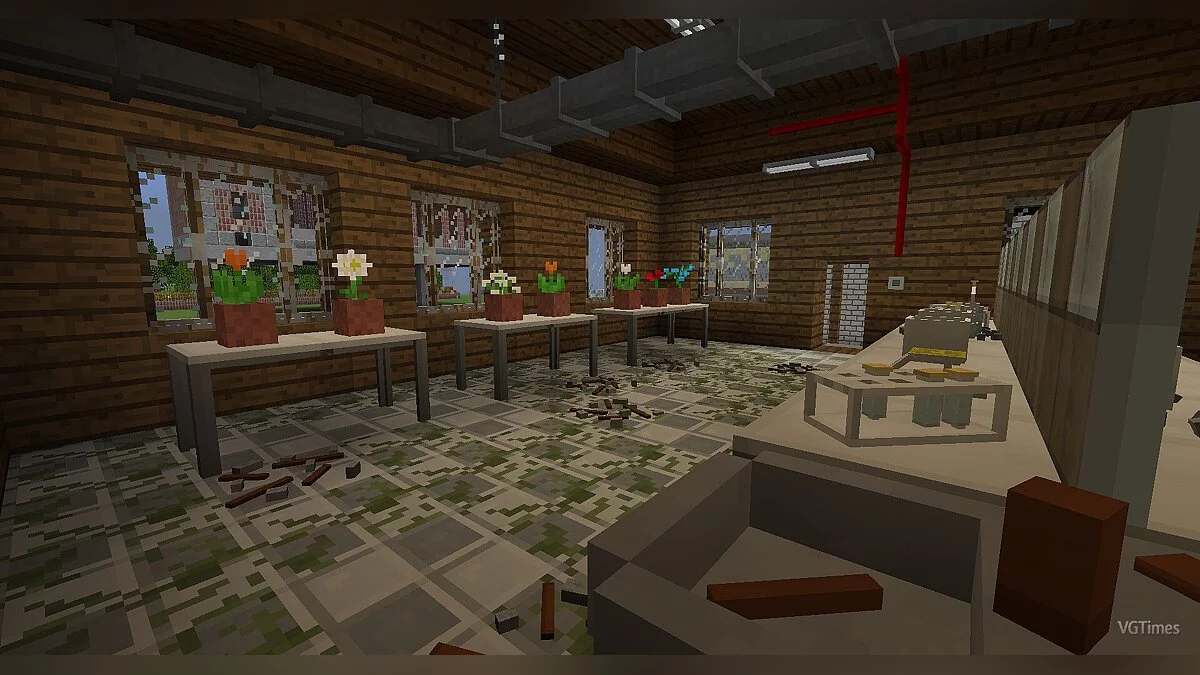
A highly convenient NeoForge modification that spawns a corpse containing all your inventory items right where you die. The corpse retains your player skin and safely preserves all your gear until retrieved.
Mod Features & Functionality:
- Inventory Retention: Infinite storage capacity that automatically restores all items back into their original inventory slots upon retrieval.
- Loot Protection: Fully immune to lava and void damage; floats naturally on top of all liquids (water, lava).
- Visual Evolution: Converts into a skeleton after 1 hour to represent an aged death site (retains full functionality).
- Auto-Despawn: Disappears automatically once all items are taken out.
- Death History GUI:
Press the 'U' key to open a complete log of your past deaths.
Clicking location coordinates displays a ready-to-use teleportation command in chat.
Creative Mode users can directly recover lost items straight from the Death History menu.
Operators can review other players' logs using the /deathhistory <player> command. - Configurable Settings: Customize corpse access rights (owner-only vs. public access in skeleton stage), despawn timers (for empty/full corpses), transformation delay, and spawn position (e.g., face-down).
Installation instructions:
- Ensure you have NeoForge installed for your specific game version.
- Download the Corpse .jar mod file (NeoForge version).
- Place the downloaded .jar file into your local modification directory:
C:\Users\<Your_Username>\AppData\Roaming\.minecraft\mods\ - Launch Minecraft using your NeoForge modded profile.
Useful links:
![Minecraft — Fabric API [1.15.2]](https://files.vgtimes.com/download/posts/2020-04/thumbs/1587994581_1556249063_fabric-api.webp)
![Minecraft — Cheat Engine Table [1.19.41] (Windows 10 Edition)](https://files.vgtimes.com/download/posts/2022-11/thumbs/1669119274_10fdaf_203beea9b55f47b6972ee69ad.webp)
![Minecraft — Fabric [1.21] [1.20.6] [1.19.4] [1.16.5]](https://files.vgtimes.com/download/posts/2024-06/thumbs/fabric-1-21-1-20-6-1-19-4-1-16-5_1718971213_6261.webp)
![Minecraft — Quilted Fabric API [1.20.4] [1.19.4] [1.18.2]](https://files.vgtimes.com/download/posts/2024-06/thumbs/quilted-fabric-api-1-20-4-1-19-4-1-18-2_1718973653_992121.webp)
![Minecraft — Kottle [1.15.2]](https://files.vgtimes.com/download/posts/2020-05/thumbs/1588860895_kottle.webp)
![Minecraft — MK: Ultra [1.12.2]](https://files.vgtimes.com/download/posts/2019-12/thumbs/1577225020_ceobnzjeibq6kgguf9goga.webp)
![Minecraft — Cheat Engine Table [UPD:06.23.2021] [Windows 10 Edition]](https://files.vgtimes.com/download/posts/2021-06/thumbs/1624537629_h2x1_nswitch_minecraft_image1280w.webp)
![Minecraft — Table for Cheat Engine [1.18.0]](https://files.vgtimes.com/download/posts/2021-12/thumbs/1638865796_minecraft_now_available_on_game_pass_for_pc.webp)
![Minecraft — Ring of the Miner — miner's ring [FORGE] [1.15.2]](https://files.vgtimes.com/download/posts/2020-04/thumbs/1587995266_1587887557_ring-of-the-miner-mod.webp)