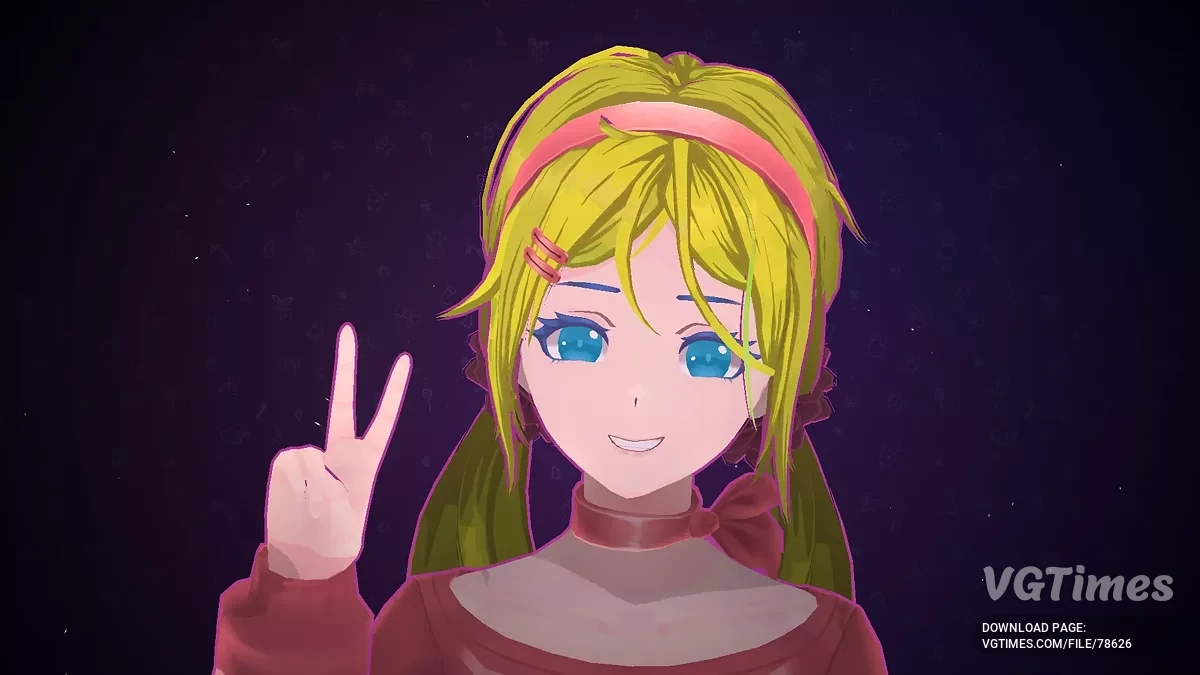
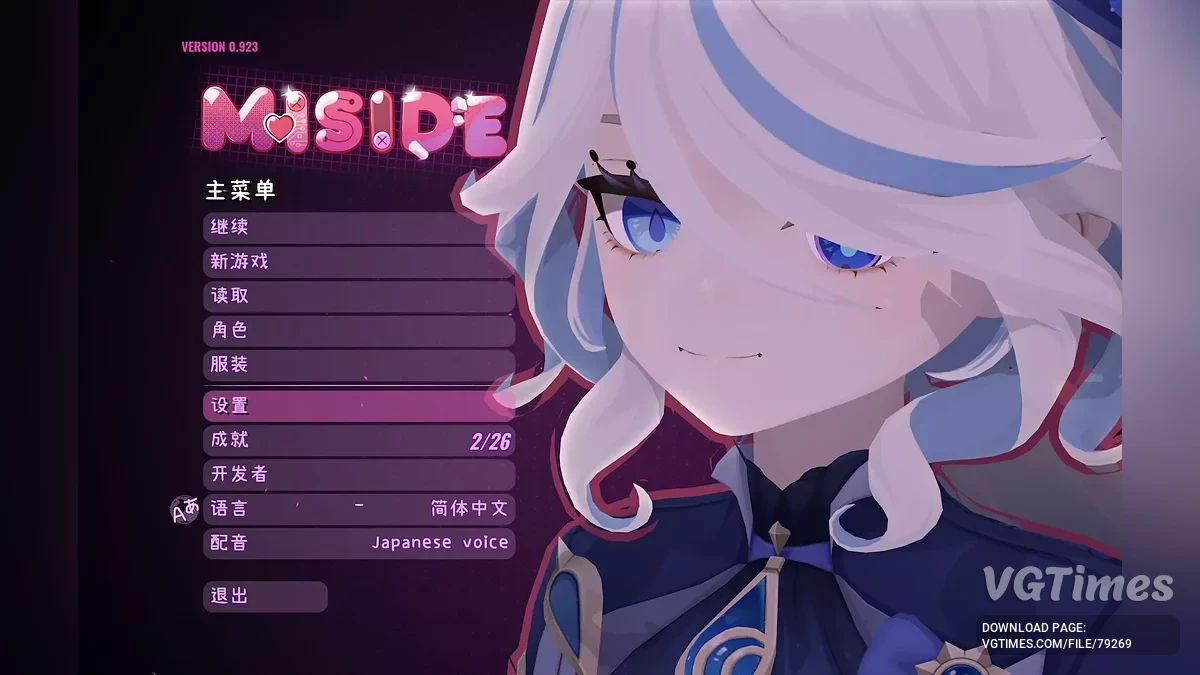
A hybrid of horror and dating simulator, MiSide offers a kaleidoscope of multi-genre mini-games — from classic puzzles to shooter elements, along with a variety of... Read more
VGTimes:
Players:
Steam:
Metacritic:

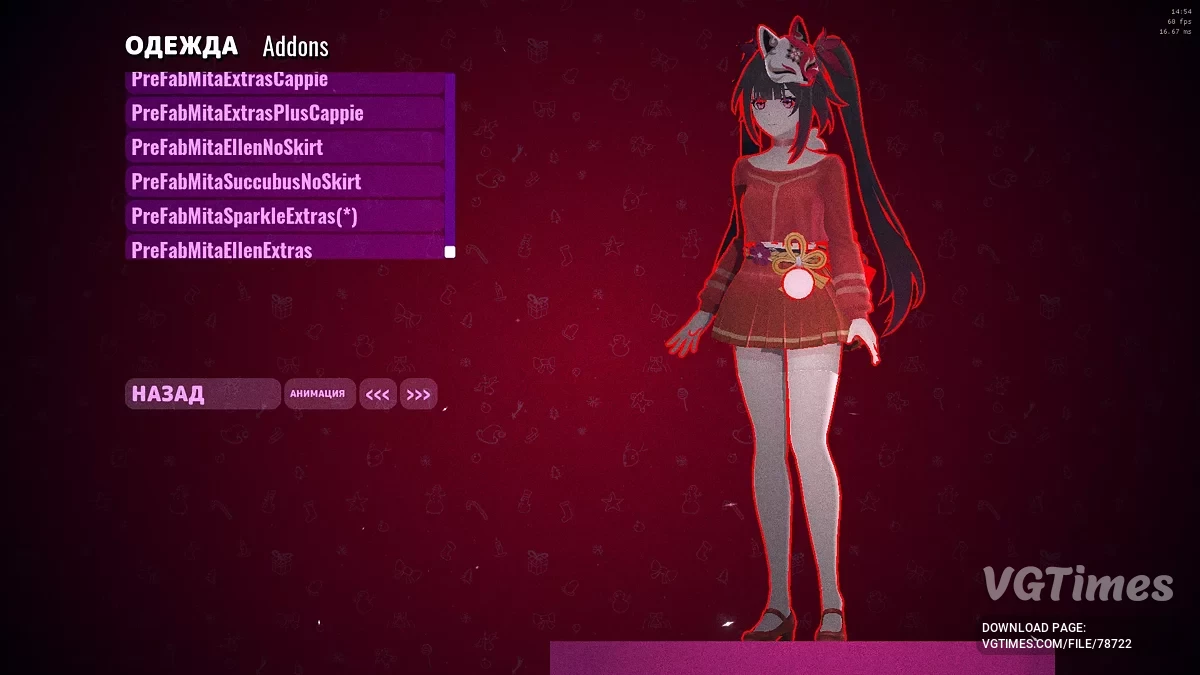
Sparkle from Honkai: Star Rail
Author:
Slickey
Uploaded by:

Size:
22.04 MB
Date:
January 6, 2025, 09:51 AM
Downloads:
597


-
Download (22.04 MB)January 6, 2025, 04:24 AMsparkl-iz-honkai-star-rail_1736126683_55813.zip
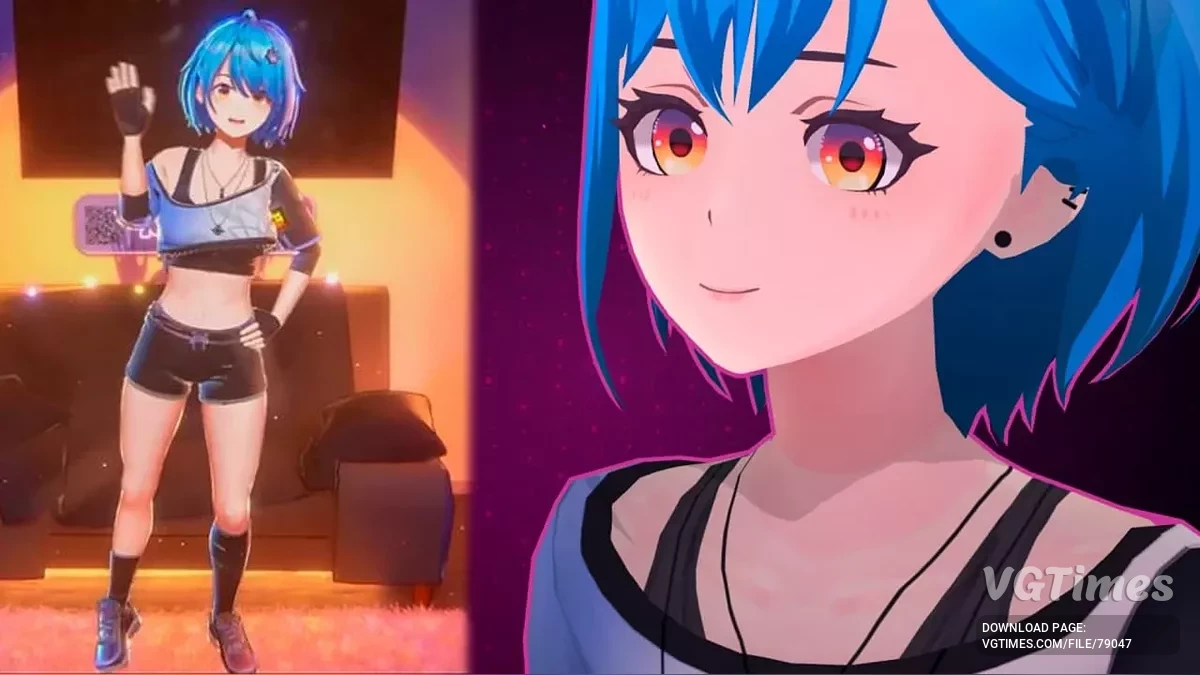
This mod adds the Sparkle skin from Honkai: Star Rail.
Requirements:
Installation instructions:
- Backup the addons_config.txt file if it exists. If the file is not present, skip this step.
- Ensure that BepInEx IL2CPP is installed along with Universal Asset Loader (UAL).
- Place the contents of the archive in the BepInEx\plugins\UniversalAssetLoader folder. If the folders are missing, create them manually.
- Move the assimp.dll file to the root game folder.
- To change the skin, use the Clothing\Addons tab.
Native installation option:
- Move Mita Sparkle to the %Game%\data\custom folder.
- The skin can be changed in the "Clothing" section.
The file name and description have been translated Show original
(RU)Show translation
(EN)
Спаркл из Honkai: Star Rail
Данный мод добавляет Скин Спаркл из Honkai: Star Rail.
Требования:
Инструкция по установке:
- Сделать резервную копию файла addons_config.txt, если он существует. Если файла нет, пропустить этот шаг.
- Убедиться, что BepInEx IL2CPP установлен, и вместе с ним Universal Asset Loader (UAL).
- Поместить содержимое архива в папку BepInEx\plugins\UniversalAssetLoader. Если папки отсутствуют, создать их вручную.
- Переместить файл assimp.dll в корневую папку игры.
- Для изменения скина использовать вкладку Одежда\Аддоны.
Нативный вариант установки:
- Переместить Mita Sparkle в папку %Game%\data\custom.
- Скин можно изменить в разделе "Одежда".
Useful links:

![MiSide — WiSide - MultiSplit [v1.0.0]](https://files.vgtimes.com/download/posts/2026-07/thumbs/wiside-multisplit-v1-0-0_1783770392_166578.webp)