
A hybrid of horror and dating simulator, MiSide offers a kaleidoscope of multi-genre mini-games — from classic puzzles to shooter elements, along with a variety of... Read more
VGTimes:
Players:
Steam:
Metacritic:

Files for MiSide / Page 12
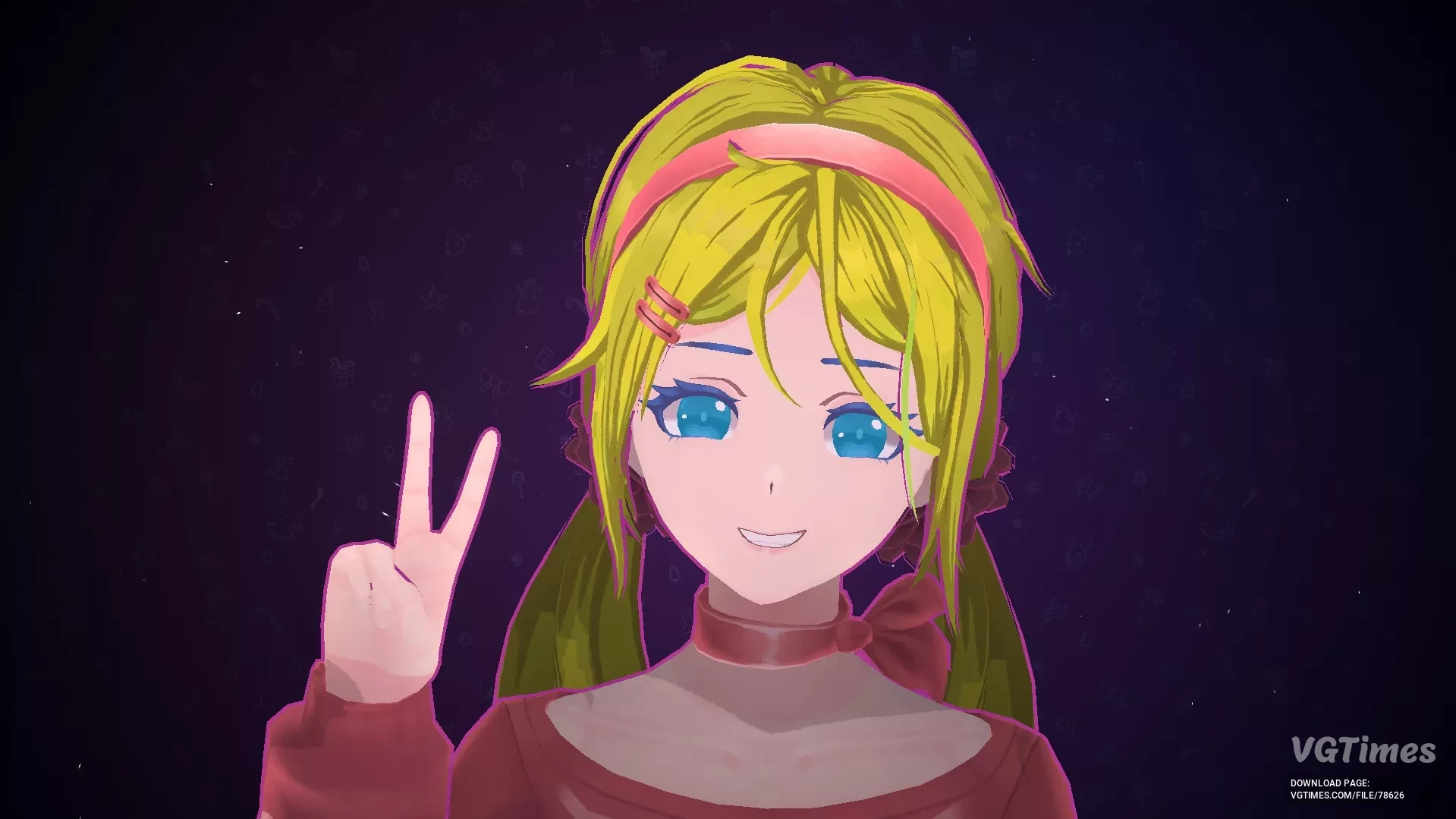
Light Hair and Blue Eyes

Download
This is a small mod that makes Mita's hair lighter and also changes her eyes to blue.
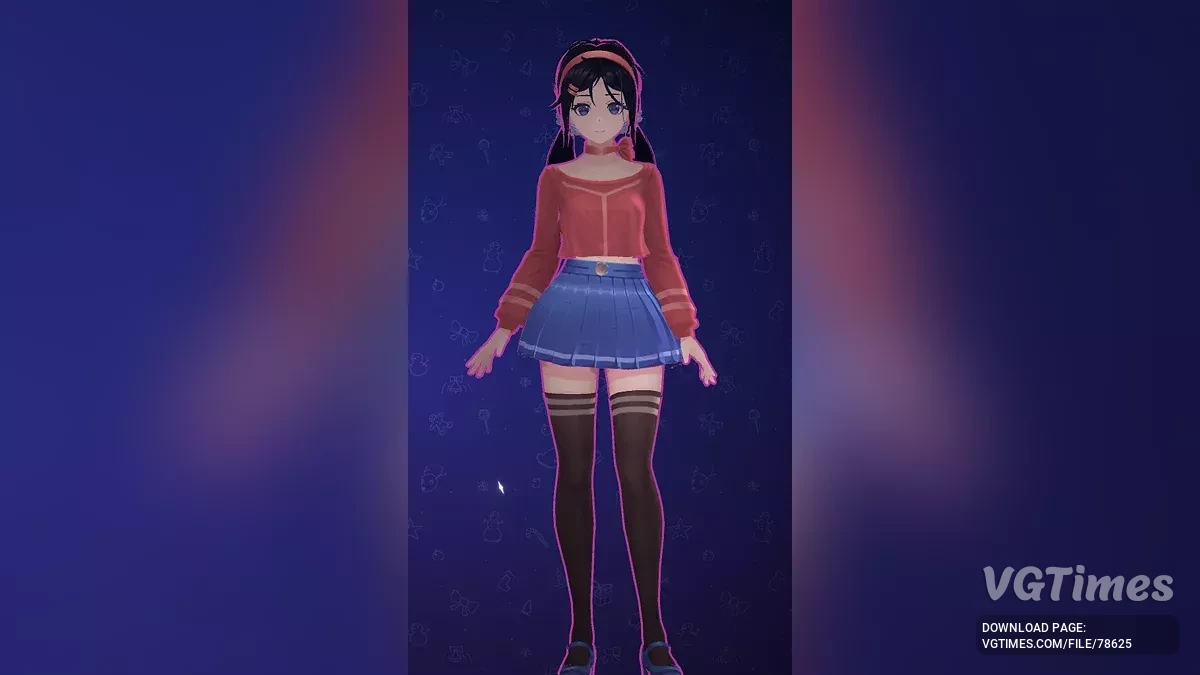
Dark Hair and Stockings
Download
Deeper hair color with matching eyebrows and eyelashes. The stockings mimic dense low-density nylon, enhanced with texture for realism. How to install: Unpack to this path SteamLibrary\steamapps\common\MiSide\Data\Custom.
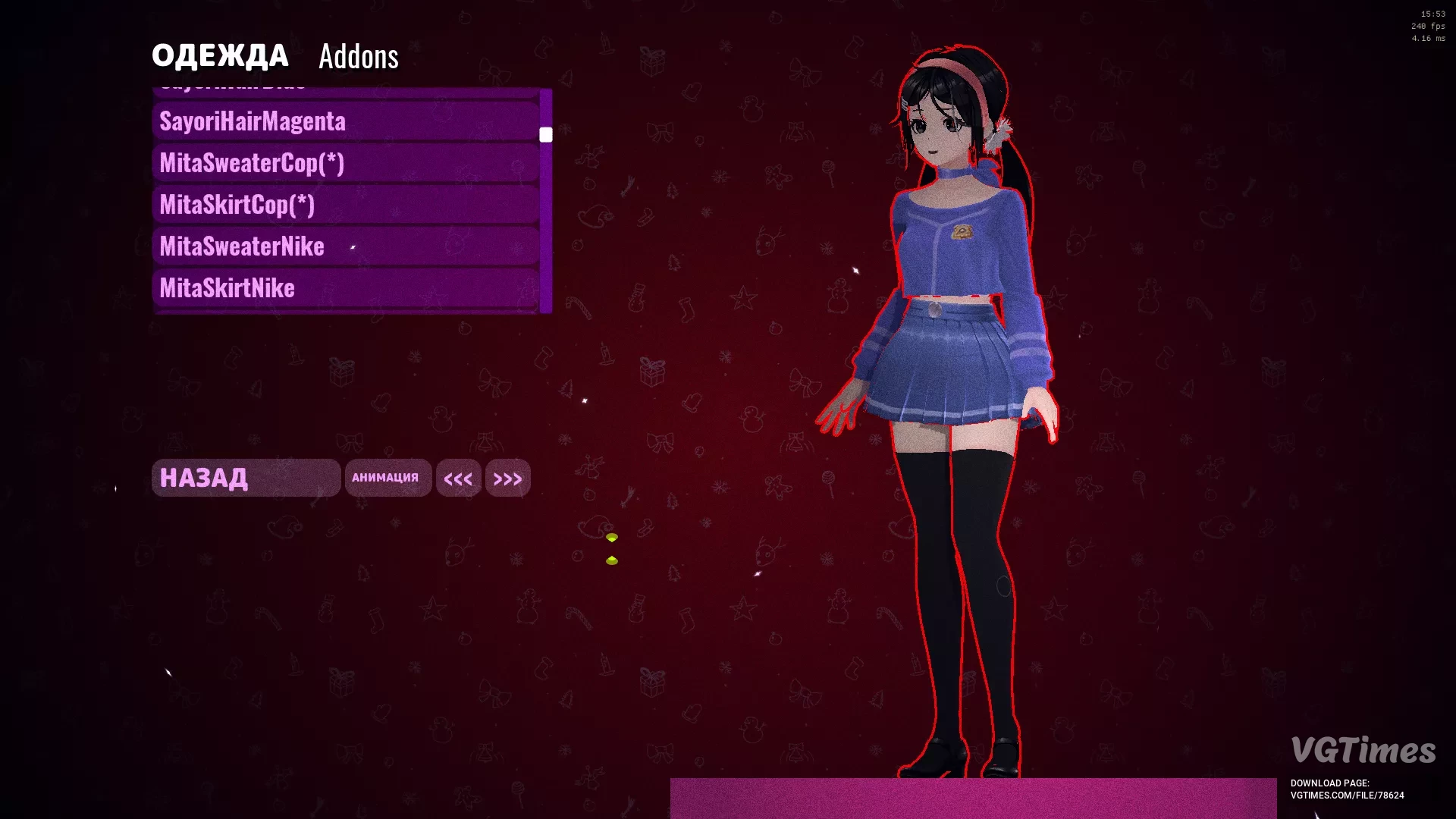
Police Mita (Fork)
Download
The police Mita has been updated in the skirt area. The texture has undergone quantization in excellent quality. Updates: 1-2: the first version features simple images; 2.1 Fork: the skirt has been refined, now it matches the color of t ...
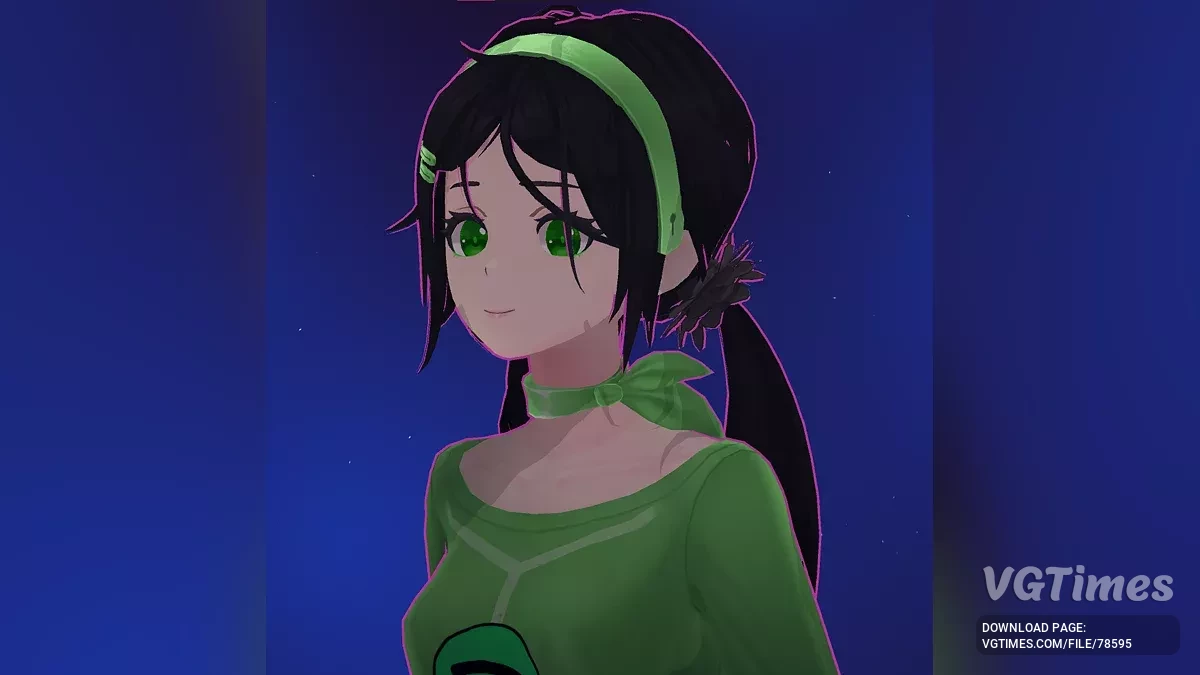
Mita in a Spotify Costume

Download
This modification adds a costume for Mita in the style of Spotify. Installation: Download the archive; Go to the game folder: find the path gamefolder/data/custom; Copy the SpotifyMita folder from the archive to gamefolder/data/custom; Go ...
Mita in Tights

Download
Three styles have been added for standard clothing: black tights, black stockings, red tights. How to install: Extract the chosen variant to this path MiSide/Data/Custom/ .
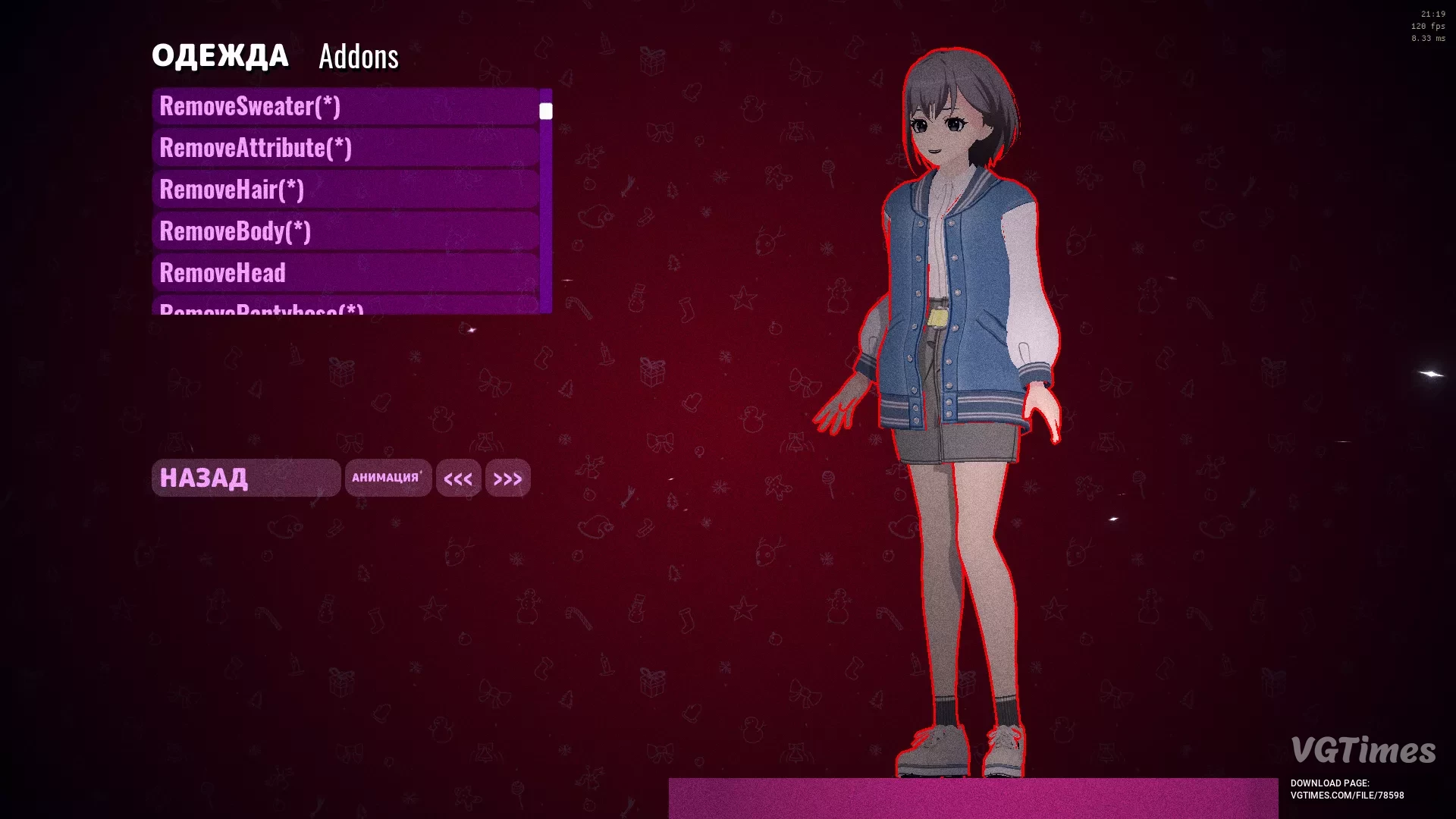
Tomori Jeans
Download
The Tomori model replaces Mita. Supports hair customization. Updates: Fixed bugs with Mita replacement, now individual parts of Mita (as shown in the screenshot) do not need to be removed/restored + adapted with the mod for "Extended Customi ...
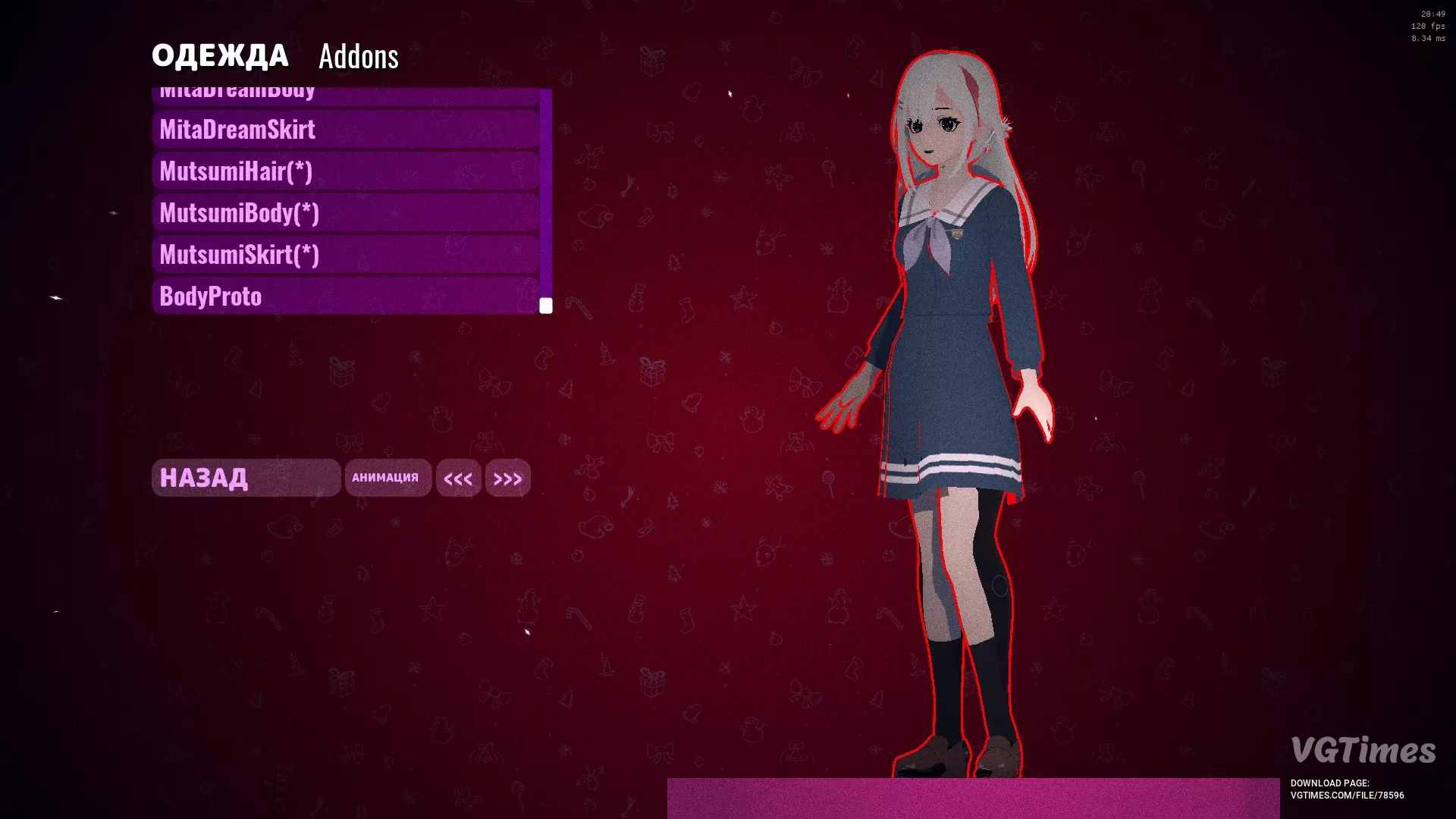
Tomori
Download
Mutsumi replaces the original Mita skin. For full functionality, it is recommended to enable all 3 elements shown in the screenshot (hair is optional). Addon for Universal AsSet Loader . Addons_config has been modified specifically for adaptation w ...
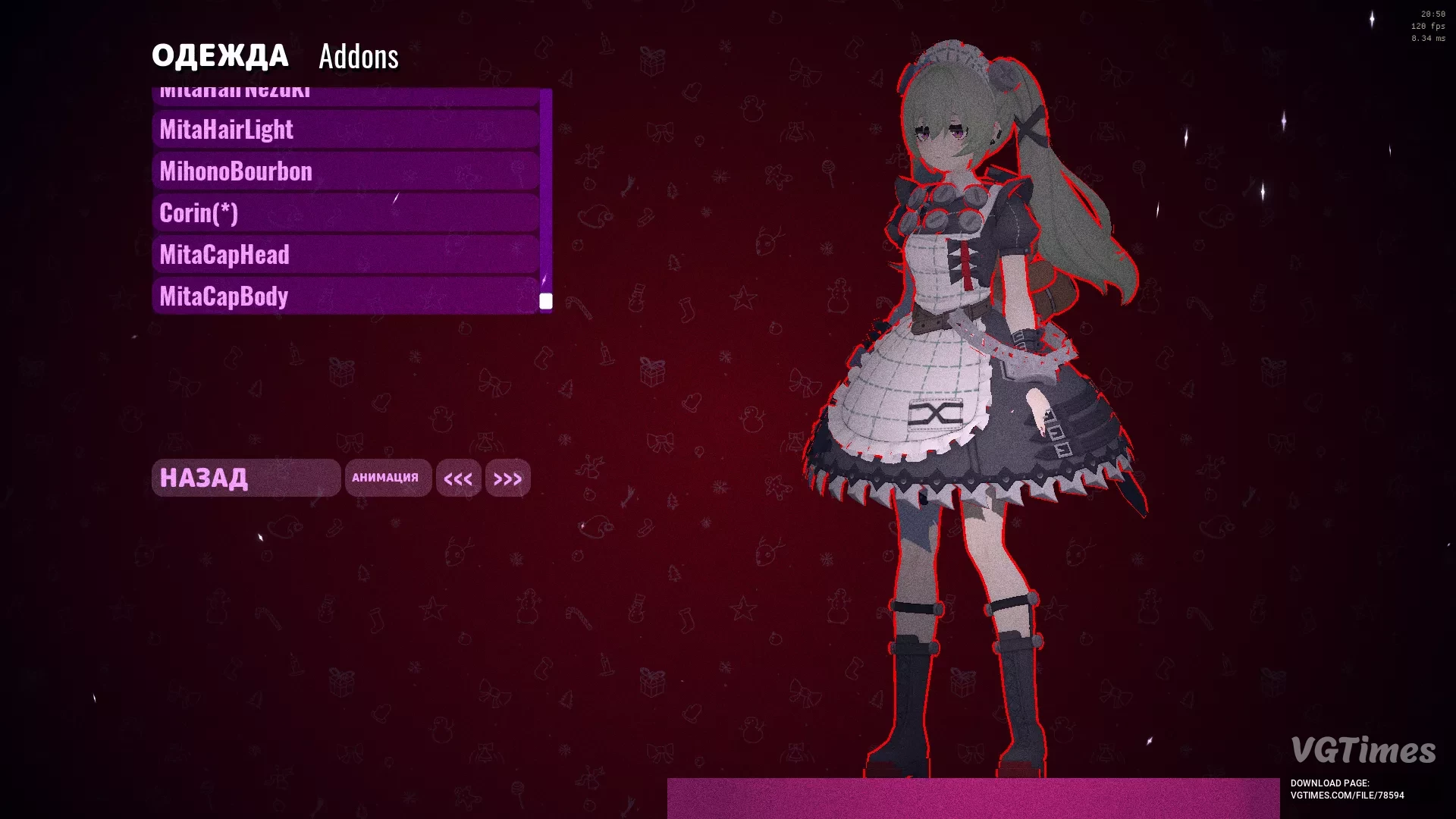
Korin from Zenless Zone Zero
Download
Korin replaces the original Mita. Addon for Universal AsSet Loader . Addons_config has been modified specifically for adaptation with the mod for "Extended Customization" . How to install: Download the archive; Extract the contents to Gam ...
Removal of Skirts for All Standard Outfits

Download
Game version — 0.921. This mod removes all skirts from all standard outfits. To unlock all clothing, you need to extract the corresponding archive to this path UserProfile\AppData\LocalLow\AIHASTO\MiSideFull\Save. How to run: Extract the ...
100% Completion
Download
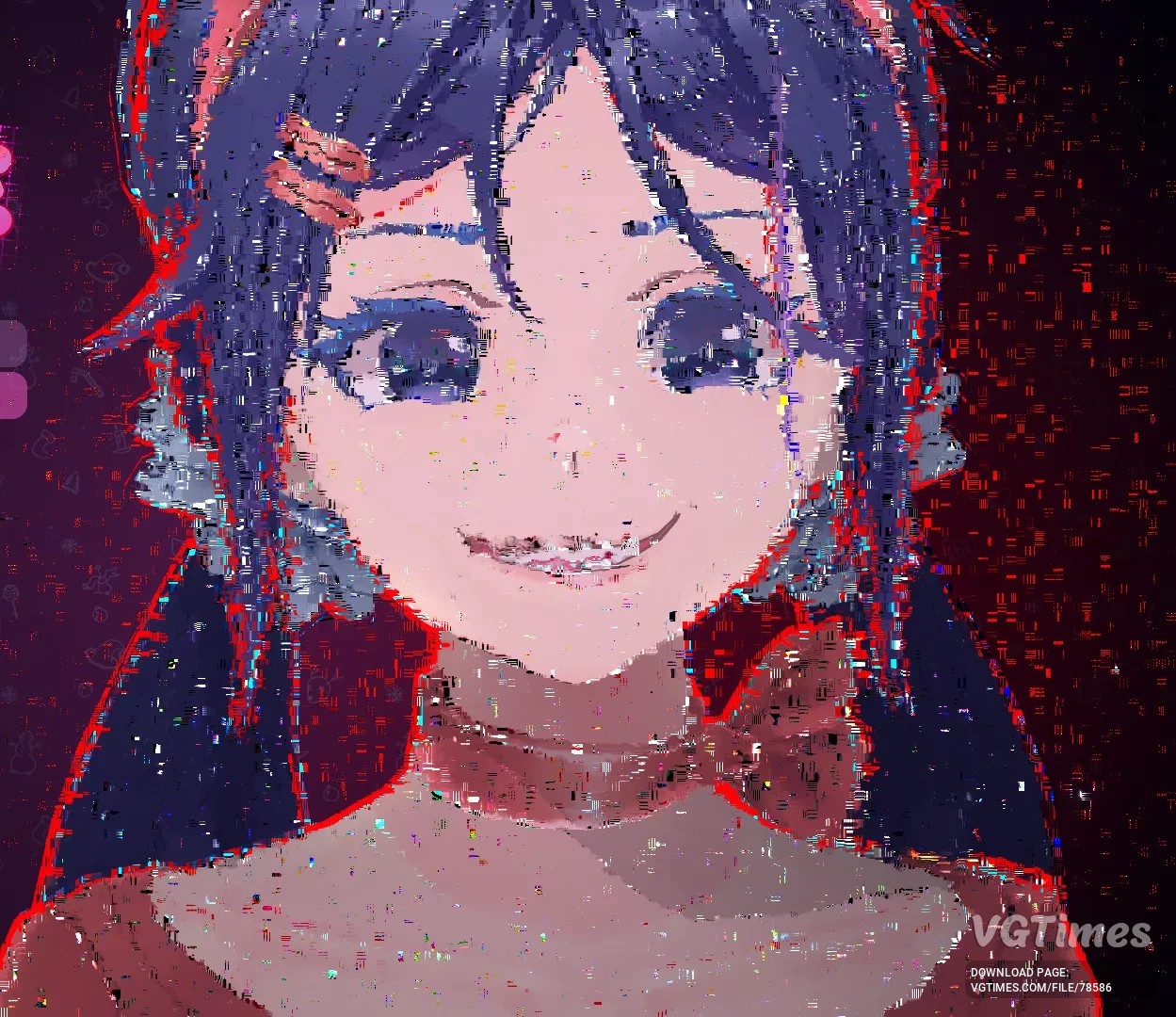
The game is completed 100%. Everything is unlocked: Mites, cartridges, achievements. Everything is available for peaceful mode. How to run: Extract the save files archive; Press the Win+R key combination, type AppData, then LocalLow/AIHAST ...
Rebecca from Cyberpunk Edgerunners Anime

Download
This mod replaces Mita with Rebecca from the anime "Cyberpunk: Edgerunners". The skirt can be removed using Universal Asset Loader , "Disable Skirts" or "Remove Skirts for All Standard Clothing" . How to install: Download the mod archive; ...
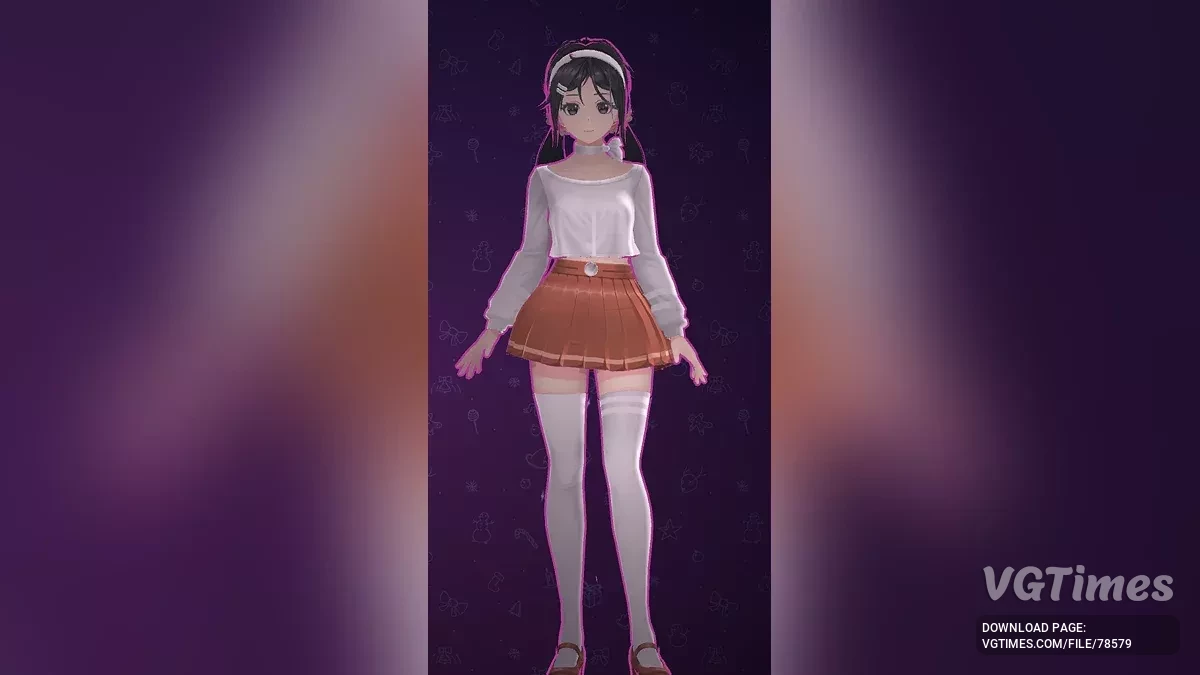
Light Chocolate Style for Mita
Download
This mod adds a light chocolate style for Mita. Installation: Download the archive; Go to the game folder: find the path gamefolder/data/custom; Copy the White-ChocoMita folder from the archive to gamefolder/data/custom; Go to settings, s ...
Mita Cosplays Bernice

Download
This mod adds a new outfit for Mita styled after Bernice from the game Zenless Zone Zero. Updates: Textures have been quantized; Includes a ready-to-use mod loader; Now the hair does not replace Natsuki — it is now a DLC addon. How to ...
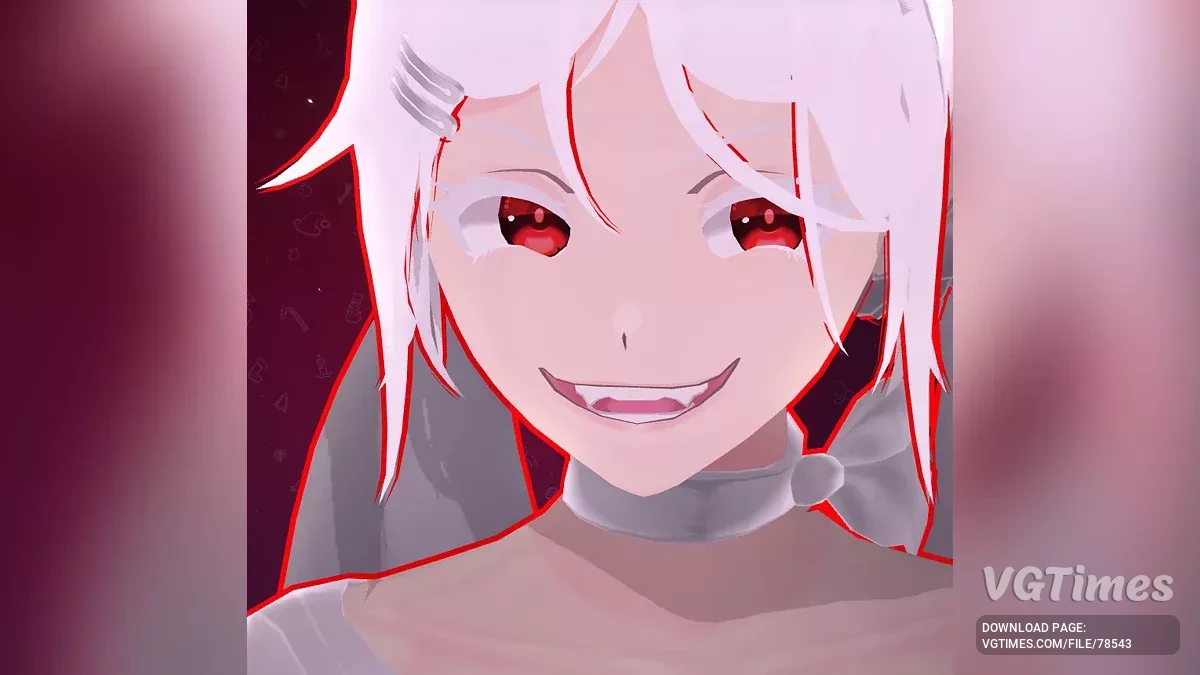
Mita in a White Suit with Red Eyes
Download
This mod dresses Mita in a white suit and gives her red eyes. Installation: Download the archive; Go to the game folder: find the path gamefolder/data/custom; Copy the folder White Mita With Red Eyes from the archive to gamefolder/data/cust ...
Mita in a Lunar Outfit

Download
This mod adds a new outfit for Mita in a moon style. Installation: Download the archive; Go to the game folder: find the path gamefolder/data/custom; Copy the folder Pretty Mita (Moon Version) from the archive to gamefolder/data/custom; G ...