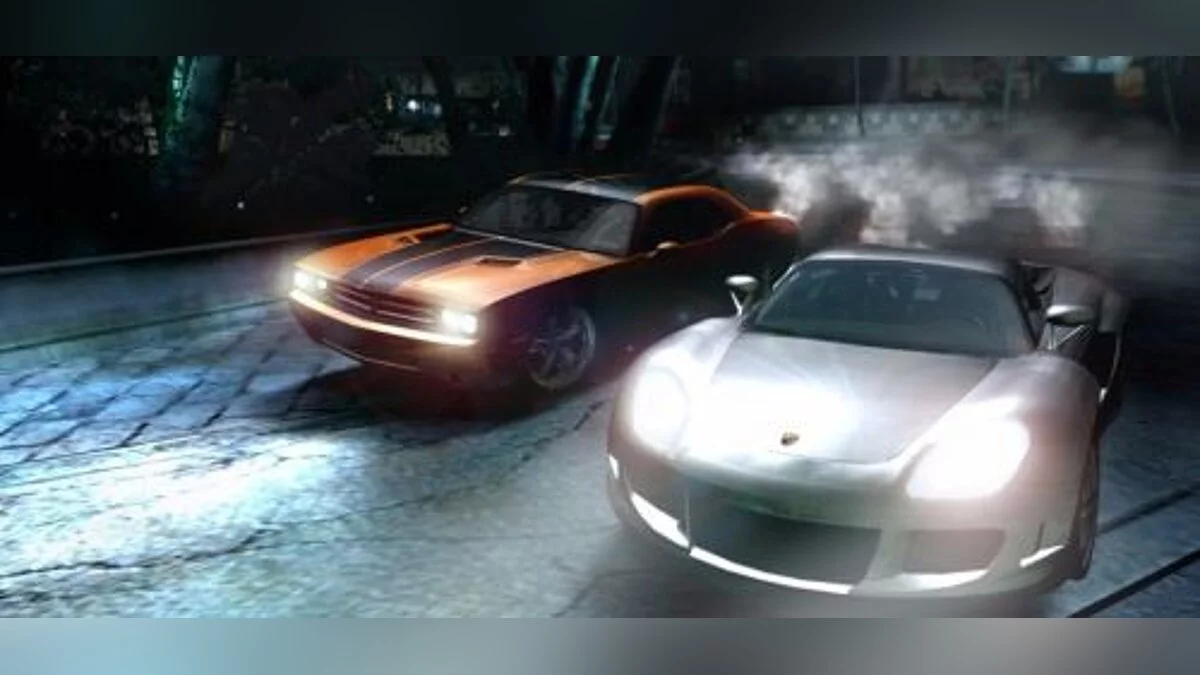
![Need for Speed Carbon — Trainer [MWInside 0.77] / Trainers / Cheats](https://files.vgtimes.com/si/gameprev_3791_768_1715629105.webp "Need for Speed Carbon — Trainer [MWInside 0.77] / Trainers / Cheats")
Need for Speed Carbon — arcade racing with a first or third person view. In this game you will find a large open world in which you will find... Read more
Trainer [MWInside 0.77]
![Need for Speed Carbon — Trainer [MWInside 0.77]](https://files.vgtimes.com/download/posts/2017-05/thumbs/1496158554_1496158497_174.webp)

-
Download (1.25 MB)March 30, 2024, 05:16 AM1496092457_trainer_v0.zipArchive password: vgtimes
Game: Need for Speed Carbon
Trainer version: v0.77
Author: MW Inside
This trainer uses the mod "NFSC Extra Options — Build 1; Rev.02"
Author: nlgzrgn!
===================================================================================
• Requirements:
Game version: 1.4
.NetFramework 4.0
===================================================================================
• Installation:
Copy Trainer v0.77.exe and the files from the archive to the game's root folder.
===================================================================================
• Description:
- You can now set the number of laps from 1 to 127 :) (for hardcore players)
- You can now set the number of opponents from 0 to 8
- ModLoader features (windowed mode, skip videos, toggle music/sounds).
===================================================================================
• Menu:
- Start — launches the game.
- Settings — ModLoader features (windowed mode, skip videos, toggle music/sounds).
- ? — program information.
===================================================================================
• Hotkeys — Main trainer features:
F1 — on/off — infinite nitro.
F2 — on/off — infinite slow motion.
F3 — on/off — infinite partner assist.
F5 — on/off — never get busted.
F6 — on/off — end the pursuit.
Ctrl+L — on/off — turn on the flashing lights on police cars.
Ctrl+H — headlights:
(0) — off
(1) — on (half brightness)
(2) — on
Ctrl+M — $1,000,000 in Career mode (does not add to your balance; simply sets it to $1,000,000).
Ctrl+P — displays your current coordinates.
Ctrl+R — on/off — removes all barriers in the game.
Ctrl + 1/2/3/4/5/6 — save a location.
Alt + 1/2/3/4/5/6 — teleport to the selected location.
J — Jump (height can be adjusted).
Z — speed matches the value set in the settings (does not work online).
X — double speed (does not work online).
===================================================================================
• ExtraOption:
- You can load any save.
Author: nlgzrgn!
===================================================================================
** This trainer was made for personal use, but at the request of my group subscribers
and channel viewers, I am sharing it for everyone to use.
If something isn't working, contact me, but please don't complain aggressively. Again, it was made
for personal use. If you don't like it, move along!
*** Credits:
Electronic Arts — game
Special thanks!
NFSС Extra Options mod
nlgzrgn
===================================================================================
• dsound.dll & Setupnfsс_widescreen_fix.asi:
Widescreen resolution fix.
Configured after the first time you launch the trainer (the trainer will create a configuration file)
in the Setupset.ini file
PosX =0 — coordinates of the game's top-left window corner
PosY =0
;====================================================================================;
;
; MW widescreen_fix Configuration
;
;====================================================================================;
[MAIN]
X =800 — screen resolution
Y =600
HUD_PATCH =0 — best not to change this if you want to avoid problems with the speedometer and other things :)
Игра: Need for Speed Carbon
Версия трейнера: v0.77
Автор: MW Inside
В трейнере использован мод "NFSC Extra Options — Build 1; Rev.02"
Автор: nlgzrgn!
===================================================================================
• Требования:
Версия игры: 1.4
.NetFramework 4.0
===================================================================================
• Установка:
Скопировать Trainer v0.77.exe И файлы из архива в корневую папку с игрой.
===================================================================================
• Описание:
- Вы можете устанавливать количество кругов теперь 1-127 :) (опция для задротов)
- Вы можете устанавливать количество соперников теперь 0-8
- Функции из ModLoader (оконный режим, Пропустить ролики, Музыка/Звуки вкл/выкл).
===================================================================================
• Меню:
- Start — запускает игру.
- Settings — Функции из ModLoader (оконный режим, Пропустить ролики, Музыка/Звуки вкл/выкл).
- ? — информация о программе.
===================================================================================
• Hotkeys — Основные функции трейнера:
F1 — on/off — бесконечное нитро.
F2 — on/off — бесконечное замедление времени.
F3 — on/off — бесконечная помощь напарника.
F5 — on/off — никогда не быть пойманным.
F6 — on/off — закончить погоню.
Ctrl+L — on/off — включение мигалок на полицейских машинах.
Ctrl+H — свет передних фар:
(0) — выкл
(1) — вкл (половина яркости)
(2) — вкл
Ctrl+M — 1'000'000$ в карьере (не прибавляет, просто делает 1'000'000).
Ctrl+P — показывает текущие координаты.
Ctrl+R — on/off — Убирает все барьеры в игре.
Ctrl + 1/2/3/4/5/6 — запомнить локацию.
Alt + 1/2/3/4/5/6 — телепортироваться в выбранную локацию.
J — Jump (высоту можно регулировать).
Z — скорость равна установленной в настройках (не работает онлайн).
X — скорость х2 (не работает онлайн).
===================================================================================
• ExtraOption:
- Возможно запускать любой сэйв.
Автор: nlgzrgn!
===================================================================================
** Трейнер делался для личного пользования, но по просьбам подписчиков моей группы
и моего канала отдаю его в пользование.
Если у Вас что-то не работает, пишите мне, но без всяких наездов. Повторюсь — делался
для личного пользования. Кому что не нравится, проходим мимо!
*** Credits:
Electronic Atrs — игра
Особая благодарность!
NFSС Extra Options mod
nlgzrgn
===================================================================================
• dsound.dll & Setupnfsс_widescreen_fix.asi:
Фикс широкоэкранного разрешения.
Настраивается после первого запуска трейнера (трейнер создаст файл конфигурации)
в файле Setupset.ini
PosX =0 — координаты верхнего левого окна игры
PosY =0
;====================================================================================;
;
; MW widescreen_fix Configuration
;
;====================================================================================;
[MAIN]
X =800 — разрешение экрана
Y =600
HUD_PATCH =0 — лучше не трогать, если не хотите проблем со спидометром и прочих :)
Useful links:
![Need for Speed Carbon — Trainer [MWInside]](https://files.vgtimes.com/download/posts/2017-05/thumbs/1496092469_m37hfvwz.webp)
![Need for Speed Carbon — Trainer (+7) [v1.4]](https://files.vgtimes.com/download/posts/2026-06/thumbs/trejjner-7-v1-4_1782546527_443701.webp)
![Need for Speed Carbon — Trainer (+11) [1.4]](https://files.vgtimes.com/download/posts/2017-10/thumbs/1509092801_1509092731_638.webp)